Apple iPhone 4S (iOS6)

Apple iPhone 4S

Cancel all diverts - Apple iPhone 4S (iOS6)

Read help info

Follow these instructions to cancel all diverts.

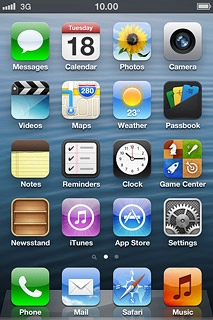
Press Phone.
Step 1 of 5

Cancel all diverts

Press Phone.
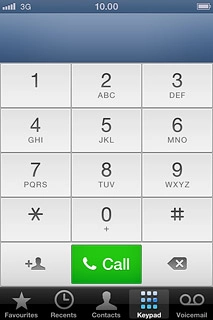
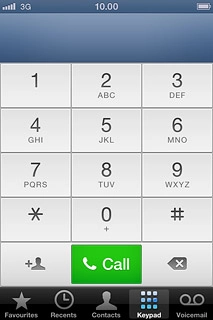
Press Keypad.
Step 2 of 5

Cancel all diverts

Press Keypad.

Key in ##002# and press Call.
Step 3 of 5

Cancel all diverts

Key in ##002# and press Call.
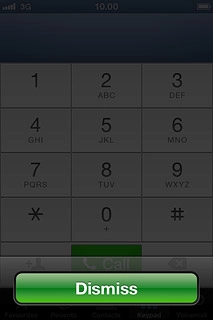
Press Dismiss.
Step 4 of 5

Cancel all diverts

Press Dismiss.

Press the Home key to return to standby mode.
Step 5 of 5

Exit

Press the Home key to return to standby mode.

Cancel all diverts

Press Phone.
Press Keypad.
Key in ##002# and press Call.
Press Dismiss.

Exit

Press the Home key to return to standby mode.

Thank you for your evaluation!

Get information on...

Or select...

Another device