Turn automatic synchronisation of apps and app content on your Apple iPhone 6s iOS 10.0 on or off

Read help info

You can set your phone to automatically download apps and app content that you have downloaded on your other devices. To use this function, you need to activate your Apple Account on your phone.

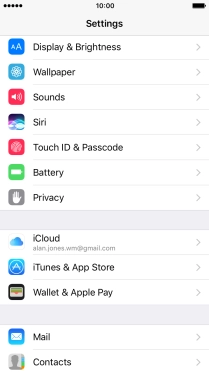
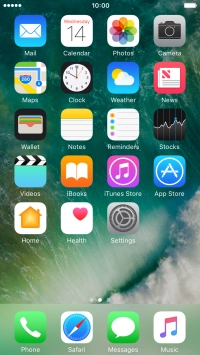
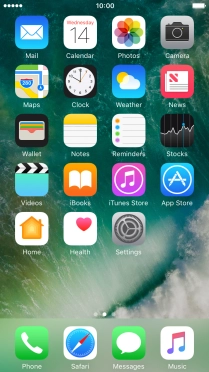
Press Settings.
Step 1 of 4

1. Find "iTunes & App Stores"

Press Settings.
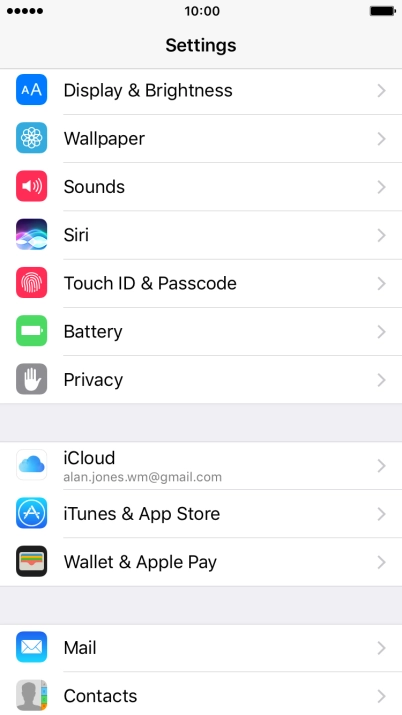
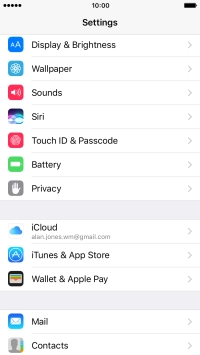
Press iTunes & App Stores.
Step 2 of 4

1. Find "iTunes & App Stores"

Press iTunes & App Stores.

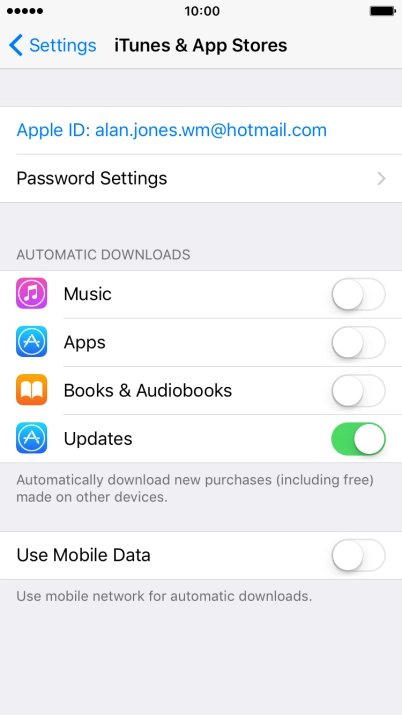
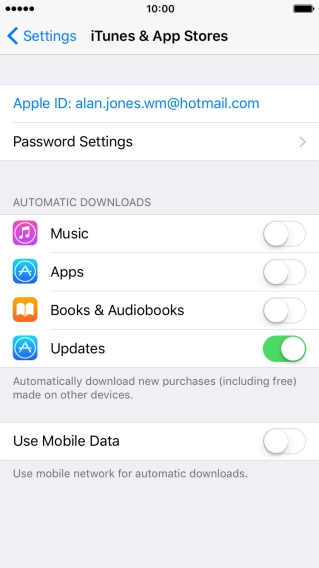
Press the indicator next to the required content type to turn the function on or off.
Step 3 of 4

2. Turn automatic synchronisation of content on or off

Press the indicator next to the required content type to turn the function on or off.

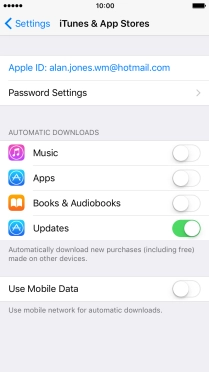
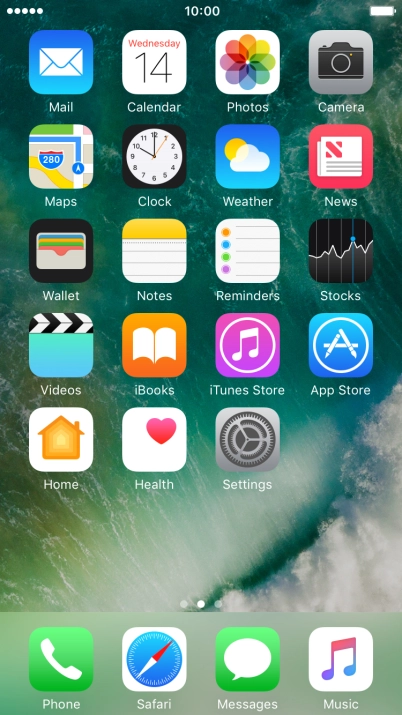
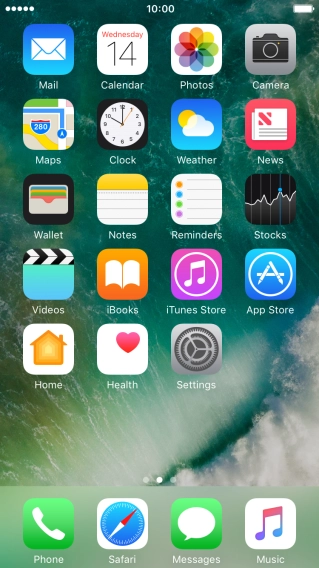
Press the Home key to return to the home screen.
Step 4 of 4

3. Return to the home screen

Press the Home key to return to the home screen.

1. Find "iTunes & App Stores"

Press Settings.
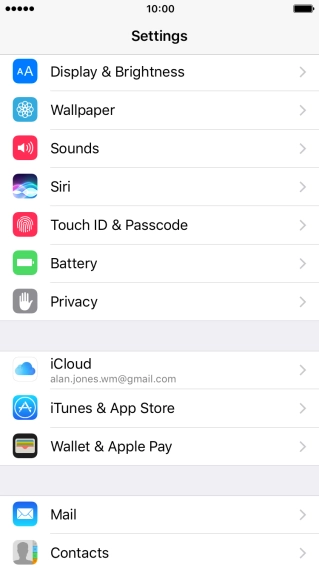
Press iTunes & App Stores.

2. Turn automatic synchronisation of content on or off
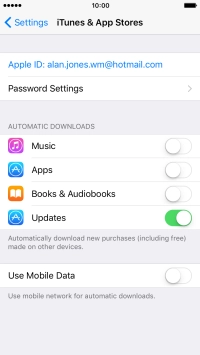
Press the indicator next to the required content type to turn the function on or off.

3. Return to the home screen

Press the Home key to return to the home screen.

Thank you for your evaluation!

Get information on...

Or select...

Another device