Apple Watch Series 12

Apple Watch Series 12

watchOS 27

Uninstall apps on your Apple Watch Series 12 watchOS 27

Read help info

You can uninstall apps to free up memory.

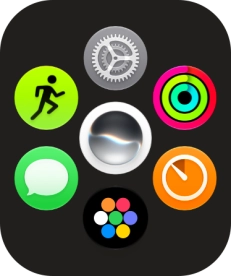
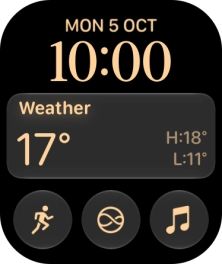
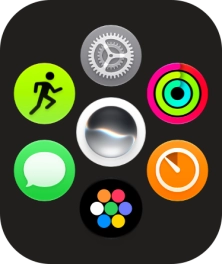
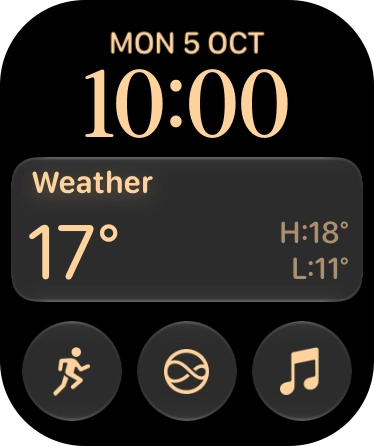
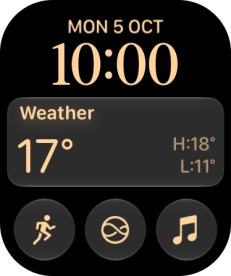
Press the Digital Crown.
Step 1 of 6

1. Uninstall apps

Press the Digital Crown.
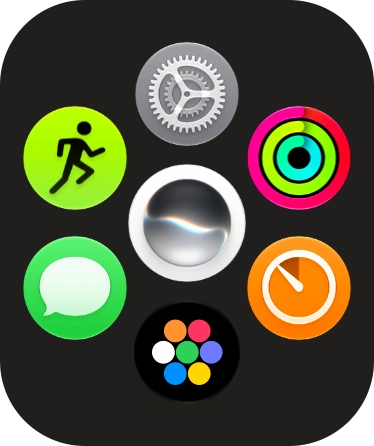
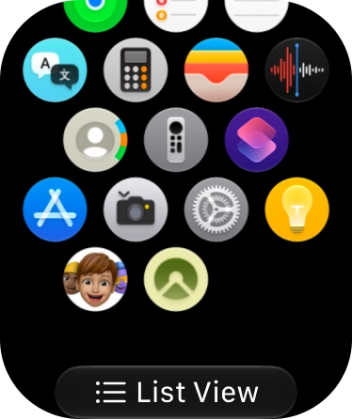
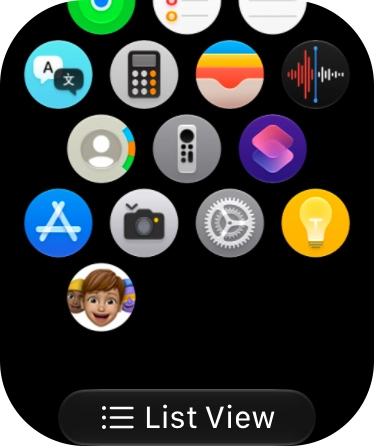
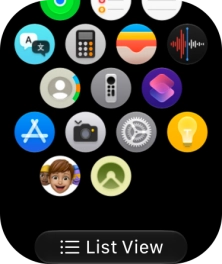
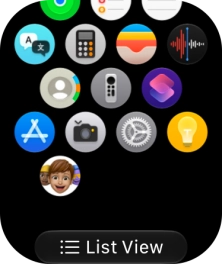
Slide your finger upwards on the screen.
Step 2 of 6

1. Uninstall apps

Slide your finger upwards on the screen.

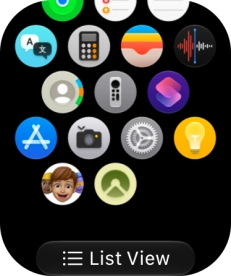
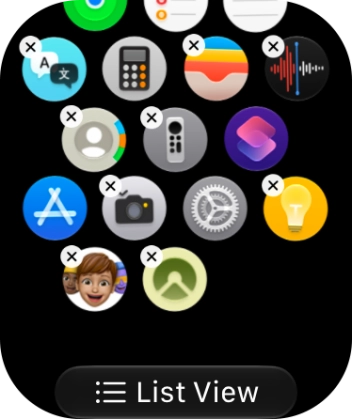
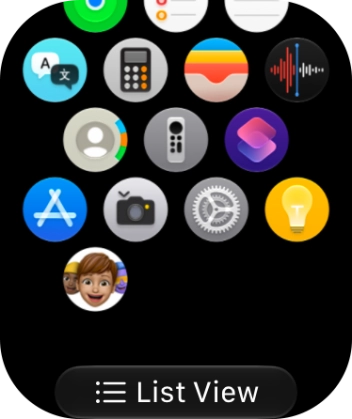
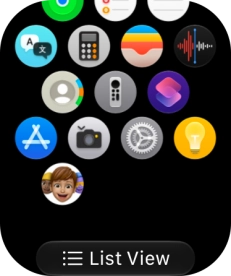
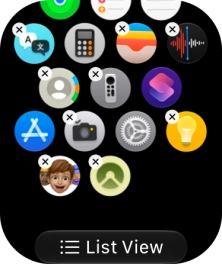
Press and hold the required app.
Step 3 of 6

1. Uninstall apps

Press and hold the required app.

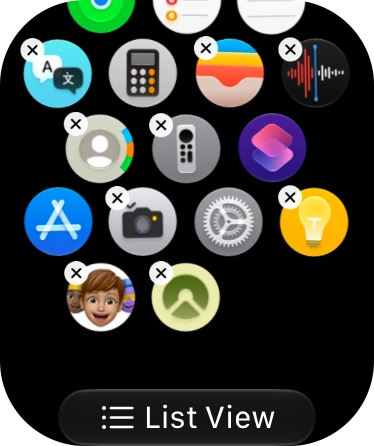
Press the delete icon next to the required app.
Step 4 of 6

1. Uninstall apps

Press the delete icon next to the required app.

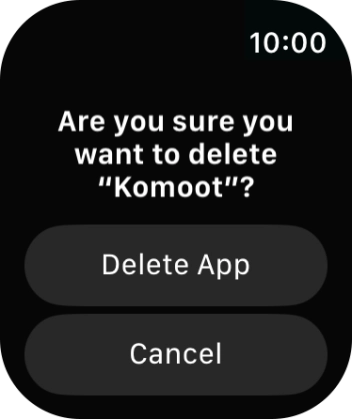
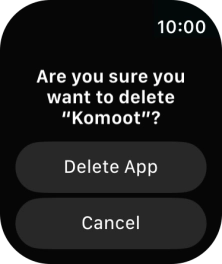
Press Delete App.
Step 5 of 6

1. Uninstall apps

Press Delete App.

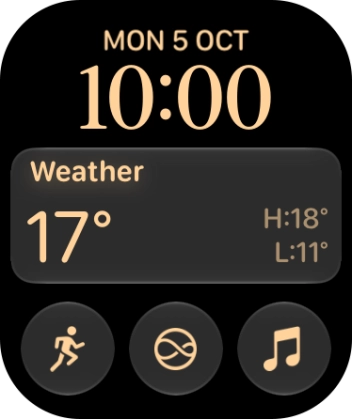
Press the Digital Crown to return to the home screen.
Step 6 of 6

2. Return to the home screen

Press the Digital Crown to return to the home screen.

1. Uninstall apps

Press the Digital Crown.
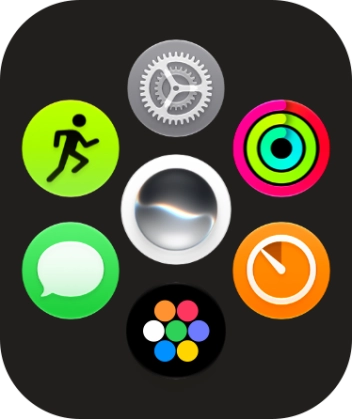
Slide your finger upwards on the screen.
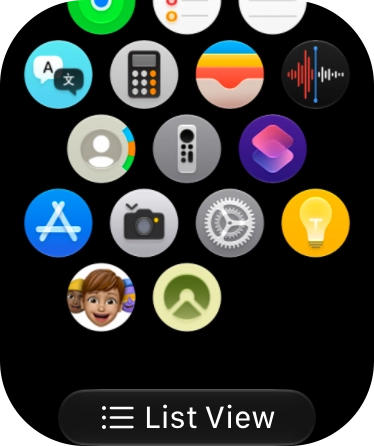
Press and hold the required app.
Press the delete icon next to the required app.
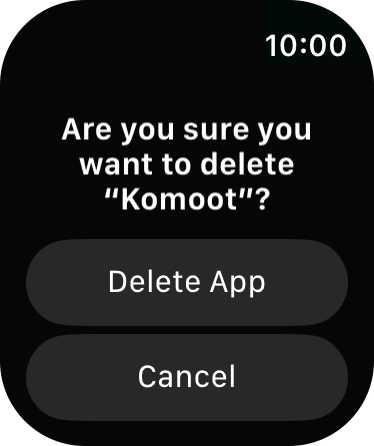
Press Delete App.

2. Return to the home screen

Press the Digital Crown to return to the home screen.

Thank you for your evaluation!

Get information on...

Or select...

Another device