Apple Watch Series 12

Apple Watch Series 12

watchOS 27

View EID number of your Apple Watch Series 12 watchOS 27

Read help info

The EID number is your Apple Watch's unique eSIM identification number which is used when contacting the operator, e.g. during eSIM activation.

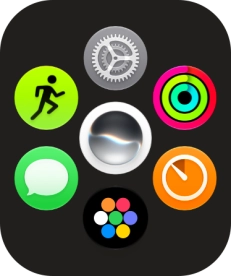
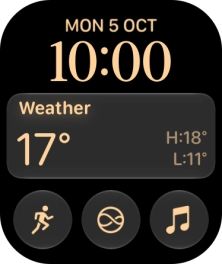
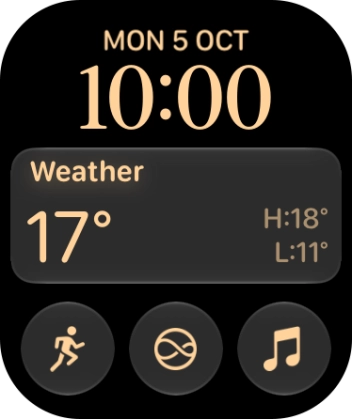
Press the Digital Crown.
Step 1 of 7

1. Find "About"

Press the Digital Crown.
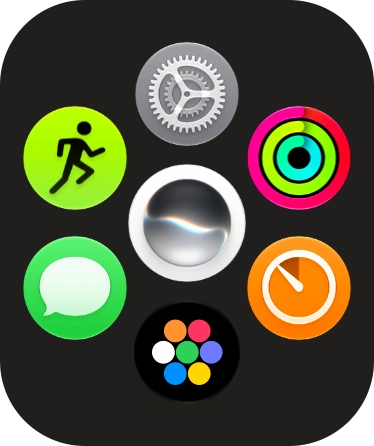
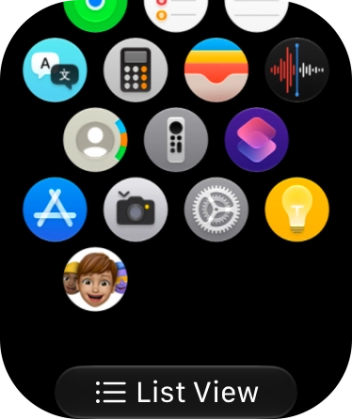
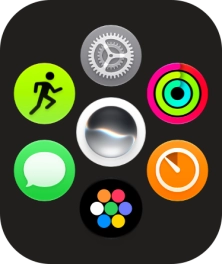
Slide your finger upwards on the screen.
Step 2 of 7

1. Find "About"

Slide your finger upwards on the screen.

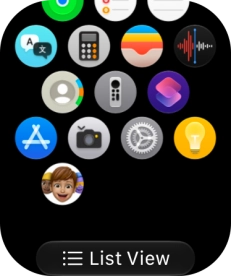
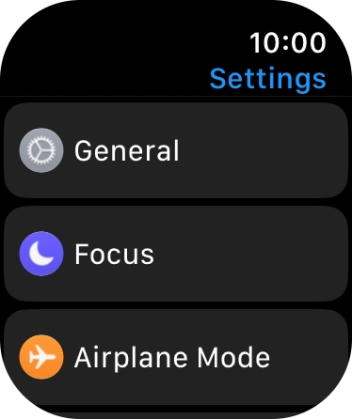
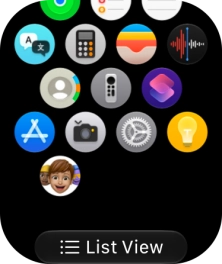
Press the settings icon.
Step 3 of 7

1. Find "About"

Press the settings icon.

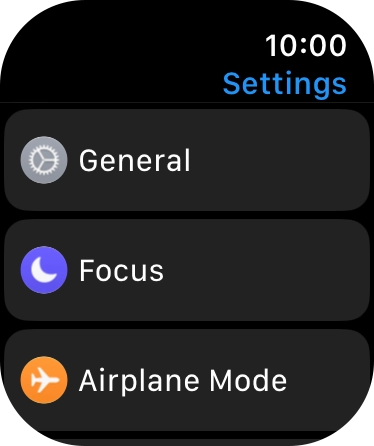
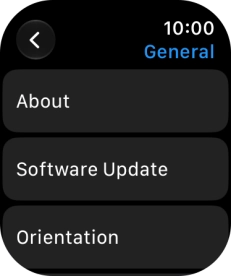
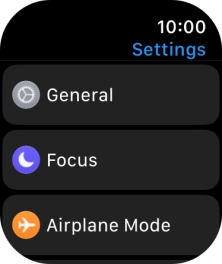
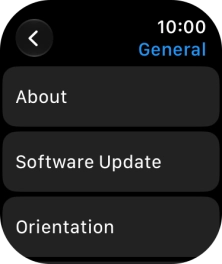
Press General.
Step 4 of 7

1. Find "About"

Press General.

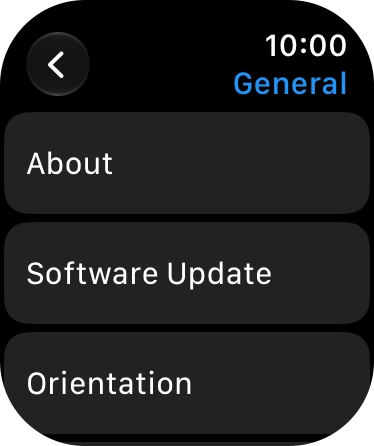
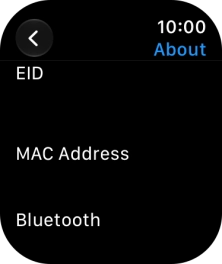
Press About.
Step 5 of 7

1. Find "About"

Press About.

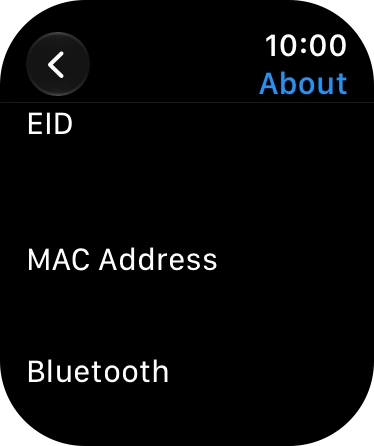
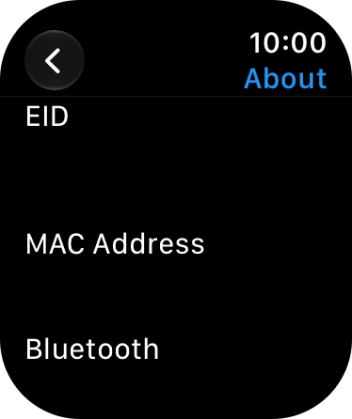
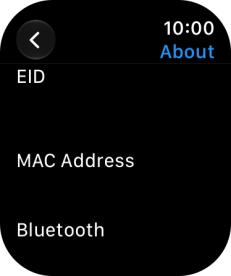
Your Apple Watch EID number is displayed below EID.
Step 6 of 7

2. View EID number

Your Apple Watch EID number is displayed below EID.

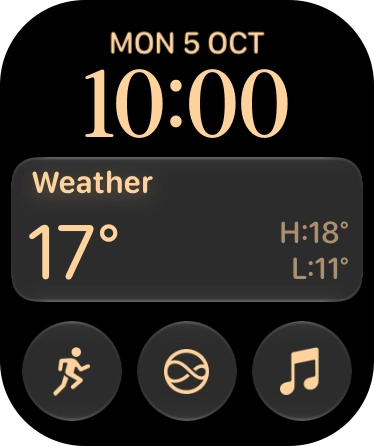
Press the Digital Crown several times to return to standby mode.
Step 7 of 7

3. Return to the home screen

Press the Digital Crown several times to return to standby mode.

1. Find "About"

Press the Digital Crown.
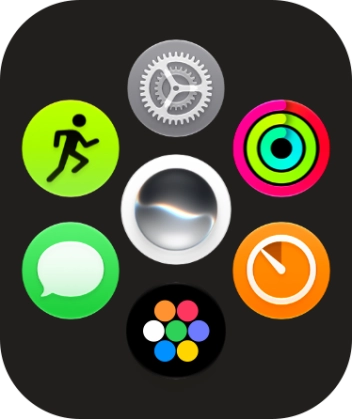
Slide your finger upwards on the screen.
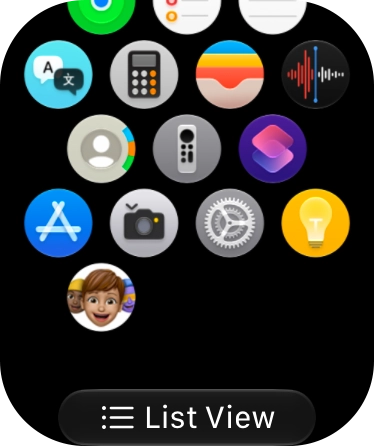
Press the settings icon.
Press General.
Press About.

2. View EID number

Your Apple Watch EID number is displayed below EID.

3. Return to the home screen

Press the Digital Crown several times to return to standby mode.

Thank you for your evaluation!

Get information on...

Or select...

Another device