

Step 1 of 2
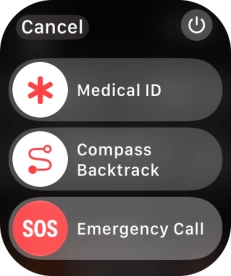
1. End running applications
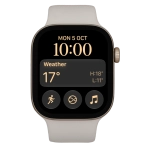
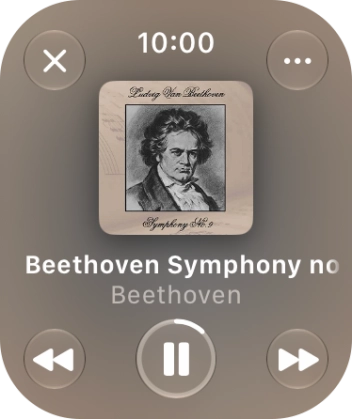
Go to the open application you want to close and press and hold the Side button.
Step 2 of 2
1. End running applications
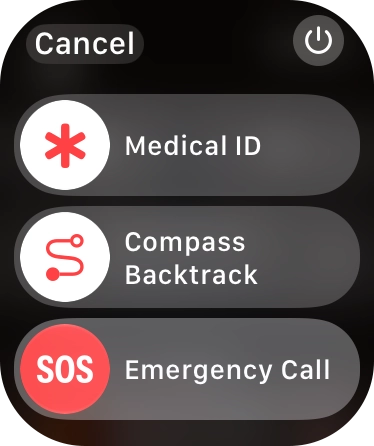
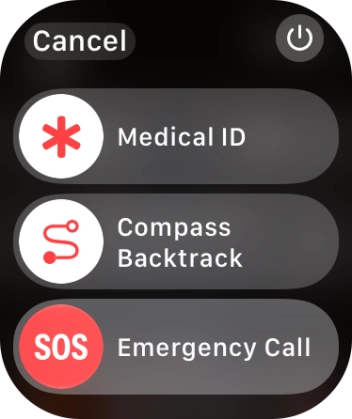
Press and hold the Digital Crown to close the application and return to the home screen.
1. End running applications
Go to the open application you want to close and press and hold the Side button.

Press and hold the Digital Crown to close the application and return to the home screen.
How would you rate your experience?
Thank you for your evaluation!

Do you have any additional feedback?
Thank you for your evaluation!