Apple Watch Series 12

Apple Watch Series 12

watchOS 27

The screen on my Apple Watch Series 12 watchOS 27 doesn't turn on automatically when I pick it up

Cause 1 of 3: Wake on Wrist Raise is turned off

If Wake on Wrist Raise is turned off, the screen will not turn on automatically when you pick up your Apple Watch.

Solution: Turn on Wake on Wrist Raise.

Step 1 of 6

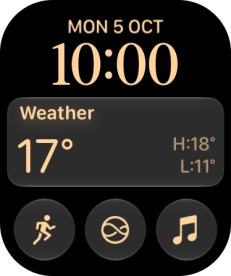
Find "Display & Brightness"

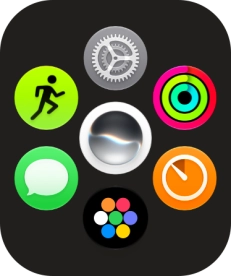
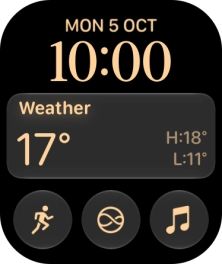
Press the Digital Crown.
Step 2 of 6

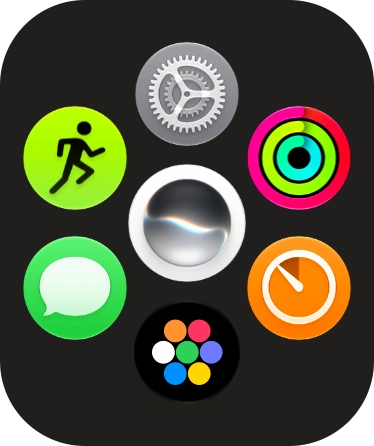
Find "Display & Brightness"

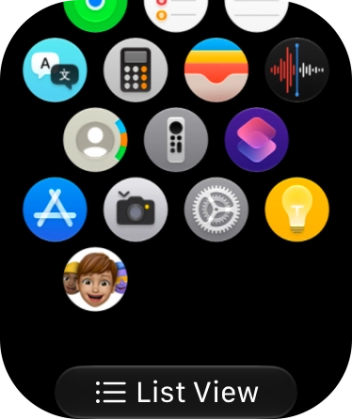
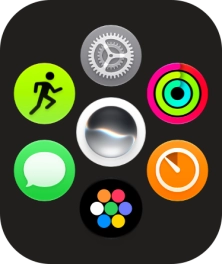
Slide your finger upwards on the screen.

Step 3 of 6

Find "Display & Brightness"

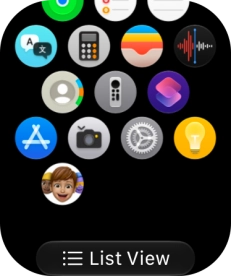
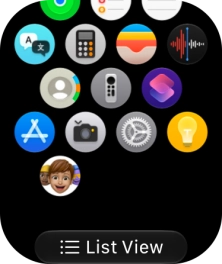
Press the settings icon.

Step 4 of 6

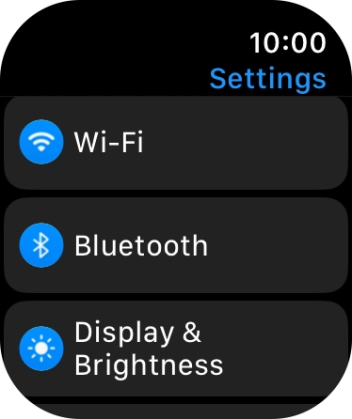
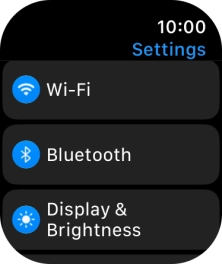
Find "Display & Brightness"

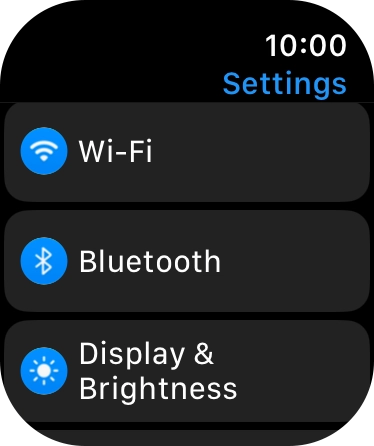
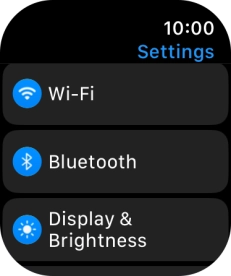
Press Display & Brightness.

Step 5 of 6

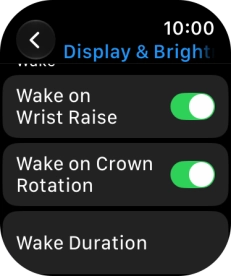
Turn automatic screen activation on or off

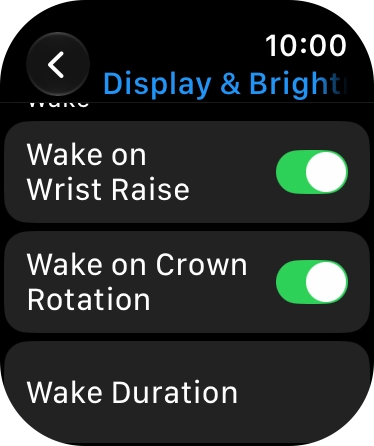
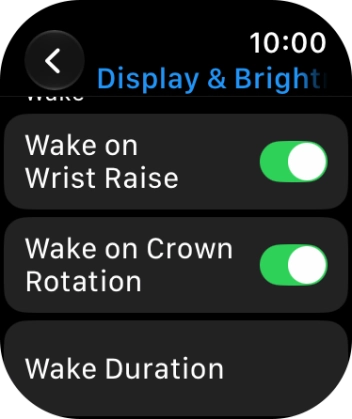
Press the indicator next to "Wake on Wrist Raise" to turn the function on or off.

Step 6 of 6

Return to the home screen

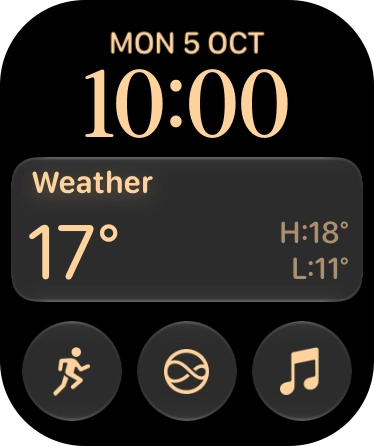
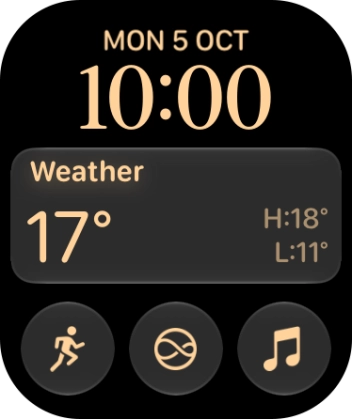
Press the Digital Crown several times to return to standby mode.

1 Find "Display & Brightness"

Press the Digital Crown.
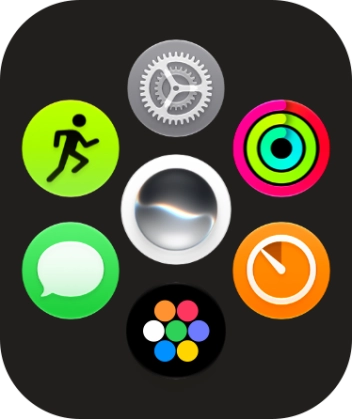
Slide your finger upwards on the screen.
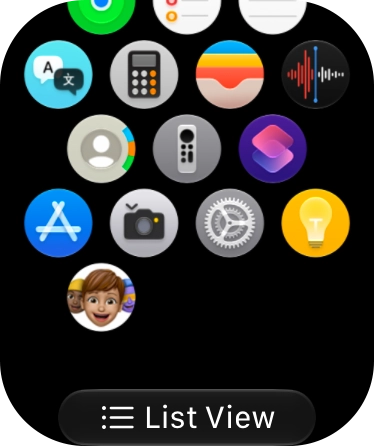
Press the settings icon.
Press Display & Brightness.

2 Turn automatic screen activation on or off
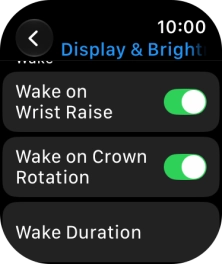
Press the indicator next to "Wake on Wrist Raise" to turn the function on or off.

3 Return to the home screen

Press the Digital Crown several times to return to standby mode.

Did this solve the problem?

Yes - All solved No - Go to next cause

Get information on...

Or select...

Another device