Step 1 of 3
Charge the battery
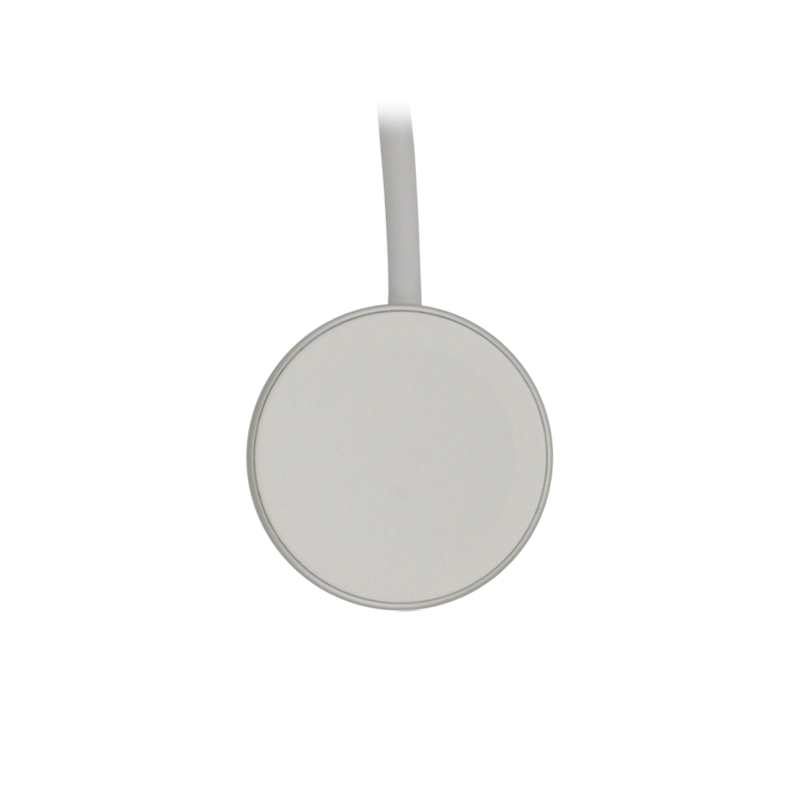
Connect the charger to a wall socket.
Step 2 of 3
Charge the battery
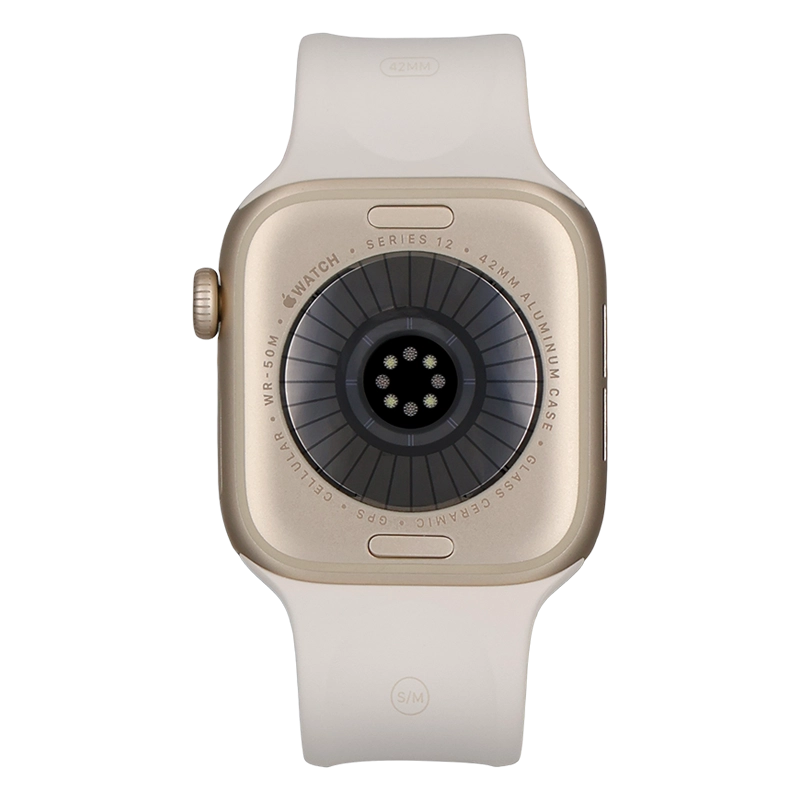
Place the back of your Apple Watch on the magnetic charger allowing it to click into place.
Step 3 of 3
Charge the battery
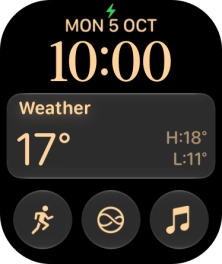
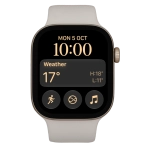
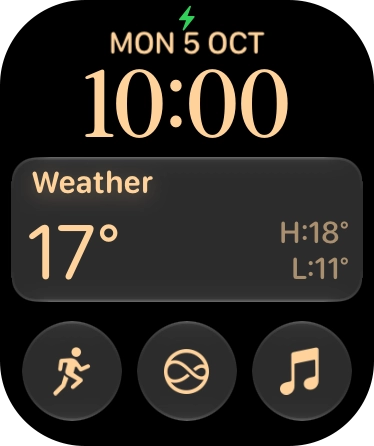
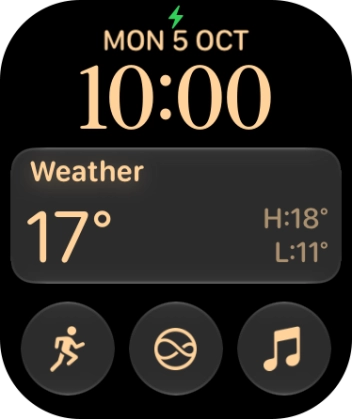
When the battery charging icon is displayed, the battery is charging.
1 Charge the battery
Connect the charger to a wall socket.
Place the back of your Apple Watch on the magnetic charger allowing it to click into place.
When the battery charging icon is displayed, the battery is charging.