Apple Watch Ultra

Apple Watch Ultra

watchOS 11

Set up mobile data on your Apple Watch Ultra watchOS 11

Read help info

You can set up mobile data on your Apple Watch allowing you to make and receive calls and use apps without being connected to your phone.

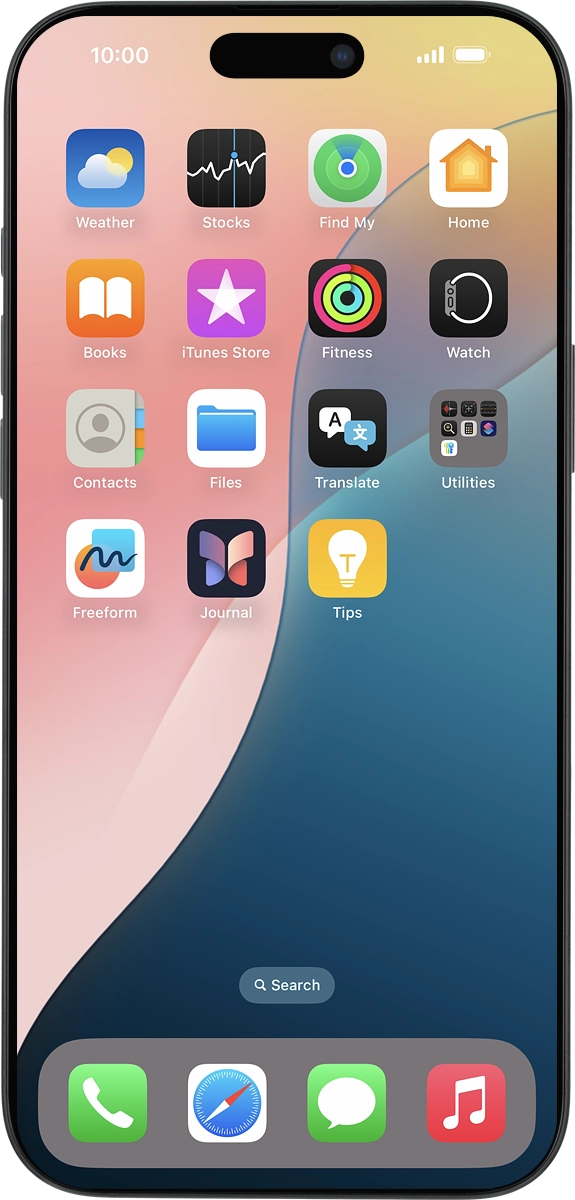
On your phone: Press Watch.
Step 1 of 4

1. Find "Mobile Service"

On your phone: Press Watch.
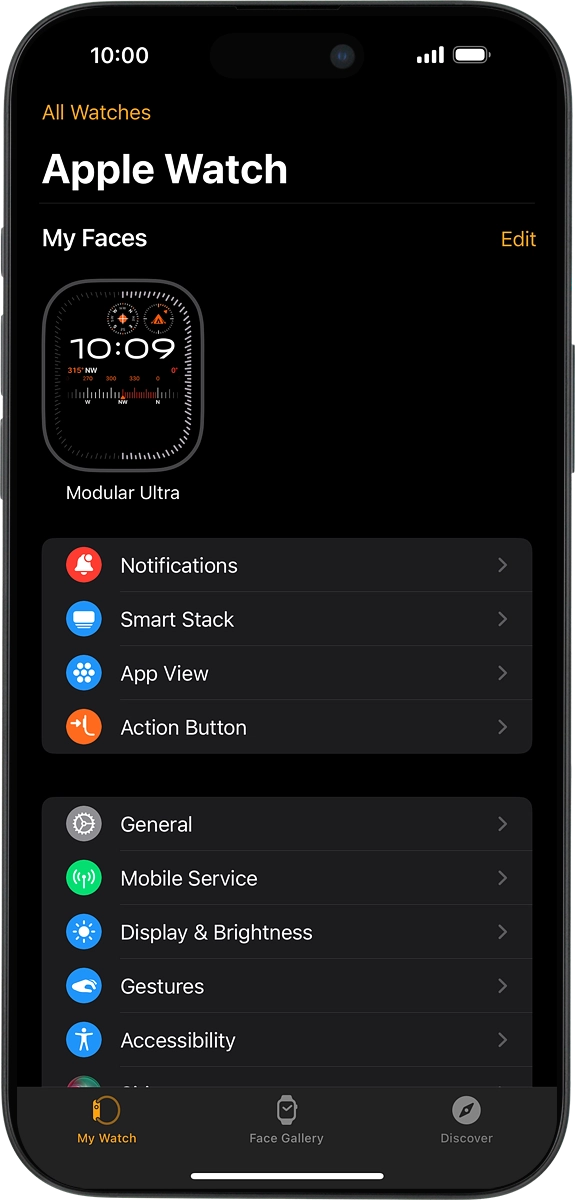
On your phone: Press My Watch.
Step 2 of 4

1. Find "Mobile Service"

On your phone: Press My Watch.

On your phone: Press Mobile Service.
Step 3 of 4

1. Find "Mobile Service"

On your phone: Press Mobile Service.
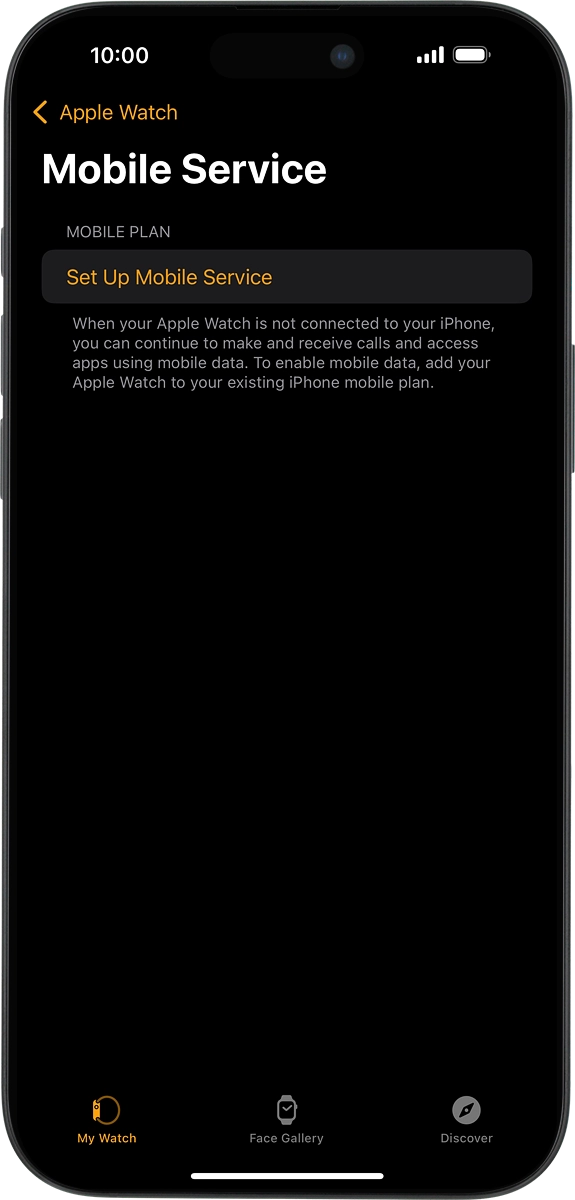
On your phone: Press Set Up Mobile Service and follow the instructions on the screen to set up mobile data.
Step 4 of 4

2. Set up mobile data

On your phone: Press Set Up Mobile Service and follow the instructions on the screen to set up mobile data.

1. Find "Mobile Service"

On your phone: Press Watch.
On your phone: Press My Watch.
On your phone: Press Mobile Service.

2. Set up mobile data

On your phone: Press Set Up Mobile Service and follow the instructions on the screen to set up mobile data.

Thank you for your evaluation!

Get information on...

Or select...

Another device