Skip to content
How can we help?
Search
Help and Support for
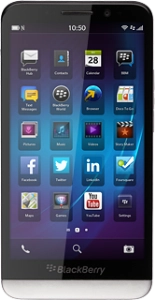
BlackBerry Z30
Search for device or topic
Search for device or topic
Home
Device help
BlackBerry
Z30
Change settings
Choose a help topic
Basic use
Explore
Change settings
Specifications
Change settings - BlackBerry Z30
Troubleshooting
I can't use my phone as a Wi-Fi hotspot
I can't use tethering on my phone
I can't use Wi-Fi
Call restrictions
Turn call barring on or off
Sound settings
Select ring tone
Turn silent mode on or off
Display settings
Select language
Set date and time
Connecting phone and computer
Transfer files between computer and phone
Use tethering
Wi-Fi
Connect to Wi-Fi network
Set up and use your phone as a Wi-Fi hotspot
Bluetooth
Pair a Bluetooth device with your phone
Transfer files via Bluetooth
Data usage
Turn mobile data on or off
Turn data roaming on or off
Software update
Update phone software
Restart
Restore factory default settings
Restart your phone
© 2026 TPG Telecom Limited ABN 76 096 304 620
We acknowledge the Traditional Custodians of the land on which we live, work and connect. We pay respect to Elders, past, present, and emerging.