
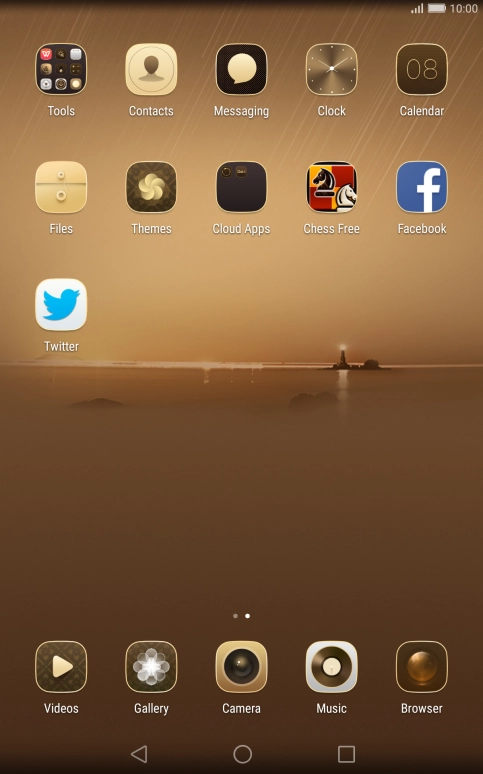
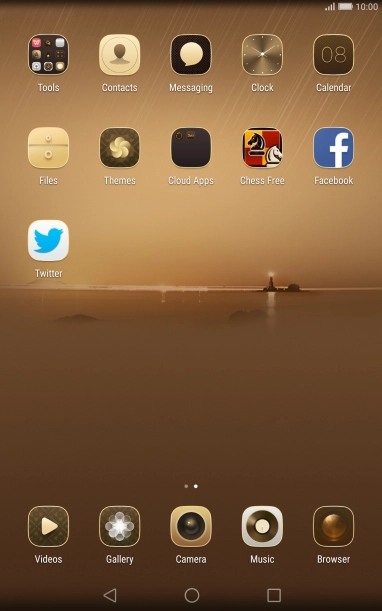
1. Find "Import/Export"
Press Contacts.


1. Find "Import/Export"
Press Menu.


1. Find "Import/Export"
Press Import/Export.


2. Copy contacts from your SIM to your tablet
Press Import from SIM card.


2. Copy contacts from your SIM to your tablet
Press Select all.


2. Copy contacts from your SIM to your tablet
Press Import.


2. Copy contacts from your SIM to your tablet
Press Tablet.
3. Copy contacts from your tablet to your SIM
Press Export to SIM card.


3. Copy contacts from your tablet to your SIM
Press Tablet.


3. Copy contacts from your tablet to your SIM
Press Select all.


3. Copy contacts from your tablet to your SIM
Press Export.


3. Copy contacts from your tablet to your SIM
Press OK.
4. Return to the home screen
Press the Home key to return to the home screen.
1. Find "Import/Export"


2. Copy contacts from your SIM to your tablet


3. Copy contacts from your tablet to your SIM


4. Return to the home screen
Thank you for your evaluation!

Thank you for your evaluation!