LG Velvet

LG Velvet

Android 10.0

Turn automatic use of mobile data on your LG Velvet Android 10.0 on or off

Read help info

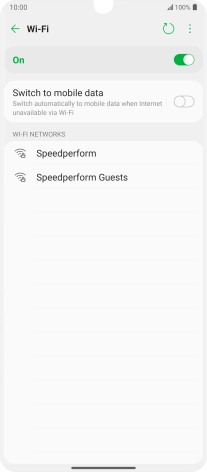
You can set your phone to use mobile data automatically when the connection to the Wi-Fi network is weak. To turn automatic use of mobile data on or off, you need to turn on mobile data.

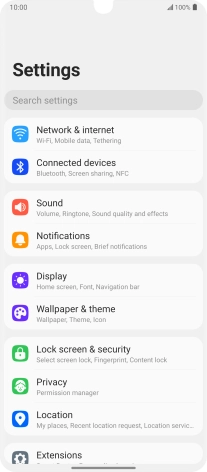
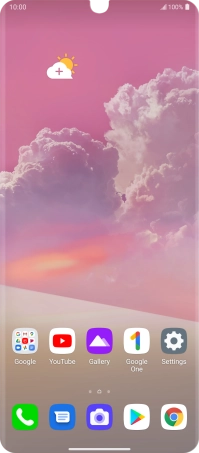
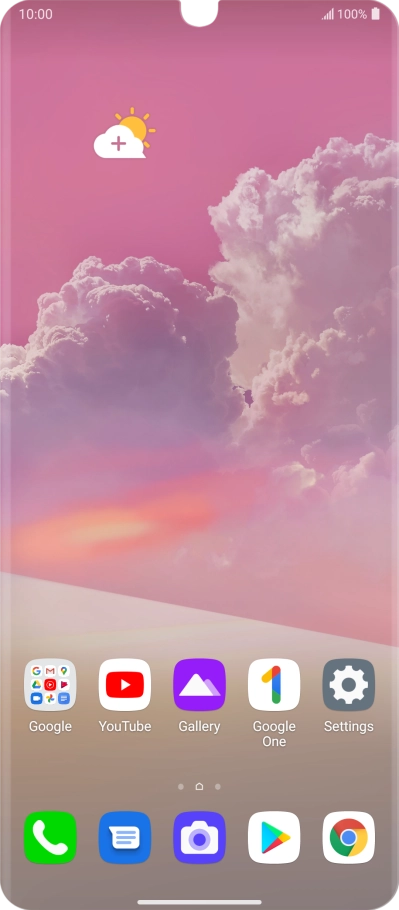
Press Settings.
Step 1 of 6

1. Find "Wi-Fi"

Press Settings.
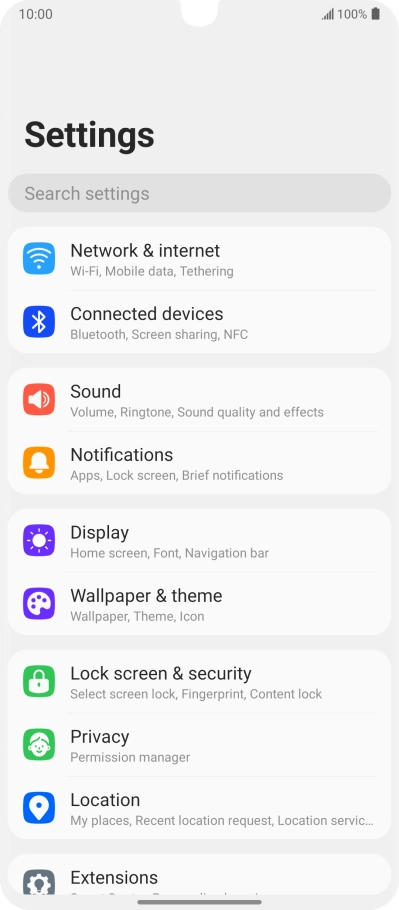
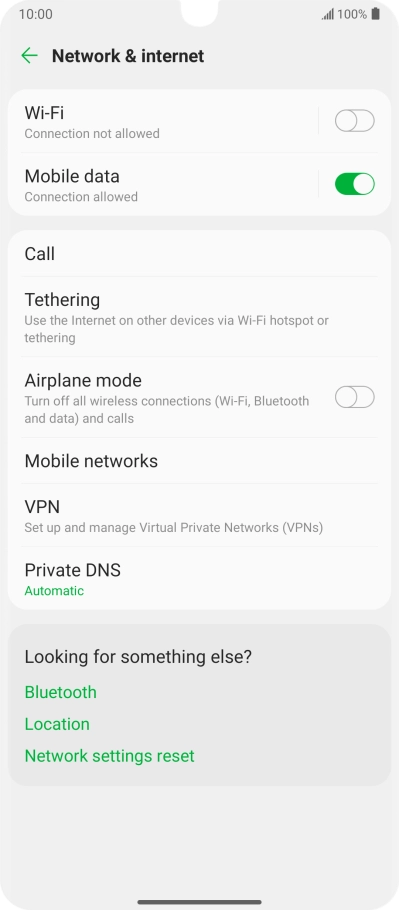
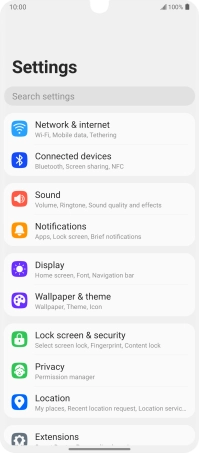
Press Network & internet.
Step 2 of 6

1. Find "Wi-Fi"

Press Network & internet.

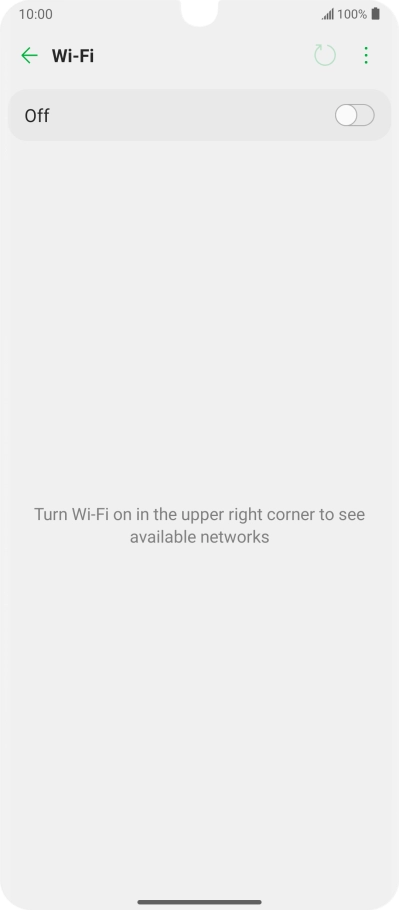
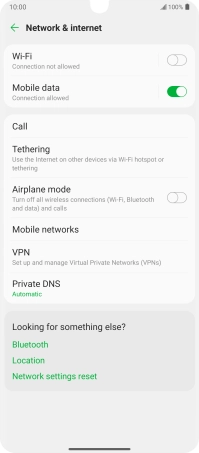
Press Wi-Fi.
Step 3 of 6

1. Find "Wi-Fi"

Press Wi-Fi.

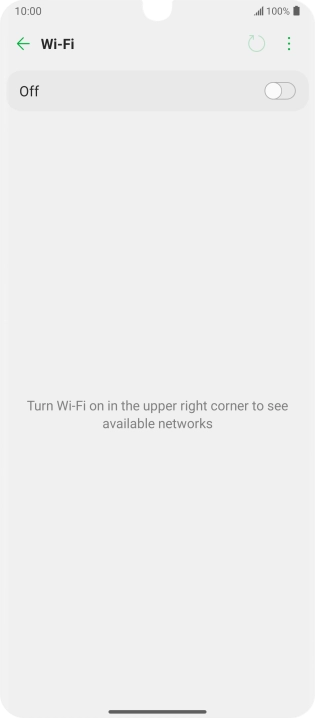
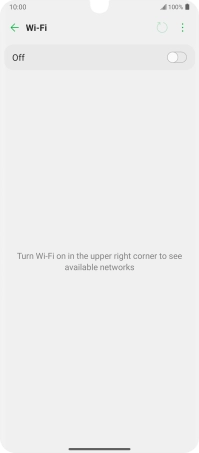
Press the indicator to turn on the function.
Step 4 of 6

2. Turn on Wi-Fi

Press the indicator to turn on the function.

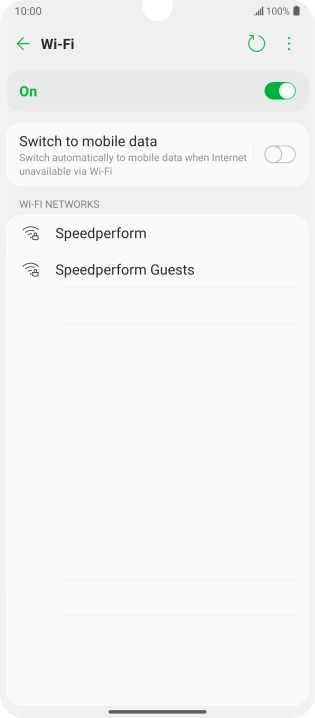
Press the indicator next to
Step 5 of 6

3. Turn automatic use of mobile data on or off

Press the indicator next to "Switch to mobile data" to turn the function on or off.

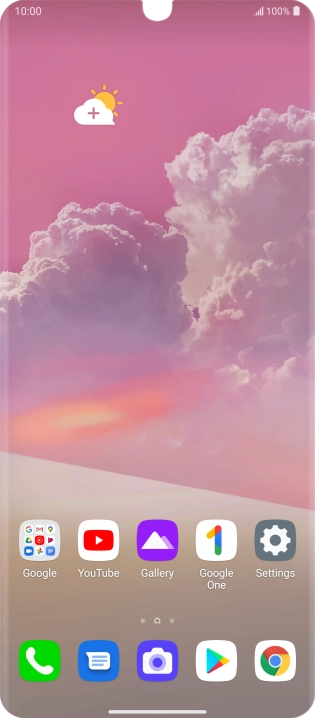
Slide your finger upwards starting from the bottom of the screen to return to the home screen.
Step 6 of 6

4. Return to the home screen

Slide your finger upwards starting from the bottom of the screen to return to the home screen.

1. Find "Wi-Fi"

Press Settings.
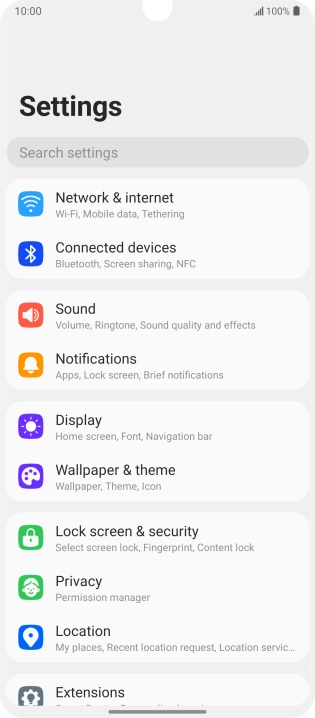
Press Network & internet.
Press Wi-Fi.

2. Turn on Wi-Fi

Press the indicator to turn on the function.
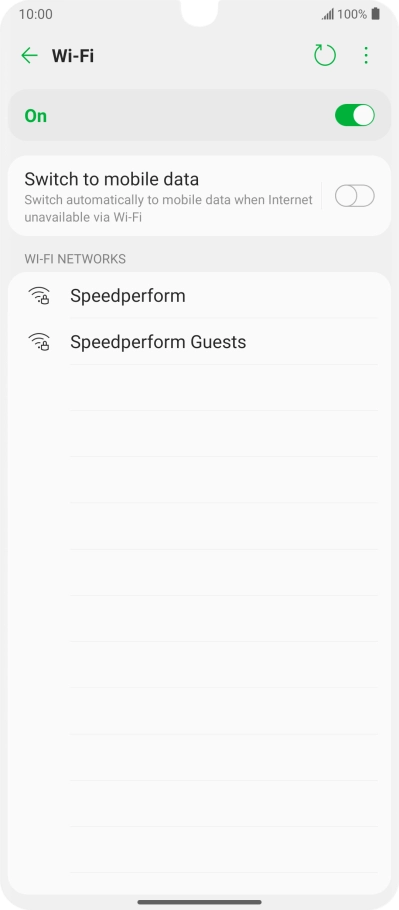
3. Turn automatic use of mobile data on or off
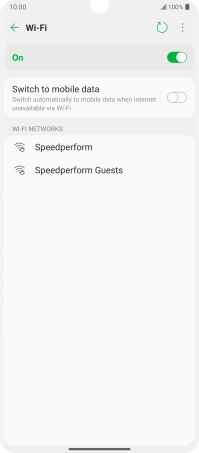
Press the indicator next to "Switch to mobile data" to turn the function on or off.

4. Return to the home screen

Slide your finger upwards starting from the bottom of the screen to return to the home screen.

Thank you for your evaluation!

Get information on...

Or select...

Another device