LG Velvet

LG Velvet

Android 10.0

Turn data roaming on your LG Velvet Android 10.0 on or off

Read help info

You can limit your data usage when abroad by turning off data roaming. You'll then not be able to access the internet using the mobile network when abroad. You can still use Wi-Fi even though data roaming is turned off.

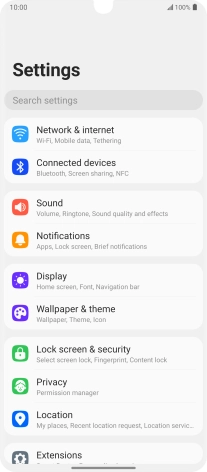
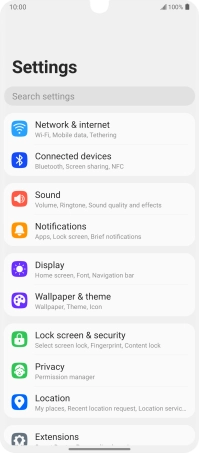
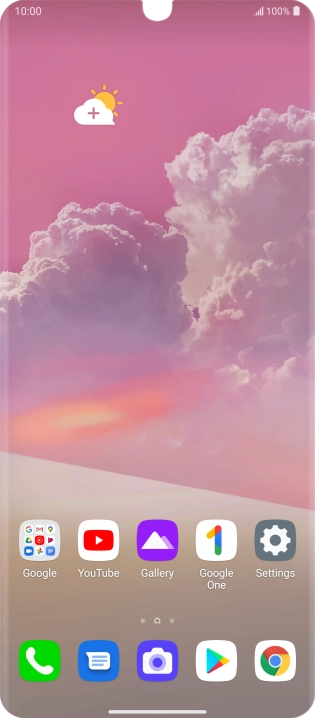
Press Settings.
Step 1 of 5

1. Find "Mobile networks"

Press Settings.
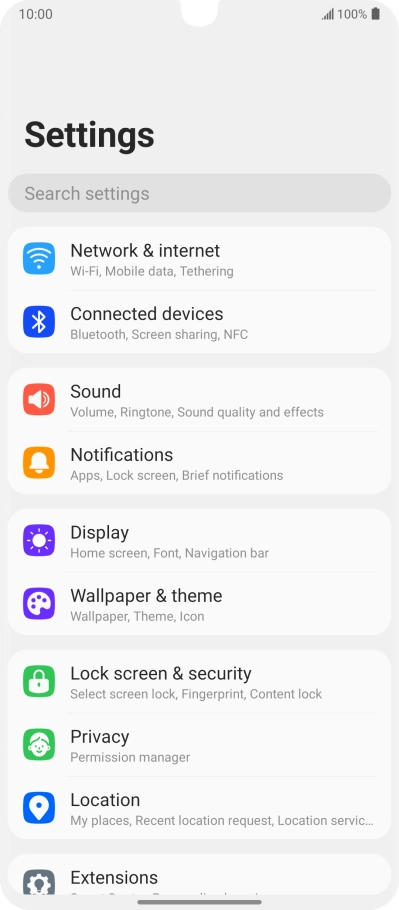
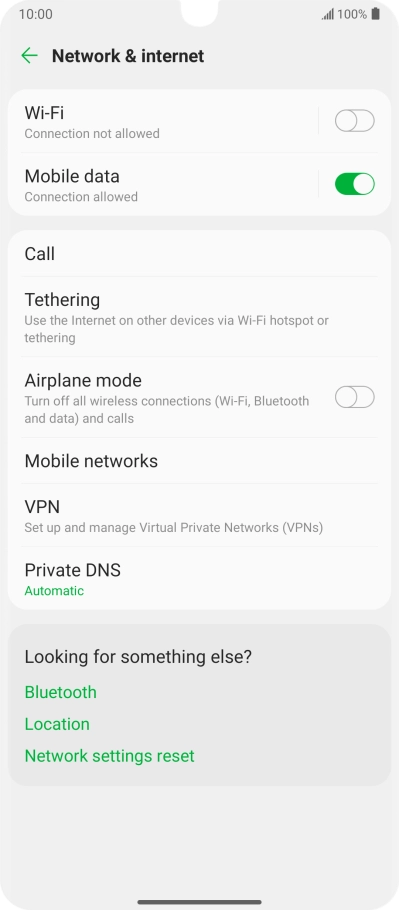
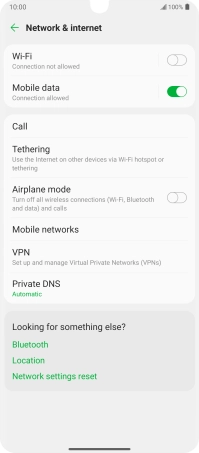
Press Network & internet.
Step 2 of 5

1. Find "Mobile networks"

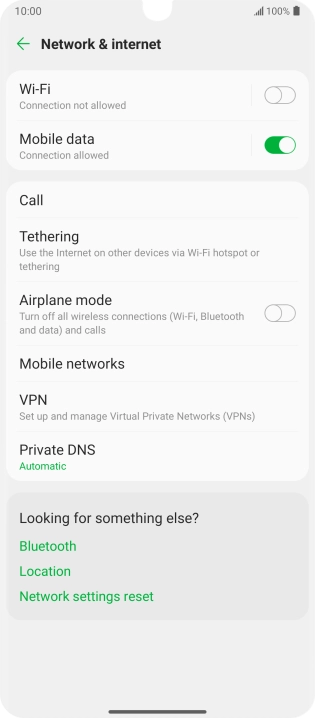
Press Network & internet.

Press Mobile networks.
Step 3 of 5

1. Find "Mobile networks"

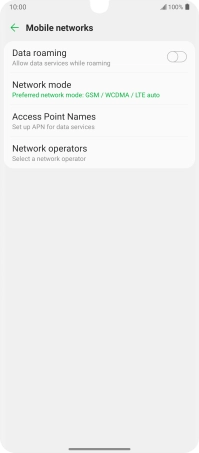
Press Mobile networks.

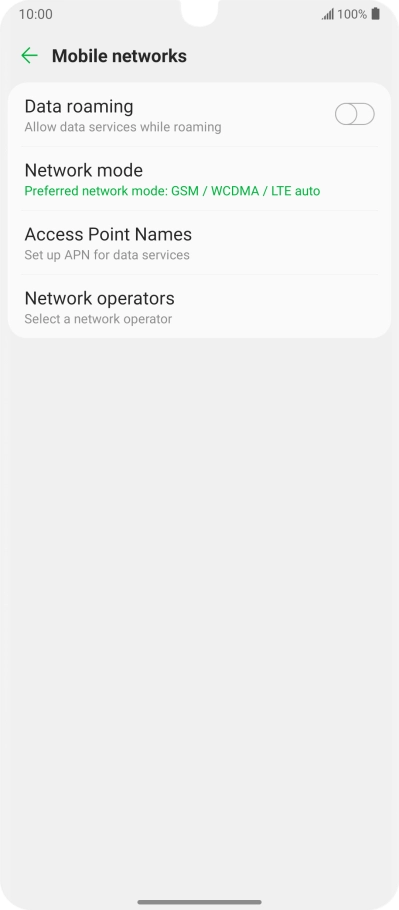
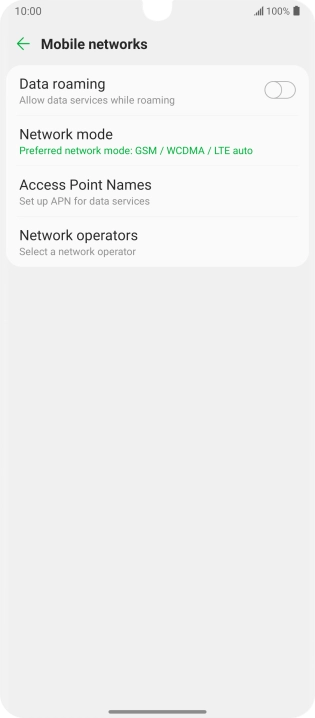
Press the indicator next to
Step 4 of 5

2. Turn data roaming on or off

Press the indicator next to "Data roaming" to turn the function on or off.

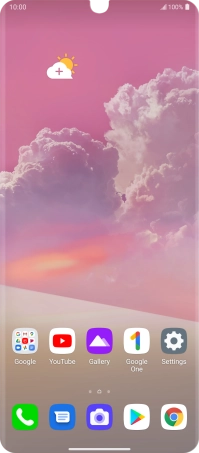
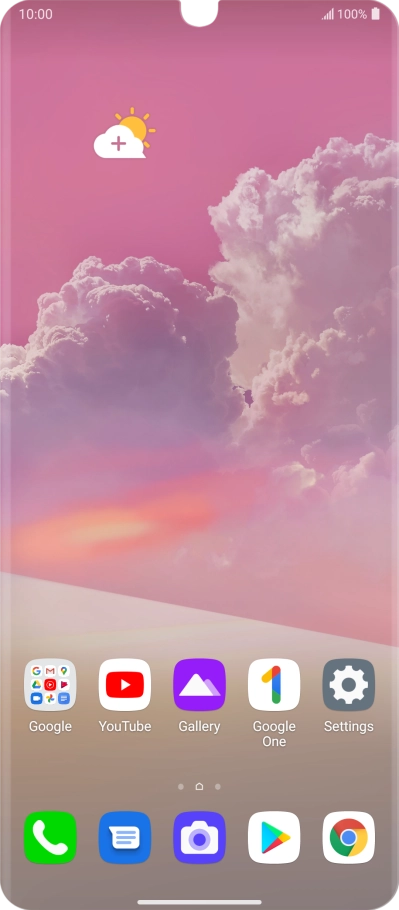
Slide your finger upwards starting from the bottom of the screen to return to the home screen.
Step 5 of 5

3. Return to the home screen

Slide your finger upwards starting from the bottom of the screen to return to the home screen.

1. Find "Mobile networks"

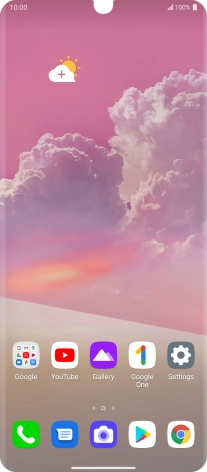
Press Settings.
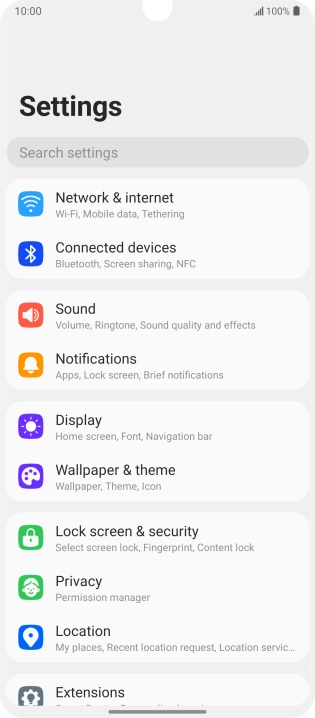
Press Network & internet.
Press Mobile networks.

2. Turn data roaming on or off

Press the indicator next to "Data roaming" to turn the function on or off.

3. Return to the home screen

Slide your finger upwards starting from the bottom of the screen to return to the home screen.

Thank you for your evaluation!

Get information on...

Or select...

Another device