
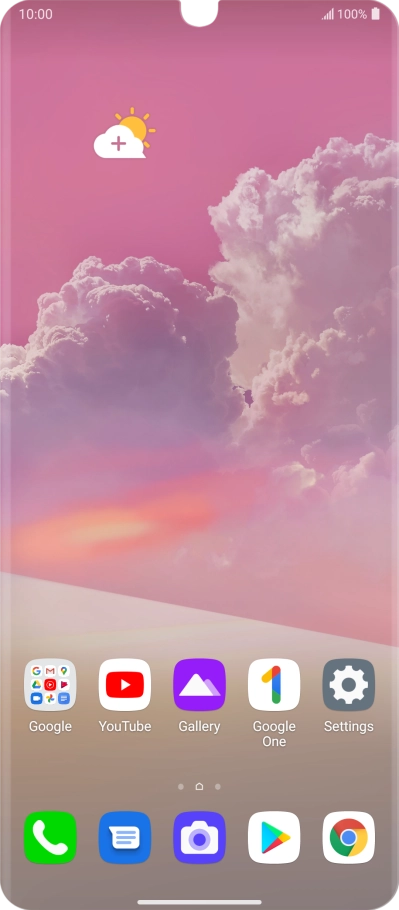
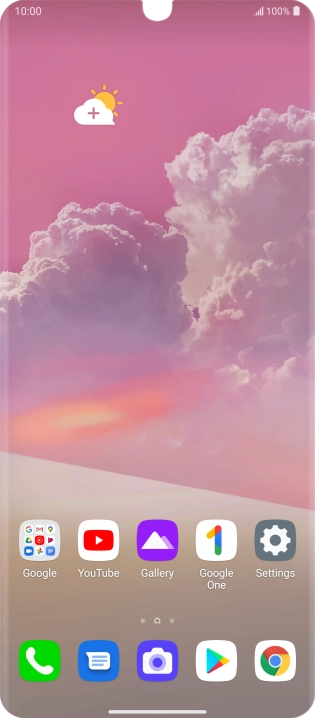
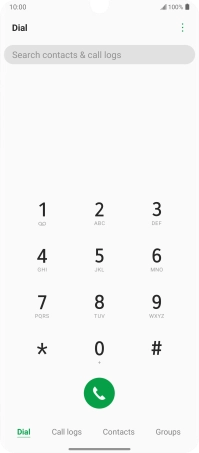
Find "Call forwarding"
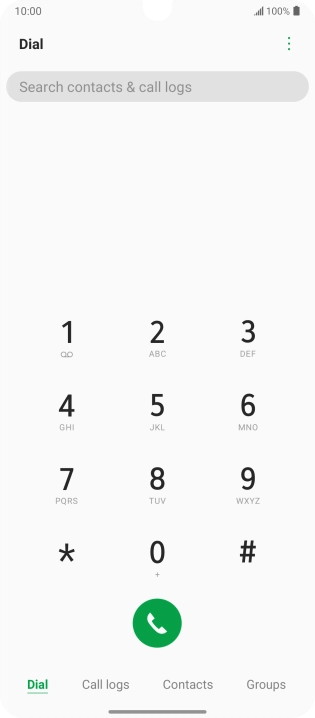
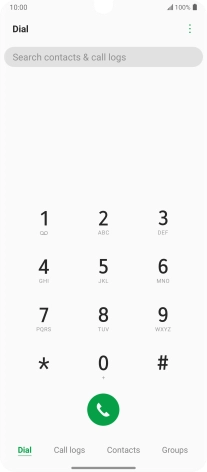
Press the phone icon.
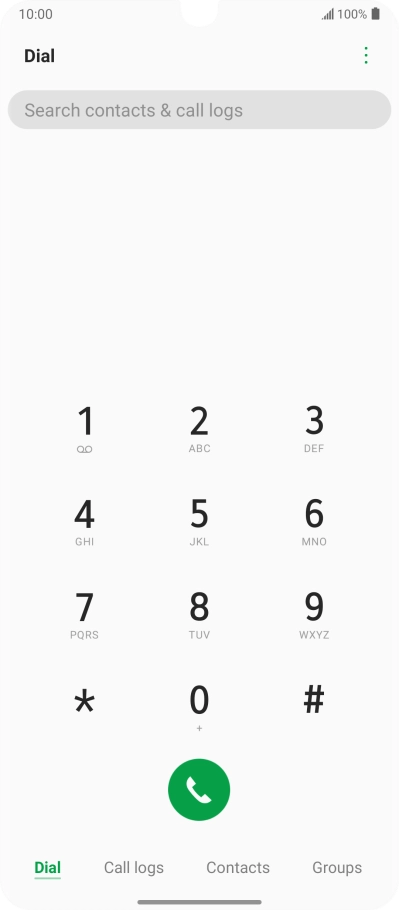
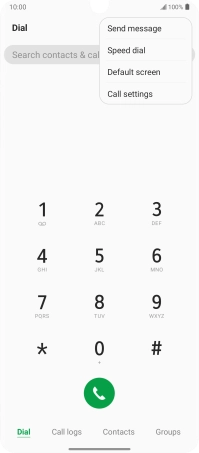
Find "Call forwarding"
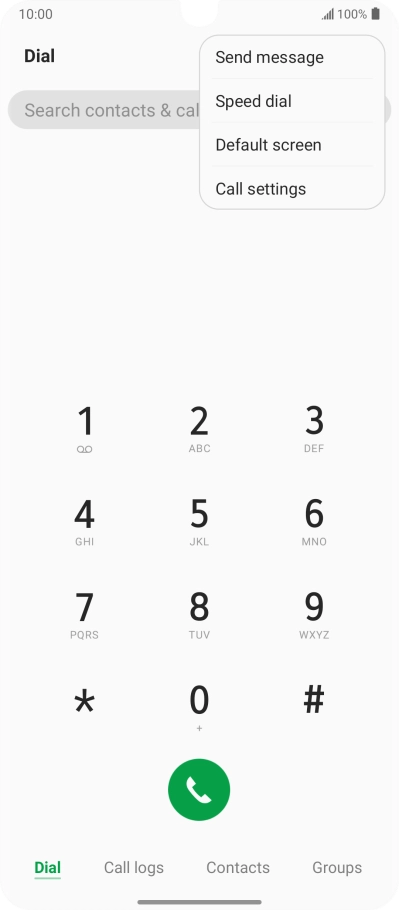
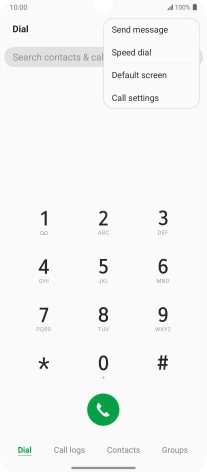
Press the menu icon.

Find "Call forwarding"
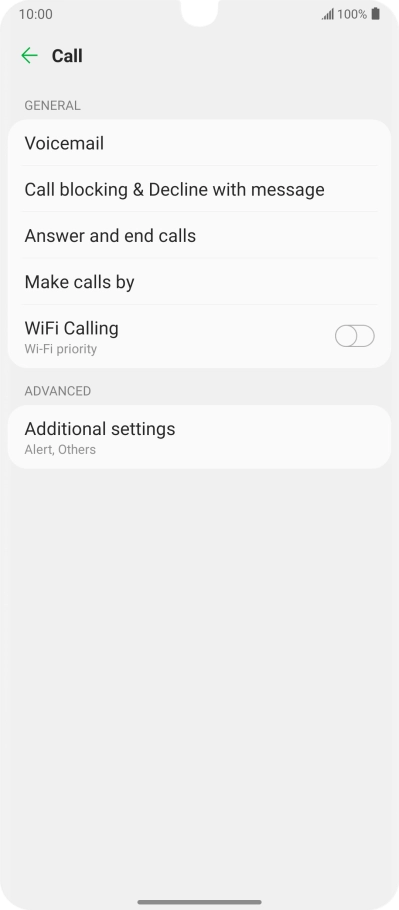
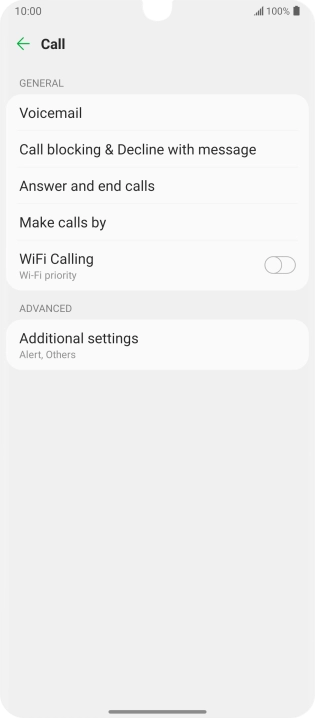
Press Call settings.
Find "Call forwarding"
Press Additional settings.


Find "Call forwarding"
Press Call forwarding.


Cancel all diverts
Press the required divert type.


Cancel all diverts
Press Turn off.


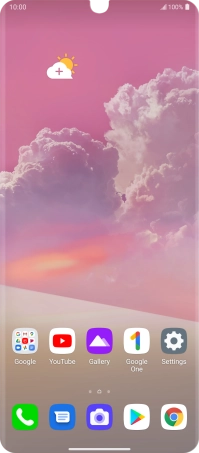
Return to the home screen
Slide your finger upwards starting from the bottom of the screen to return to the home screen.
1 Find "Call forwarding"


2 Cancel all diverts


3 Return to the home screen
