Motorola Moto G56 5G

Motorola Moto G56 5G

Android 15

Activate eSIM on your Motorola Moto G56 5G Android 15

Read help info

In addition to your normal SIM, you can also use an eSIM in your phone. An eSIM is a digital SIM that enables you to activate a price plan without the use of a physical SIM. To activate your eSIM, you need to activate an eSIM price plan and set up your phone for internet or establish a connection to a Wi-Fi network.

Slide two fingers downwards starting from the top of the screen.
Step 1 of 8

1. Find "Set up an eSIM"

Slide two fingers downwards starting from the top of the screen.

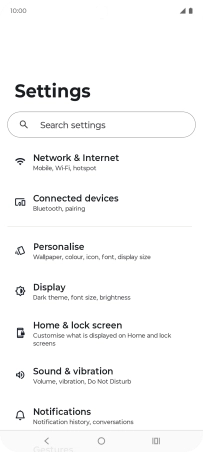
Press the settings icon.
Step 2 of 8

1. Find "Set up an eSIM"

Press the settings icon.

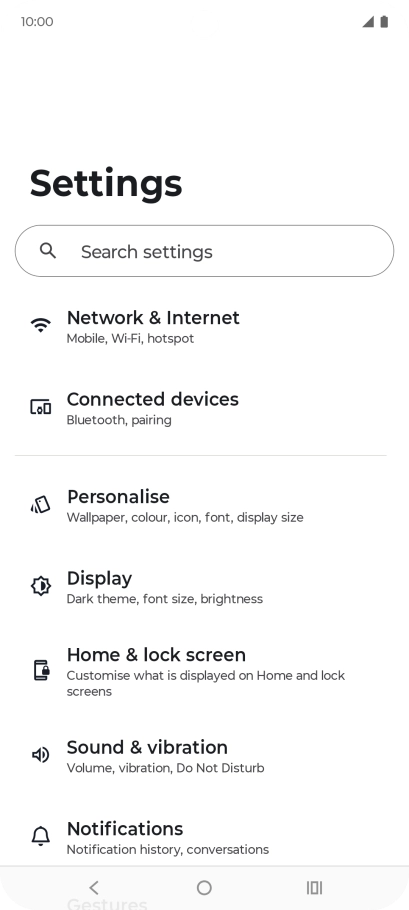
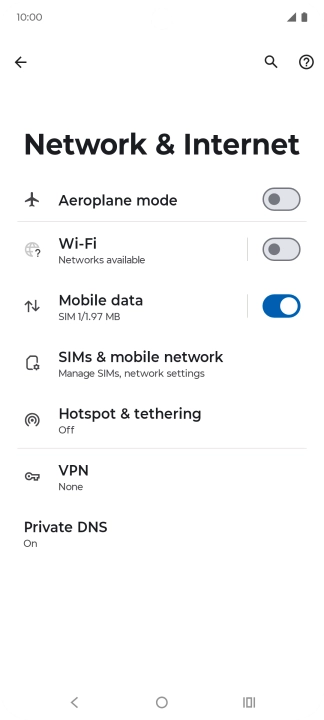
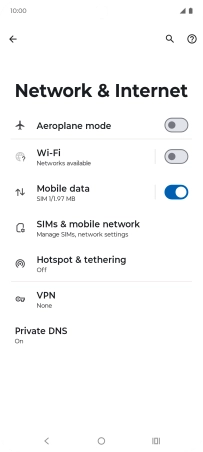
Press Network & Internet.
Step 3 of 8

1. Find "Set up an eSIM"

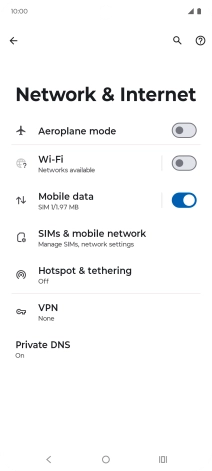
Press Network & Internet.

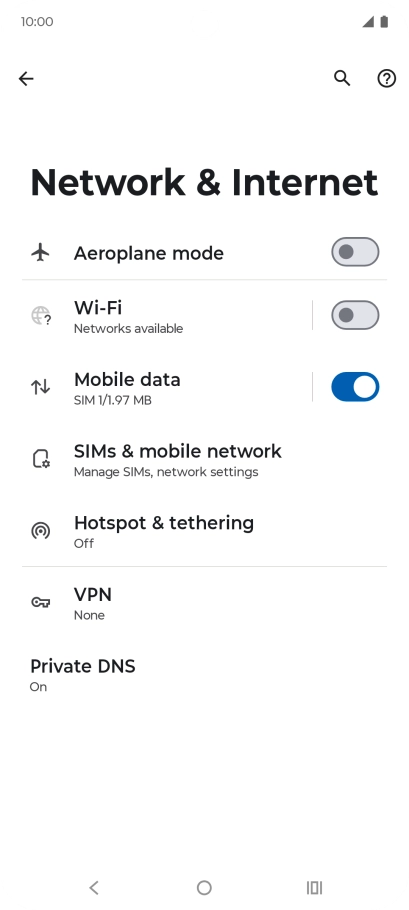
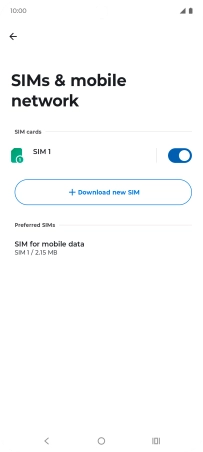
Press SIMs & mobile network.
Step 4 of 8

1. Find "Set up an eSIM"

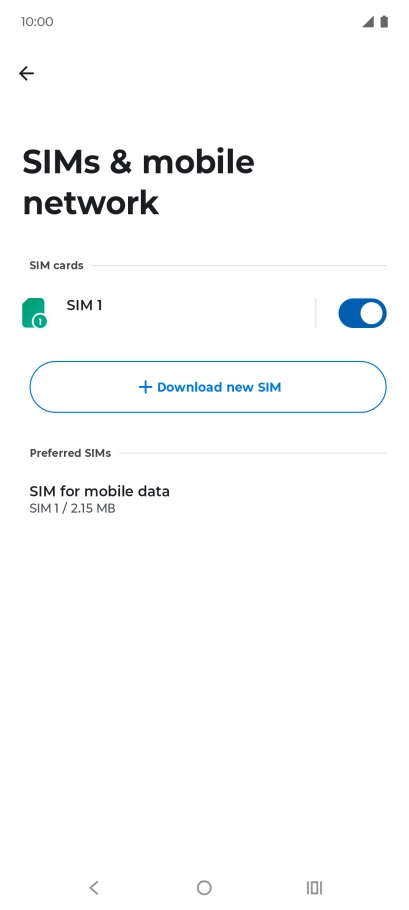
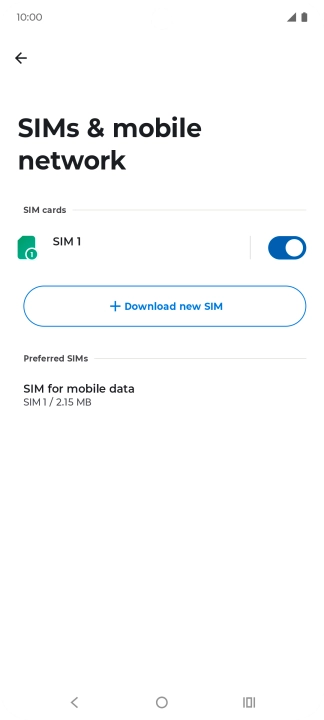
Press SIMs & mobile network.

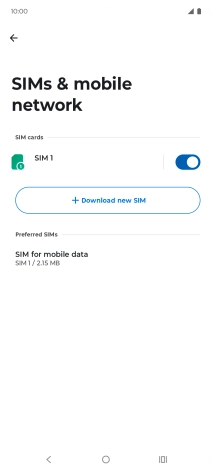
Press Download new SIM.
Step 5 of 8

1. Find "Set up an eSIM"

Press Download new SIM.

Press Set up an eSIM.
Step 6 of 8

1. Find "Set up an eSIM"

Press Set up an eSIM.

Place the QR code you've received inside the phone camera frame to scan the code.
Step 7 of 8

2. Scan QR code

Place the QR code you've received inside the phone camera frame to scan the code.

Motorola Moto G56 5G
Step 8 of 8

3. Activate eSIM

Follow the instructions on the screen to finish the activation of your eSIM including keying in the activation code and setting up your eSIM as primary or secondary price plan. Go to the Vodafone support page for more information.

1. Find "Set up an eSIM"

Slide two fingers downwards starting from the top of the screen.
Press the settings icon.
Press Network & Internet.
Press SIMs & mobile network.
Press Download new SIM.
Press Set up an eSIM.

2. Scan QR code

Place the QR code you've received inside the phone camera frame to scan the code.

3. Activate eSIM

Follow the instructions on the screen to finish the activation of your eSIM including keying in the activation code and setting up your eSIM as primary or secondary price plan. Go to the Vodafone support page for more information.
Motorola Moto G56 5G

Thank you for your evaluation!

Get information on...

Or select...

Another device