OPPO A6x 5G

OPPO A6x 5G

Android 15

Delete temporary data on your OPPO A6x 5G Android 15

Read help info

When you use apps on your phone, various data is stored temporarily in the phone memory. If your phone runs out of memory, it may help deleting this data.

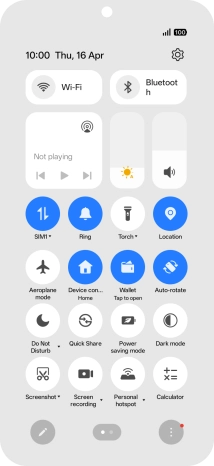
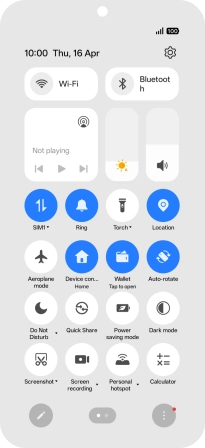
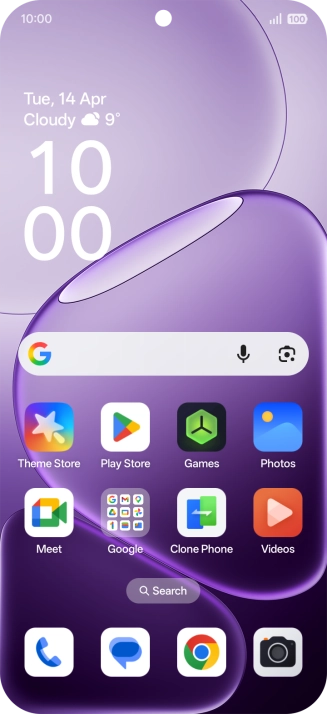
Slide your finger downwards starting from the top right side of the screen.
Step 1 of 8

1. Find "Apps"

Slide your finger downwards starting from the top right side of the screen.
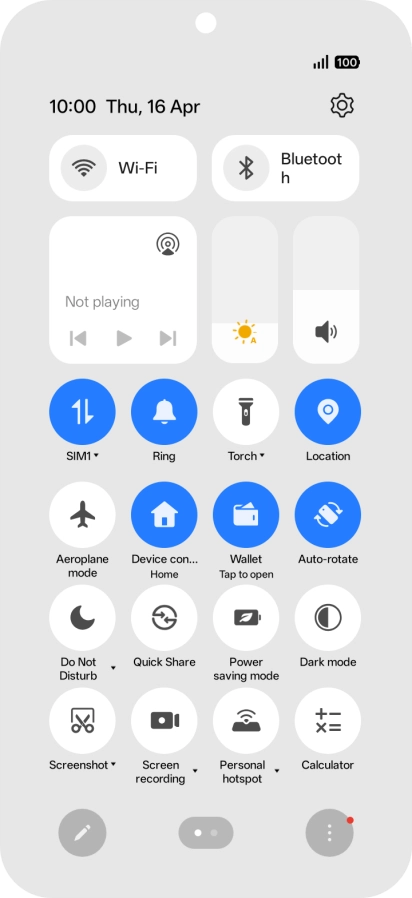
Press the settings icon.
Step 2 of 8

1. Find "Apps"

Press the settings icon.

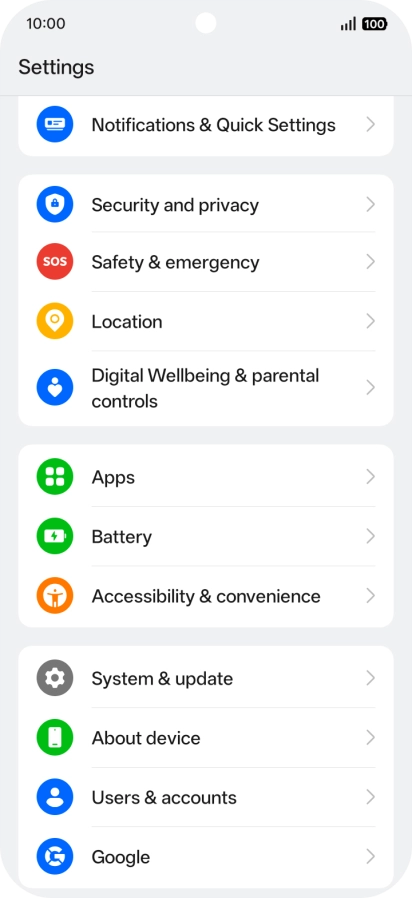
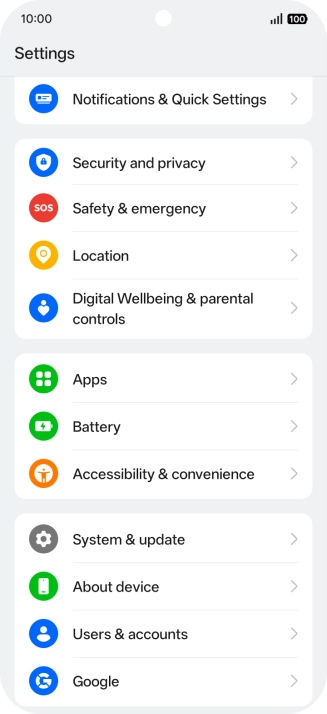
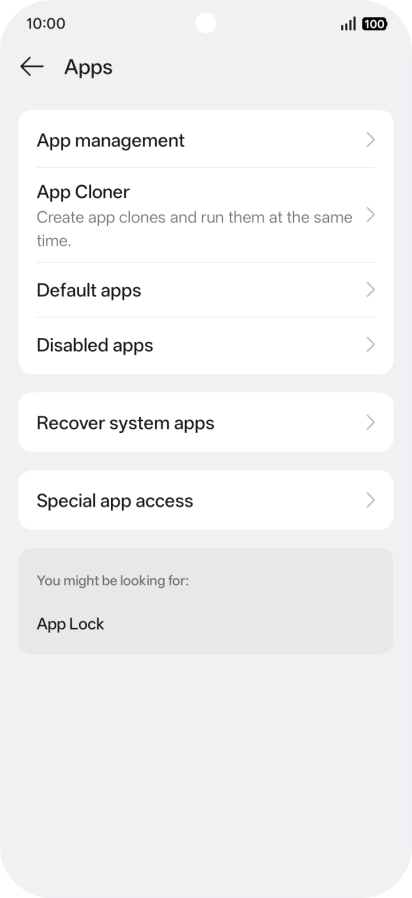
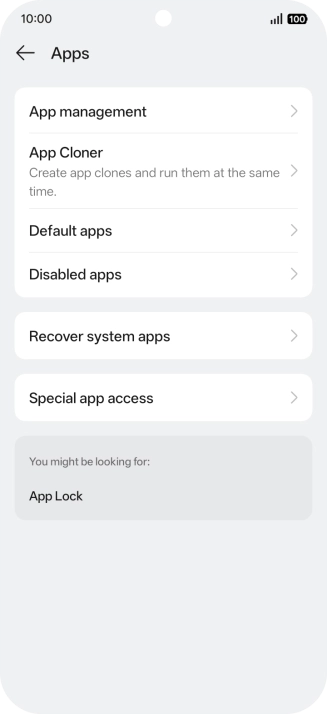
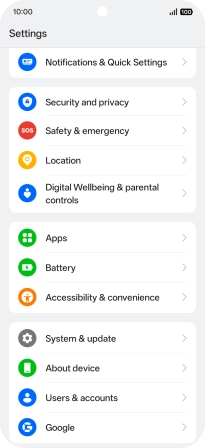
Press Apps.
Step 3 of 8

1. Find "Apps"

Press Apps.

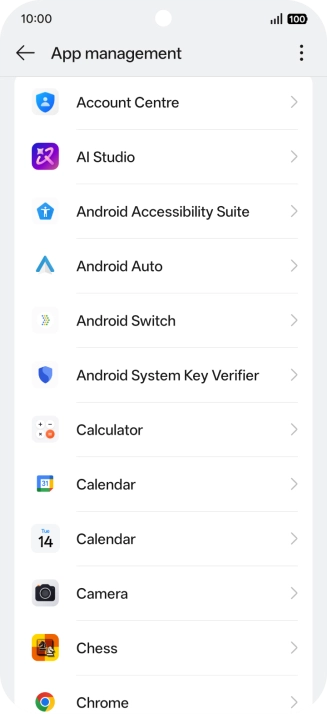
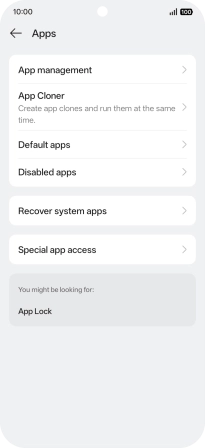
Press App management.
Step 4 of 8

2. Delete temporary data

Press App management.

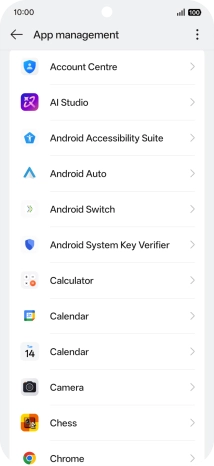
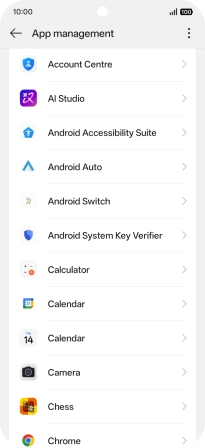
Press the required app.
Step 5 of 8

2. Delete temporary data

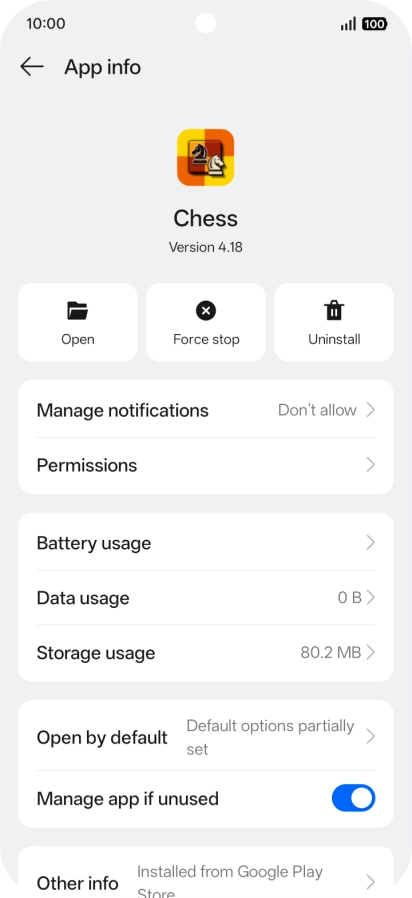
Press the required app.

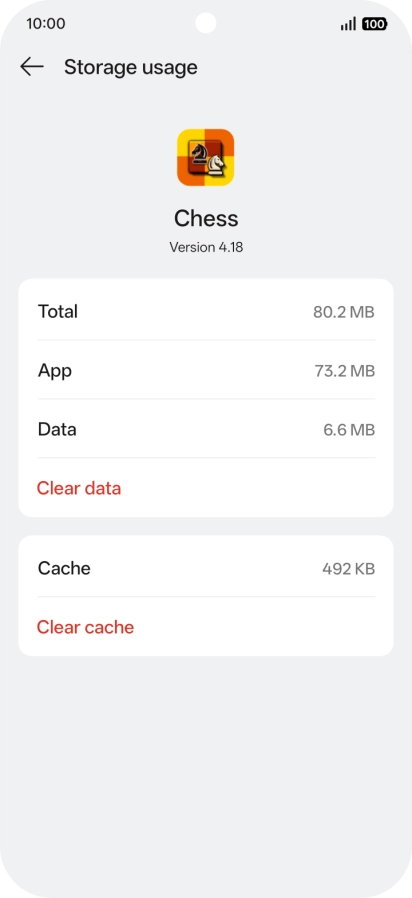
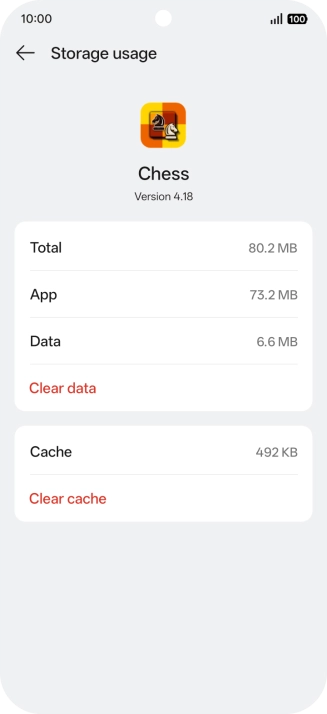
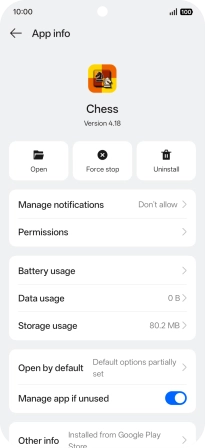
Press Storage usage.
Step 6 of 8

2. Delete temporary data

Press Storage usage.

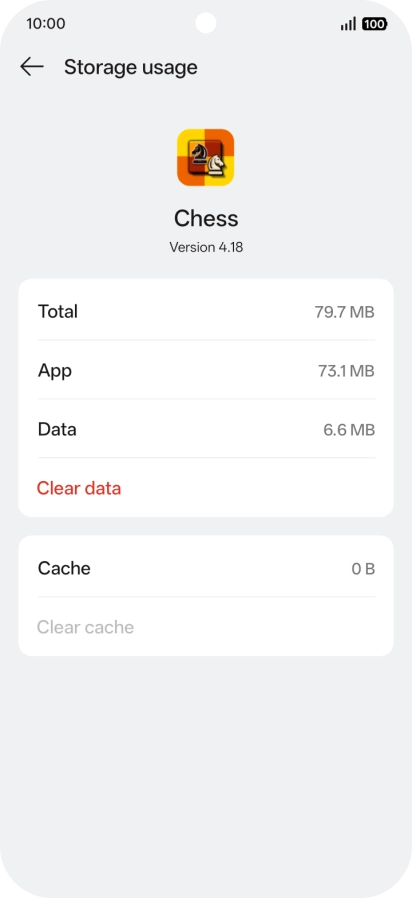
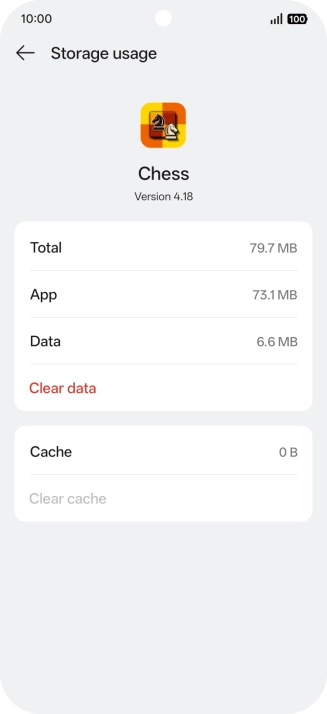
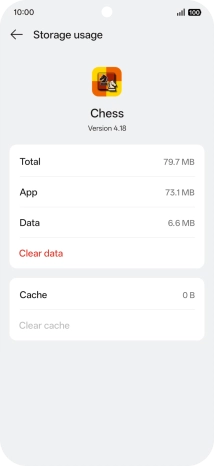
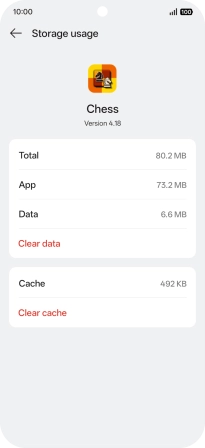
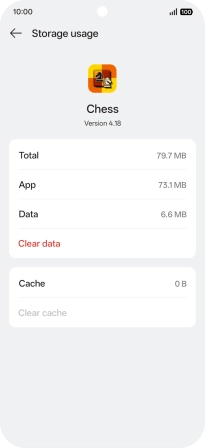
Press Clear cache.
Step 7 of 8

2. Delete temporary data

Press Clear cache.

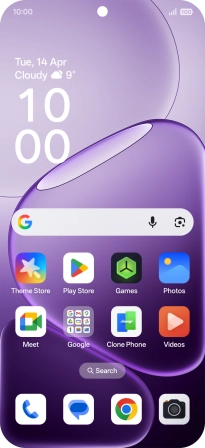
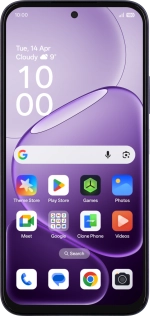
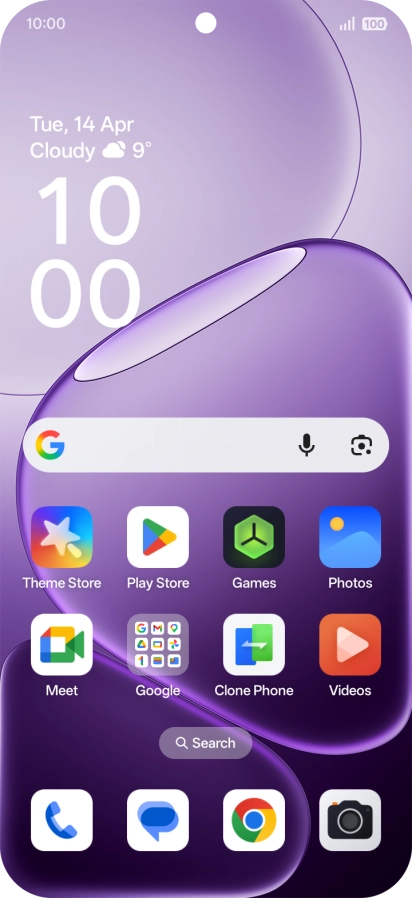
Slide your finger upwards starting from the bottom of the screen to return to the home screen.
Step 8 of 8

3. Return to the home screen

Slide your finger upwards starting from the bottom of the screen to return to the home screen.

1. Find "Apps"

Slide your finger downwards starting from the top right side of the screen.
Press the settings icon.
Press Apps.

2. Delete temporary data

Press App management.
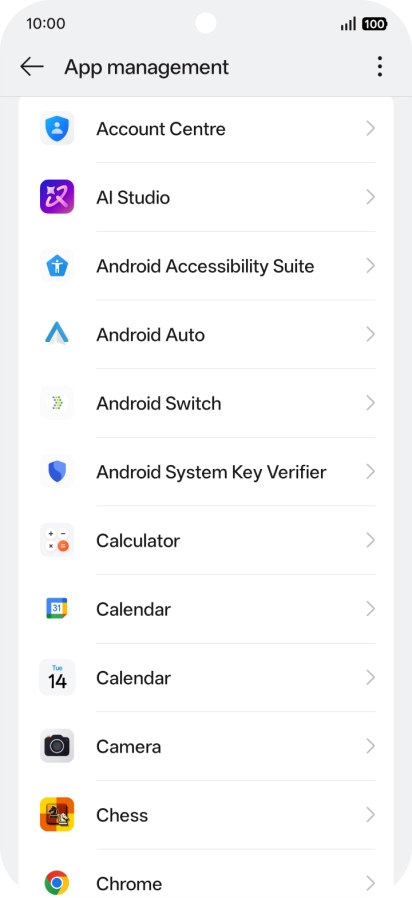
Press the required app.
Press Storage usage.
Press Clear cache.

3. Return to the home screen

Slide your finger upwards starting from the bottom of the screen to return to the home screen.

Thank you for your evaluation!

Get information on...

Or select...

Another device