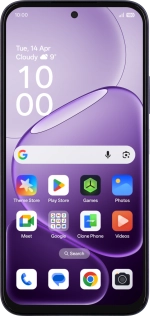
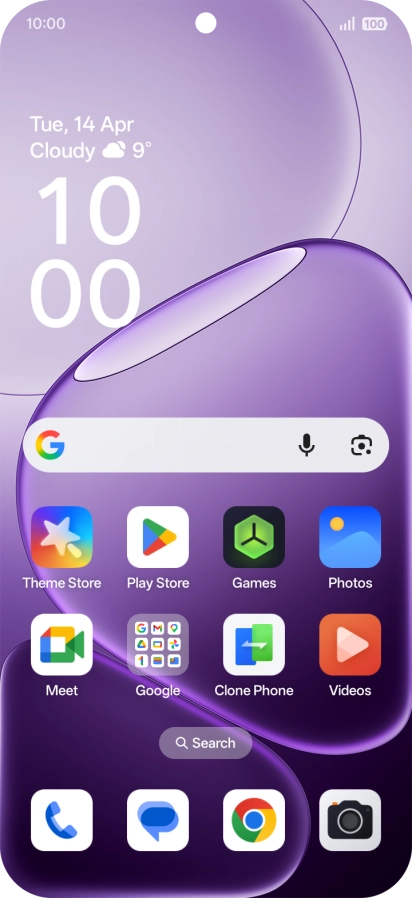
1. Find "Reset phone"
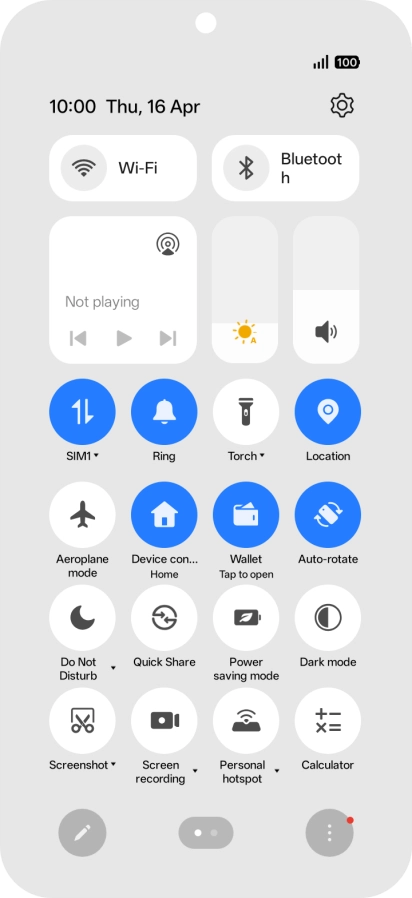
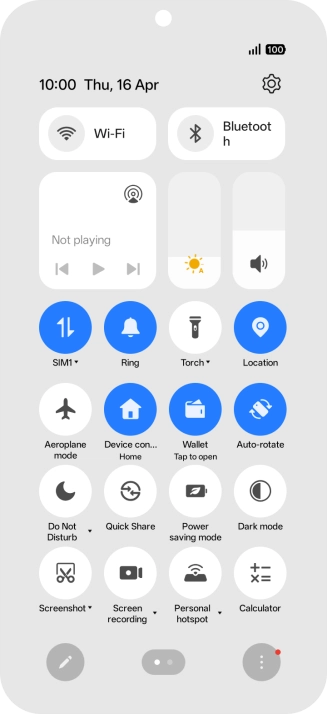
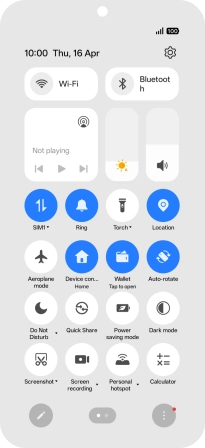
Slide your finger downwards starting from the top right side of the screen.
1. Find "Reset phone"
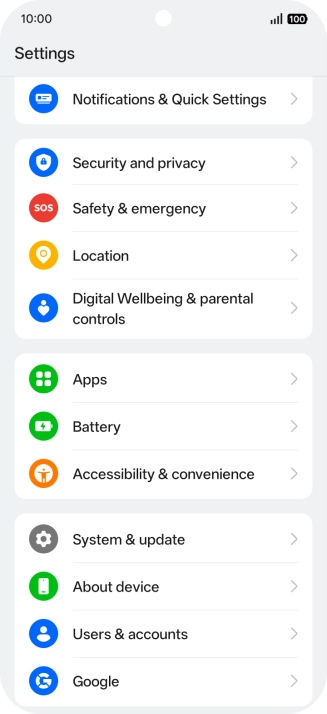
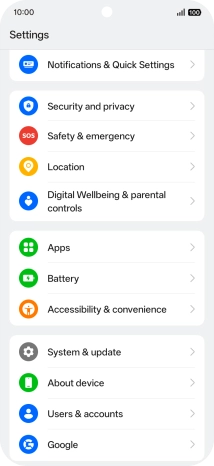
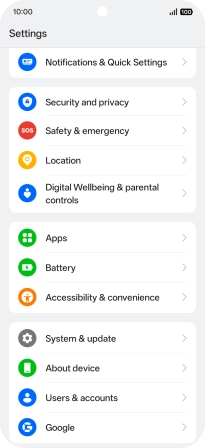
Press the settings icon.
1. Find "Reset phone"
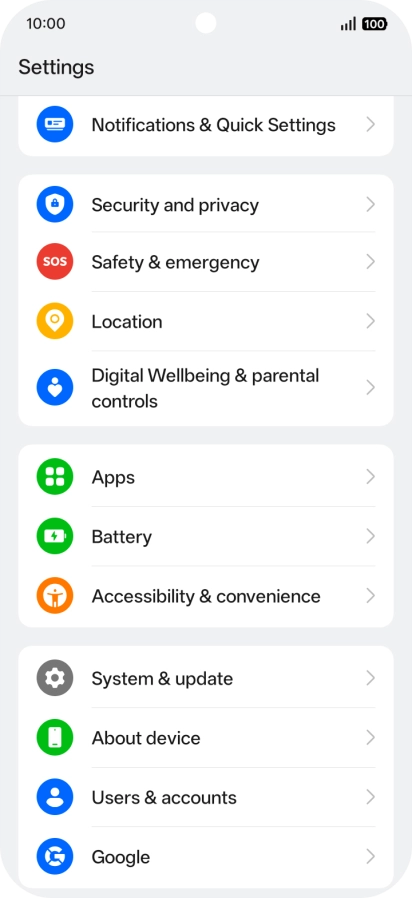
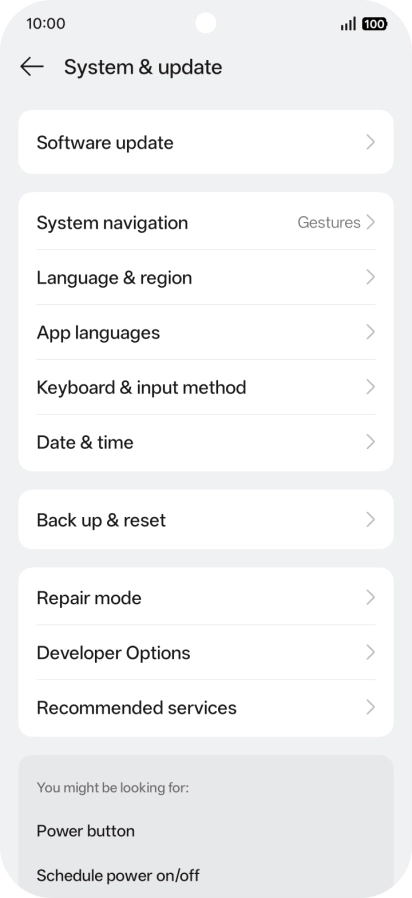
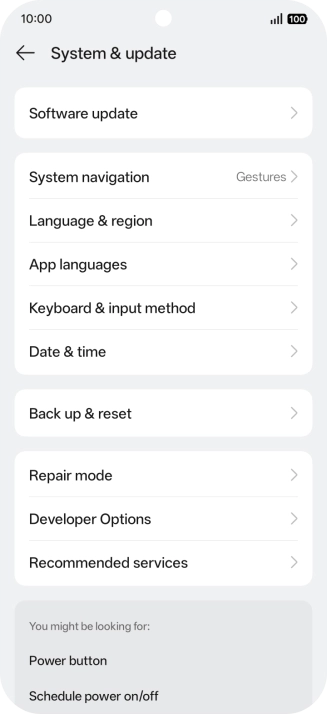
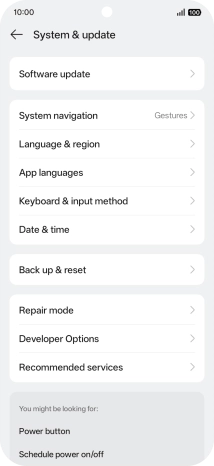
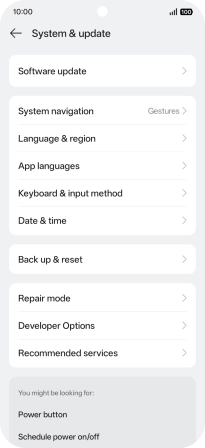
Press System & update.
1. Find "Reset phone"
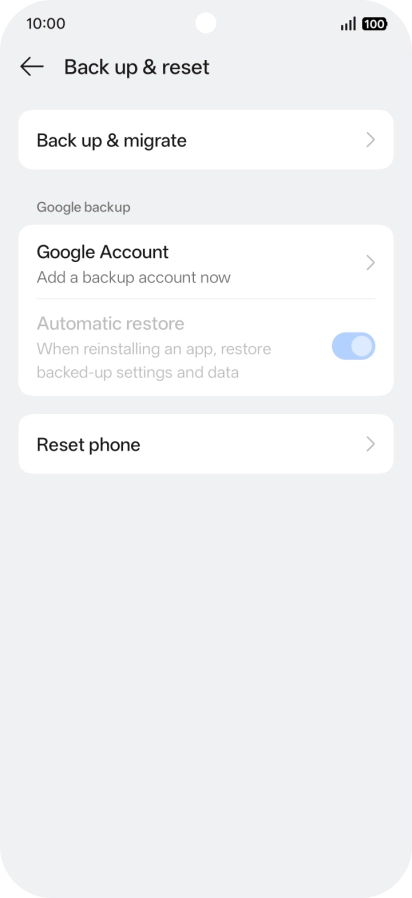
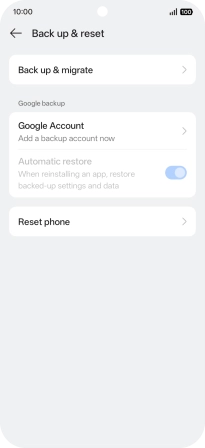
Press Back up & reset.
1. Find "Reset phone"
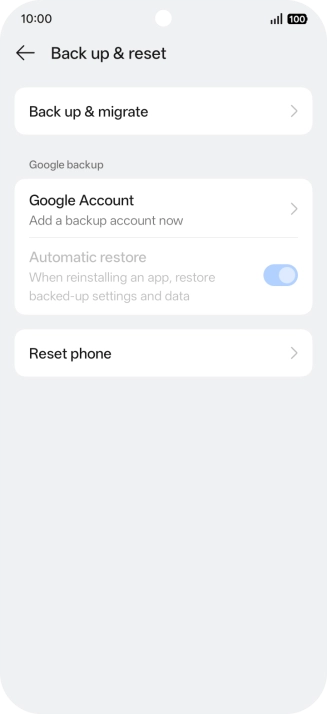
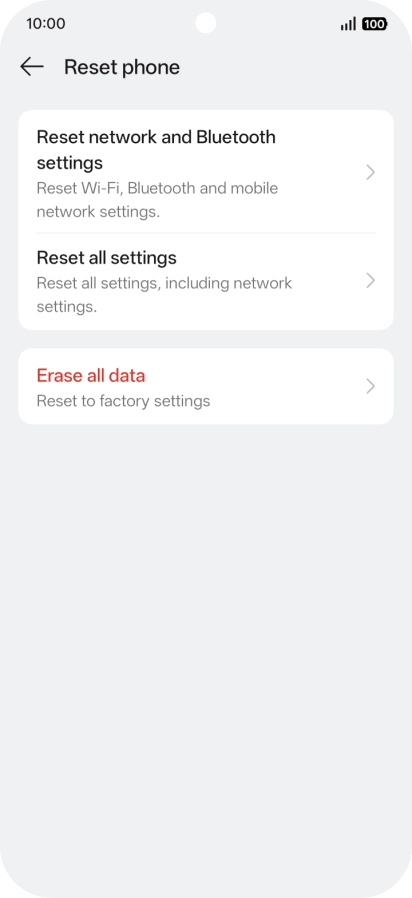
Press Reset phone.
2. Reset network settings
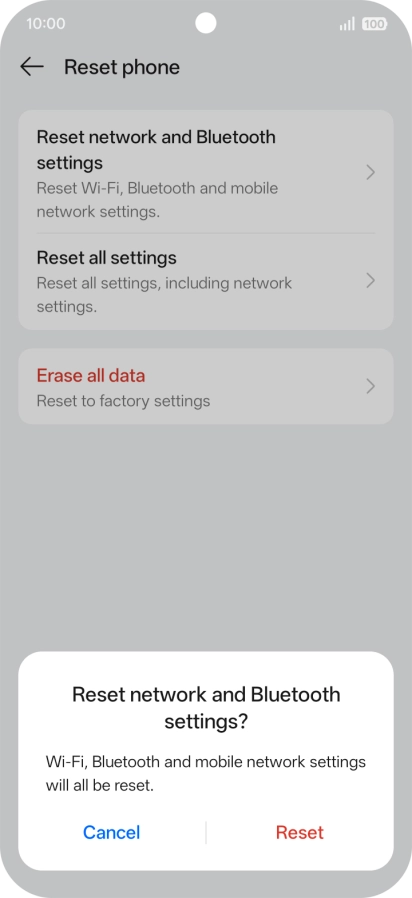
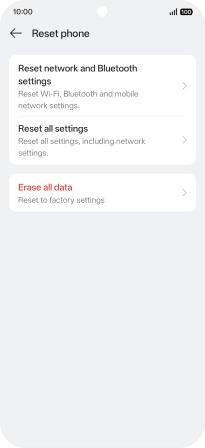
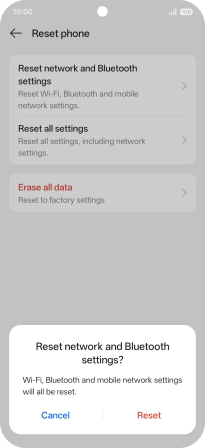
Press Reset network and Bluetooth settings.
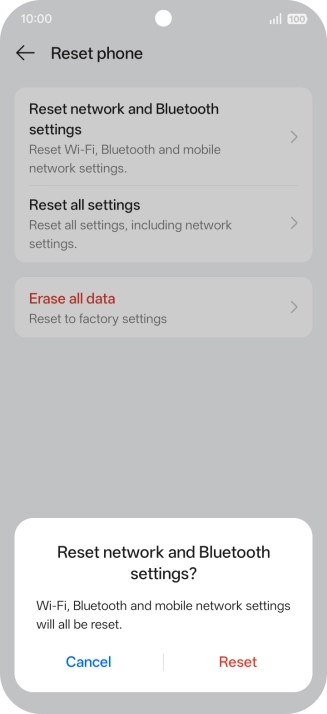
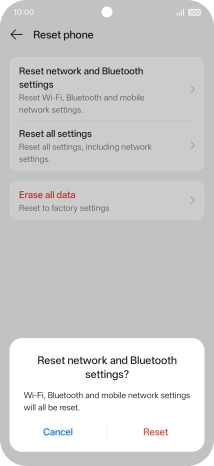
2. Reset network settings
Press Reset.
3. Return to the home screen
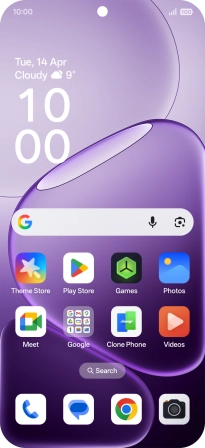
Slide your finger upwards starting from the bottom of the screen to return to the home screen.
1. Find "Reset phone"
2. Reset network settings
3. Return to the home screen
Thank you for your evaluation!

Thank you for your evaluation!