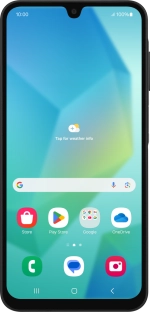
Samsung Galaxy A16 4G

Samsung Galaxy A16 4G

Android 14

I can't use Wi-Fi calling on my Samsung Galaxy A16 4G Android 14

Cause 3 of 3: Your phone needs to be restarted

If you can't use Wi-Fi calling, it may help restarting your phone.

Solution: Restart your phone.

Step 1 of 1

Restart your phone

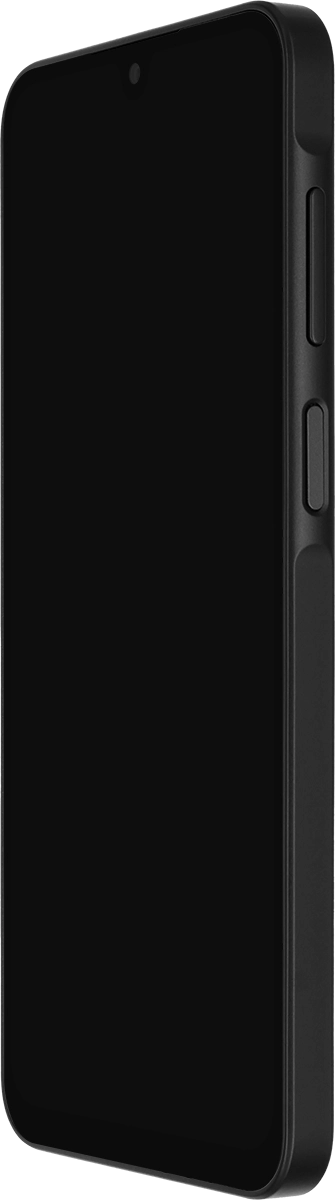
Simultaneously, press On/Off and the lower part of the Volume key and keep them both pressed until your phone restarts.

1 Restart your phone

Simultaneously, press On/Off and the lower part of the Volume key and keep them both pressed until your phone restarts.

Did this solve the problem?

Yes - All solved No - Go to next cause

Get information on...

Or select...

Another device