1. Use Circle to Search (Circle to Search by Google)
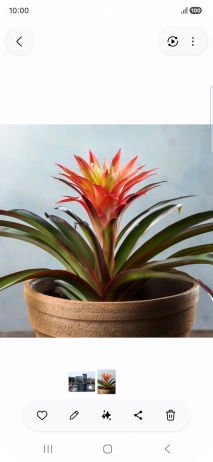
Go to the required picture.
1. Use Circle to Search (Circle to Search by Google)
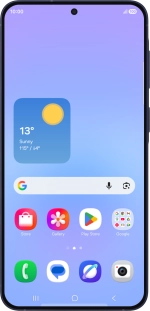
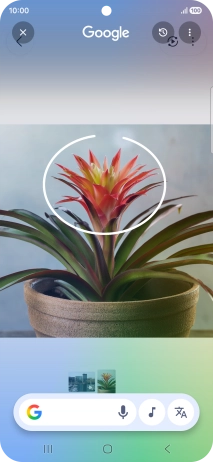
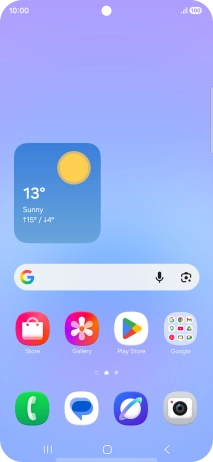
Press and hold the Home key.
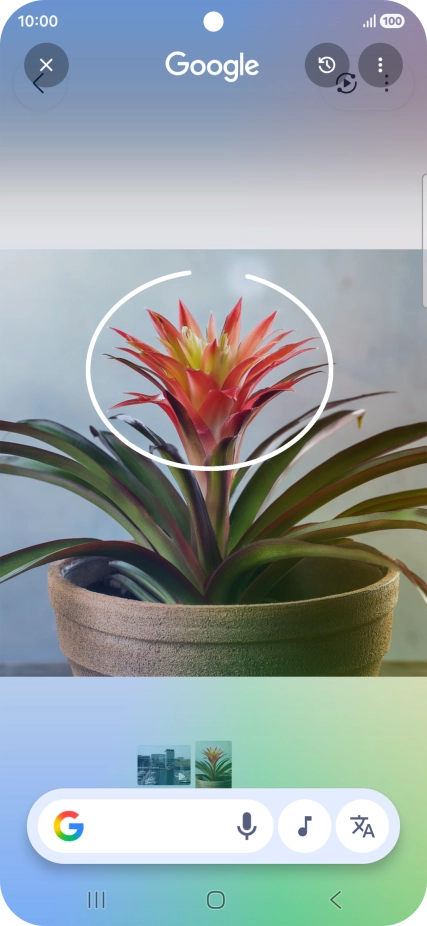
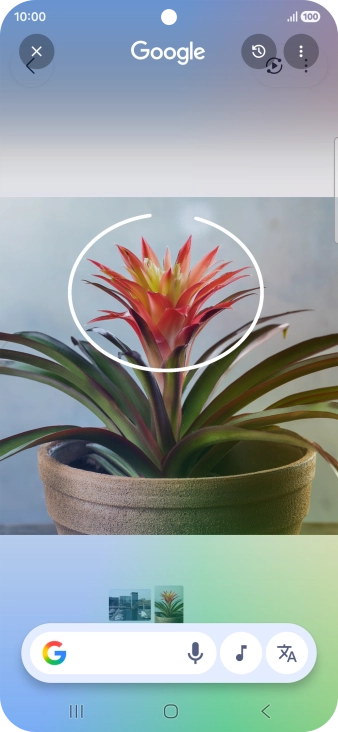
1. Use Circle to Search (Circle to Search by Google)
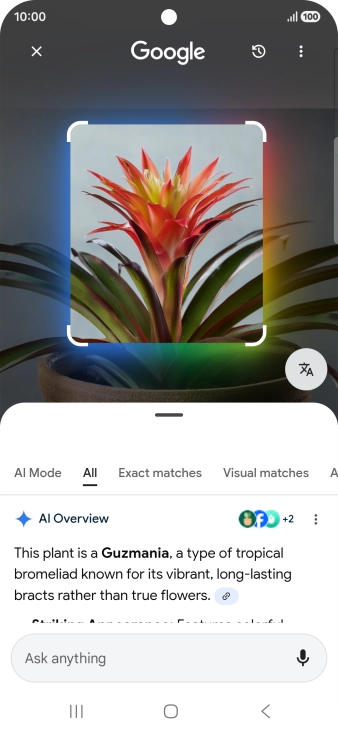
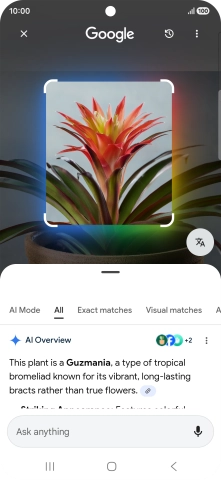
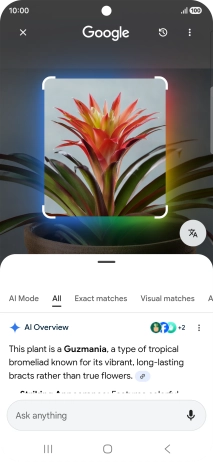
Draw a circle around the required object on the picture and wait for the search results.
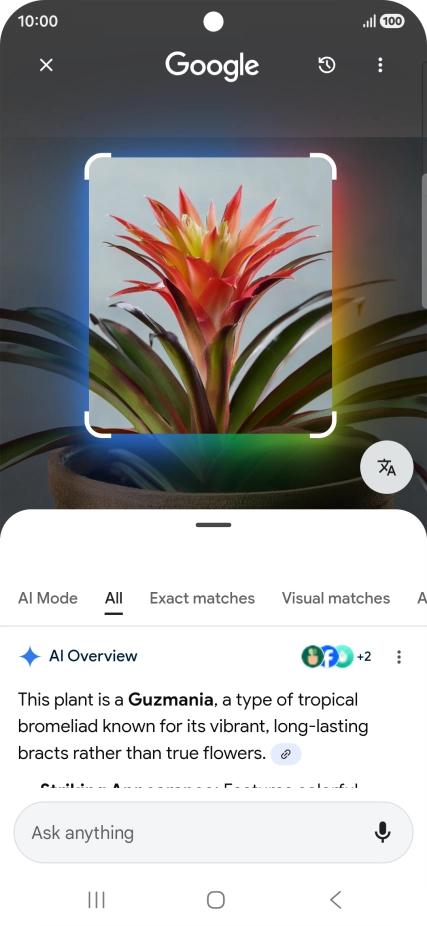
1. Use Circle to Search (Circle to Search by Google)
Follow the instructions on the screen to use the search results.
1. Use Circle to Search (Circle to Search by Google)
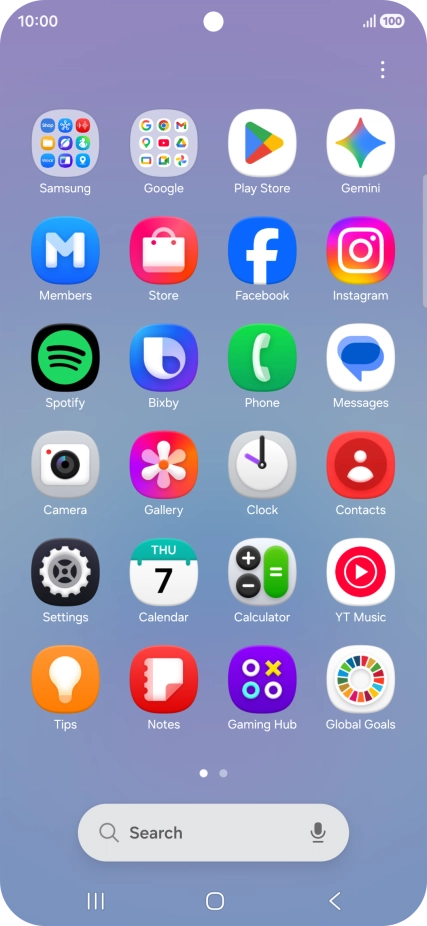
Press the Return key to return to the picture.
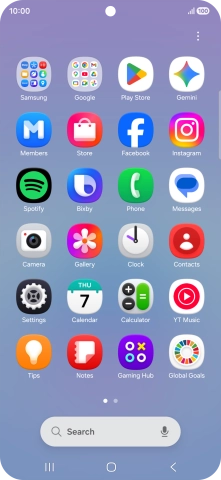
2. Use Galaxy AI for picture editing
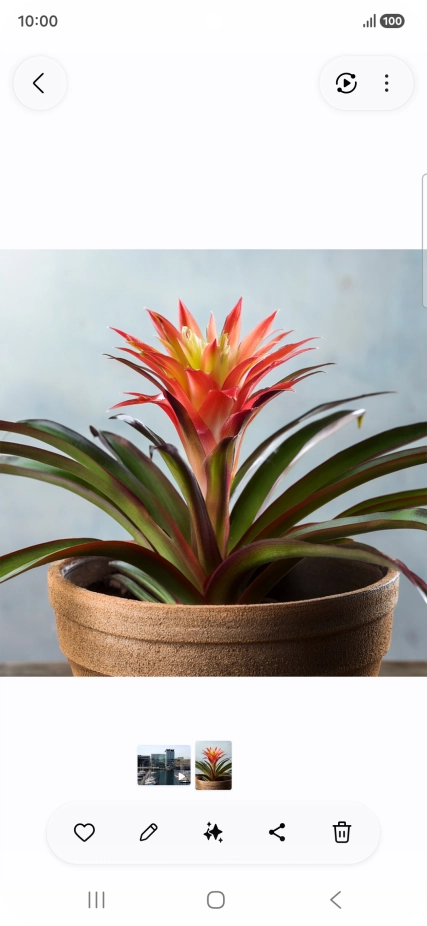
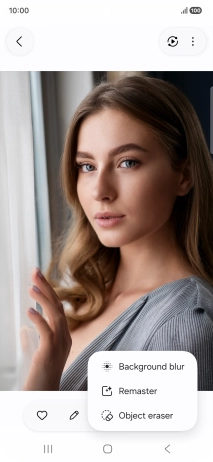
Open Gallery and go to the required picture.
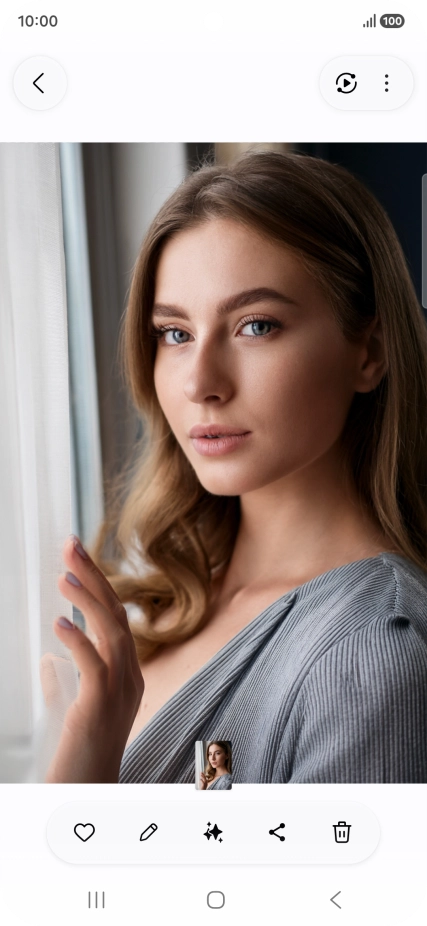


2. Use Galaxy AI for picture editing
Press the AI icon.
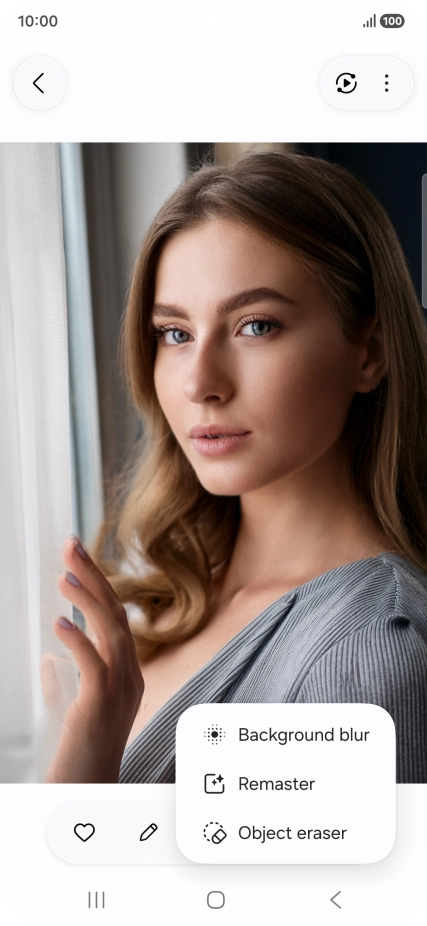
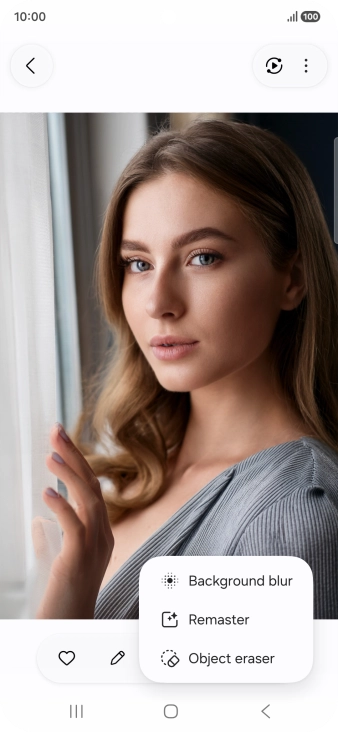
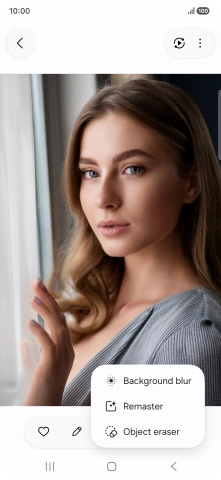
2. Use Galaxy AI for picture editing
Press the required setting and follow the instructions on the screen to use the function.
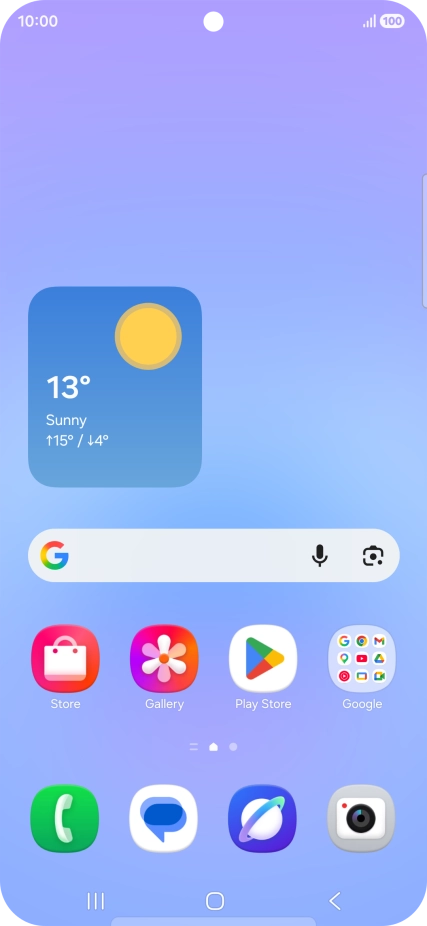
3. See more examples of Galaxy AI usage
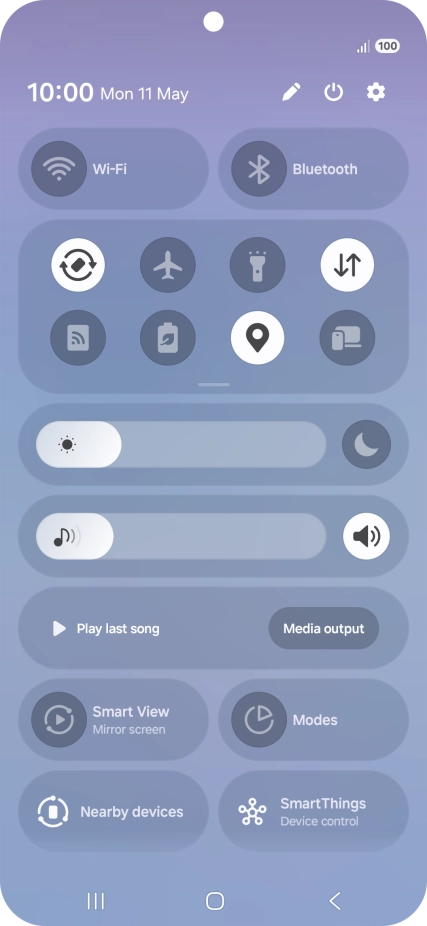
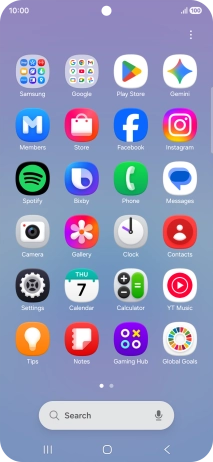
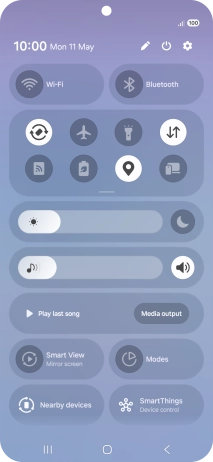
Slide your finger downwards starting from the top right side of the screen.
3. See more examples of Galaxy AI usage
Press the settings icon.
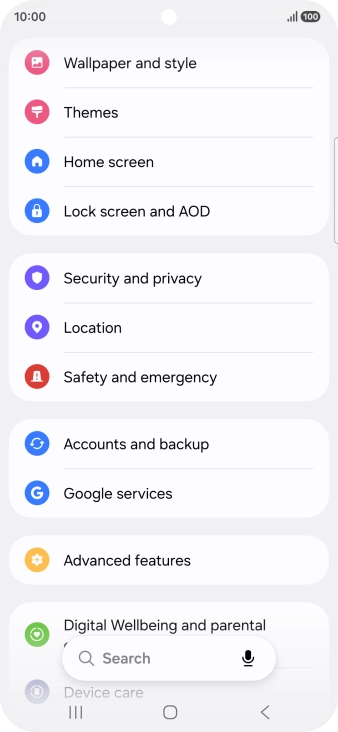
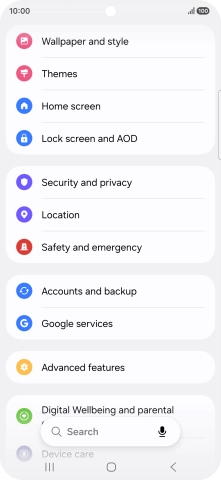
3. See more examples of Galaxy AI usage
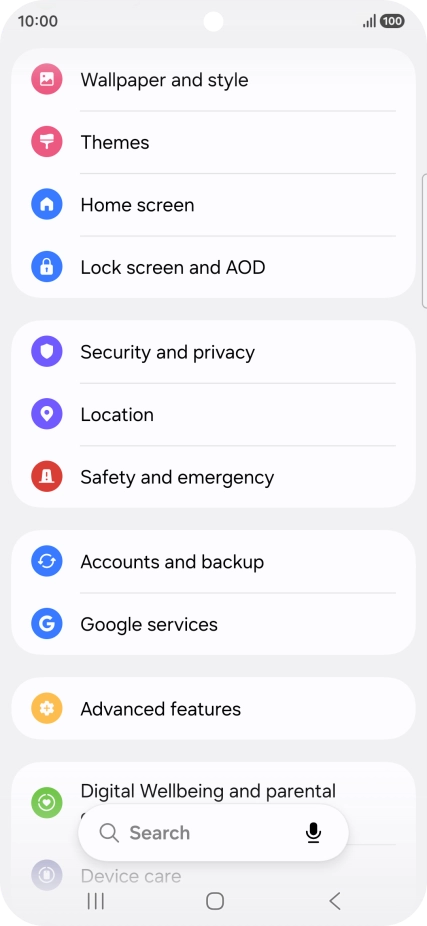
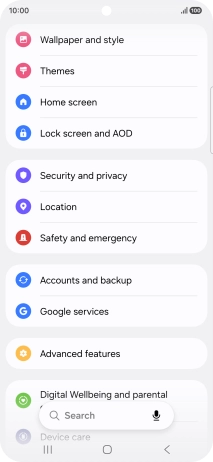
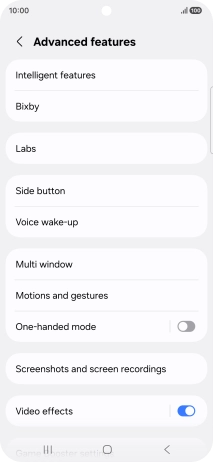
Press Advanced features.
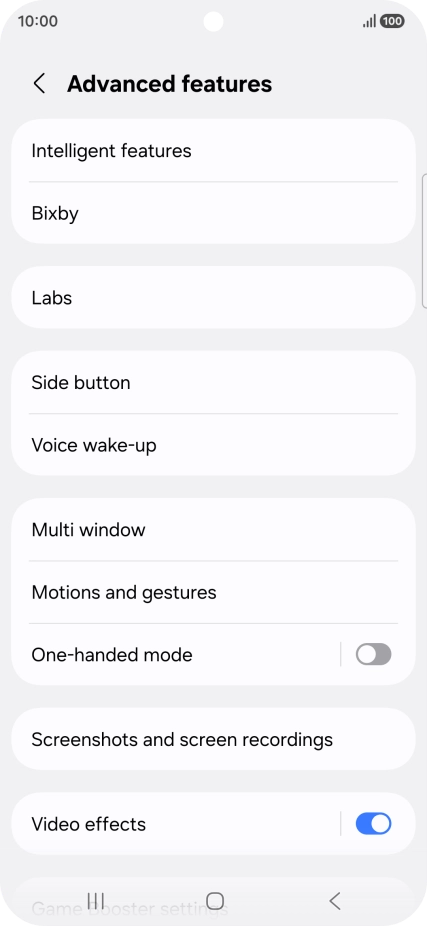
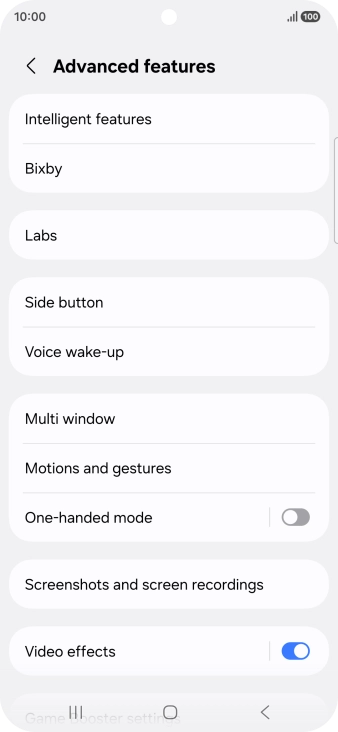
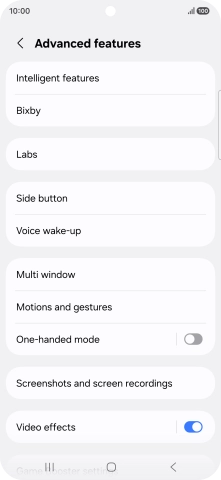
3. See more examples of Galaxy AI usage
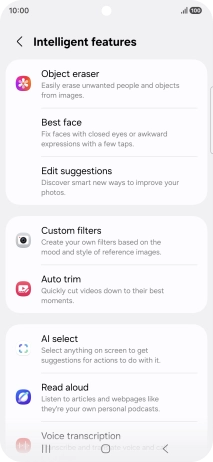
Press Intelligent features.
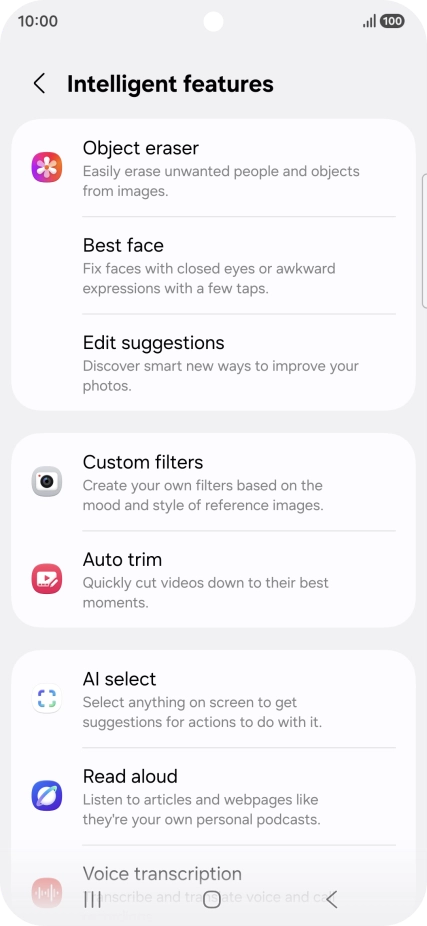
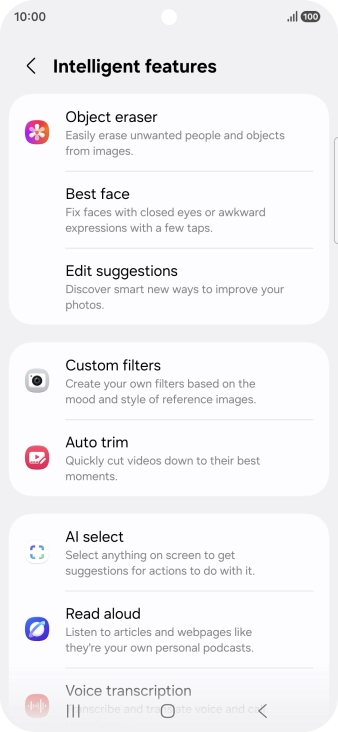
3. See more examples of Galaxy AI usage
More examples of Galaxy AI usage are now displayed.
1. Use Circle to Search (Circle to Search by Google)
2. Use Galaxy AI for picture editing

3. See more examples of Galaxy AI usage
Thank you for your evaluation!

Thank you for your evaluation!