


1. Find "Ringtone"
Slide two fingers downwards starting from the top of the screen.


1. Find "Ringtone"
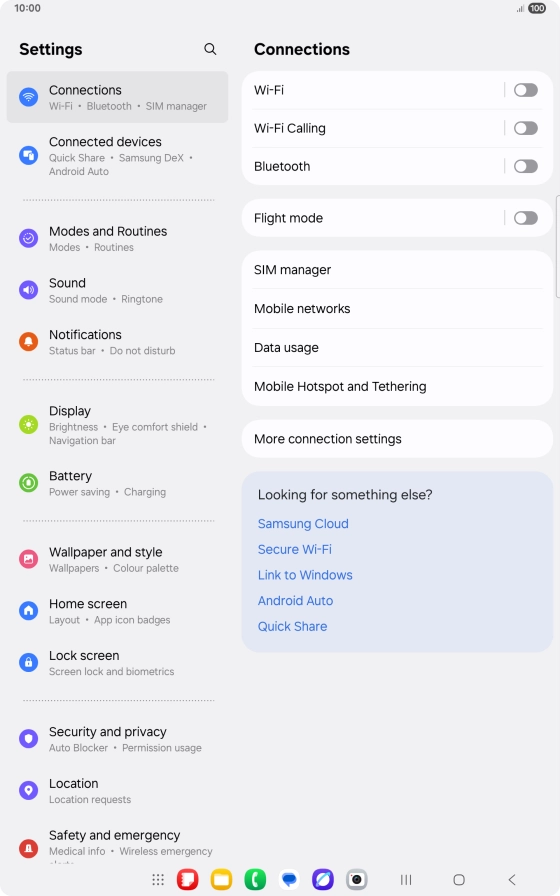
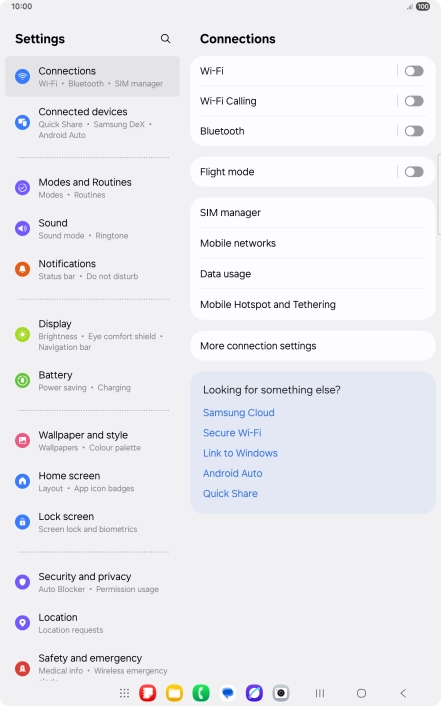
Press the settings icon.
1. Find "Ringtone"
Press Sound.


1. Find "Ringtone"
Press Ringtone.


2. Select ring tone
Press the required ring tones to hear them.
2. Select ring tone
Once you've found a ring tone you like, press the Return key.
2. Select ring tone
To use a different ring tone than the default ones, press the add ring tone icon and follow the instructions on the screen to select the required ring tone.
3. Return to the home screen
Press the Home key to return to the home screen.
1. Find "Ringtone"



2. Select ring tone

3. Return to the home screen
Thank you for your evaluation!

Thank you for your evaluation!