


1. Find "Screen lock and biometrics"
Slide two fingers downwards starting from the top of the screen.


1. Find "Screen lock and biometrics"
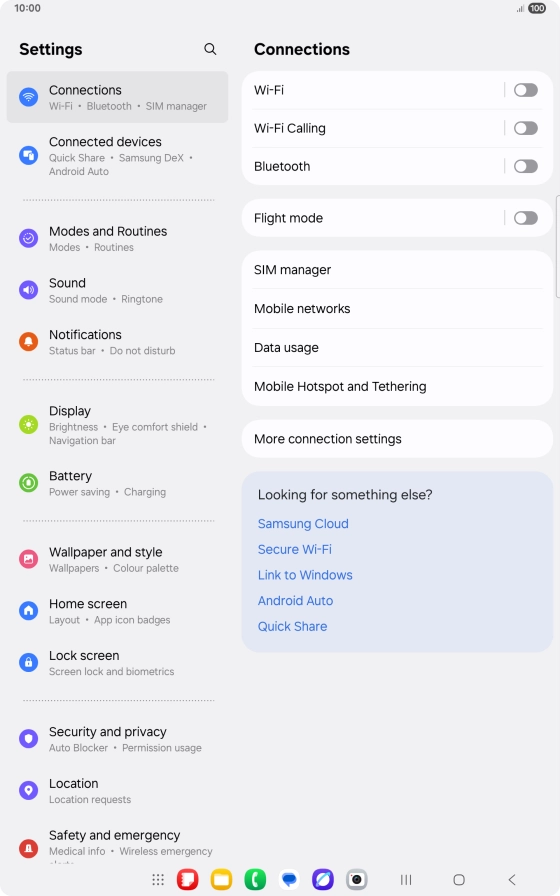
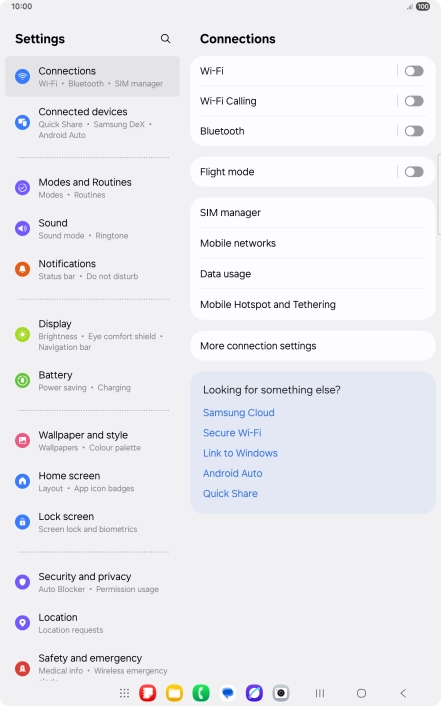
Press the settings icon.
1. Find "Screen lock and biometrics"
Press Lock screen.


1. Find "Screen lock and biometrics"
Press Screen lock and biometrics.


2. Create lock code using a fingerprint
Press Fingerprints.


2. Create lock code using a fingerprint
Press the required lock code and follow the instructions on the screen to create an additional lock code.


2. Create lock code using a fingerprint
Press Done.


2. Create lock code using a fingerprint
Press Continue.


2. Create lock code using a fingerprint
Press Continue.


2. Create lock code using a fingerprint
Press Register.


2. Create lock code using a fingerprint
Follow the instructions on the screen to create the lock code using your fingerprint.


2. Create lock code using a fingerprint
Press Done.


2. Create lock code using a fingerprint
Press the indicators next to the required settings to turn them on or off.
2. Create lock code using a fingerprint
Press the Return key.


3. Turn off use of lock code
Press Screen lock and biometrics and key in the current lock code.


3. Turn off use of lock code
Press None.


3. Turn off use of lock code
Press Remove data.


3. Turn off use of lock code
Press Remove.


4. Return to the home screen
Press the Home key to return to the home screen.
1. Find "Screen lock and biometrics"



2. Create lock code using a fingerprint


3. Turn off use of lock code


4. Return to the home screen

Thank you for your evaluation!

Thank you for your evaluation!