Samsung Galaxy Watch Ultra2

Samsung Galaxy Watch Ultra2

Wear OS 7

Set up mobile data on your Samsung Galaxy Watch Ultra2 Wear OS 7

Read help info

You can set up mobile data on your smartwatch allowing you to make and receive calls and use apps without being connected to your phone.

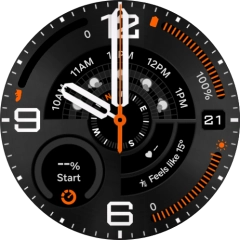
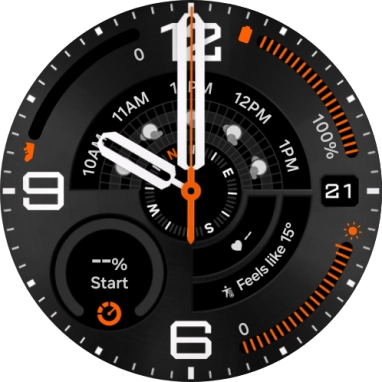
Slide your finger upwards starting from the bottom of the screen.
Step 1 of 9

1. Find "Connections"

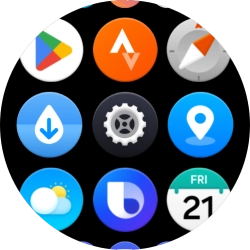
Slide your finger upwards starting from the bottom of the screen.
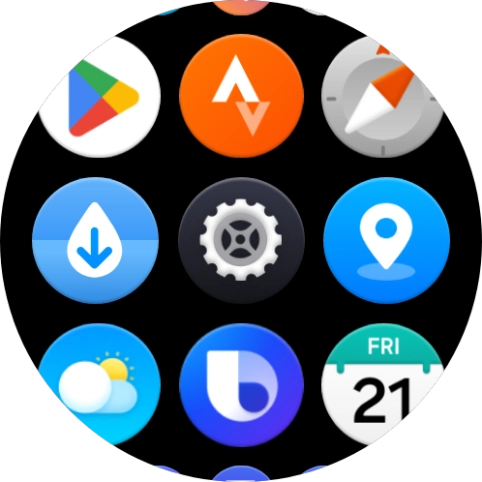
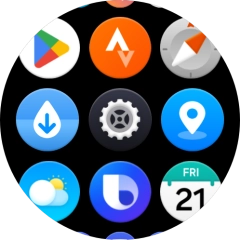
Press the settings icon.
Step 2 of 9

1. Find "Connections"

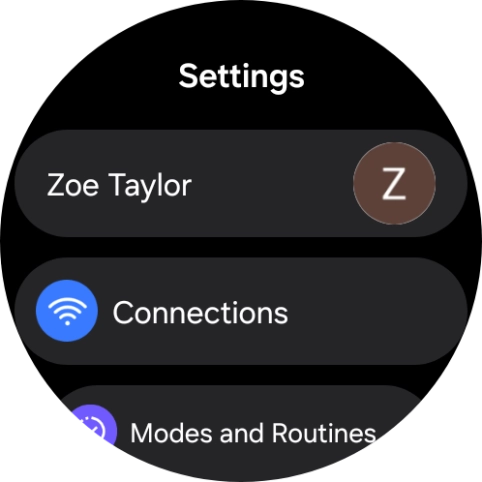
Press the settings icon.

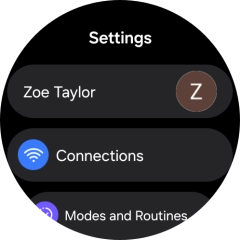
Press Connections.
Step 3 of 9

1. Find "Connections"

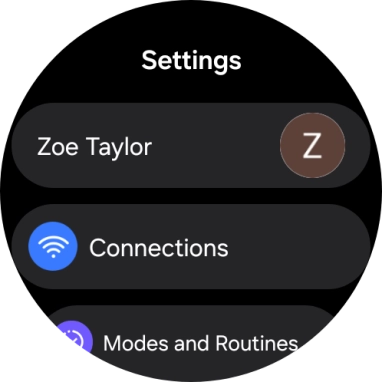
Press Connections.

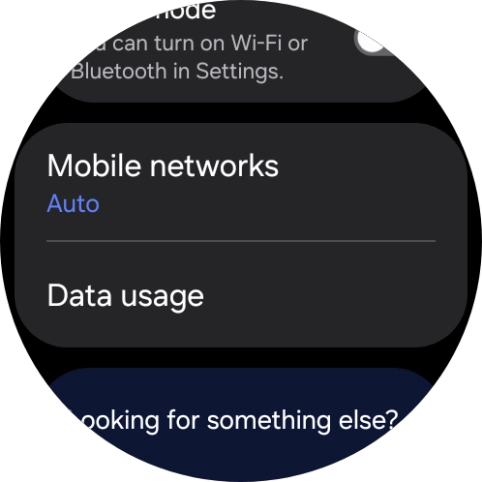
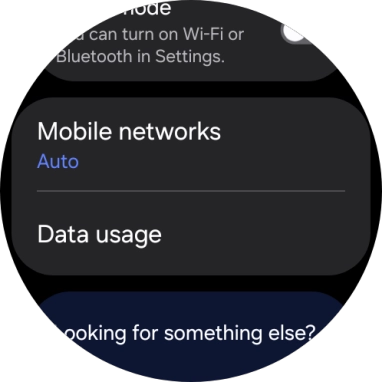
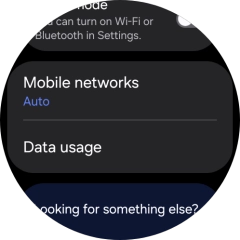
Press Mobile networks.
Step 4 of 9

2. Set up mobile data

Press Mobile networks.

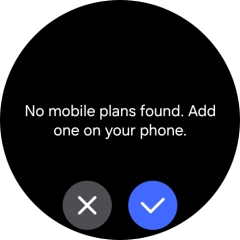
Press the confirm icon.
Step 5 of 9

2. Set up mobile data

Press the confirm icon.

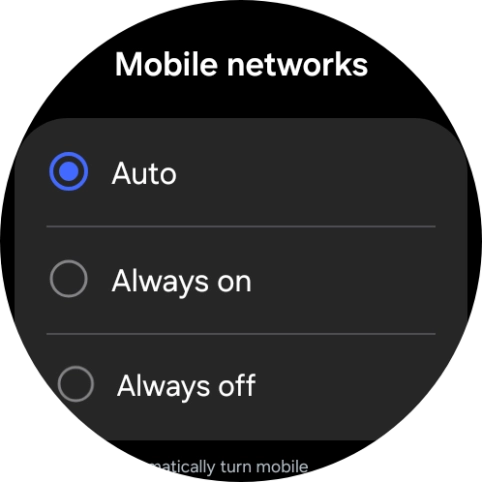
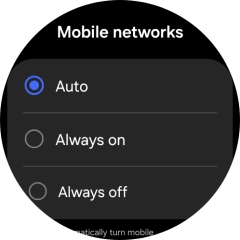
Press the required setting for mobile data usage.
Step 6 of 9

2. Set up mobile data

Press the required setting for mobile data usage.

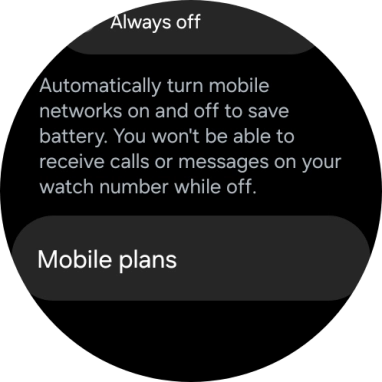
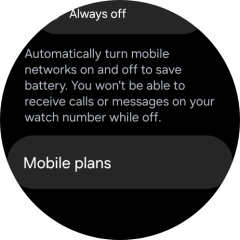
Press Mobile plans.
Step 7 of 9

2. Set up mobile data

Press Mobile plans.

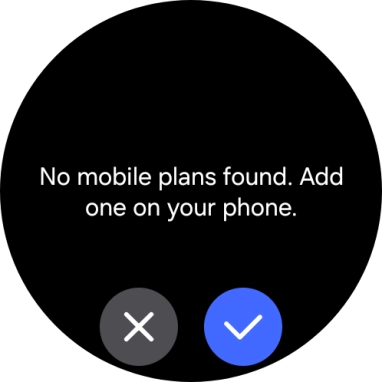
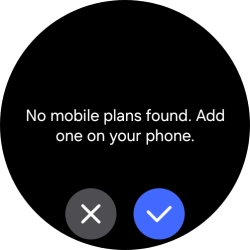
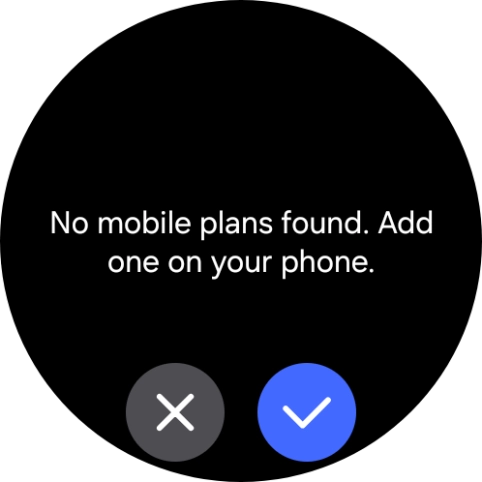
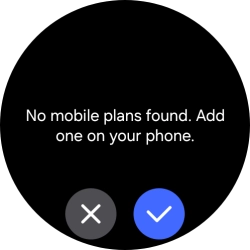
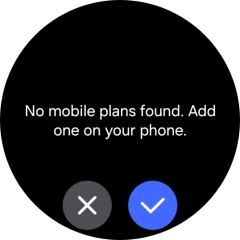
Press the confirm icon.
Step 8 of 9

2. Set up mobile data

Press the confirm icon.

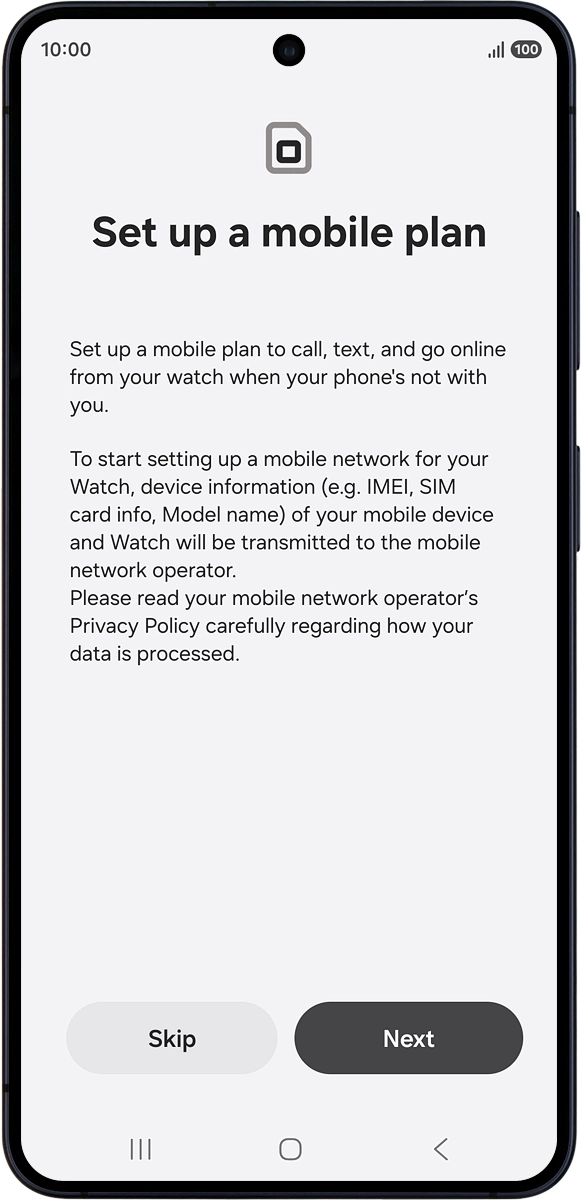
On your phone: Press Next and follow the instructions on the screen to set up mobile data.
Step 9 of 9

2. Set up mobile data

On your phone: Press Next and follow the instructions on the screen to set up mobile data.

1. Find "Connections"

Slide your finger upwards starting from the bottom of the screen.
Press the settings icon.
Press Connections.

2. Set up mobile data

Press Mobile networks.
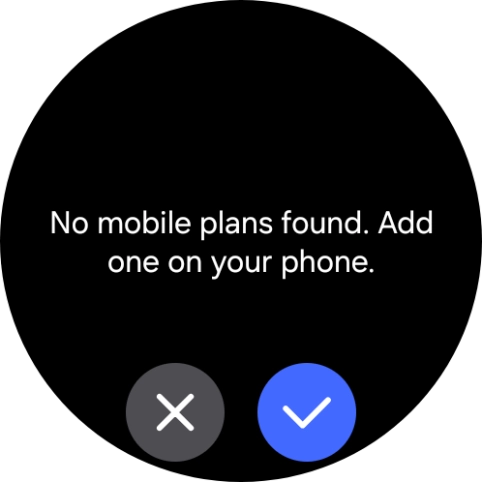
Press the confirm icon.
Press the required setting for mobile data usage.
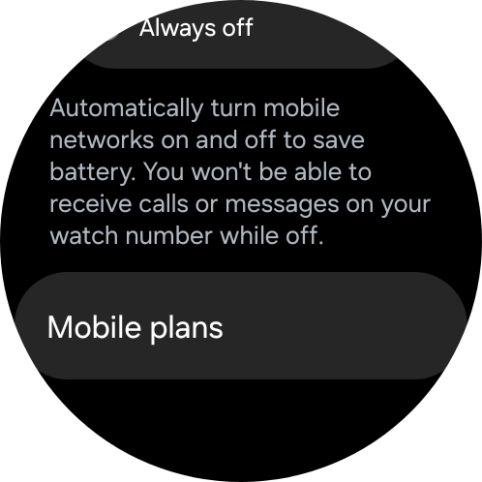
Press Mobile plans.
Press the confirm icon.
On your phone: Press Next and follow the instructions on the screen to set up mobile data.

Thank you for your evaluation!

Get information on...

Or select...

Another device