Samsung Galaxy Z Flip8

Samsung Galaxy Z Flip8

Android 17

Extend the battery life on your Samsung Galaxy Z Flip8 Android 17

Read help info

Some functions on your phone use a lot of power and therefore significantly reduce the battery life. You can reduce the power consumption by turning on low power mode.

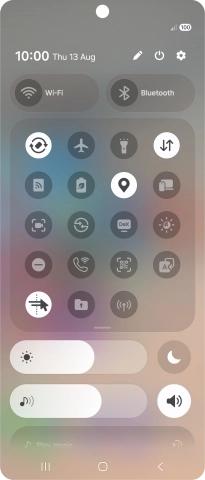
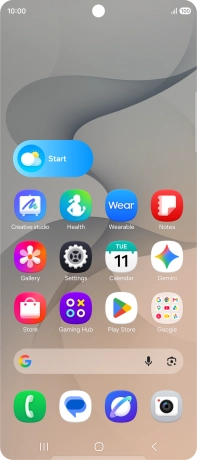
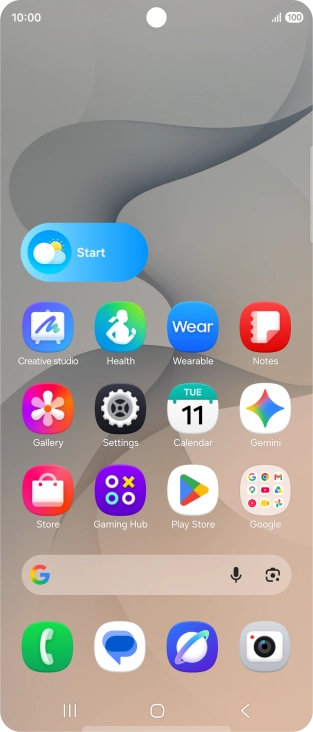
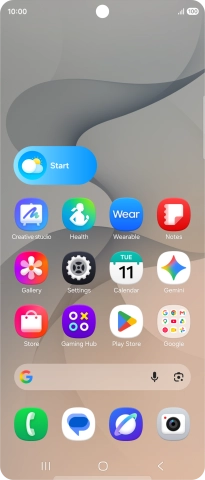
Slide your finger downwards starting from the top right side of the screen.
Step 1 of 7

1. Find "Power saving"

Slide your finger downwards starting from the top right side of the screen.
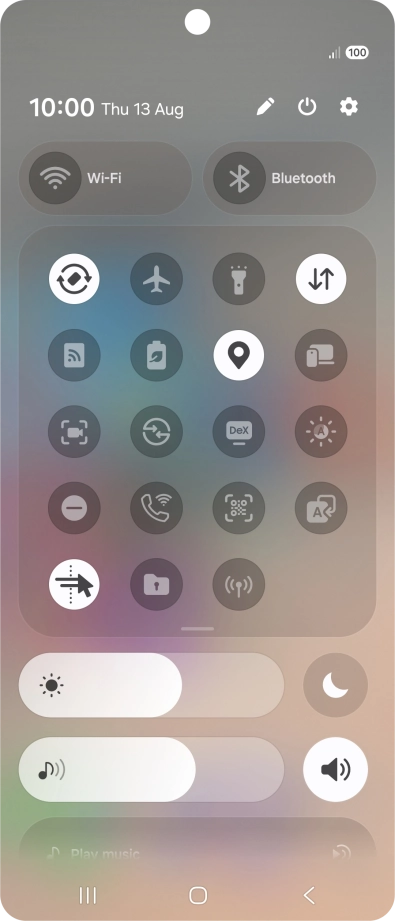
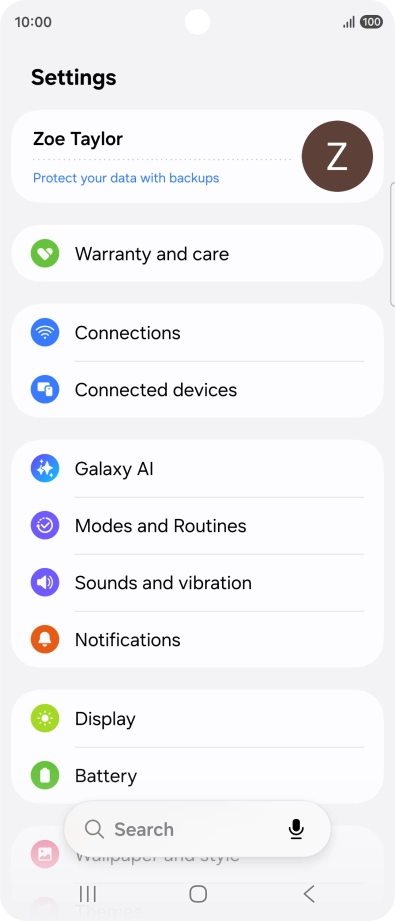
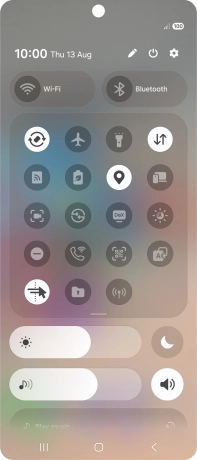
Press the settings icon.
Step 2 of 7

1. Find "Power saving"

Press the settings icon.

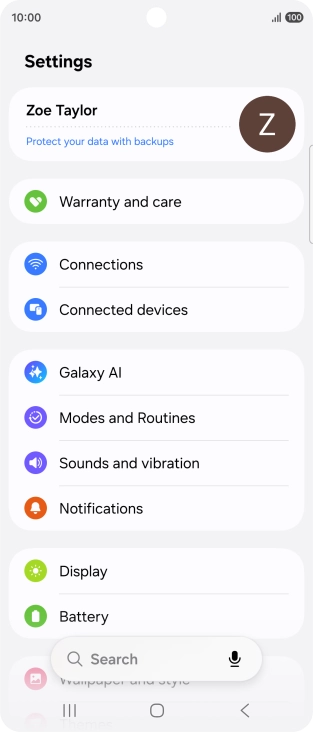
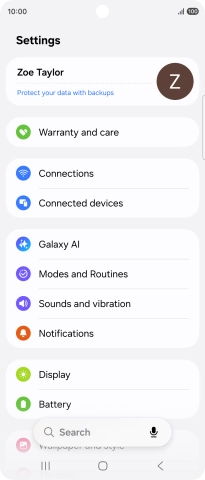
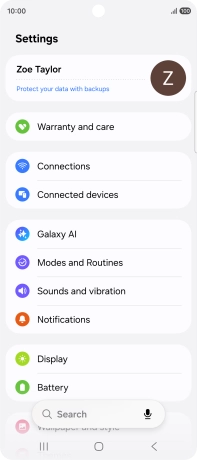
Press Battery.
Step 3 of 7

1. Find "Power saving"

Press Battery.

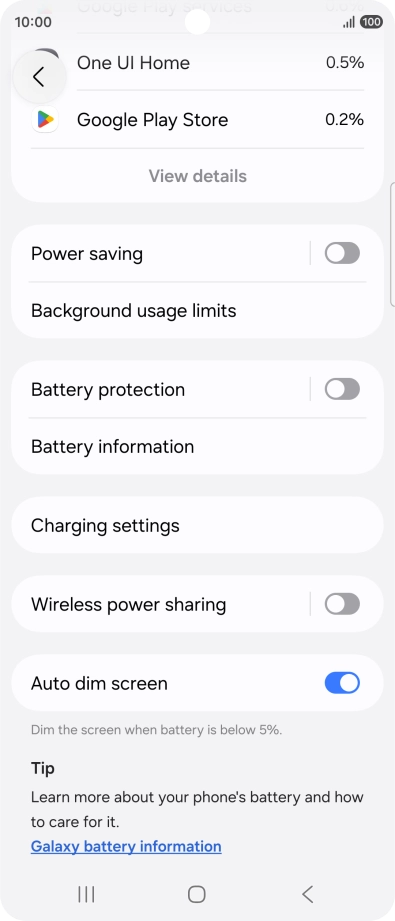
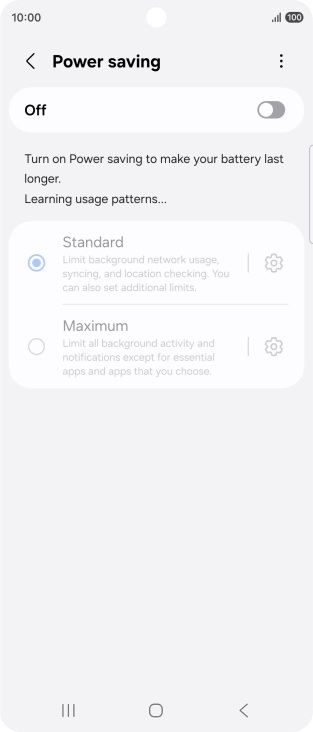
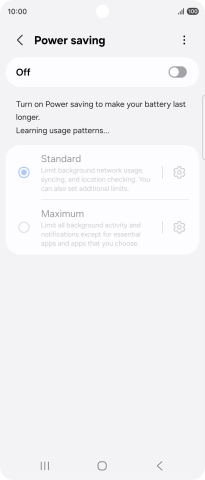
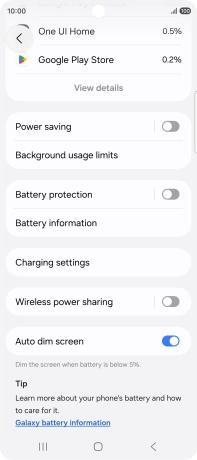
Press Power saving.
Step 4 of 7

1. Find "Power saving"

Press Power saving.

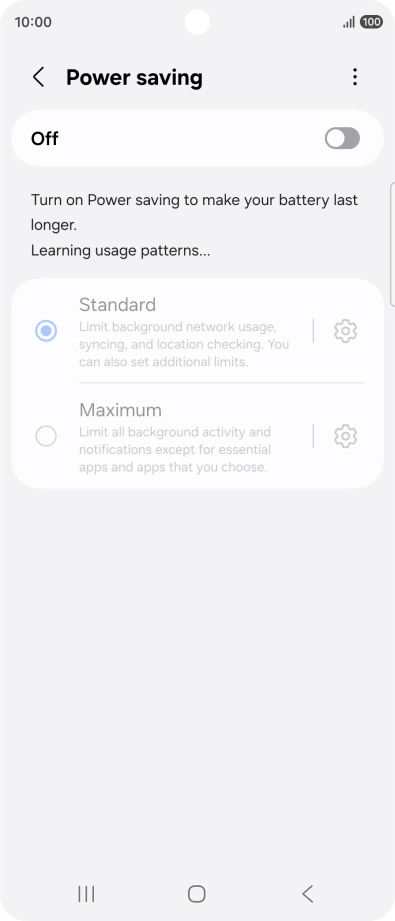
Press the indicator below
Step 5 of 7

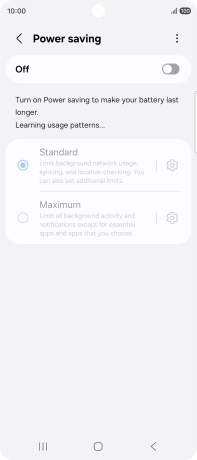
2. Extend the battery life

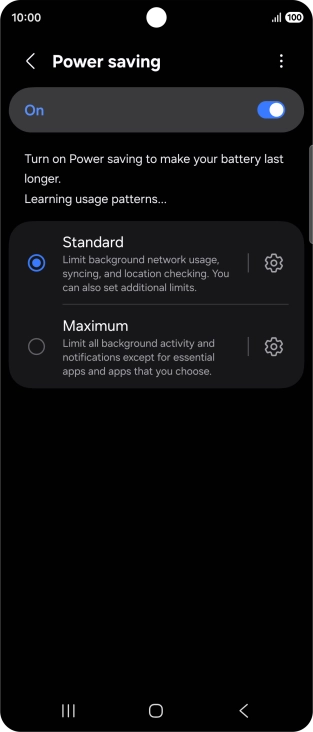
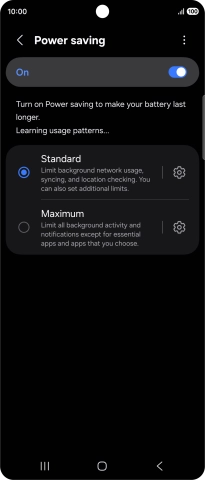
Press the indicator below "Power saving" to turn on the function.

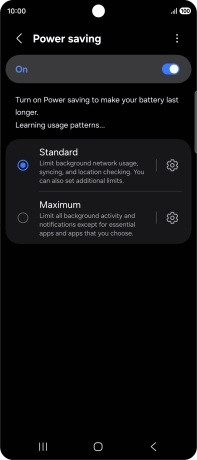
Press the indicator next to the required setting.
Step 6 of 7

2. Extend the battery life

Press the indicator next to the required setting.

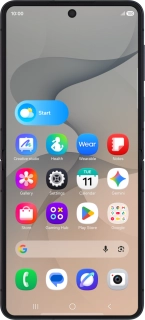
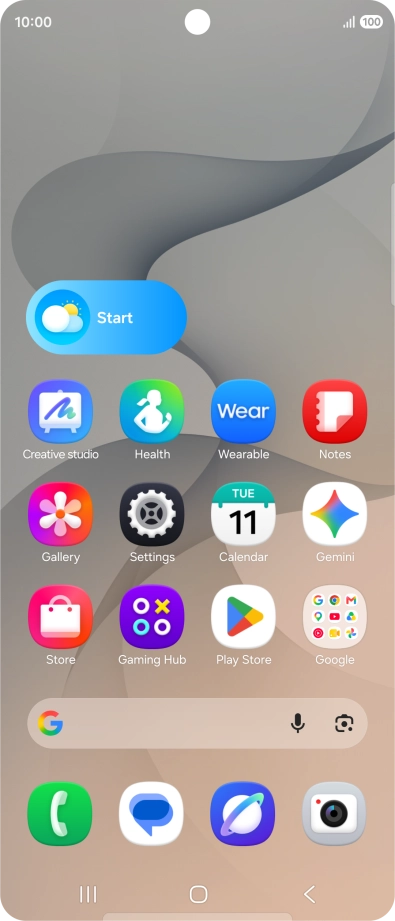
Press the Home key to return to the home screen.
Step 7 of 7

3. Return to the home screen

Press the Home key to return to the home screen.

1. Find "Power saving"

Slide your finger downwards starting from the top right side of the screen.
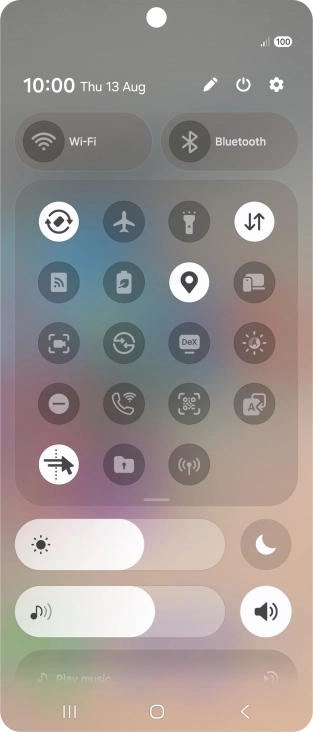
Press the settings icon.
Press Battery.
Press Power saving.

2. Extend the battery life

Press the indicator below "Power saving" to turn on the function.
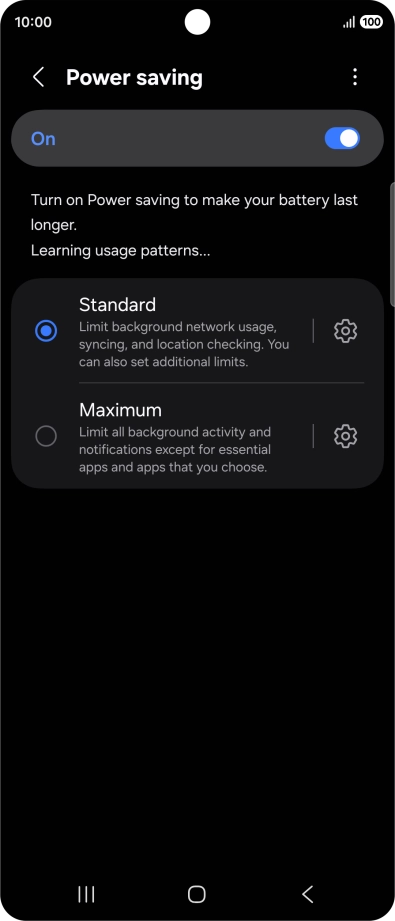
Press the indicator next to the required setting.

3. Return to the home screen

Press the Home key to return to the home screen.

Thank you for your evaluation!

Get information on...

Or select...

Another device