
Step 1 of 1
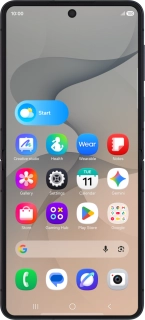
1. Restart your phone
Simultaneously, press the Side key and the lower part of the Volume key and keep them both pressed until your phone restarts.
1. Restart your phone
Simultaneously, press the Side key and the lower part of the Volume key and keep them both pressed until your phone restarts.
How would you rate your experience?
Thank you for your evaluation!

Do you have any additional feedback?
Thank you for your evaluation!