Samsung Galaxy Z Flip8

Samsung Galaxy Z Flip8

Android 17

My Samsung Galaxy Z Flip8 Android 17 uses a large amount of mobile data

Cause 2 of 4: Notifications are turned on

If notifications are turned on, your phone will use mobile data when applications send push notifications and is not connected to a Wi-Fi-network.

Solution: Turn off notifications.

Step 1 of 10

Find "Notifications"

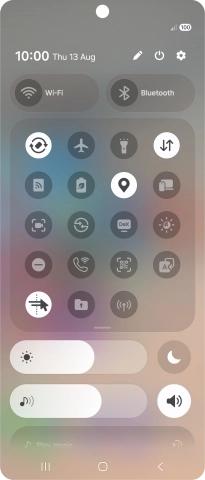
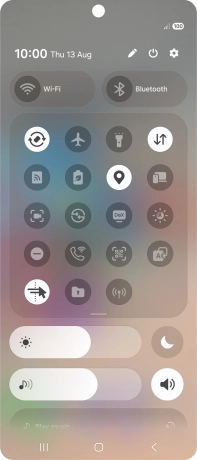
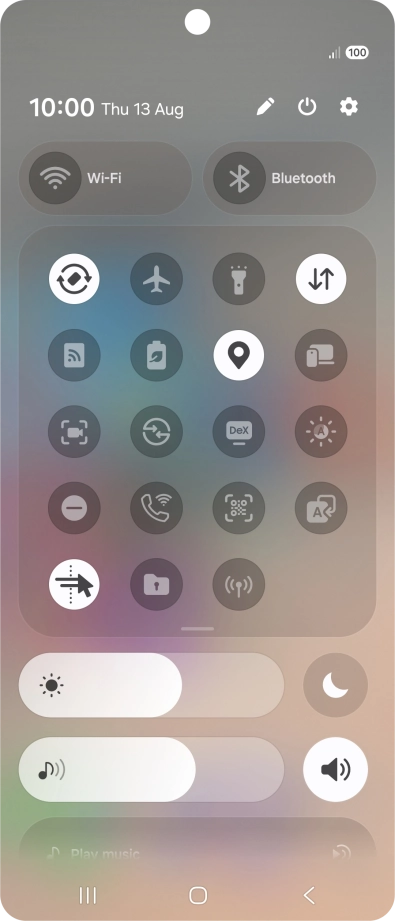
Slide your finger downwards starting from the top right side of the screen.
Step 2 of 10

Find "Notifications"

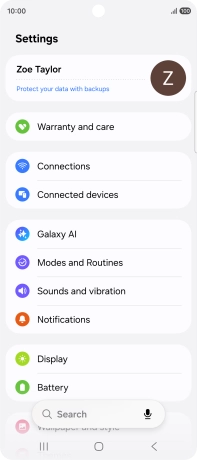
Press the settings icon.

Step 3 of 10

Find "Notifications"

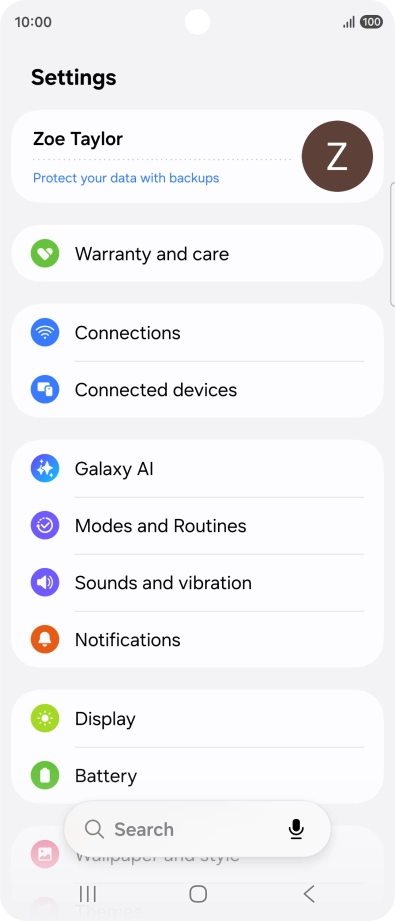
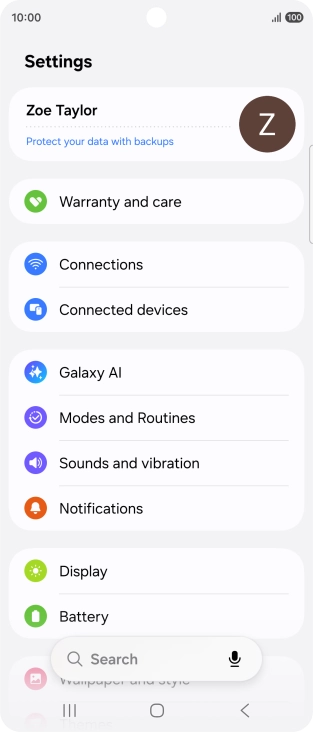
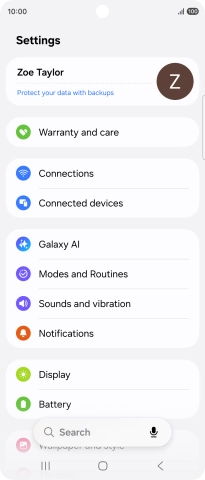
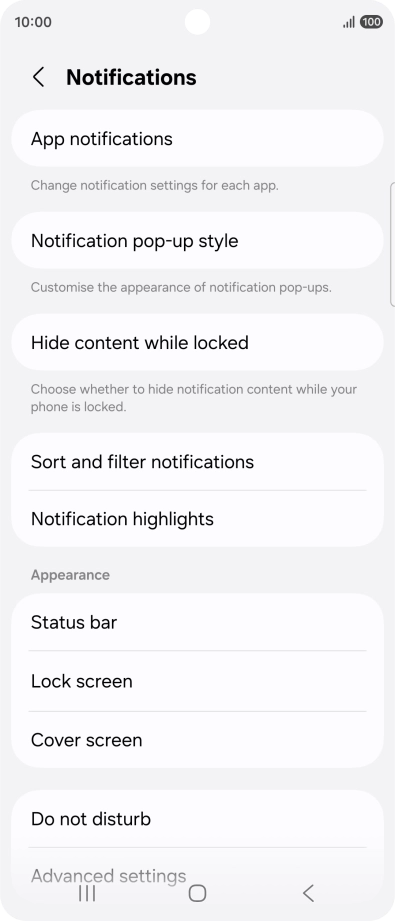
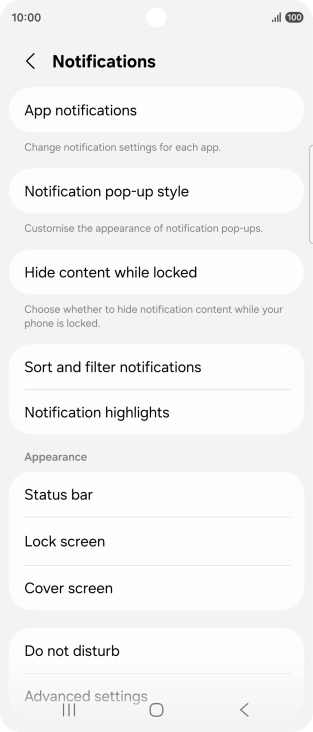
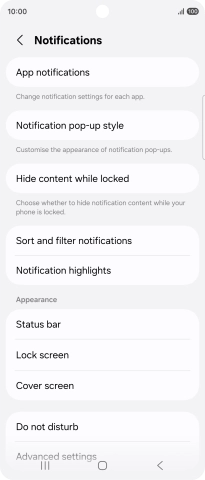
Press Notifications.

Step 4 of 10

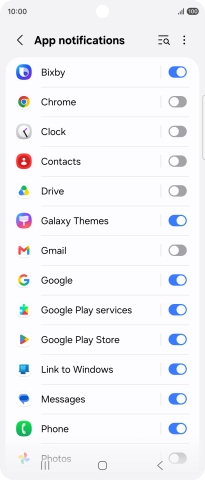
Turn notifications on or off

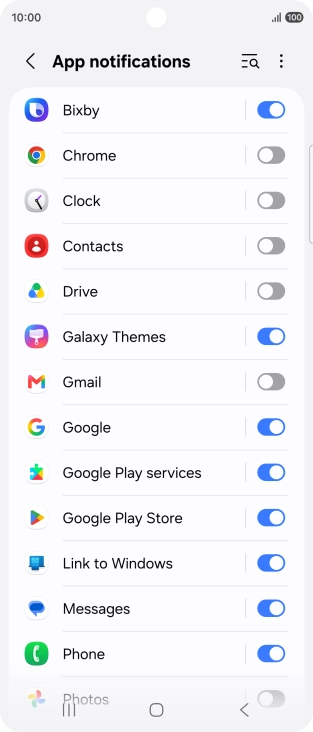
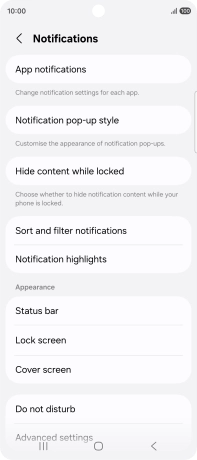
Press App notifications.

Step 5 of 10

Turn notifications on or off

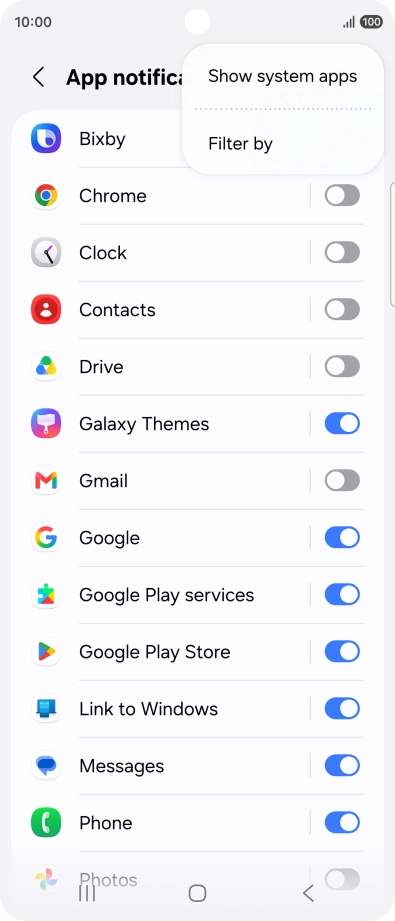
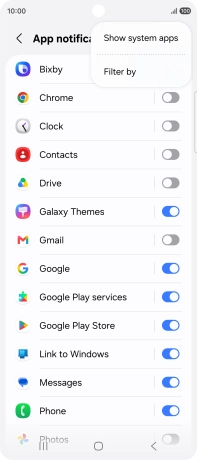
Press the menu icon.

Step 6 of 10

Turn notifications on or off

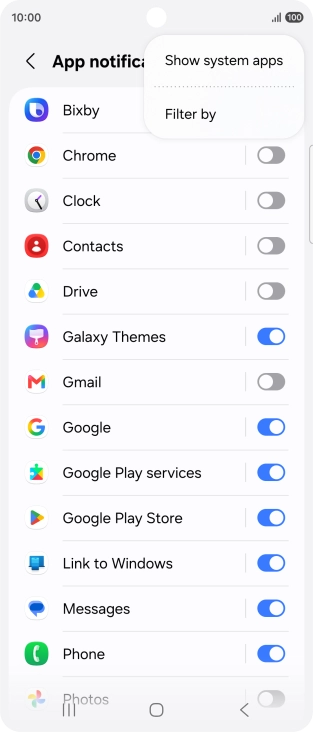
Press Filter by.

Step 7 of 10

Turn notifications on or off

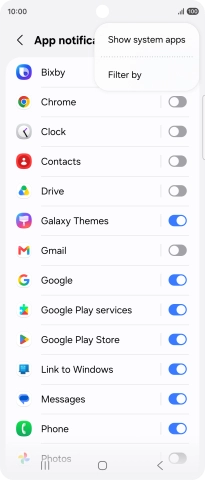
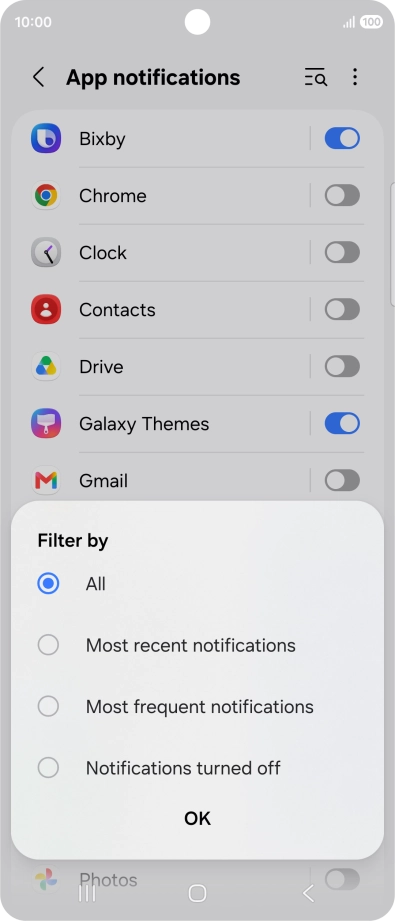
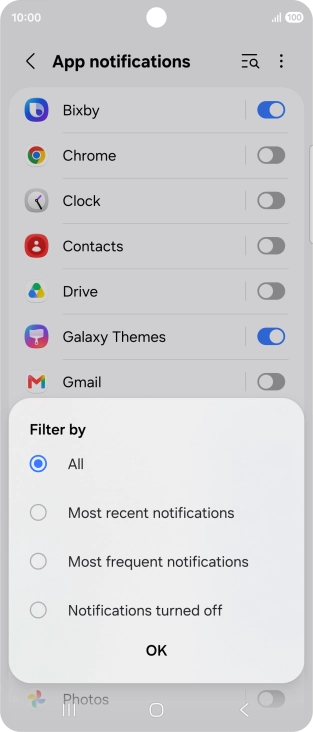
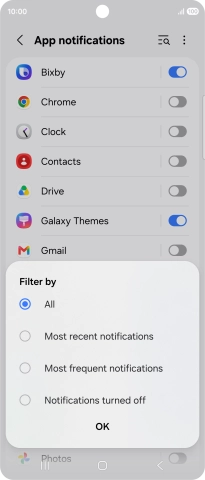
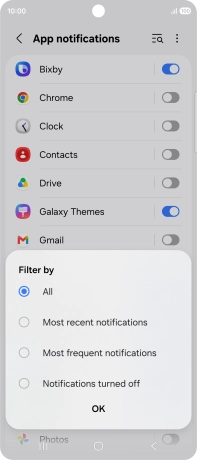
Press the required setting.

Step 8 of 10

Turn notifications on or off

Press OK.

Step 9 of 10

Turn notifications on or off

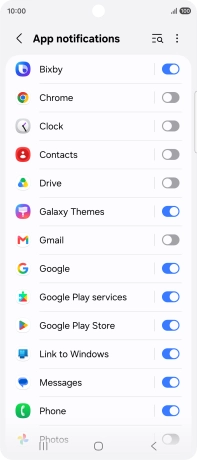
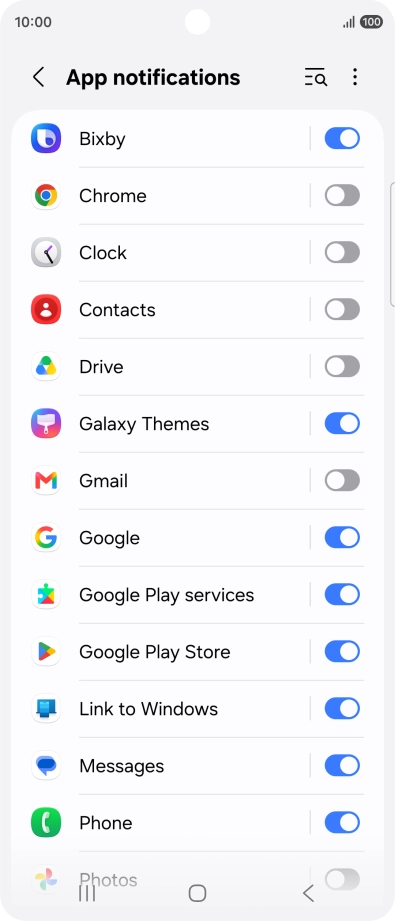
Press the indicators next to the required apps to turn the function on or off.

Step 10 of 10

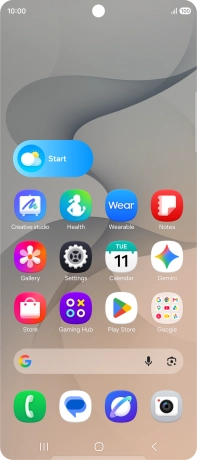
Return to the home screen

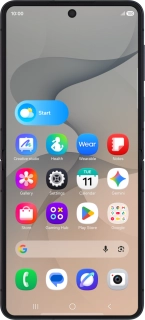
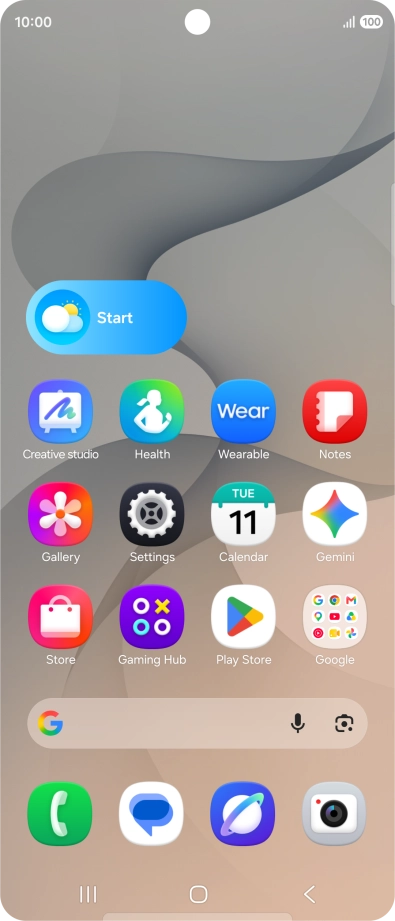
Press the Home key to return to the home screen.

1 Find "Notifications"

Slide your finger downwards starting from the top right side of the screen.
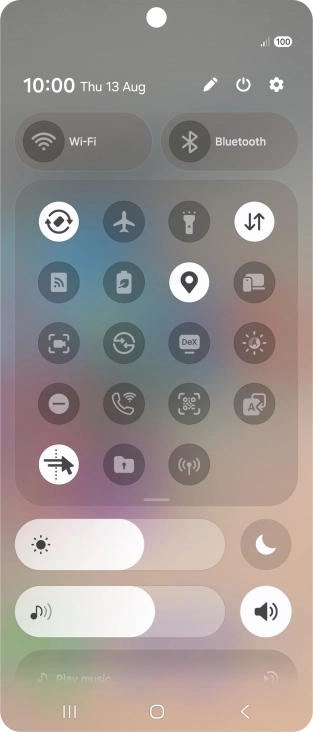
Press the settings icon.
Press Notifications.

2 Turn notifications on or off

Press App notifications.
Press the menu icon.
Press Filter by.
Press the required setting.
Press OK.
Press the indicators next to the required apps to turn the function on or off.

3 Return to the home screen

Press the Home key to return to the home screen.

Did this solve the problem?

Yes - All solved No - Go to next cause

Get information on...

Or select...

Another device