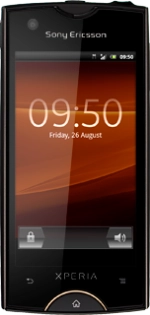
Sony Xperia ray

Sony Xperia ray

Update phone software - Sony Xperia ray

Read help info

You can check for available software updates for your phone and download them. Follow these instructions to update your phone's software. You may need to update the software multiple times in sequence to get to the latest version and your device states that "Your software is up to date".
Before updating your phone's software, it's recommended that you back up the phone memory. Click here for information on how to back up the phone memory.

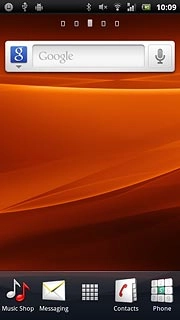
Press the menu icon.
Step 1 of 5

Find "Software update"

Press the menu icon.
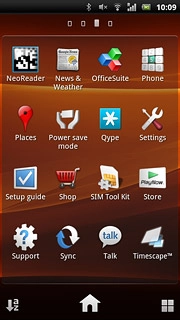
Press Settings.
Step 2 of 5

Find "Software update"

Press Settings.
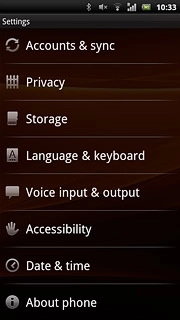
Press About phone.
Step 3 of 5

Find "Software update"

Press About phone.
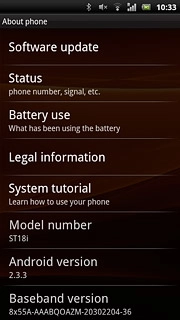
Press Software update.
Step 4 of 5

Find "Software update"

Press Software update.
Sony Xperia ray
Step 5 of 5

Update phone software

Follow the instructions on the display to update your phone's software.

Find "Software update"

Press the menu icon.
Press Settings.
Press About phone.
Press Software update.

Update phone software

Follow the instructions on the display to update your phone's software.
Sony Xperia ray

Thank you for your evaluation!

Get information on...

Or select...

Another device