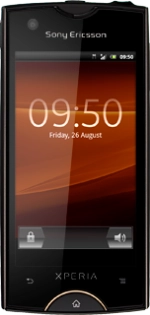
Sony Xperia ray

Sony Xperia ray

View data usage - Sony Xperia ray

Read help info

You can see how much data has been transferred using your phone's data connections such as when you use the browser or when you send and receive email messages. Follow these instructions to view data usage.

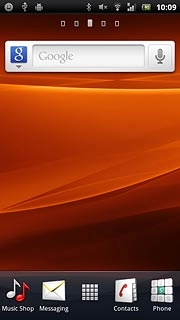
Press the menu icon.
Step 1 of 4

Find "Data monitor"

Press the menu icon.
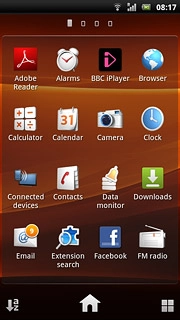
Press Data monitor.
Step 2 of 4

Find "Data monitor"

Press Data monitor.
Sony Xperia ray
Step 3 of 4

View data usage

The amount of data sent and received is displayed.
Press the Home key to return to standby mode.
Step 4 of 4

Exit

Press the Home key to return to standby mode.

Find "Data monitor"

Press the menu icon.
Press Data monitor.

View data usage

The amount of data sent and received is displayed.
Sony Xperia ray

Exit

Press the Home key to return to standby mode.

Thank you for your evaluation!

Get information on...

Or select...

Another device