
Sony Xperia Z2

Sony Xperia Z2

I can't turn on my phone - Sony Xperia Z2

Cause 6 of 10: Your phone isn't assembled correctly

If your phone isn't assembled correctly, you can't turn on your phone.

Solution: Make sure your phone is assembled correctly.

Step 1 of 5

Insert SIM

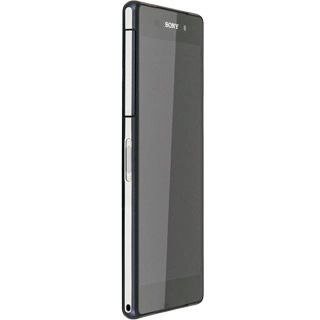
Open the cover on the left side of your phone.
Step 2 of 5

Insert SIM

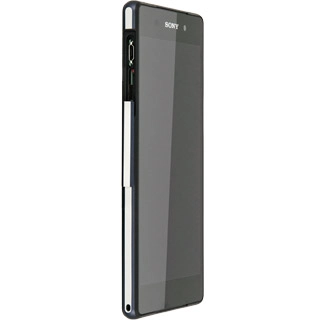
Remove the SIM holder from your phone.
Step 3 of 5

Insert SIM

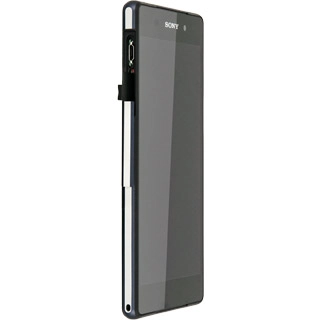
Turn your SIM so that the angled corner of your SIM matches the angled corner of the SIM holder.
Place your SIM in the SIM holder.
Step 4 of 5

Insert SIM

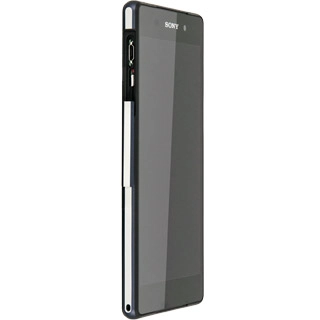
Slide the SIM holder into your phone.
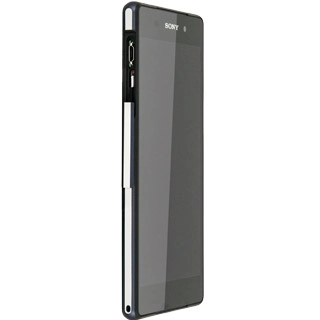
Step 5 of 5

Insert SIM

Close the cover again.

1 Insert SIM

Open the cover on the left side of your phone.
Remove the SIM holder from your phone.
Turn your SIM so that the angled corner of your SIM matches the angled corner of the SIM holder.
Place your SIM in the SIM holder.
Slide the SIM holder into your phone.
Close the cover again.

Did this solve the problem?

Yes - All solved No - Go to next cause

Get information on...

Or select...

Another device