1. See the router login information
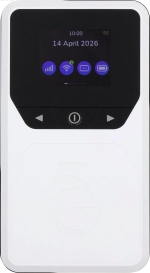
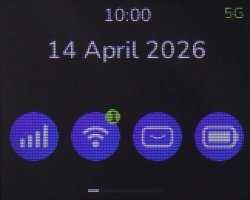
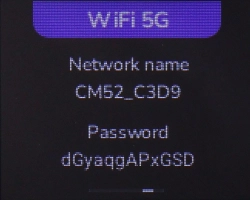
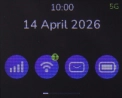
Press the Left function key the necessary number of times to select "WiFi 5G".
1. See the router login information
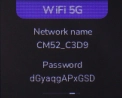
The login information is displayed.
1. See the router login information
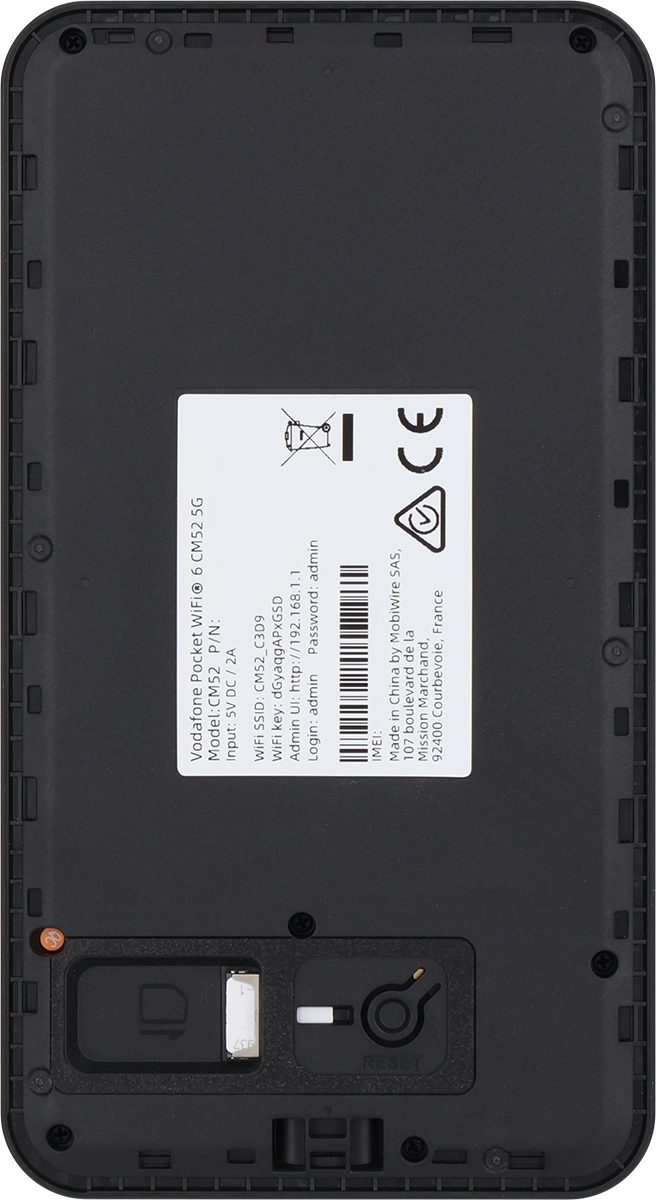
You can also find the login information on the inside of your router.
2. Establish a connection to the internet
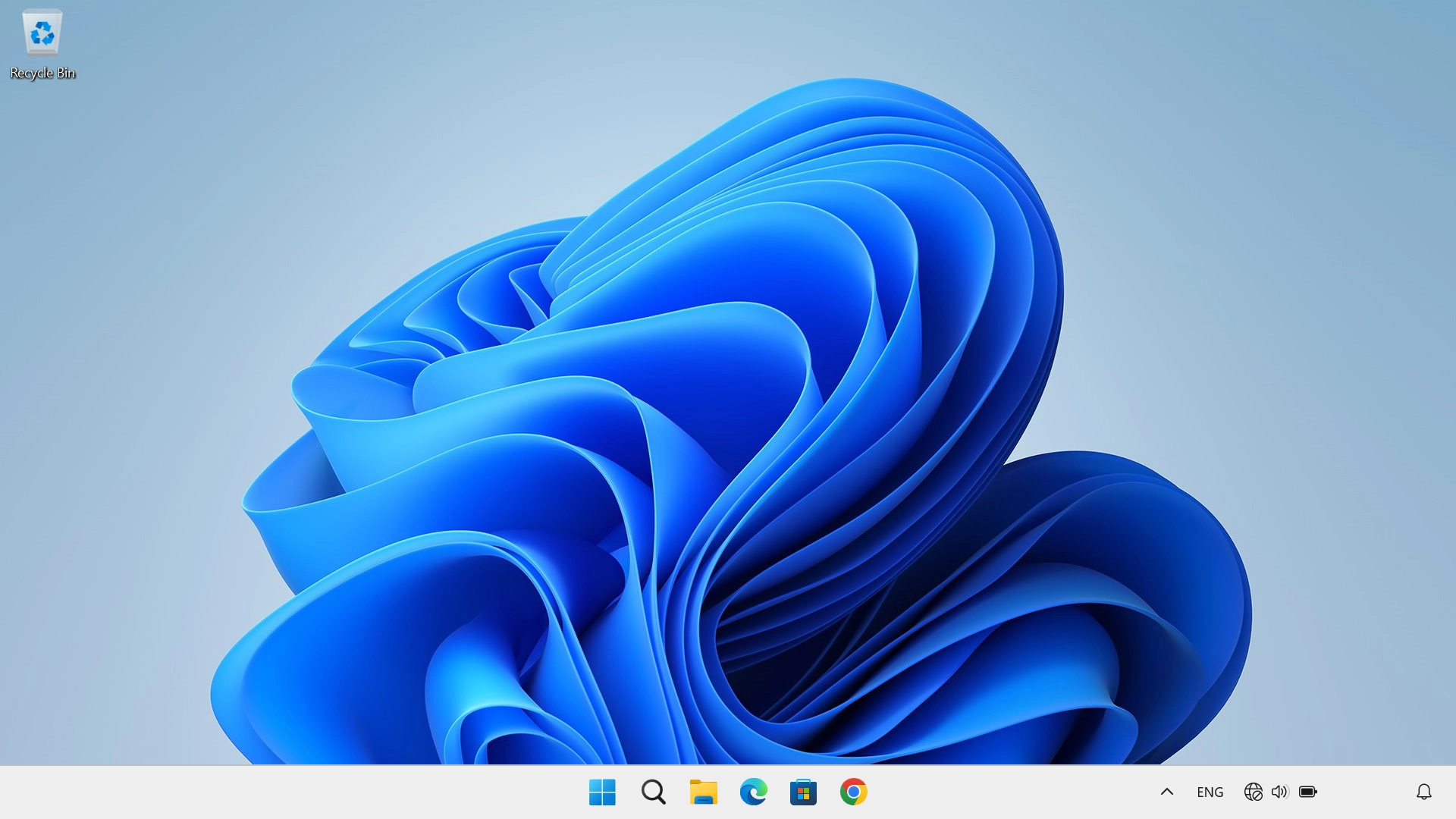
Do the following on your computer: Click the menu field.
2. Establish a connection to the internet
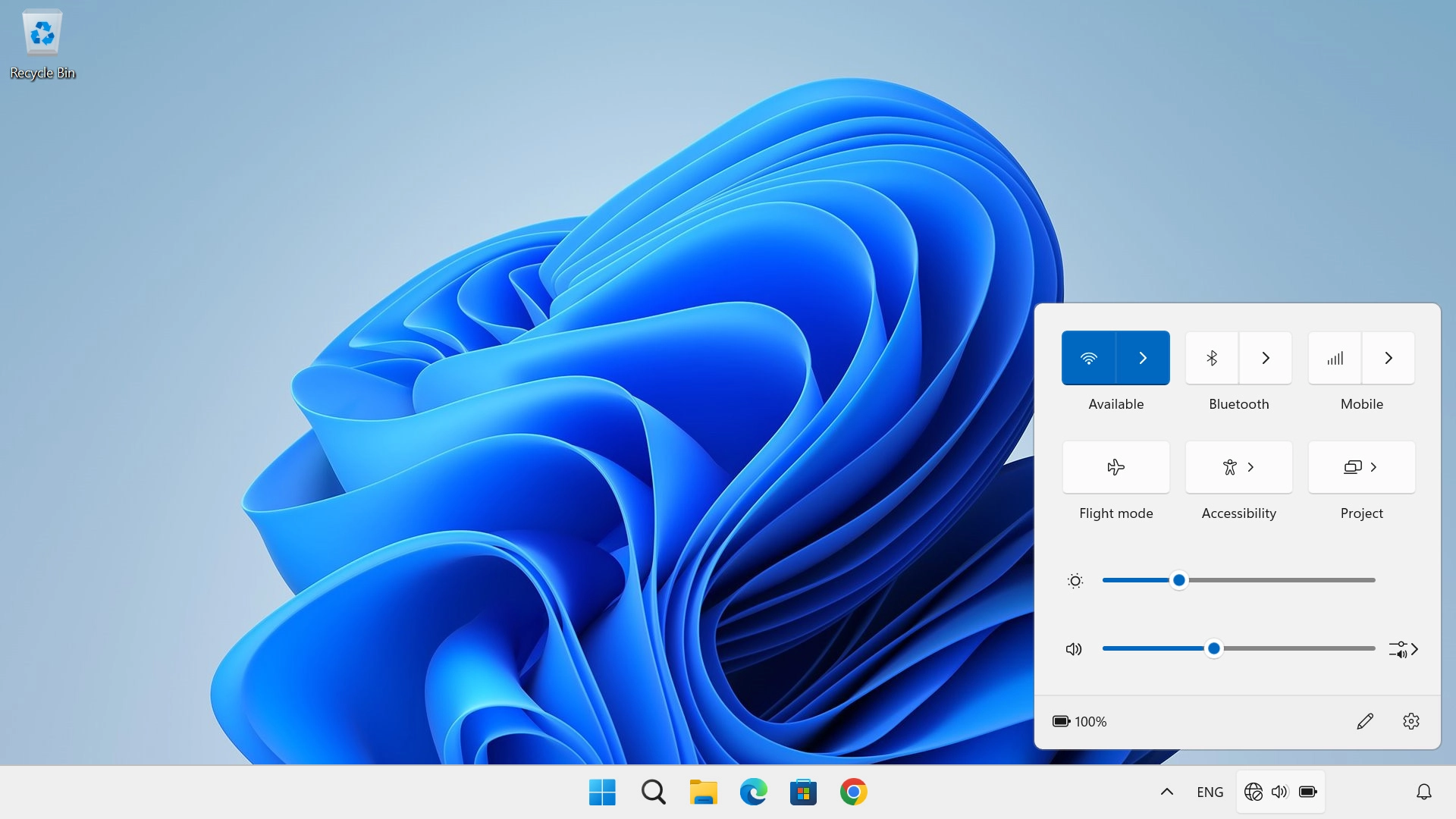
Click arrow right next to the Wi-Fi icon.
2. Establish a connection to the internet
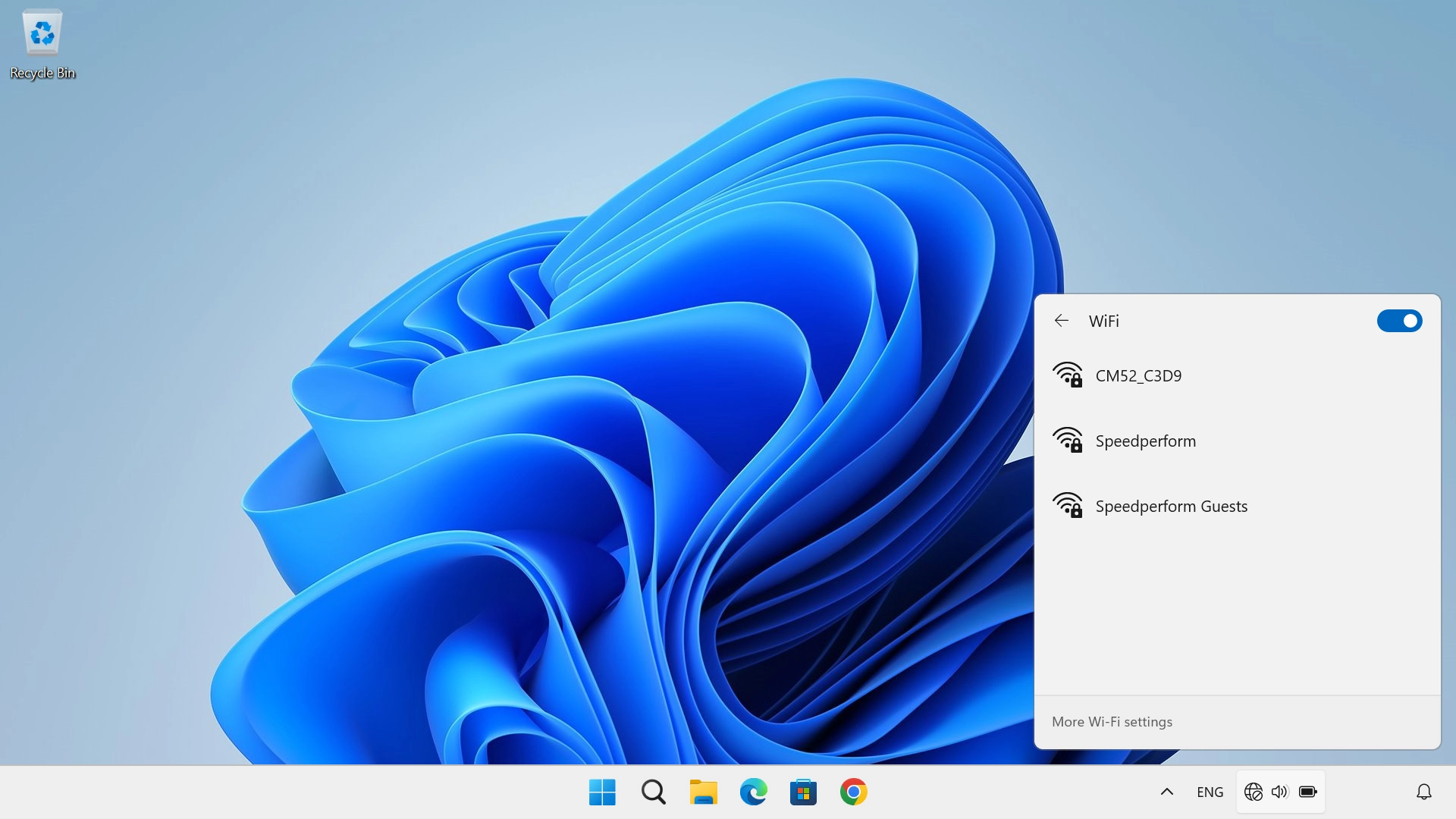
Click the name of your Wi-Fi hotspot.
2. Establish a connection to the internet
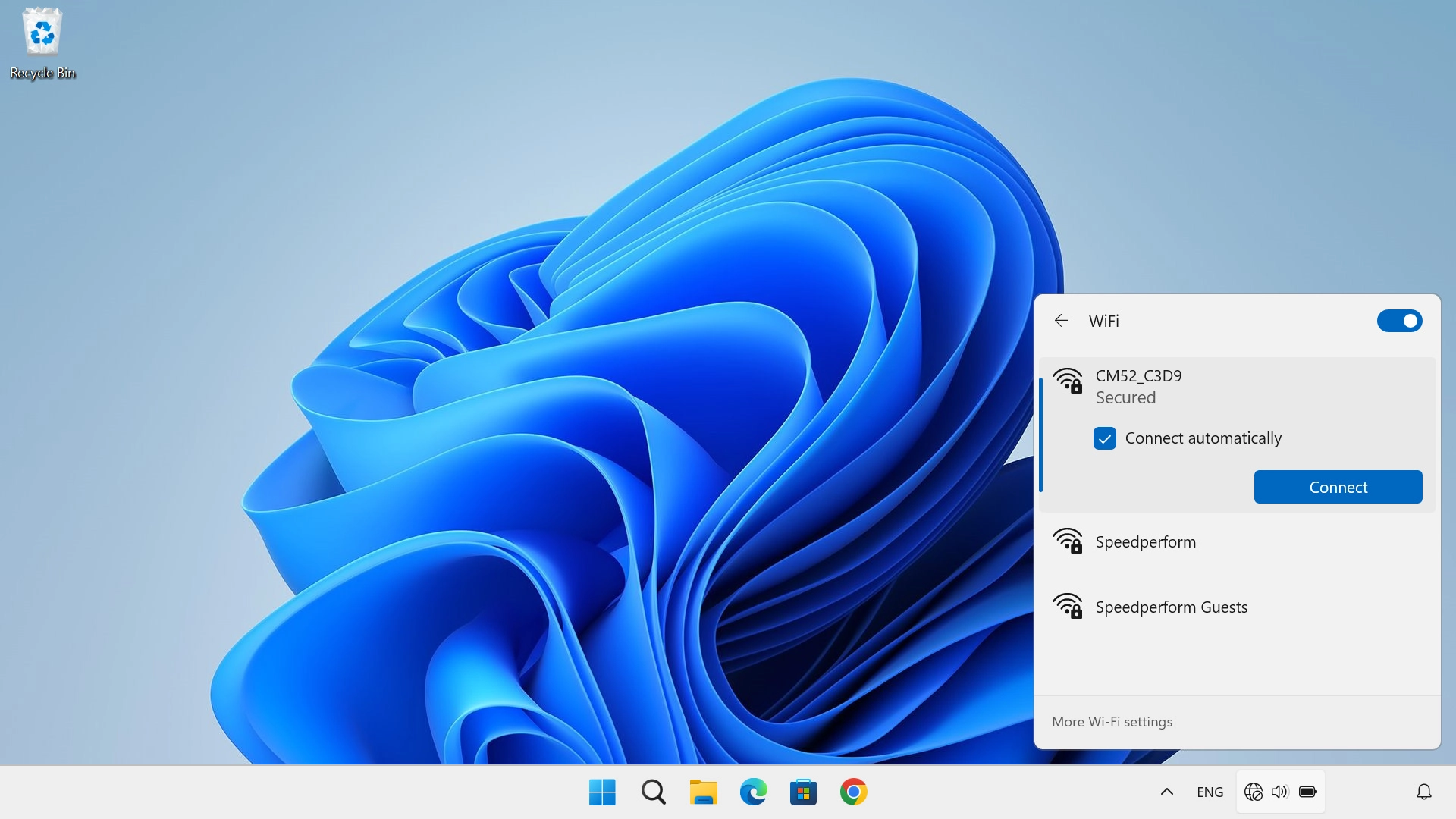
Click Connect.
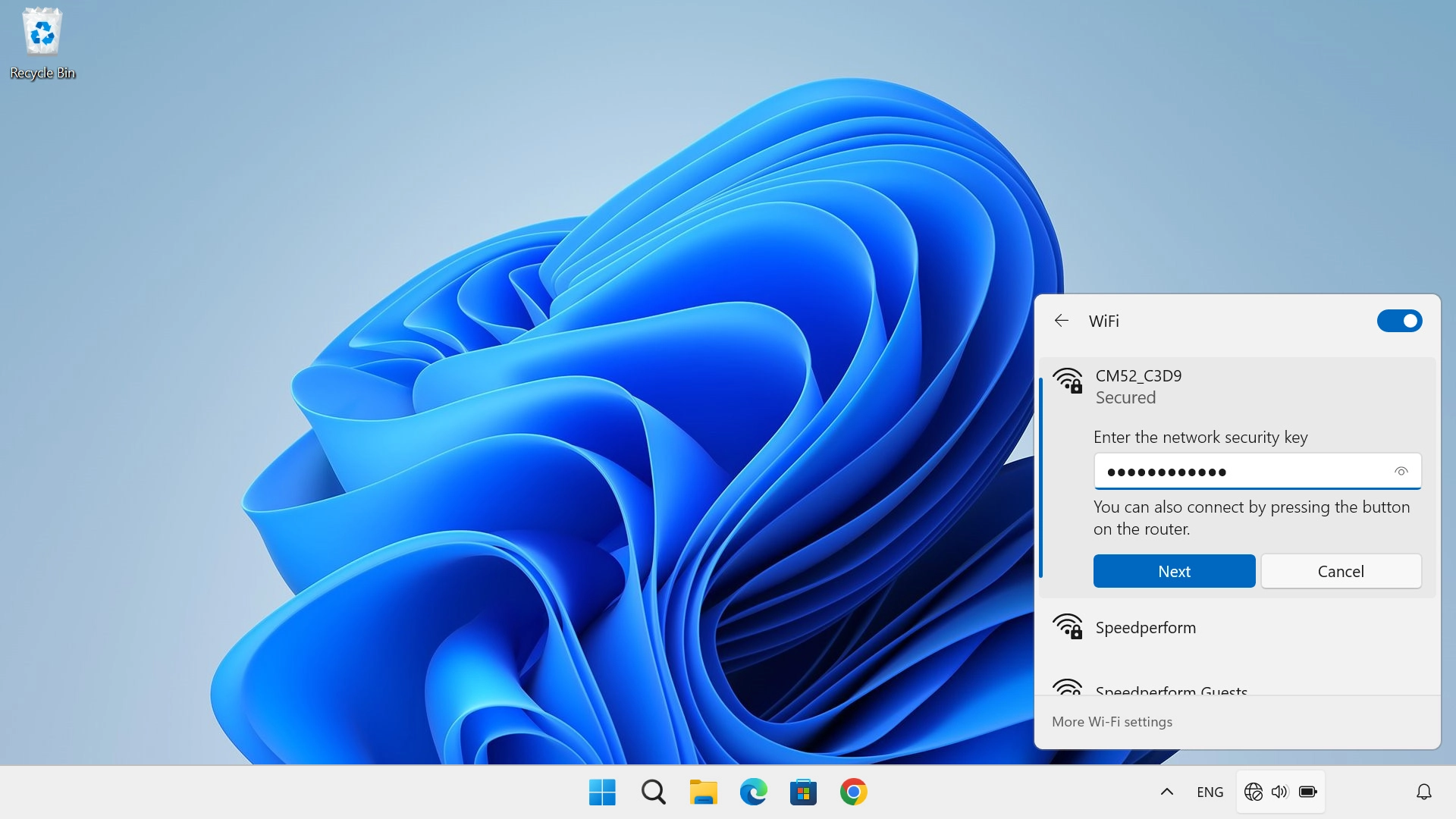
2. Establish a connection to the internet
Key in the Wi-Fi password for your Wi-Fi hotspot and click Next.
1. See the router login information
2. Establish a connection to the internet
Thank you for your evaluation!

Thank you for your evaluation!