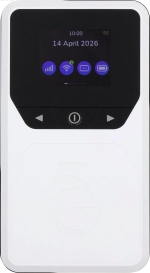
Vodafone Pocket WiFi® 6 CM52 5G

Vodafone Pocket WiFi® 6 CM52 5G

Turn data roaming on your Vodafone Pocket WiFi® 6 CM52 5G Windows 11 on or off

Read help info

You can limit your data usage when abroad by turning off data roaming. You'll then not be able to access the internet using the mobile network when abroad. Remember, you need to establish a connection to the router web interface.

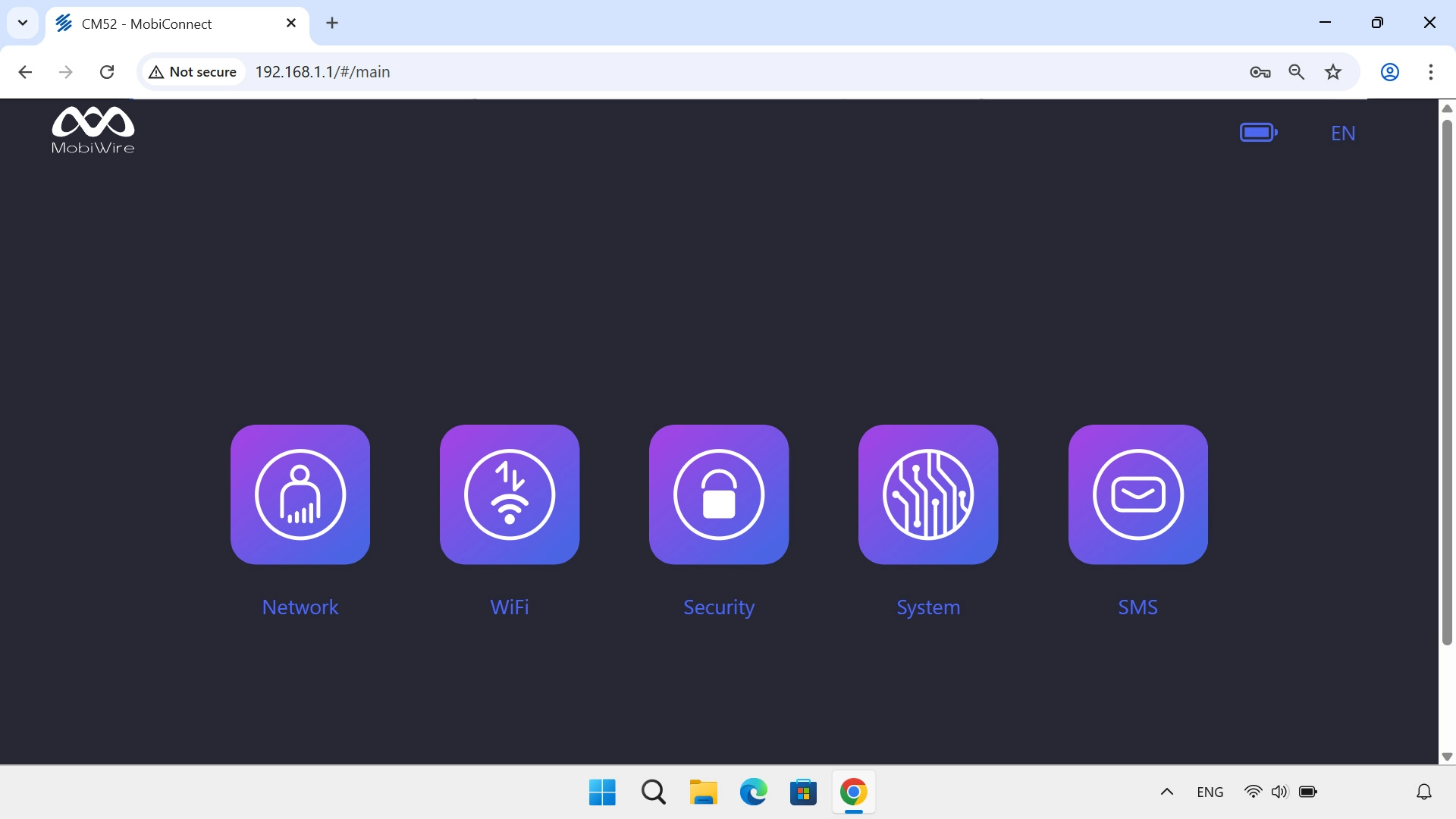
Click Network.
Step 1 of 4

1. Find "Mobile Network"

Click Network.
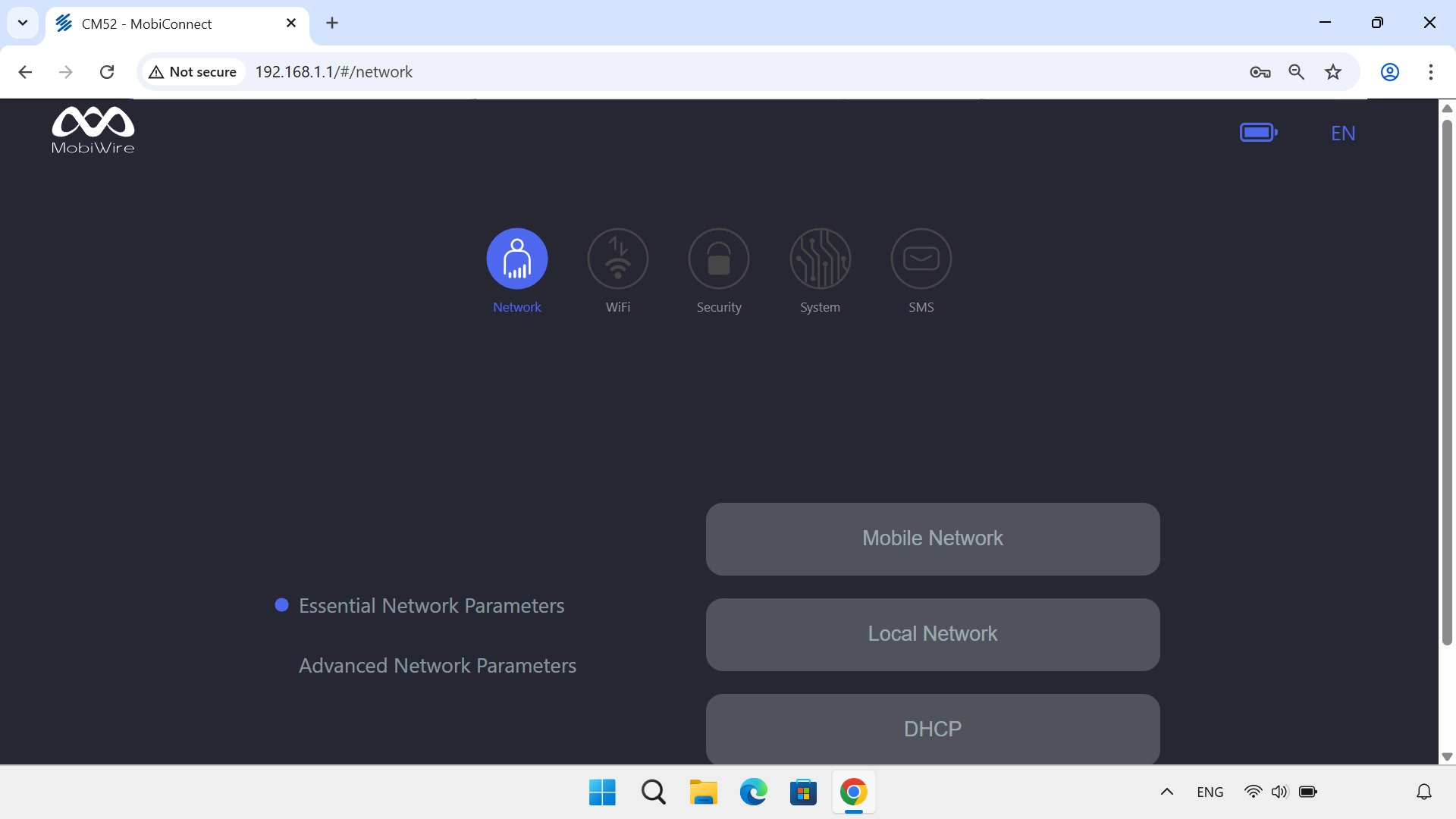
Click Mobile Network.
Step 2 of 4

1. Find "Mobile Network"

Click Mobile Network.
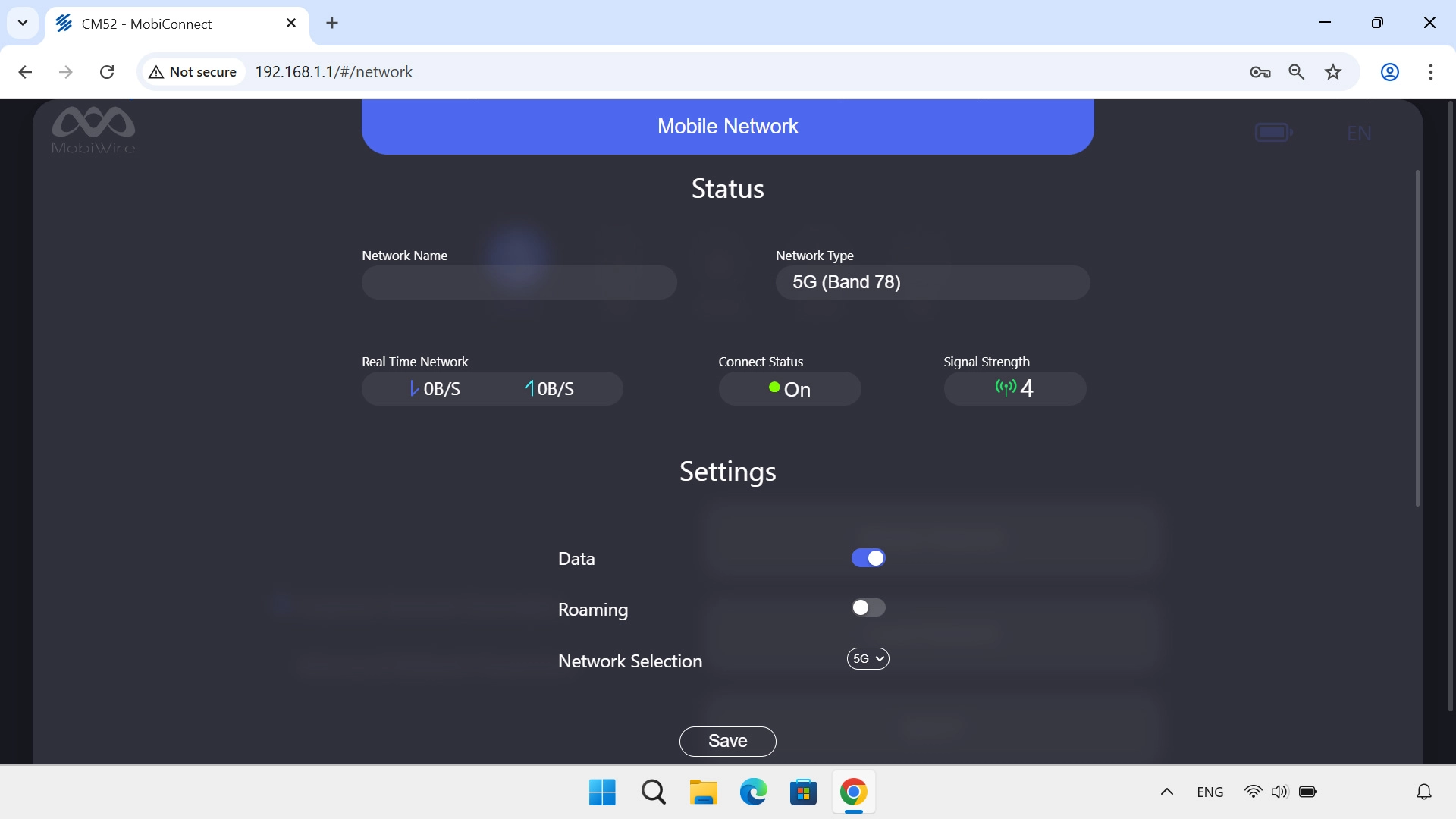
Click the indicator next to
Step 3 of 4

2. Turn data roaming on or off

Click the indicator next to "Roaming" to turn the function on or off.
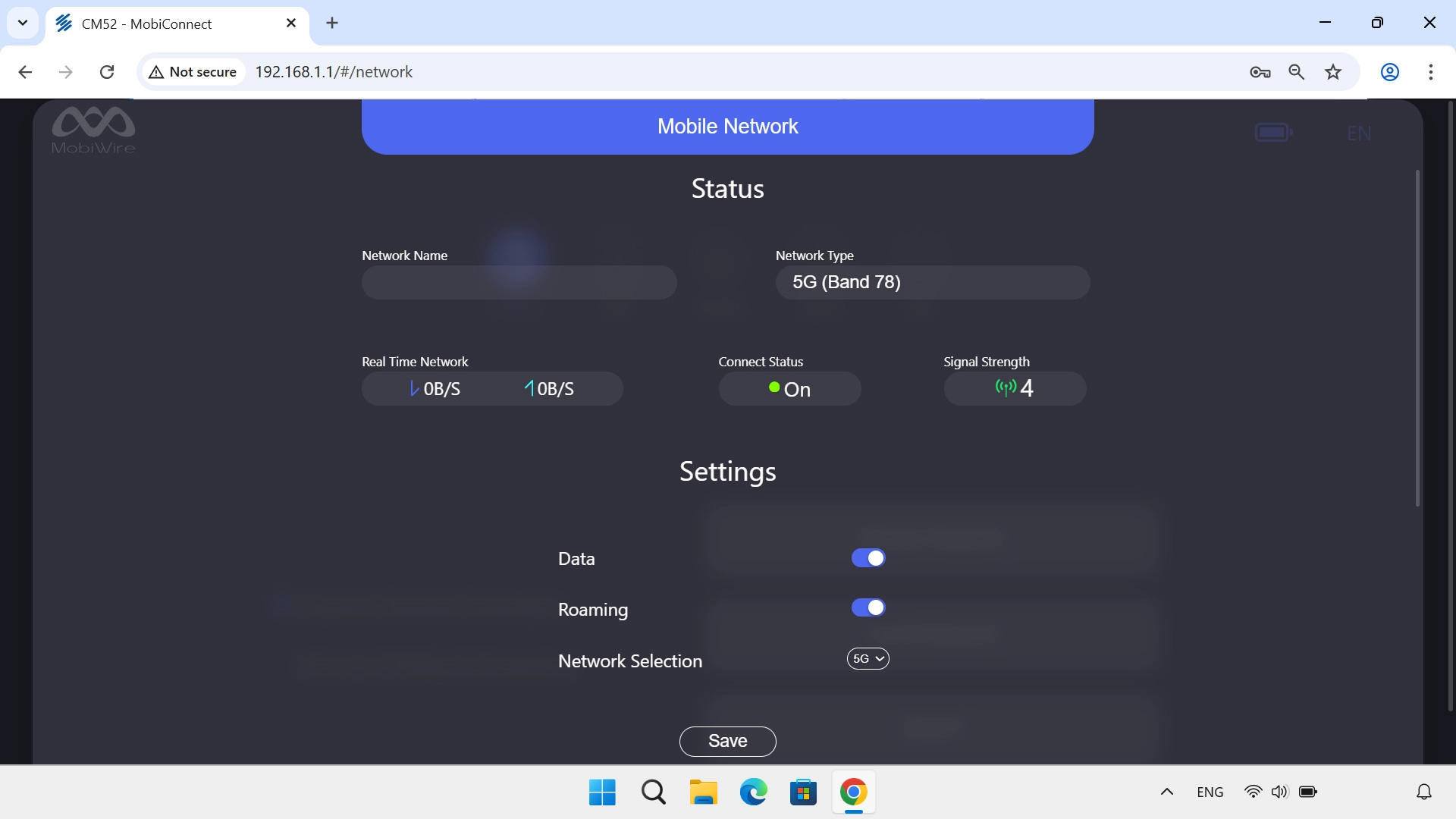
Click Save.
Step 4 of 4

2. Turn data roaming on or off

Click Save.

1. Find "Mobile Network"

Click Network.
Click Mobile Network.

2. Turn data roaming on or off

Click the indicator next to "Roaming" to turn the function on or off.
Click Save.

Thank you for your evaluation!

Get information on...

Or select...

Another device