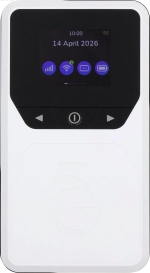
Step 1 of 3
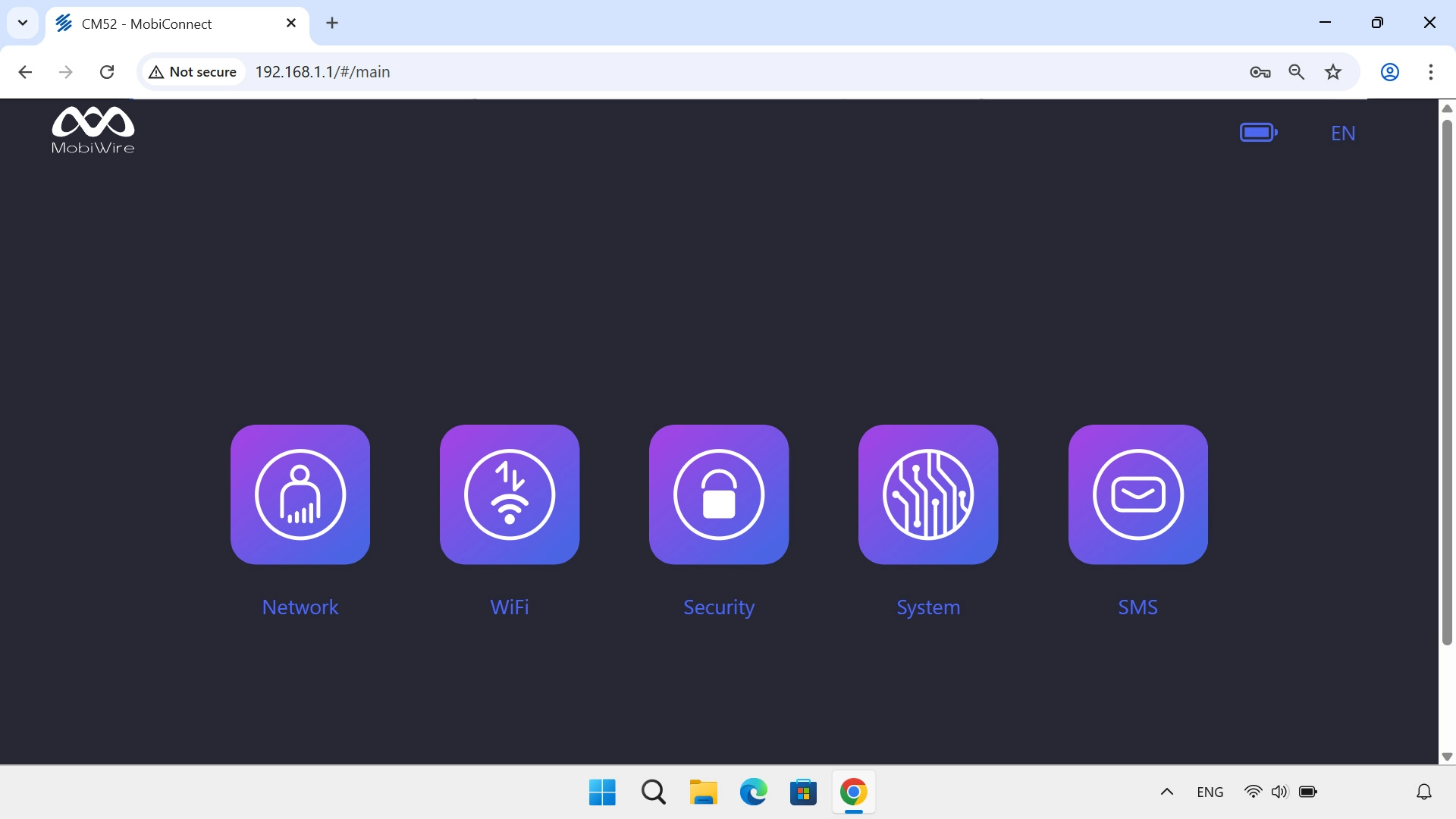
1. Find "Reset Factory"
Click System.
Step 2 of 3
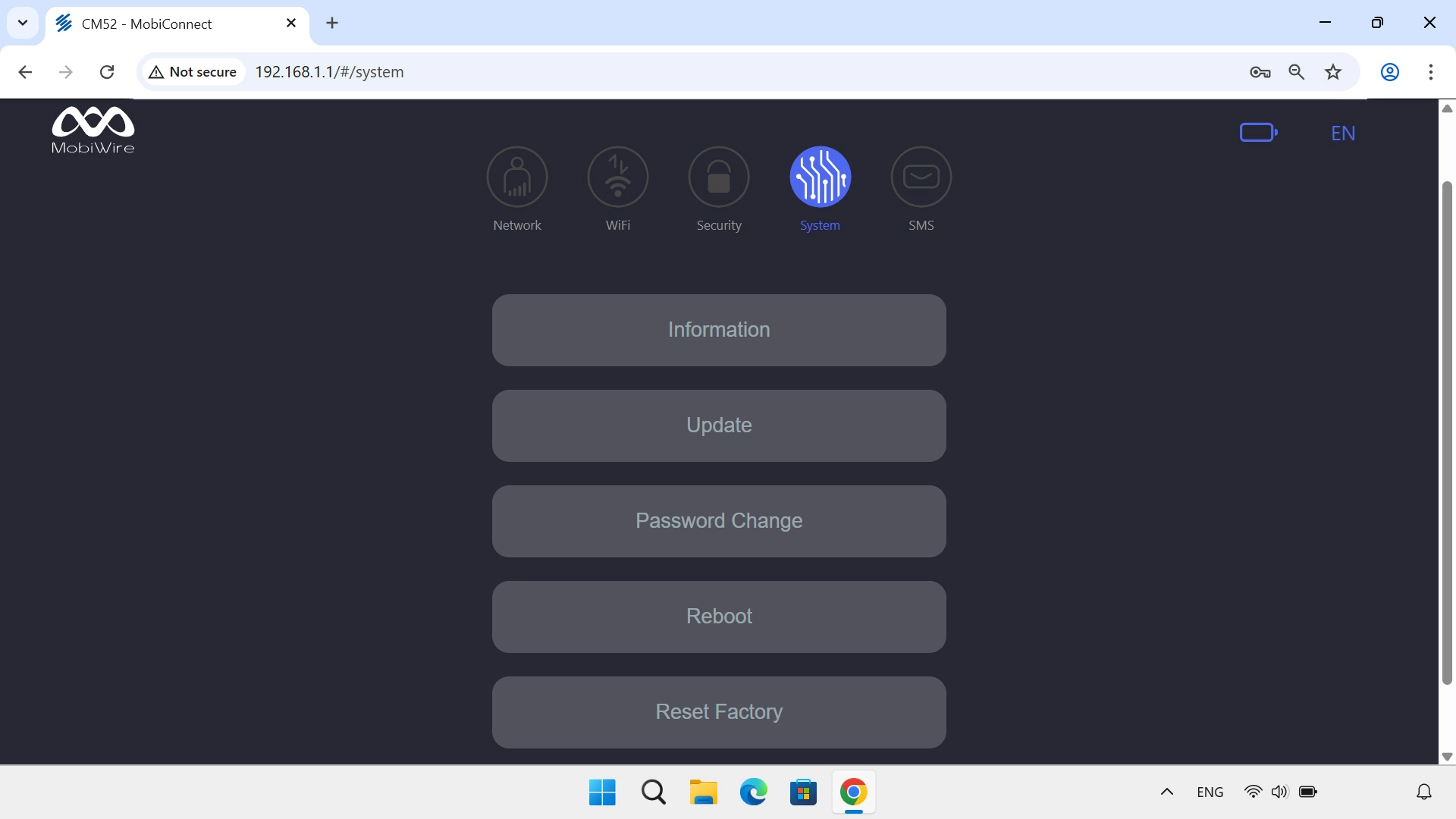
1. Find "Reset Factory"
Click Reset Factory.
Step 3 of 3
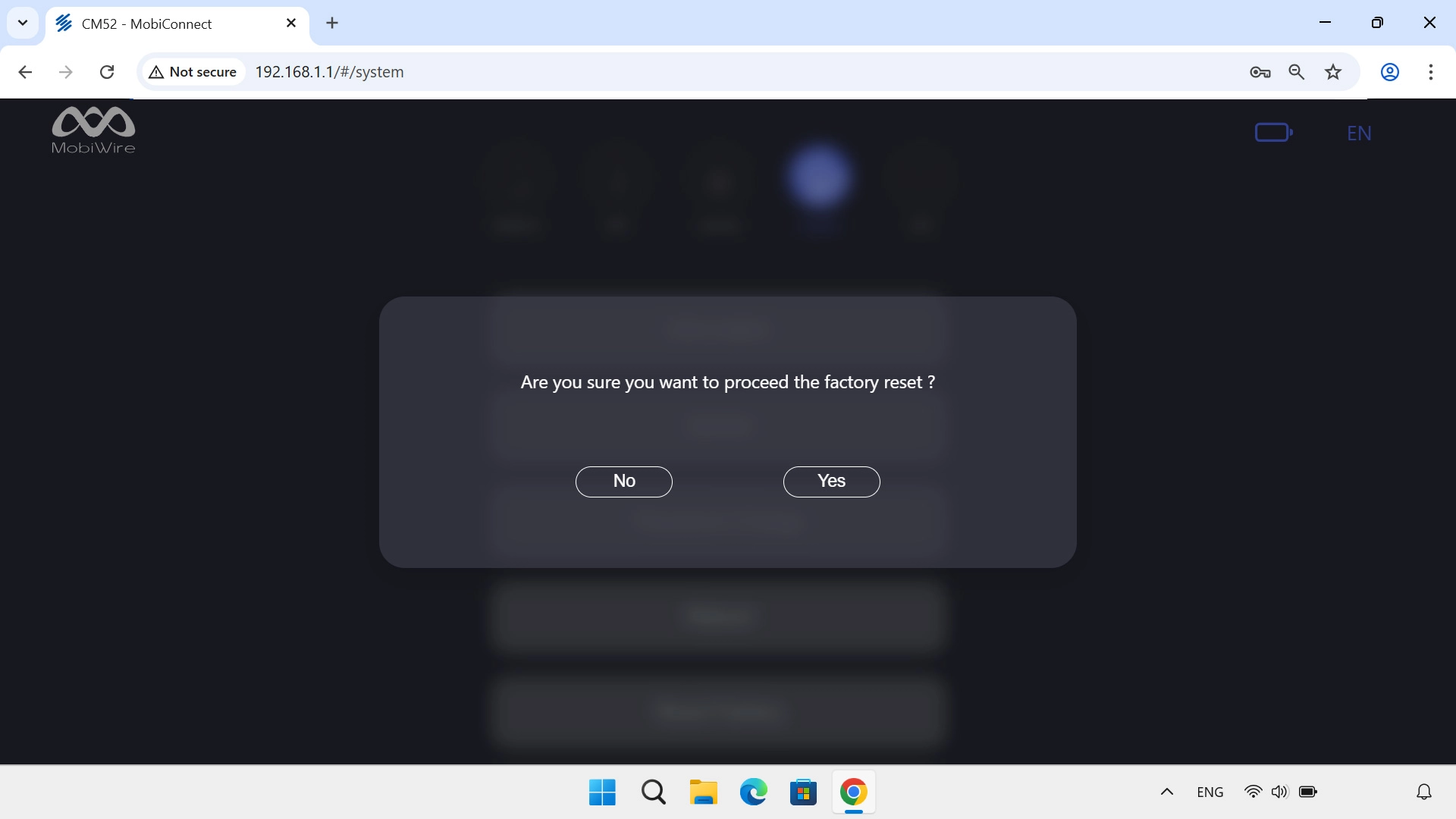
2. Restore factory default settings
Click Yes and wait while your router restores the factory default settings.
1. Find "Reset Factory"
Click System.
Click Reset Factory.
2. Restore factory default settings
Click Yes and wait while your router restores the factory default settings.
How would you rate your experience?
Thank you for your evaluation!

Do you have any additional feedback?
Thank you for your evaluation!