Vodafone Pocket WiFi® 6 CM52 5G

Vodafone Pocket WiFi® 6 CM52 5G

Update the firmware on your Vodafone Pocket WiFi® 6 CM52 5G Windows 11

Read help info

It's recommended that you update your router with the latest firmware, as the manufacturer continuously corrects errors and releases security updates. Remember, you need to establish a connection to the router web interface.

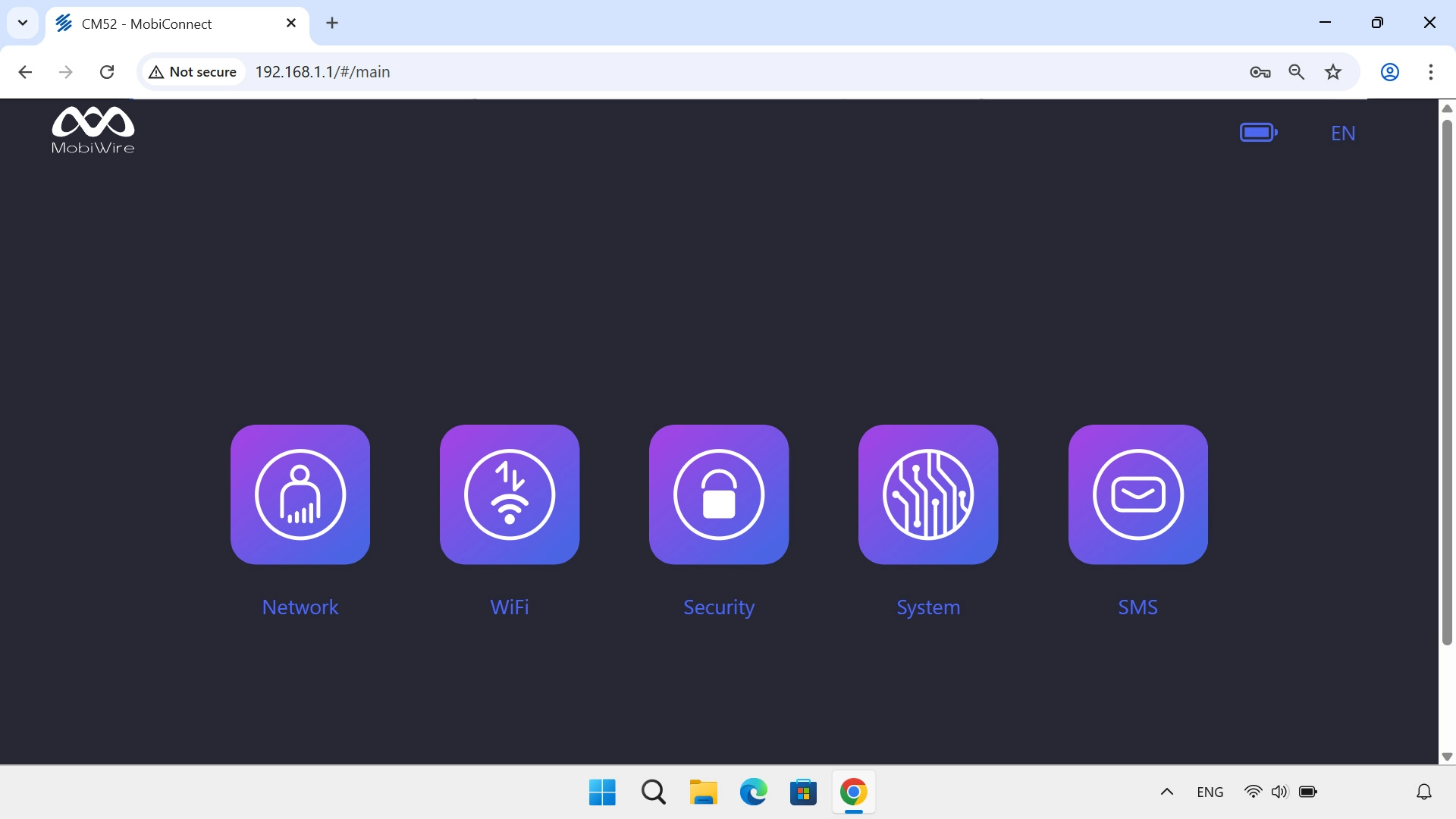
Click System.
Step 1 of 3

1. Find "Update"

Click System.
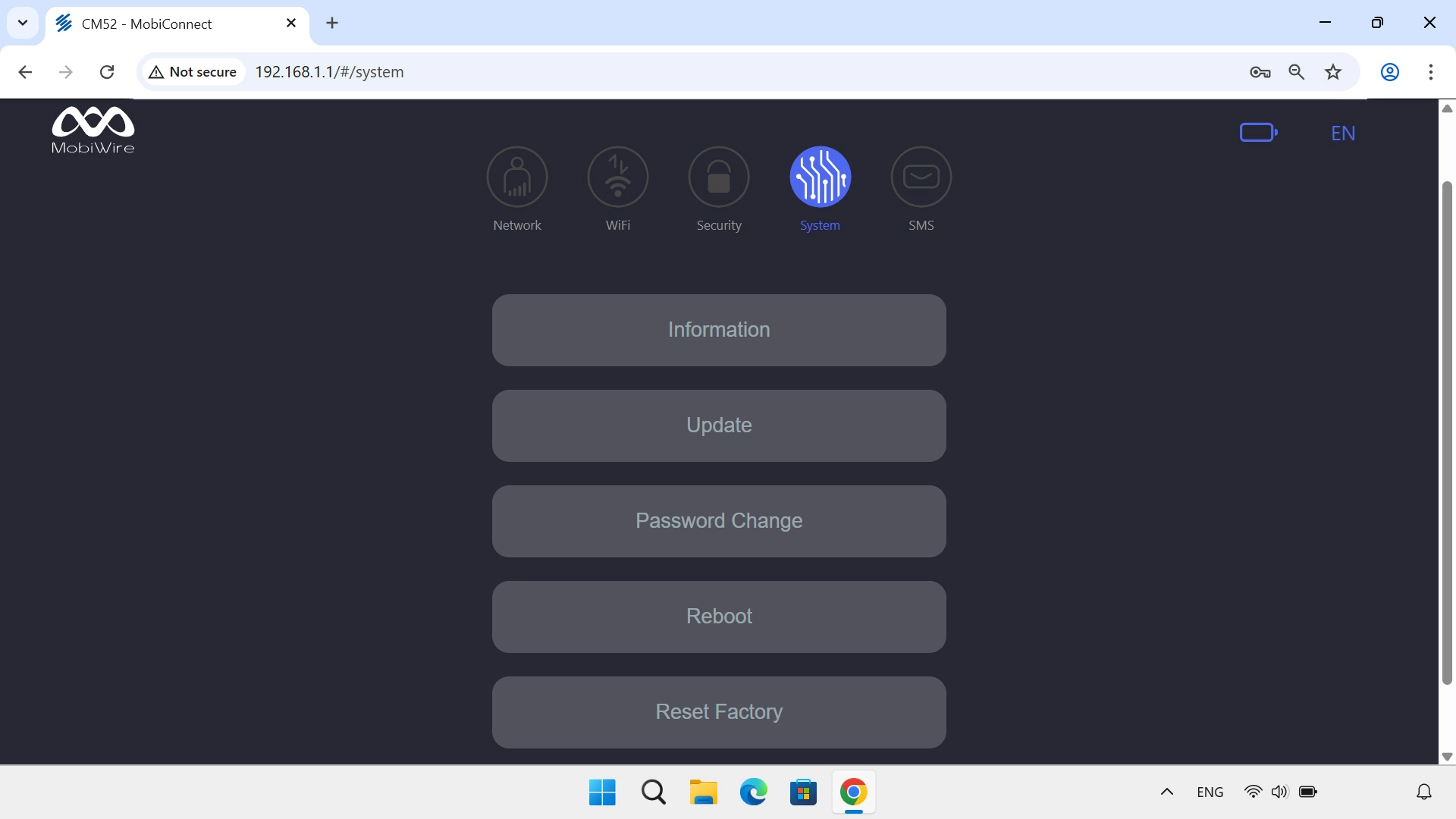
Click Update.
Step 2 of 3

1. Find "Update"

Click Update.

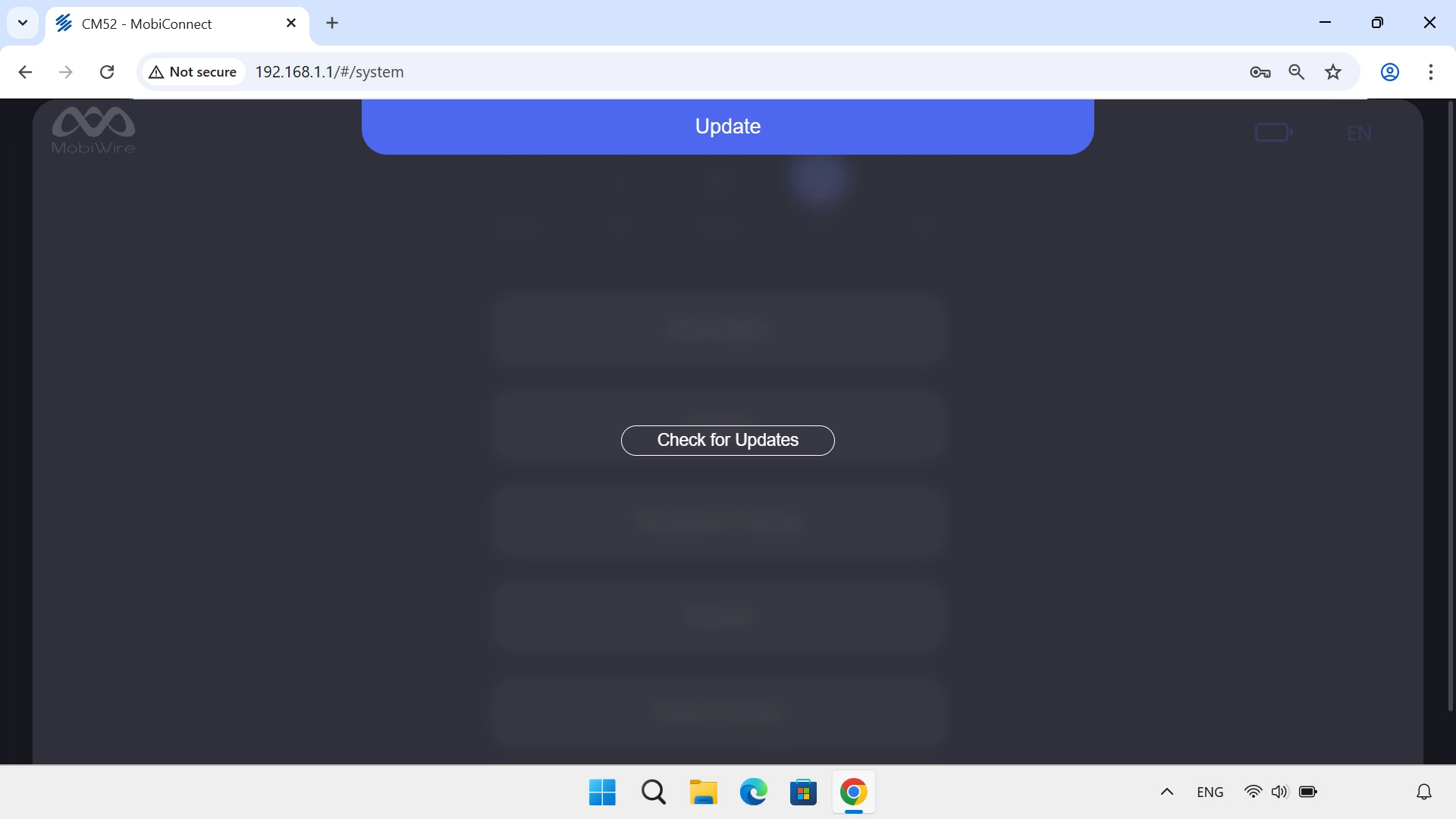
Click Check for Updates. If a new firmware version is available, it's displayed. Follow the instructions on the screen to update the router firmware.
Step 3 of 3

2. Update the router firmware

Click Check for Updates. If a new firmware version is available, it's displayed. Follow the instructions on the screen to update the router firmware.

1. Find "Update"

Click System.
Click Update.

2. Update the router firmware

Click Check for Updates. If a new firmware version is available, it's displayed. Follow the instructions on the screen to update the router firmware.

Thank you for your evaluation!

Get information on...

Or select...

Another device