Vodafone Pocket WiFi® 6 CM52 5G

Vodafone Pocket WiFi® 6 CM52 5G

Write and send text message on your Vodafone Pocket WiFi® 6 CM52 5G Windows 11

Read help info

A text message is a message that can be sent to mobile phones.

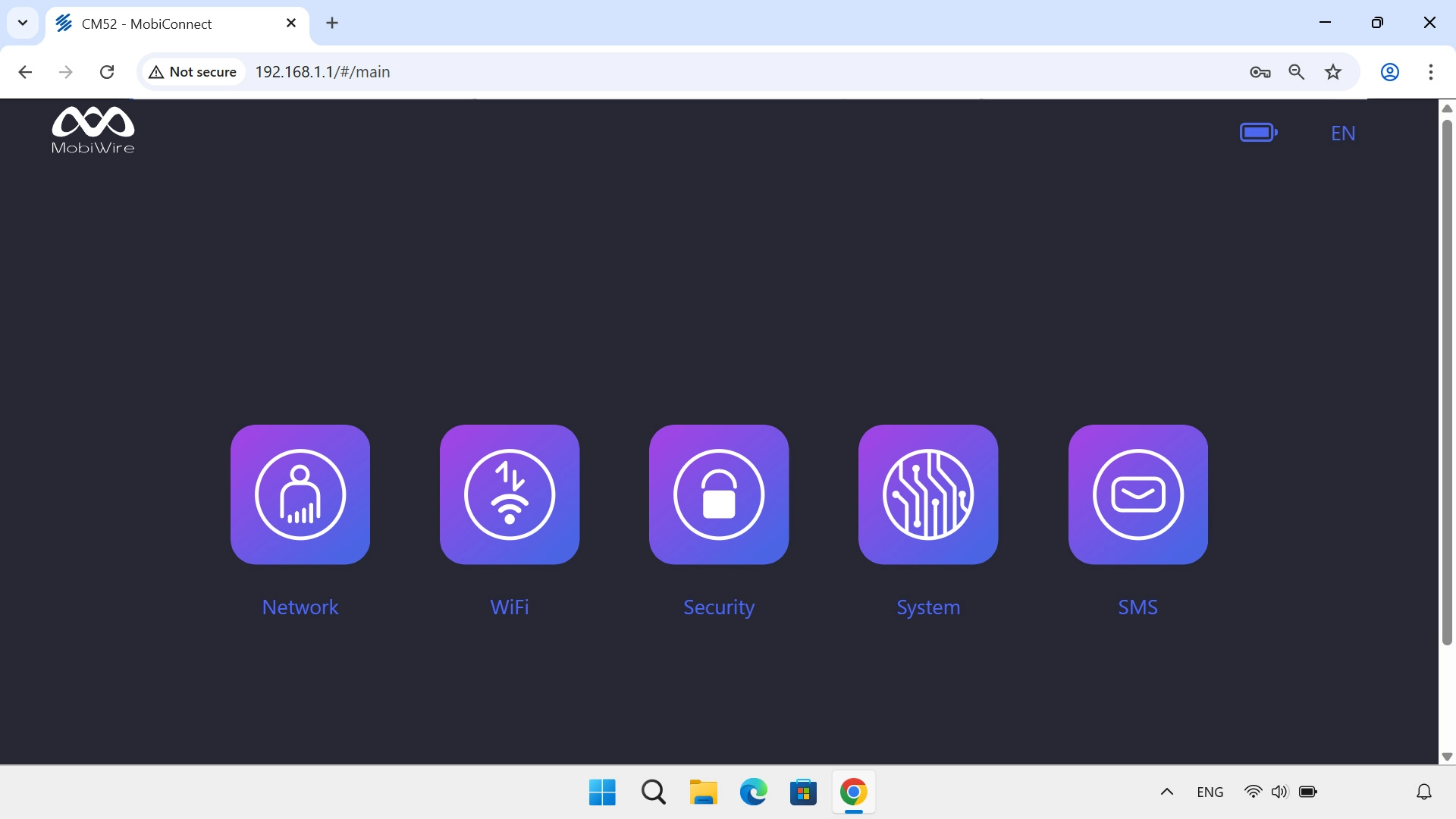
Click SMS.
Step 1 of 6

1. Find "New Message"

Click SMS.
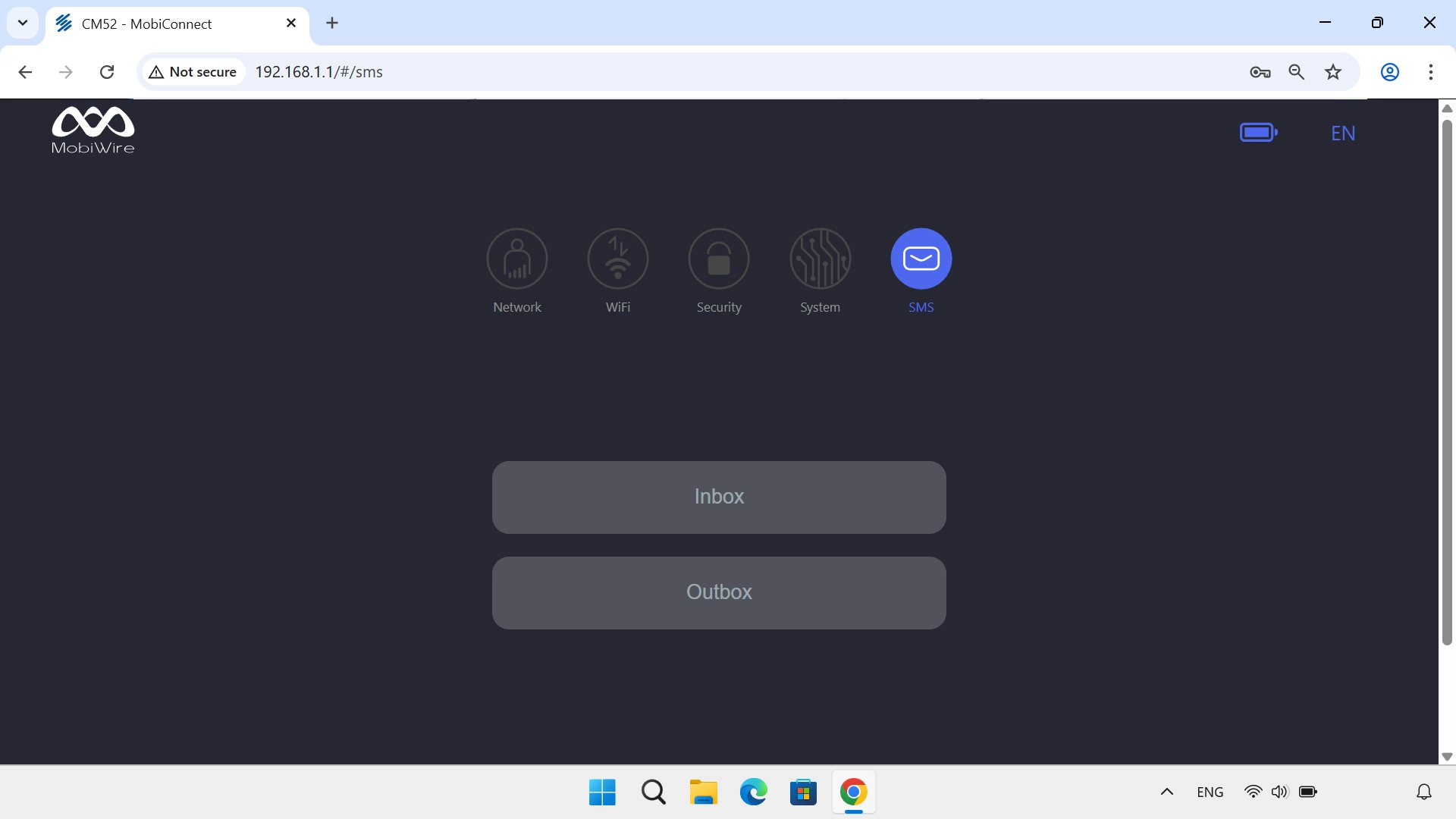
Click Inbox.
Step 2 of 6

1. Find "New Message"

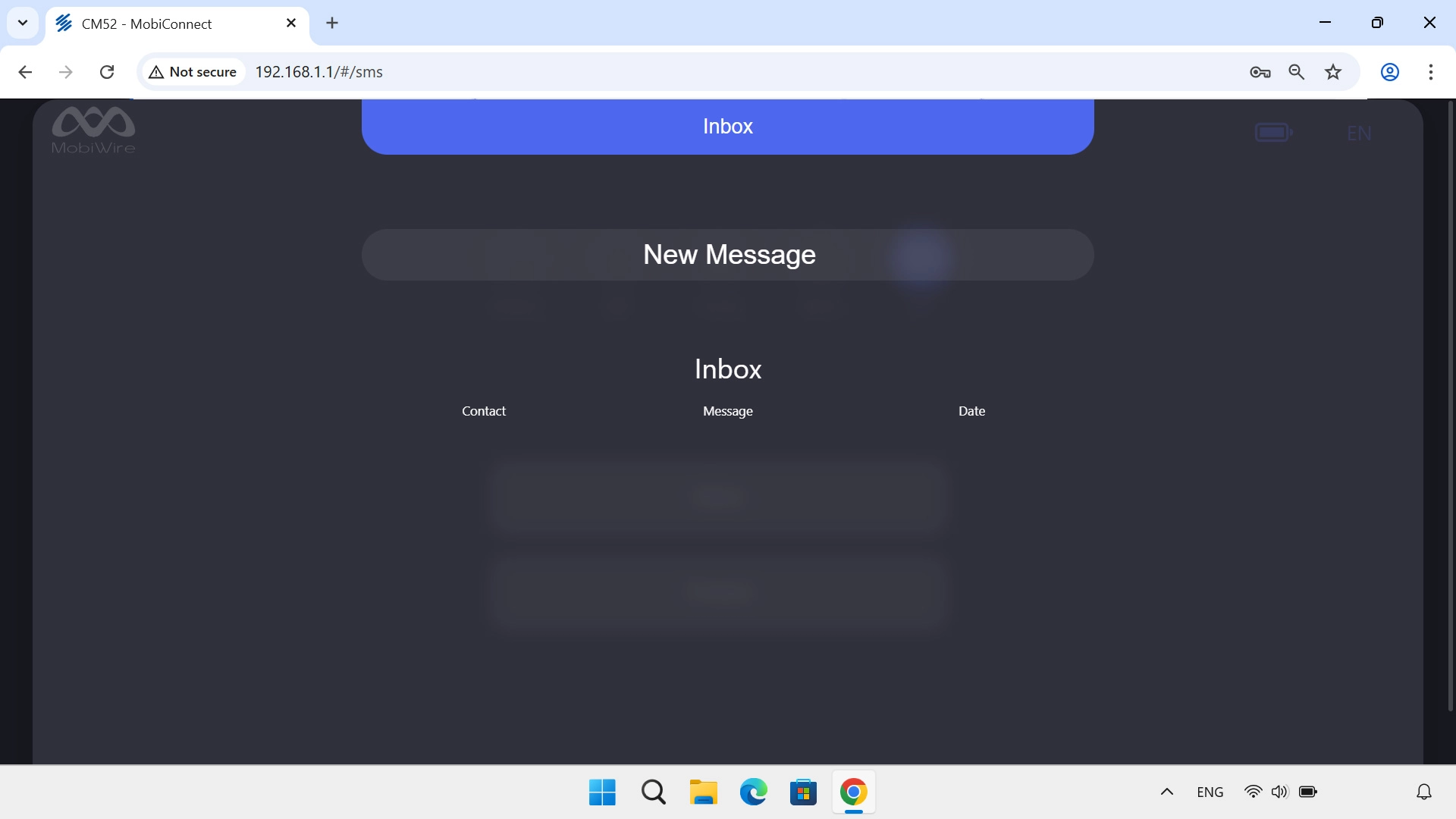
Click Inbox.

Click New Message.
Step 3 of 6

1. Find "New Message"

Click New Message.
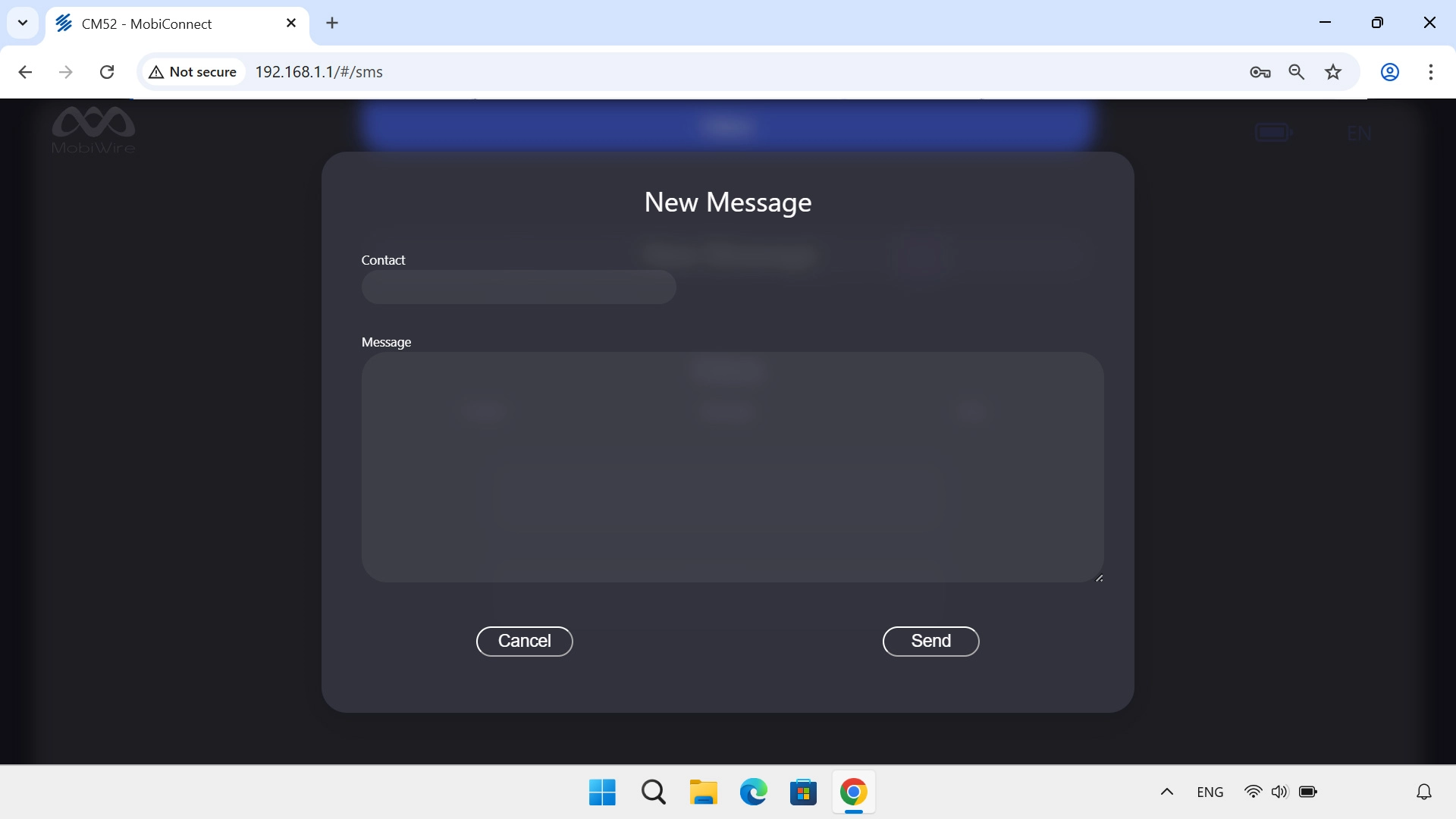
Click the field below
Step 4 of 6

2. Enter the recipient's number

Click the field below "Contact" and key in the number of the recipient.
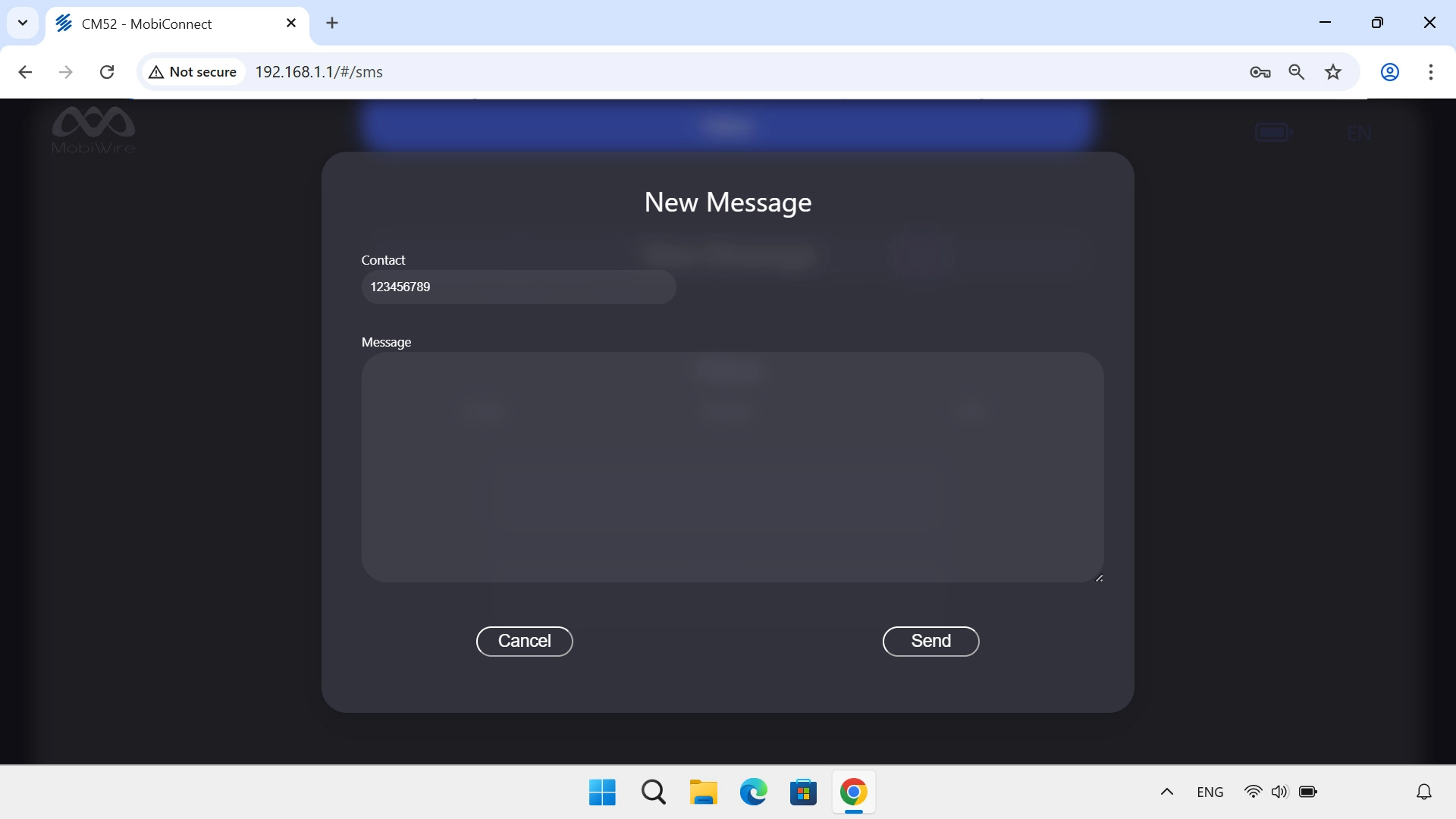
Click the text input field and write the text for your text message.
Step 5 of 6

3. Write text

Click the text input field and write the text for your text message.

Click Send when you've written your text message.
Step 6 of 6

4. Send text message

Click Send when you've written your text message.

1. Find "New Message"

Click SMS.
Click Inbox.
Click New Message.

2. Enter the recipient's number

Click the field below "Contact" and key in the number of the recipient.

3. Write text

Click the text input field and write the text for your text message.
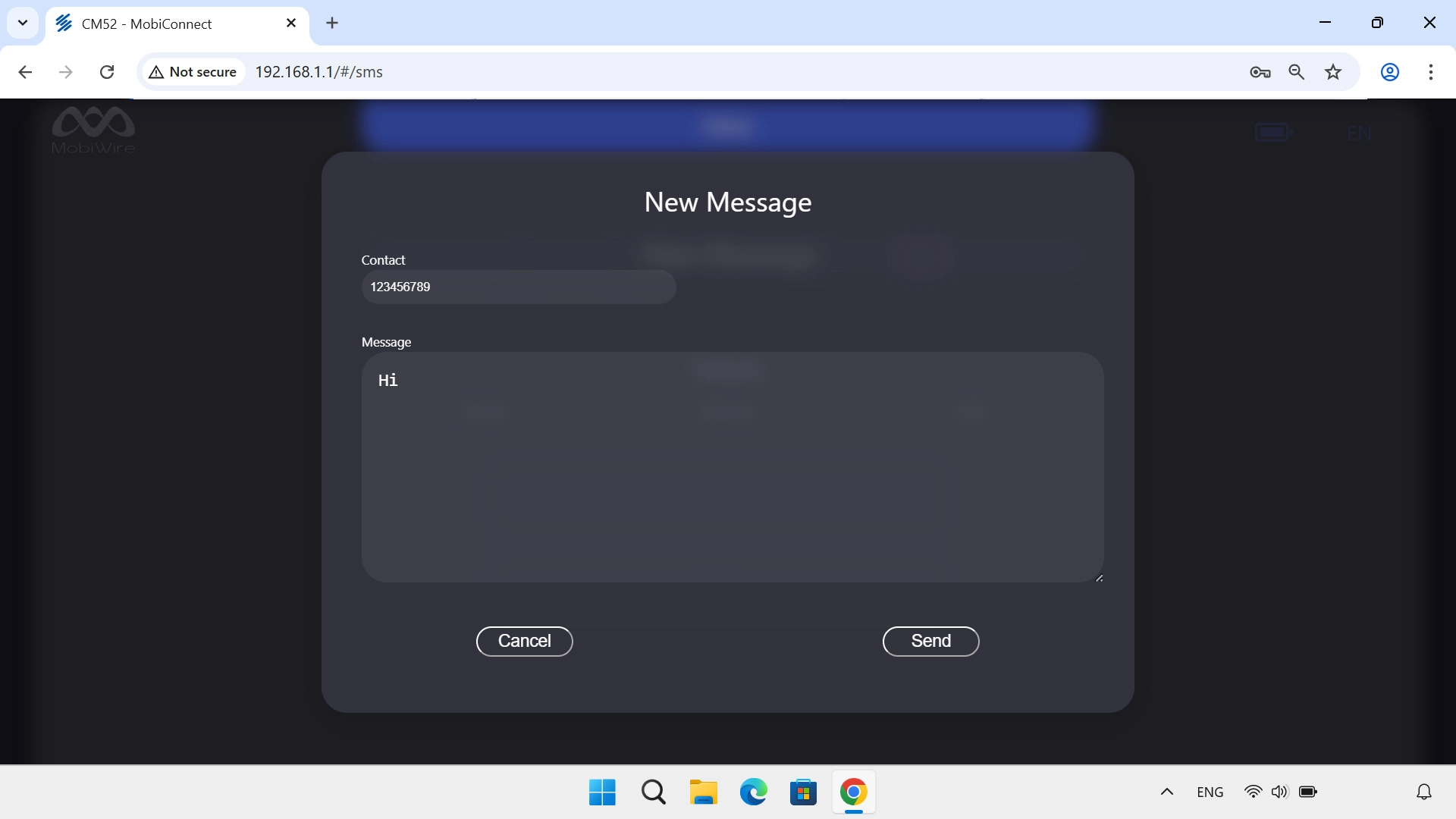
4. Send text message

Click Send when you've written your text message.

Thank you for your evaluation!

Get information on...

Or select...

Another device