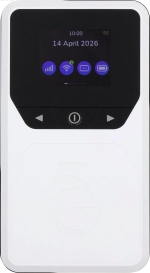
Vodafone Pocket WiFi® 6 CM52 5G

Vodafone Pocket WiFi® 6 CM52 5G

Change PIN on your Vodafone Pocket WiFi® 6 CM52 5G Windows 11

Read help info

The PIN protects your SIM from unauthorised use if your router should get stolen. You can change your PIN to a PIN easier to remember of your choice. You need to turn on use of PIN before you can change your PIN.

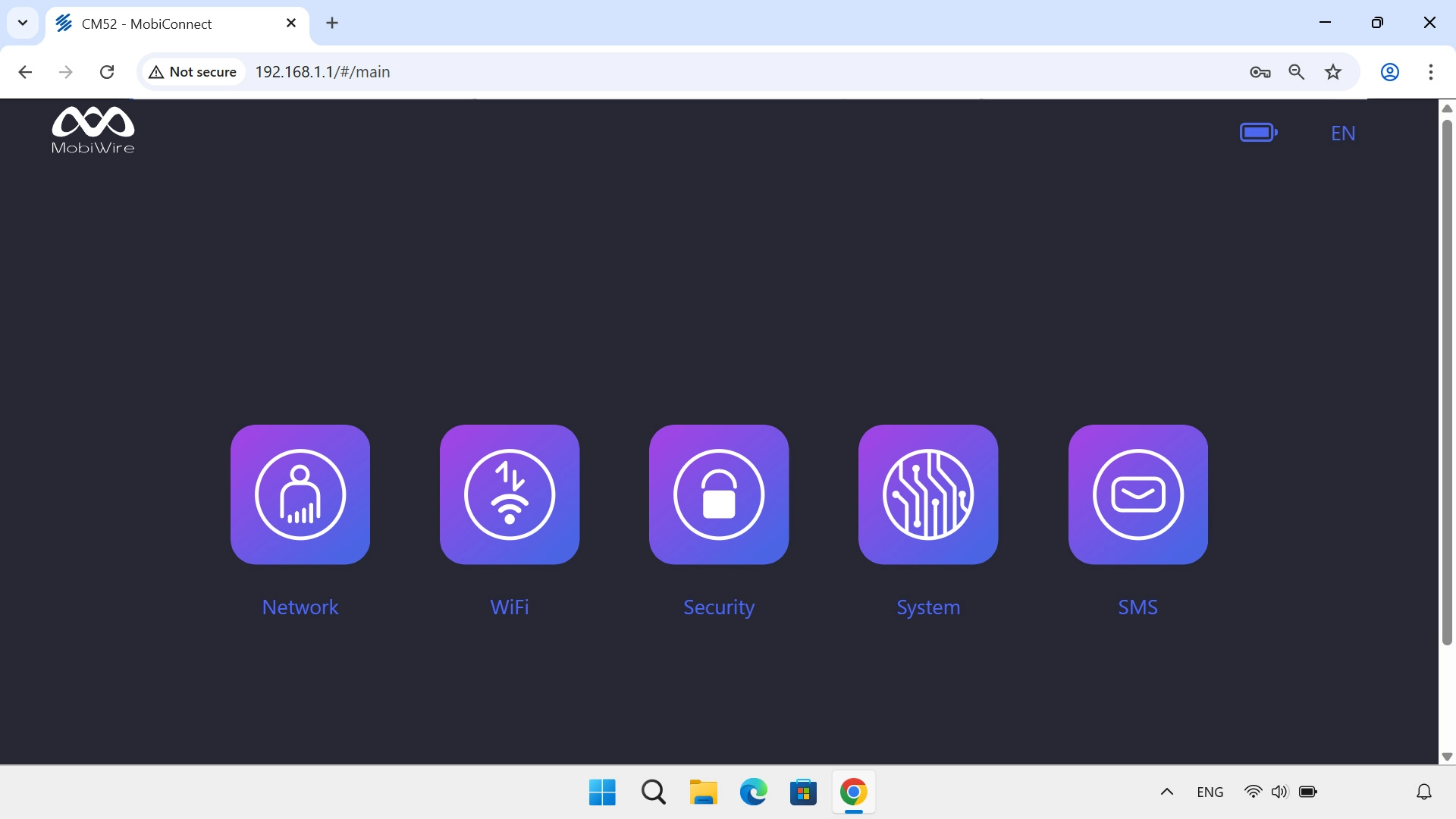
Click Security.
Step 1 of 7

1. Find "SIM PIN Management"

Click Security.
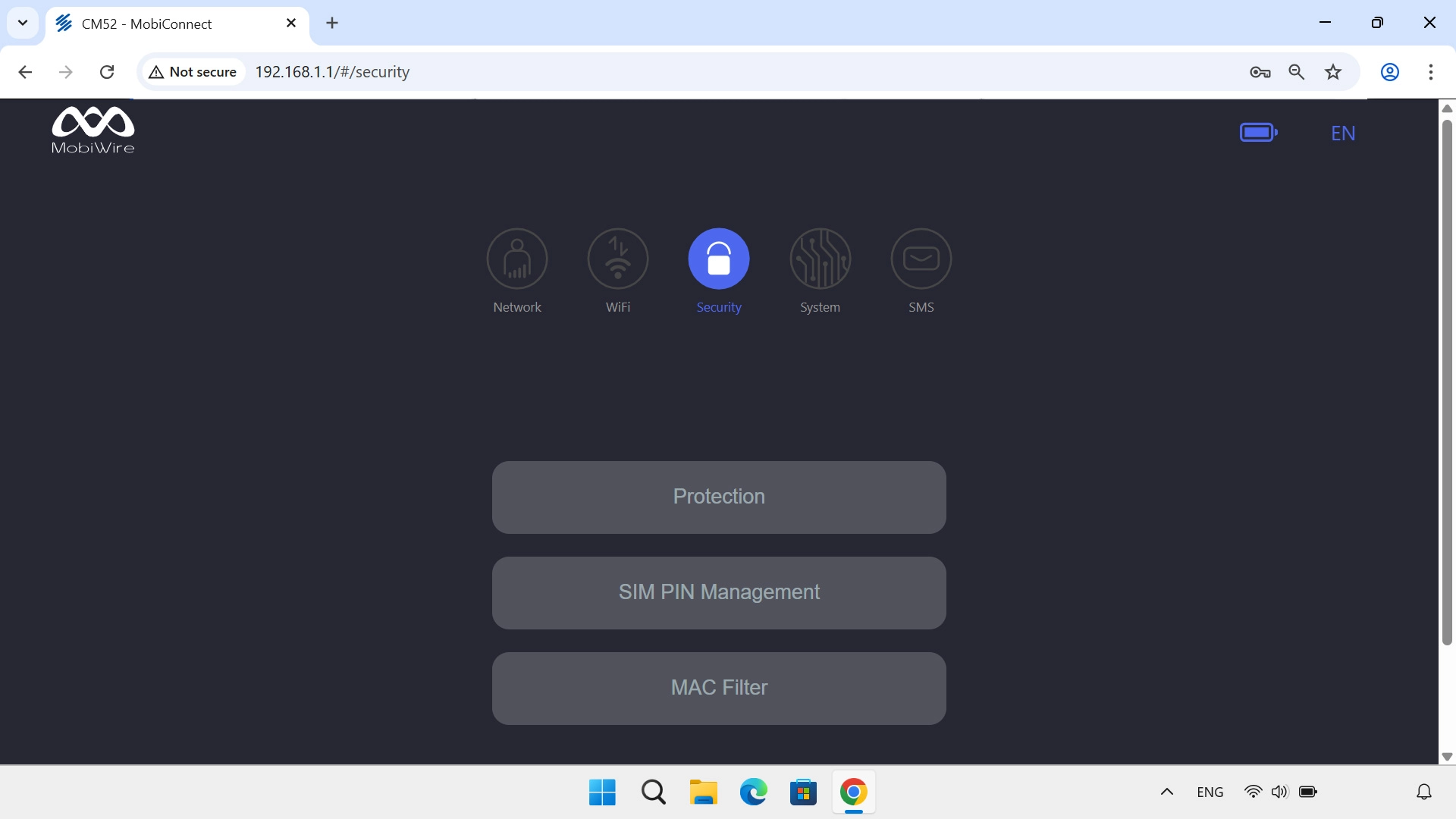
Click SIM PIN Management.
Step 2 of 7

1. Find "SIM PIN Management"

Click SIM PIN Management.
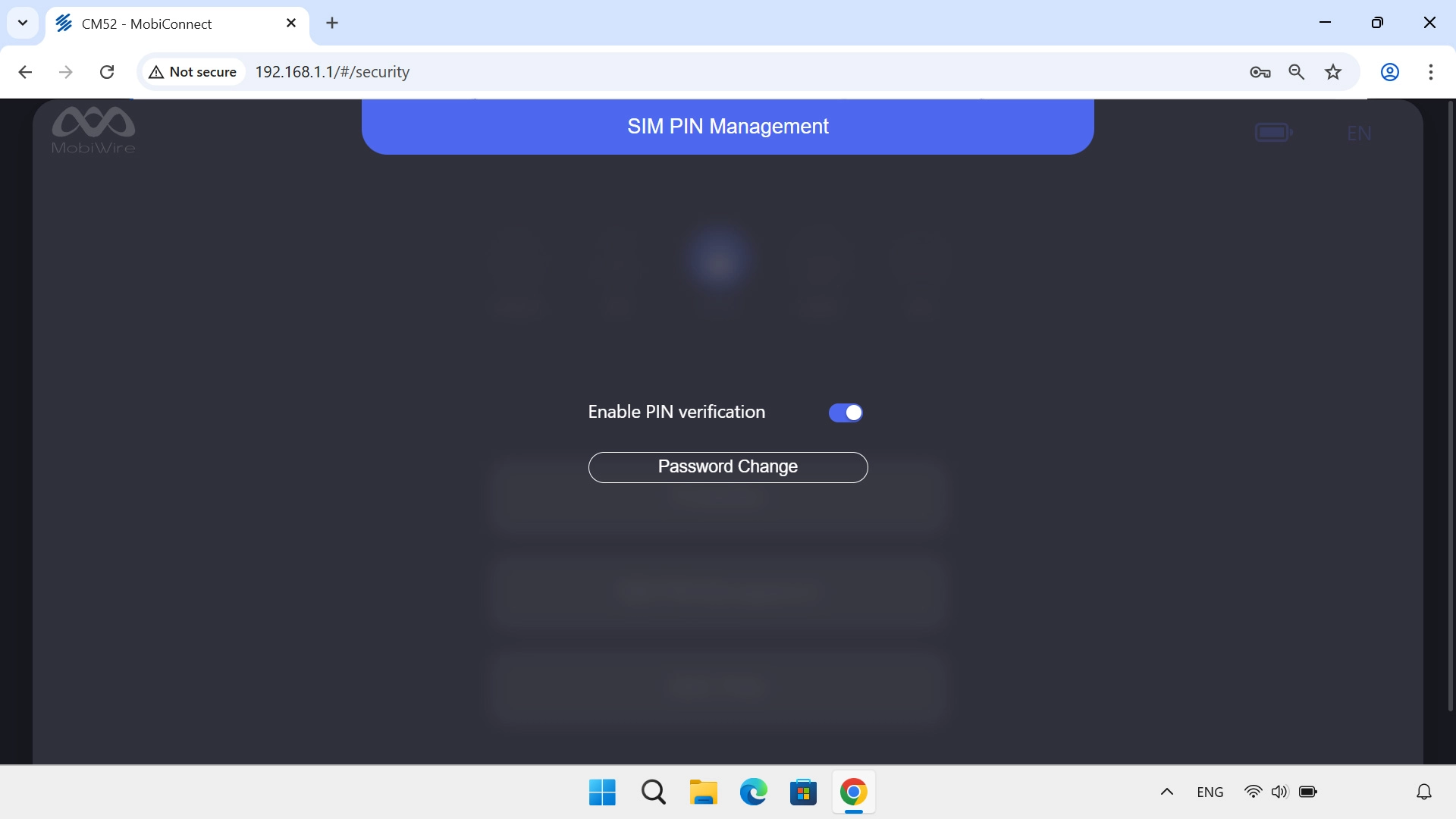
Click Password Change.
Step 3 of 7

2. Change PIN

Click Password Change.

Click the field next to
Step 4 of 7

2. Change PIN

Click the field next to "PIN Code" and key in your current PIN.

If an incorrect PIN is entered three times in a row, your SIM will be blocked. To unblock your SIM, you'll need to key in your PUK. The PUK can be obtained by contacting customer services. Please note: If you key in the wrong PUK ten times in a row, your SIM will be blocked permanently. In this case, you need a new SIM from Vodafone.
Click the field next to
Step 5 of 7

2. Change PIN

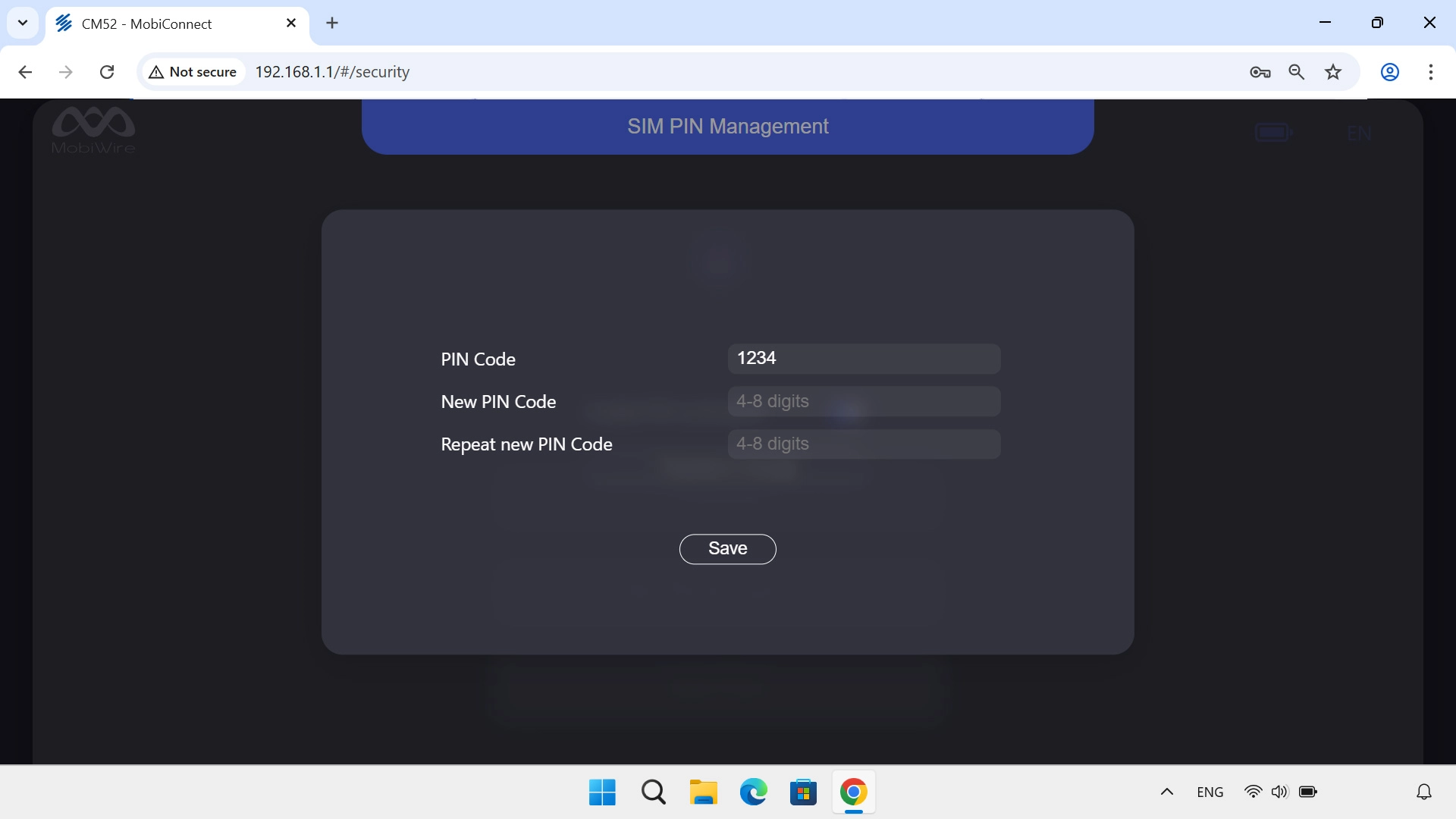
Click the field next to "New PIN Code" and key in a new PIN.

Click the field next to
Step 6 of 7

2. Change PIN

Click the field next to "Repeat new PIN Code" and key in the new PIN again.

Click Save.
Step 7 of 7

3. Save settings

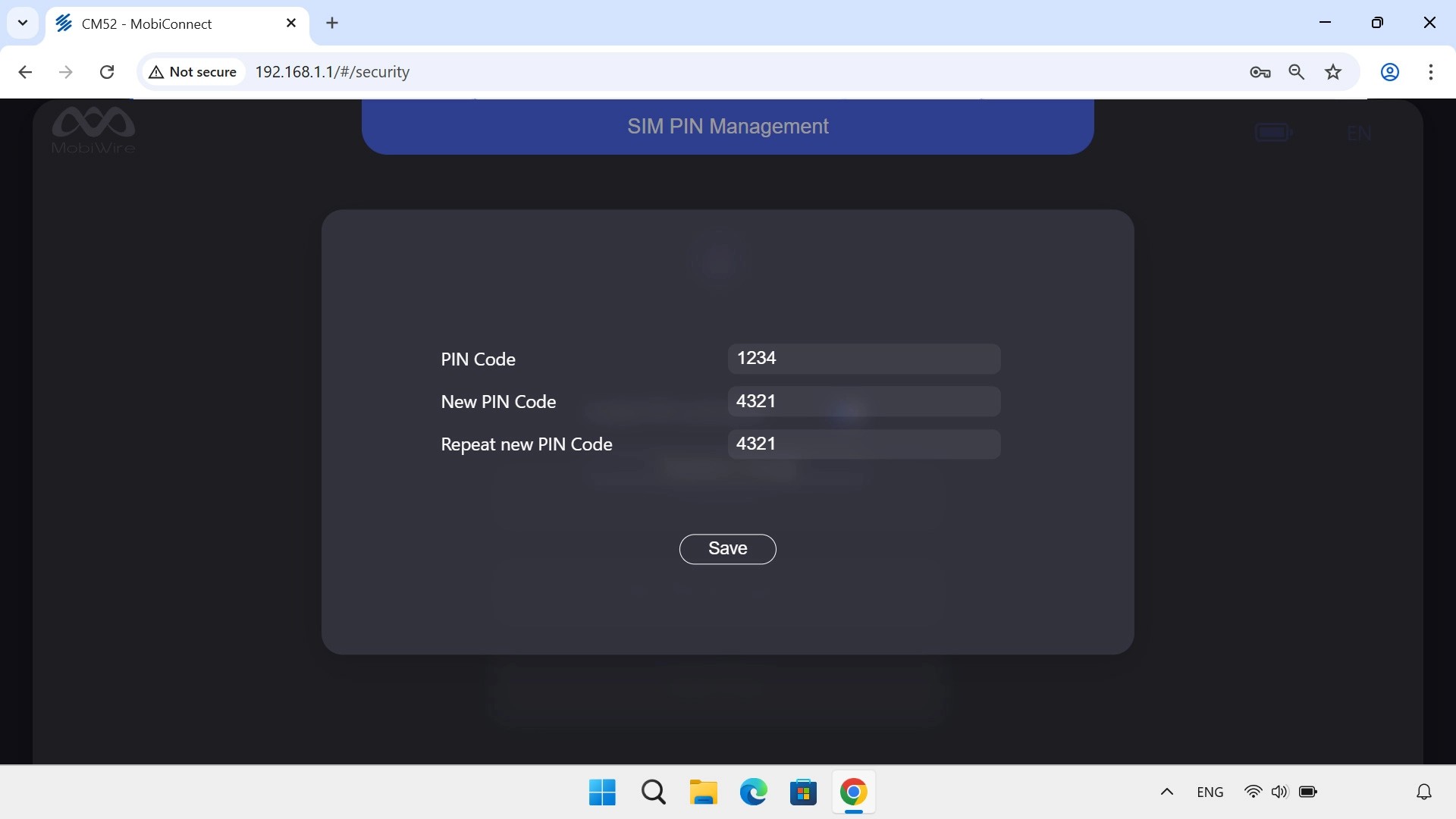
Click Save.

1. Find "SIM PIN Management"

Click Security.
Click SIM PIN Management.

2. Change PIN

Click Password Change.
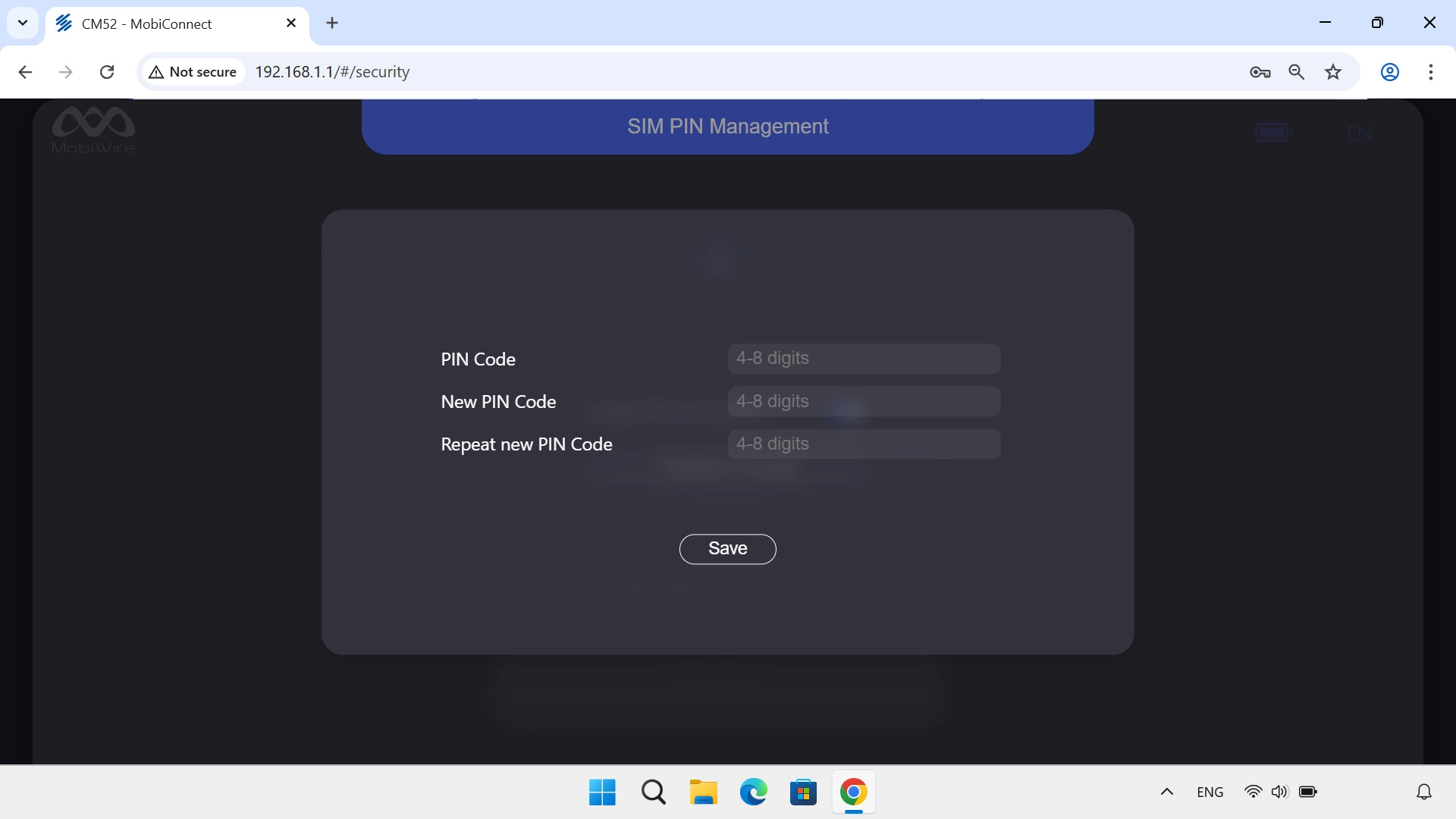
Click the field next to "PIN Code" and key in your current PIN.
If an incorrect PIN is entered three times in a row, your SIM will be blocked. To unblock your SIM, you'll need to key in your PUK. The PUK can be obtained by contacting customer services. Please note: If you key in the wrong PUK ten times in a row, your SIM will be blocked permanently. In this case, you need a new SIM from Vodafone.
Click the field next to "New PIN Code" and key in a new PIN.
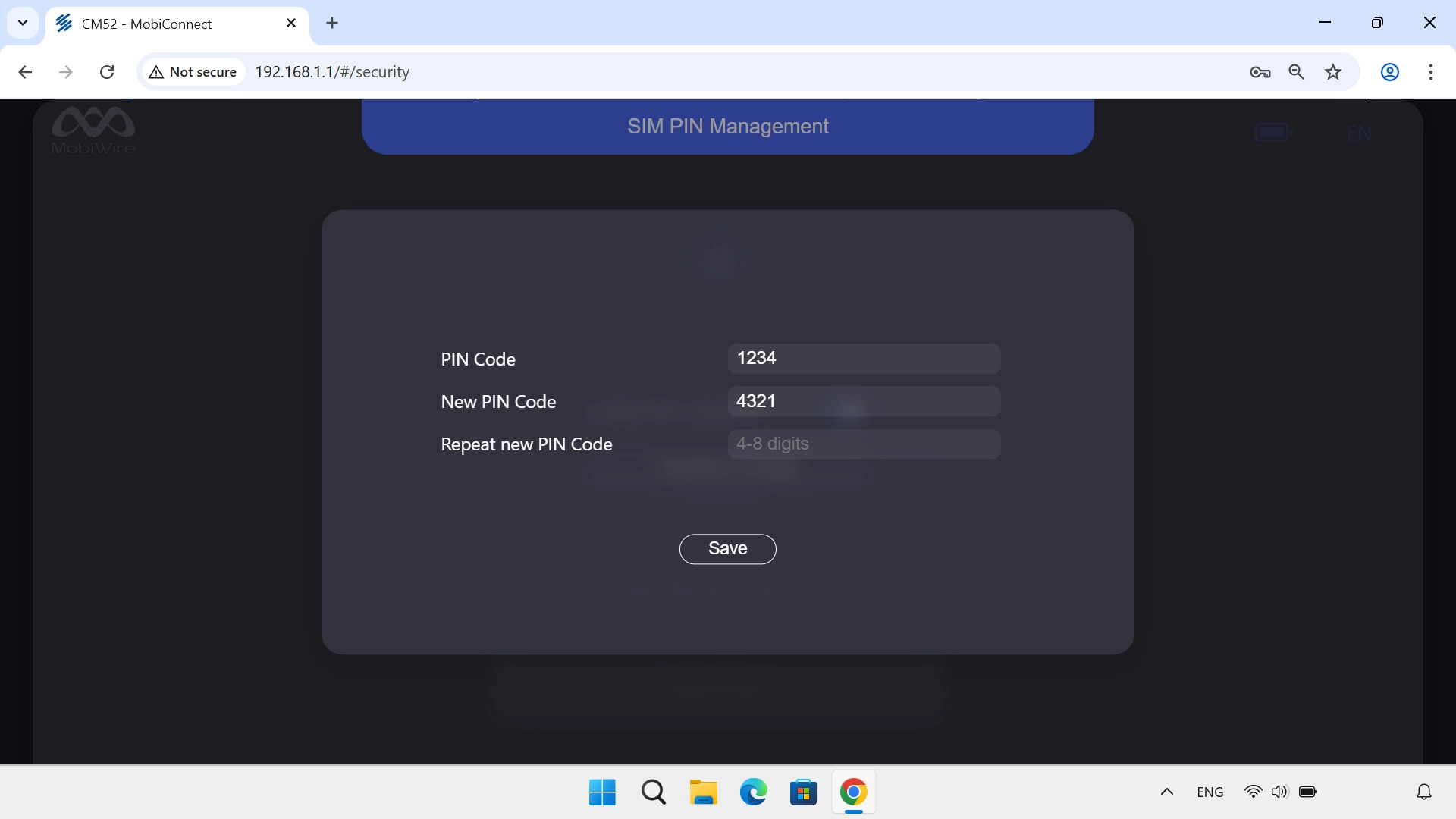
Click the field next to "Repeat new PIN Code" and key in the new PIN again.
3. Save settings

Click Save.

Thank you for your evaluation!

Get information on...

Or select...

Another device