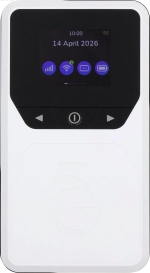
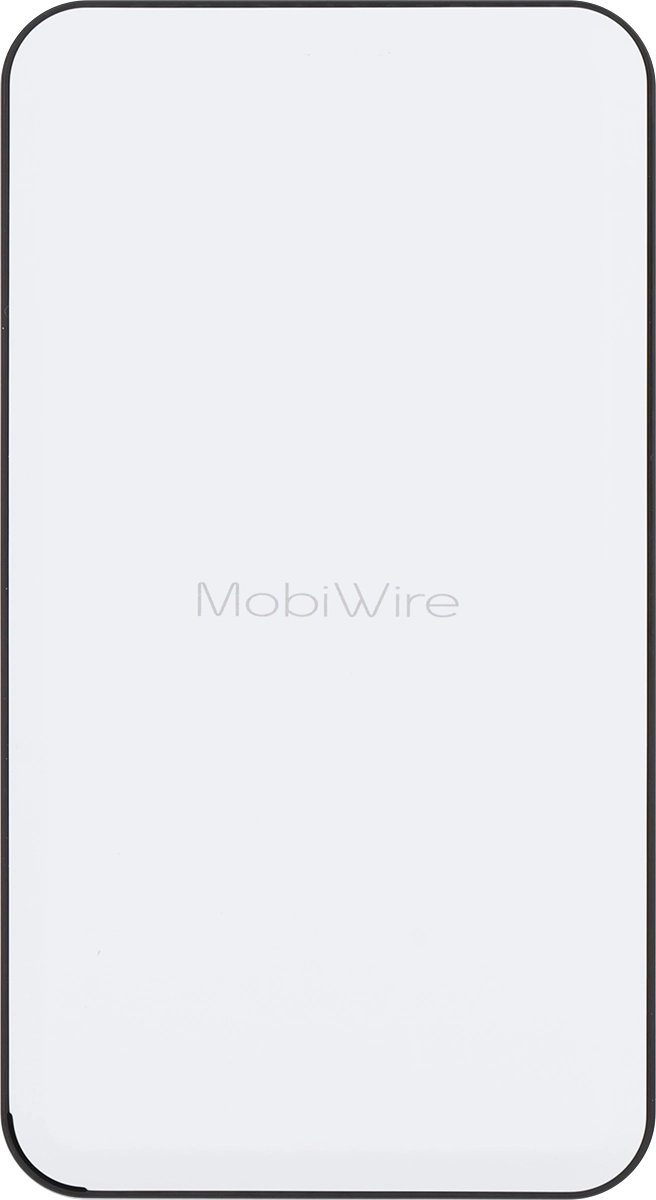
Vodafone Pocket WiFi® 6 CM52 5G

Vodafone Pocket WiFi® 6 CM52 5G

My Vodafone Pocket WiFi® 6 CM52 5G Windows 11 can't find a network

Cause 5 of 6: Wrong or no SIM

Your router can't find a network if no SIM or a SIM from another operator has been inserted in your router.

Solution: Check that a SIM is inserted in your router.

Step 1 of 4

Remove back cover

Turn the back of your router towards you. Take hold of the bottom left corner of the back cover and remove it.
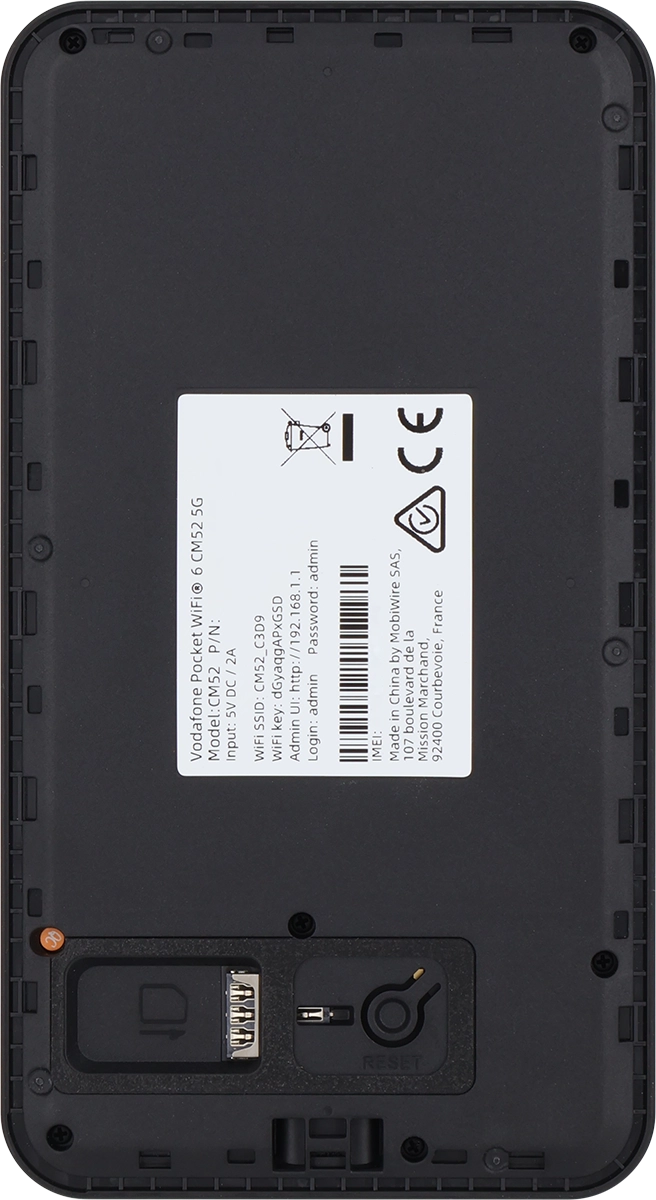
Step 2 of 4

Insert SIM

Place your SIM as illustrated next to the SIM holder.
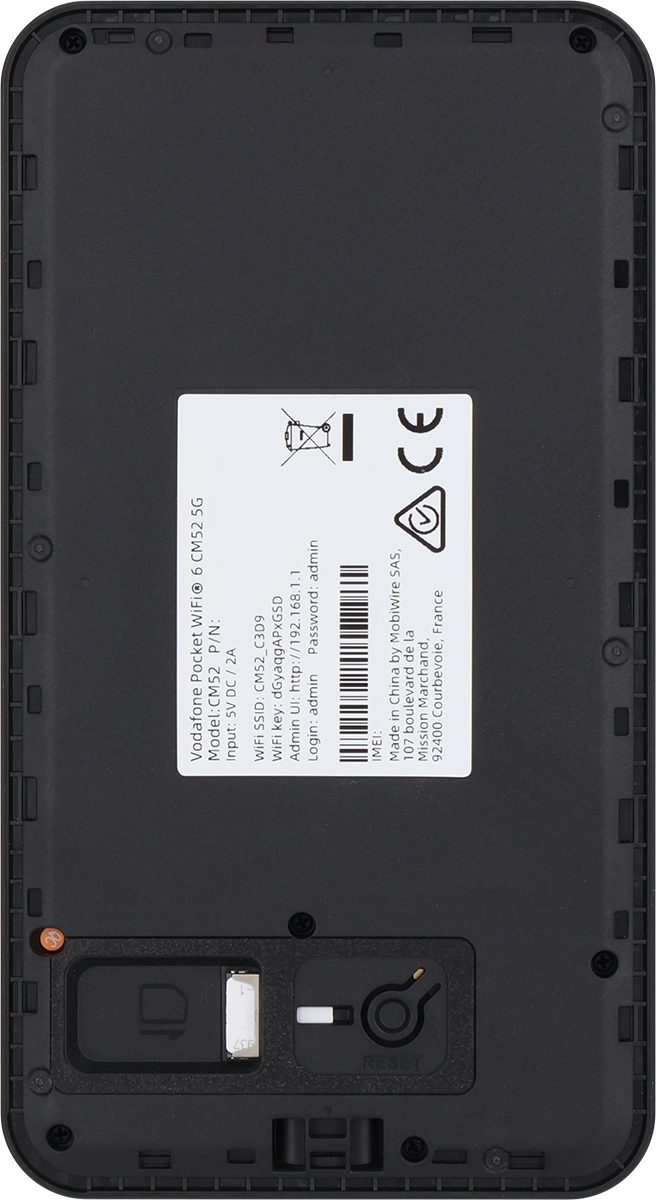
Step 3 of 4

Insert SIM

Slide your SIM into the SIM holder.

Step 4 of 4

Replace back cover

Place the back cover on your router and press it into place.

1 Remove back cover

Turn the back of your router towards you. Take hold of the bottom left corner of the back cover and remove it.

2 Insert SIM

Place your SIM as illustrated next to the SIM holder.
Please note that your router only supports nano SIMs.
Slide your SIM into the SIM holder.

3 Replace back cover

Place the back cover on your router and press it into place.

Did this solve the problem?

Yes - All solved No - Go to next cause

Get information on...

Or select...

Another device