Vodafone Pocket WiFi® 6 CM52 5G

Vodafone Pocket WiFi® 6 CM52 5G

I can't turn on my Vodafone Pocket WiFi® 6 CM52 5G Windows 11

Cause 1 of 3: The battery is flat

To use your router, the battery must be charged.

Solution: Charge the battery.

Step 1 of 3

Charge the battery

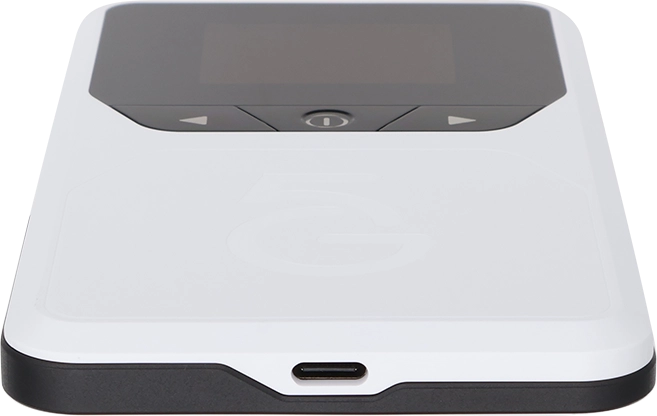
Connect the charger to the socket and to a wall socket.
Step 2 of 3

Charge the battery

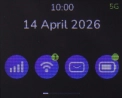
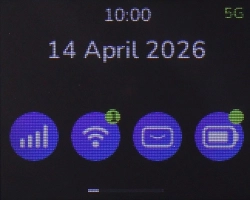
When the battery charging icon is displayed, the battery is charging.

Step 3 of 3

Charge the battery

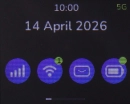
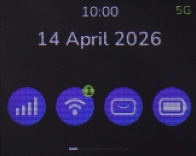
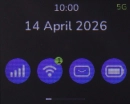
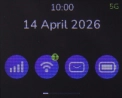
When your router is turned on, you can always see the battery power level on the screen. The larger the coloured section of the battery icon, the more remaining battery power.

1 Charge the battery

Connect the charger to the socket and to a wall socket.
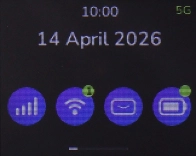
When the battery charging icon is displayed, the battery is charging.
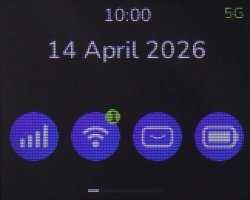
When your router is turned on, you can always see the battery power level on the screen. The larger the coloured section of the battery icon, the more remaining battery power.

Did this solve the problem?

Yes - All solved No - Go to next cause

Get information on...

Or select...

Another device