Step 1 of 2
1. Take screenshot
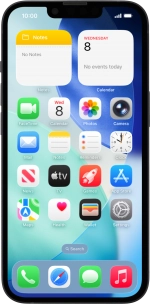
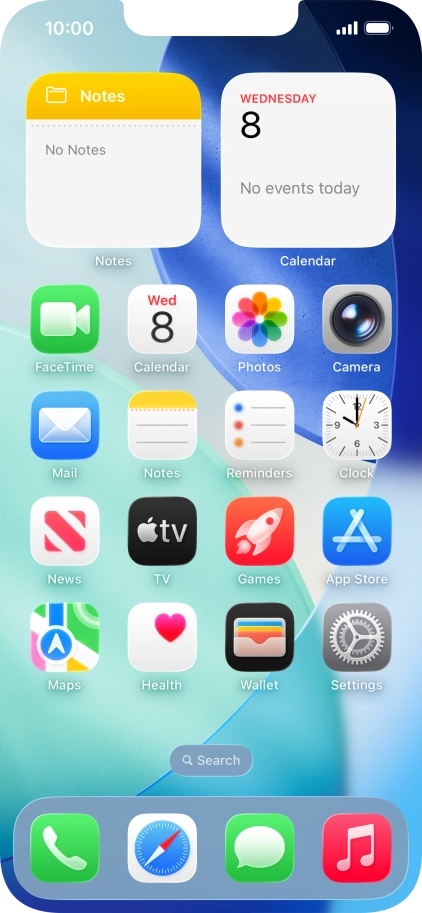
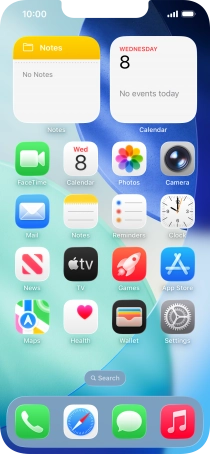
At the same time, press the Side button and the Top volume key to take a screenshot.
Step 2 of 2
1. Take screenshot
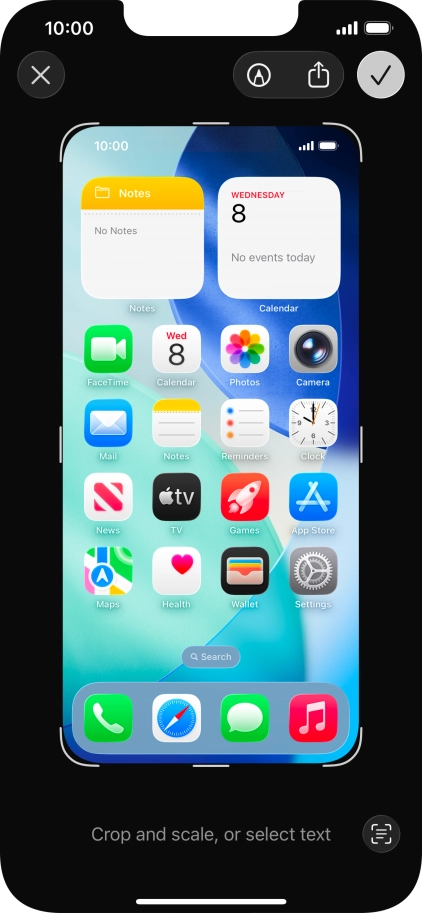
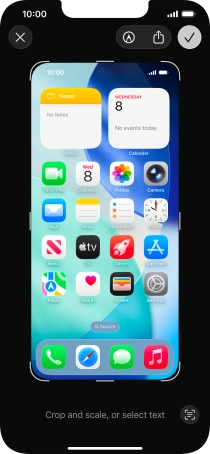
Follow the instructions on the screen to edit and save your screenshot.
1. Take screenshot
At the same time, press the Side button and the Top volume key to take a screenshot.
Follow the instructions on the screen to edit and save your screenshot.
How would you rate your experience?
Thank you for your evaluation!

Do you have any additional feedback?
Thank you for your evaluation!