Select ring tone on your Apple iPhone 8 iOS 13.1

Read help info

You can select the ring tone you want to hear when you get a call.

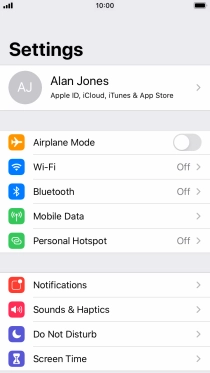
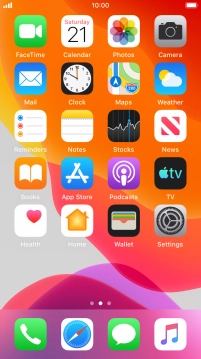
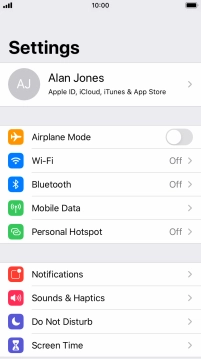
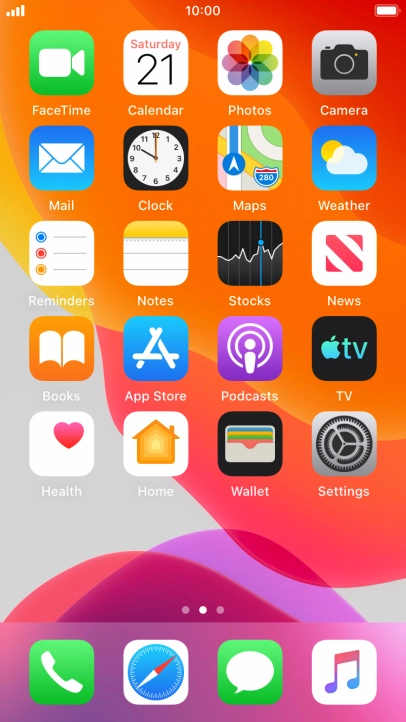
Press Settings.
Step 1 of 6

1. Find "Ringtone"

Press Settings.
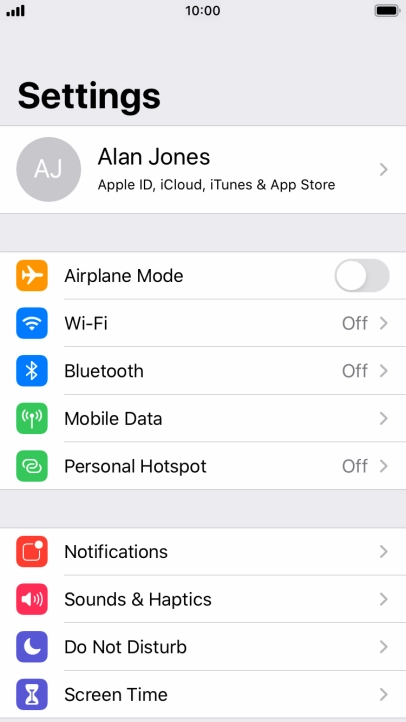
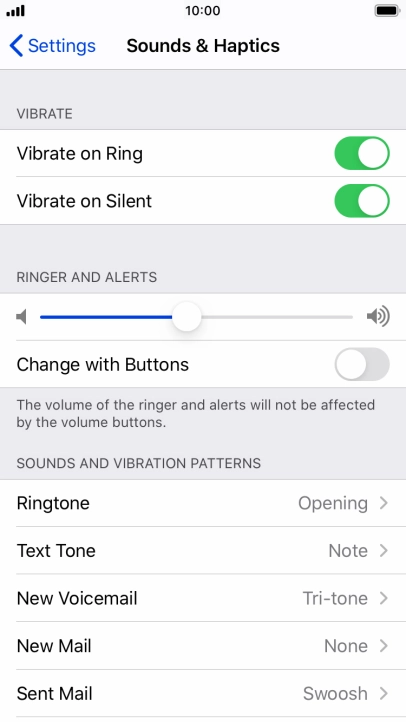
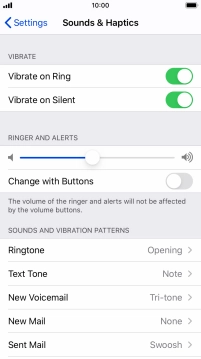
Press Sounds & Haptics.
Step 2 of 6

1. Find "Ringtone"

Press Sounds & Haptics.

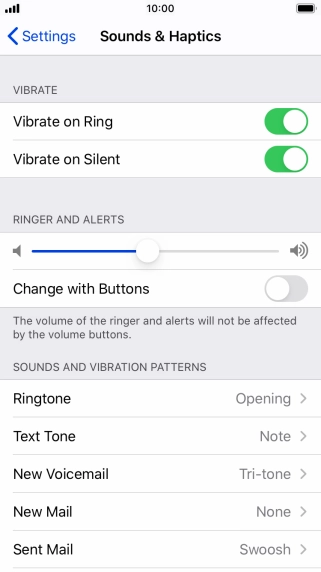
Press Ringtone.
Step 3 of 6

1. Find "Ringtone"

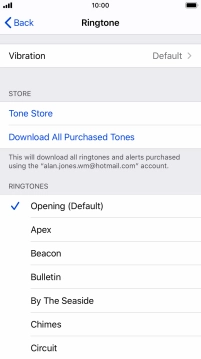
Press Ringtone.

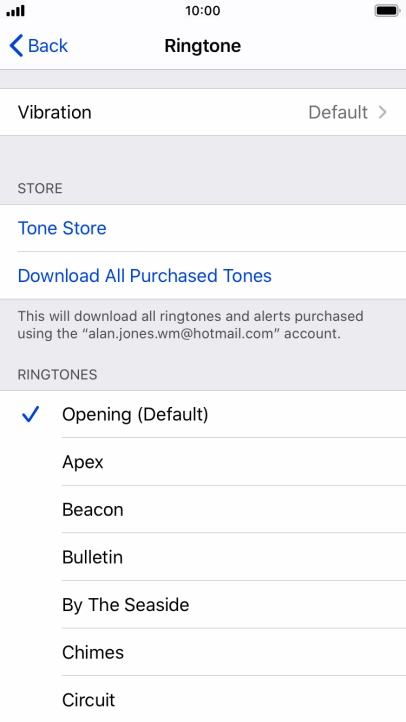
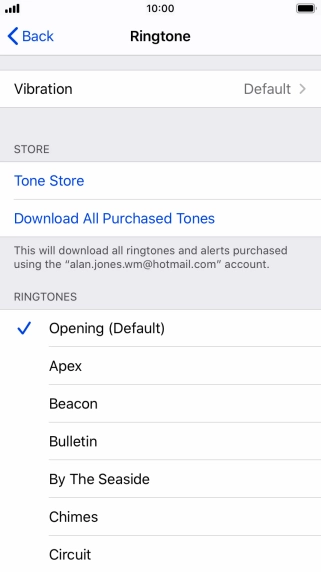
Press the required ring tones to hear them.
Step 4 of 6

2. Select ring tone

Press the required ring tones to hear them.

Once you've found a ring tone you like, press arrow left.
Step 5 of 6

2. Select ring tone

Once you've found a ring tone you like, press arrow left.

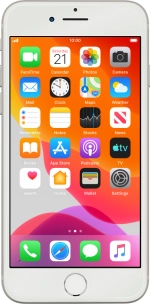
Press the Home key to return to the home screen.
Step 6 of 6

3. Return to the home screen

Press the Home key to return to the home screen.

1. Find "Ringtone"

Press Settings.
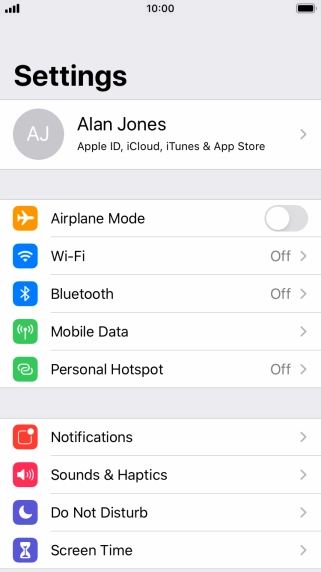
Press Sounds & Haptics.
Press Ringtone.

2. Select ring tone

Press the required ring tones to hear them.
Once you've found a ring tone you like, press arrow left.

3. Return to the home screen

Press the Home key to return to the home screen.

Get information on...

Or select...

Another device