Apple Watch Series 12

Apple Watch Series 12

watchOS 27

Read iMessage on your Apple Watch Series 12 watchOS 27

Read help info

See how to read an iMessage on your Apple Watch.

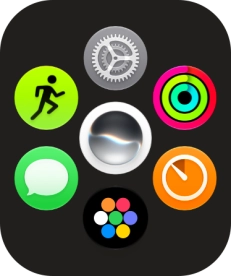
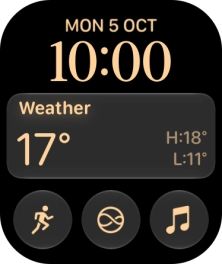
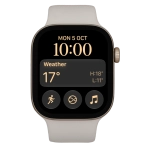
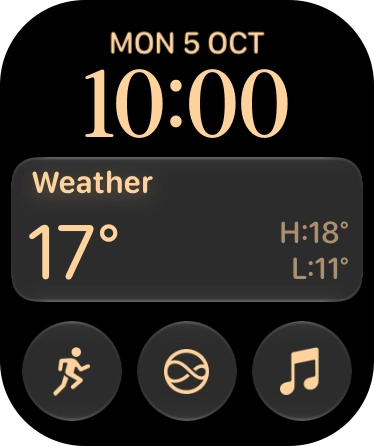
Press the Digital Crown.
Step 1 of 14

1. Read iMessage

Press the Digital Crown.
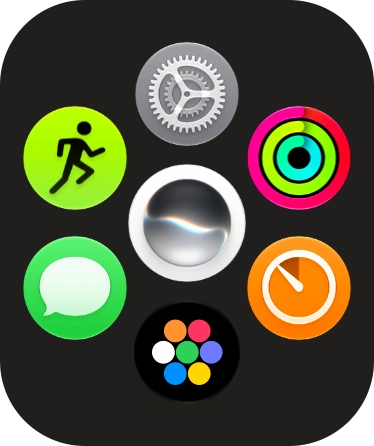
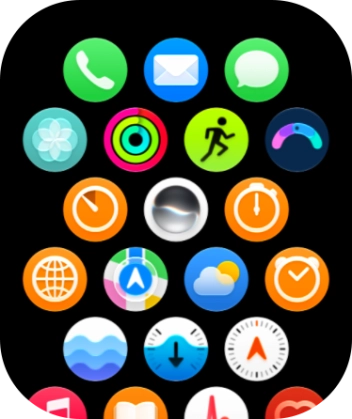
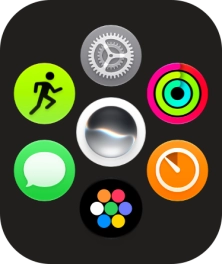
Slide your finger upwards on the screen.
Step 2 of 14

1. Read iMessage

Slide your finger upwards on the screen.

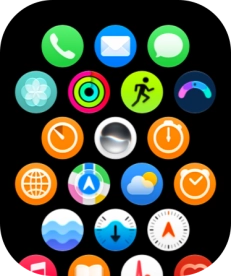
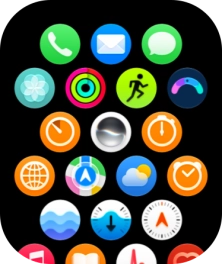
Press the message icon.
Step 3 of 14

1. Read iMessage

Press the message icon.

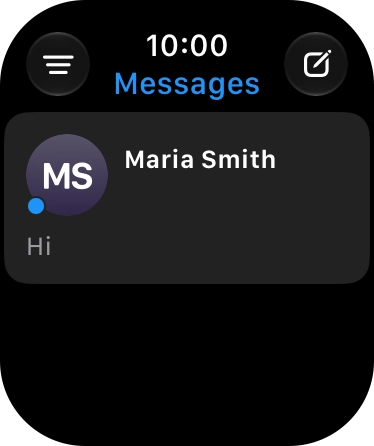
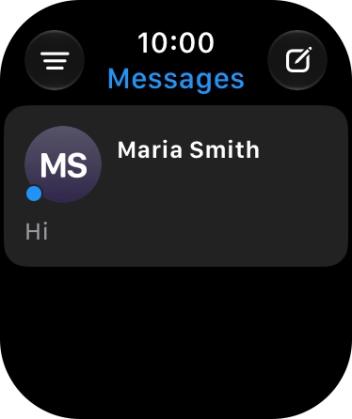
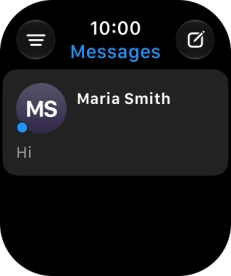
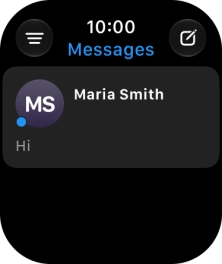
Press the required iMessage.
Step 4 of 14

1. Read iMessage

Press the required iMessage.

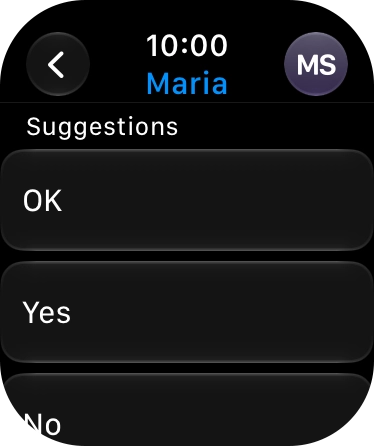
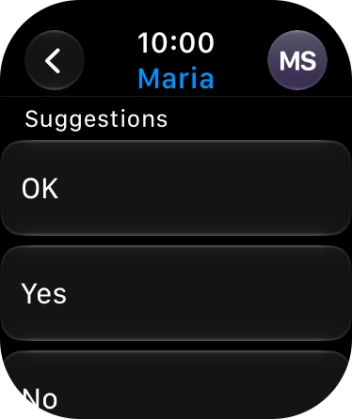
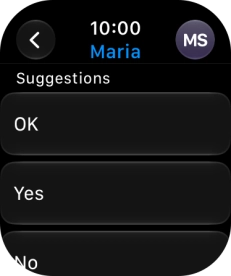
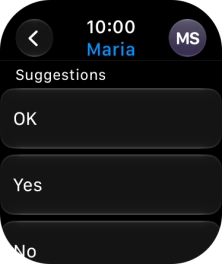
Press the required quick reply.
Step 5 of 14

2. Reply to iMessage using quick reply

Press the required quick reply.

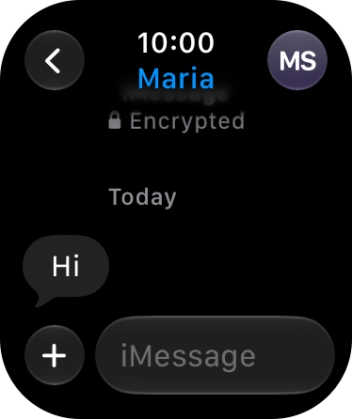
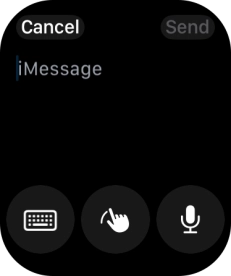
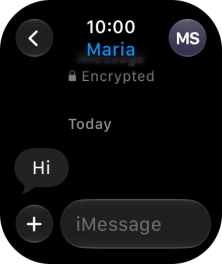
Press iMessage.
Step 6 of 14

3. Reply to iMessage using voice input

Press iMessage.

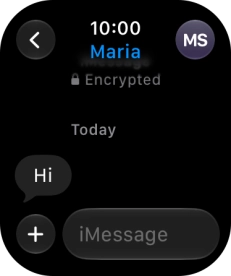
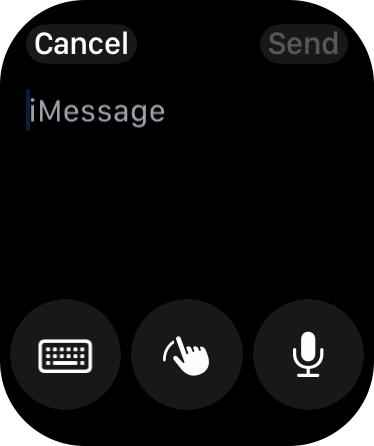
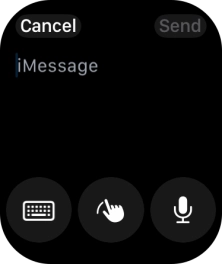
Press the input icon.
Step 7 of 14

3. Reply to iMessage using voice input

Press the input icon.

Press the microphone icon and record the message.
Step 8 of 14

3. Reply to iMessage using voice input

Press the microphone icon and record the message.

To use voice input, you need to turn on dictation.
Press Send.
Step 9 of 14

3. Reply to iMessage using voice input

Press Send.

Press iMessage.
Step 10 of 14

4. Reply to iMessage using text input

Press iMessage.

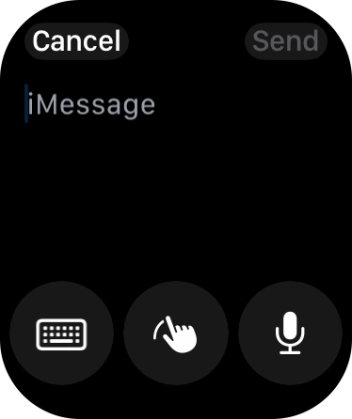
Press the input icon.
Step 11 of 14

4. Reply to iMessage using text input

Press the input icon.

Press the keypad icon.
Step 12 of 14

4. Reply to iMessage using text input

Press the keypad icon.

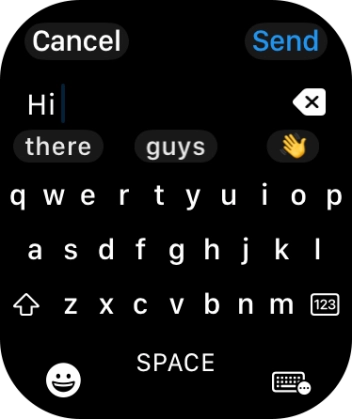
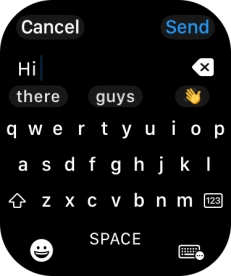
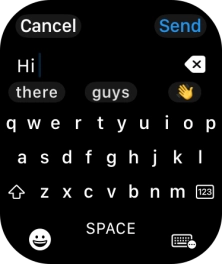
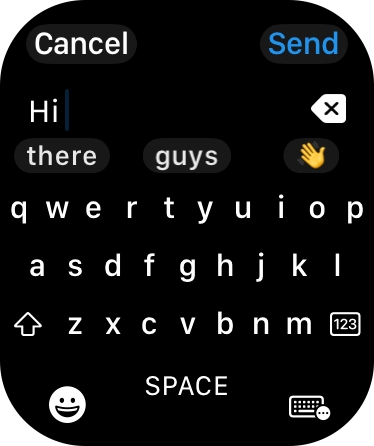
Write the required text and press Send.
Step 13 of 14

4. Reply to iMessage using text input

Write the required text and press Send.

Press the Digital Crown several times to return to standby mode.
Step 14 of 14

5. Return to the home screen

Press the Digital Crown several times to return to standby mode.

1. Read iMessage

Press the Digital Crown.
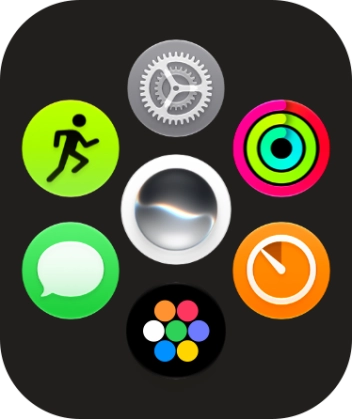
Slide your finger upwards on the screen.
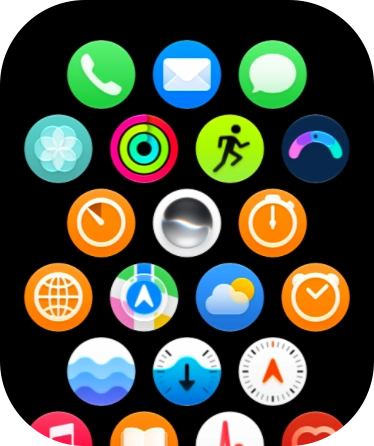
Press the message icon.
Press the required iMessage.

2. Reply to iMessage using quick reply

Press the required quick reply.
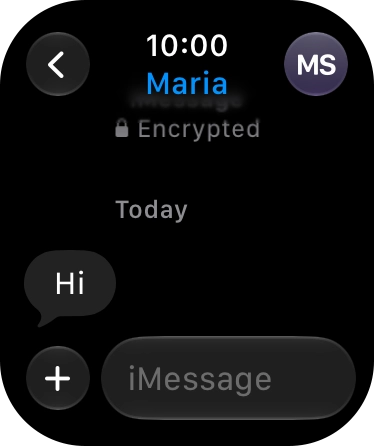
3. Reply to iMessage using voice input

Press iMessage.
Press the input icon.
Press the microphone icon and record the message.
To use voice input, you need to turn on dictation.
Press Send.

4. Reply to iMessage using text input

Press iMessage.
Press the input icon.
Press the keypad icon.
Write the required text and press Send.

5. Return to the home screen

Press the Digital Crown several times to return to standby mode.

Thank you for your evaluation!

Get information on...

Or select...

Another device