Apple Watch Series 12

Apple Watch Series 12

watchOS 27

I can't install apps on my Apple Watch Series 12 watchOS 27

Cause 1 of 3: There's not enough memory on your Apple Watch

To install apps, there needs to be enough memory on your Apple Watch.

Solution: Uninstall apps or delete other content from the memory.

Step 1 of 6

Uninstall apps

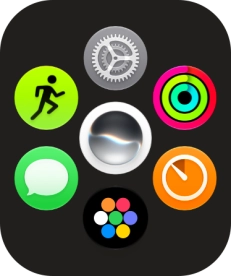
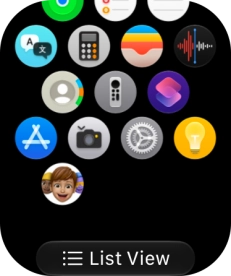
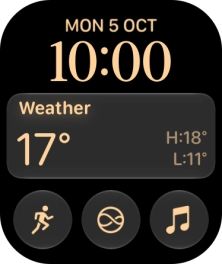
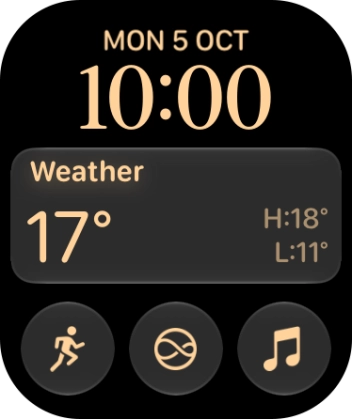
Press the Digital Crown.
Step 2 of 6

Uninstall apps

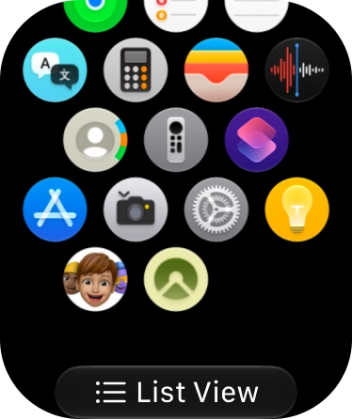
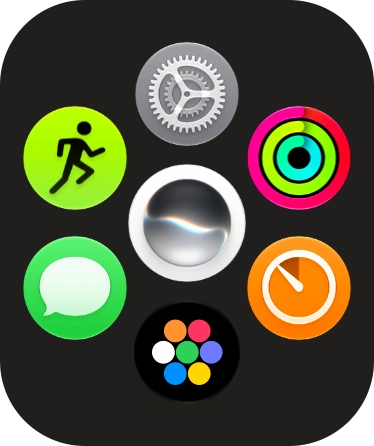
Slide your finger upwards on the screen.

Step 3 of 6

Uninstall apps

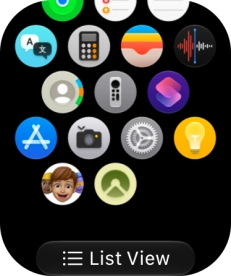
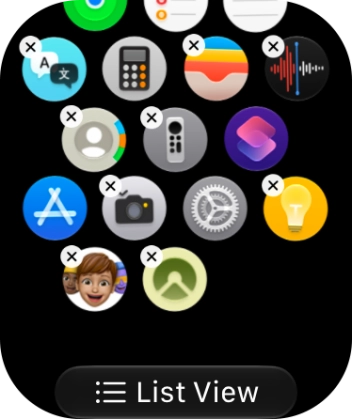
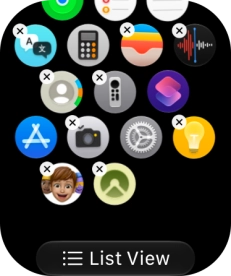
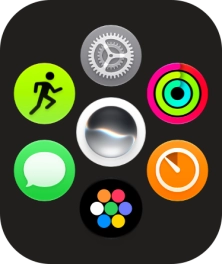
Press and hold the required app.

Step 4 of 6

Uninstall apps

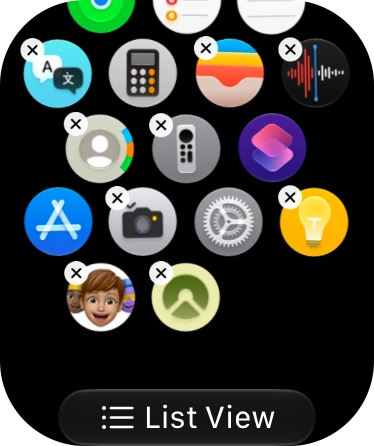
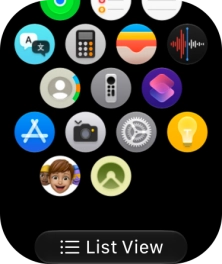
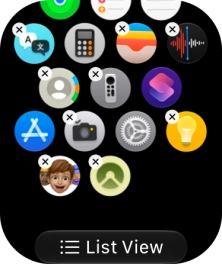
Press the delete icon next to the required app.

Step 5 of 6

Uninstall apps

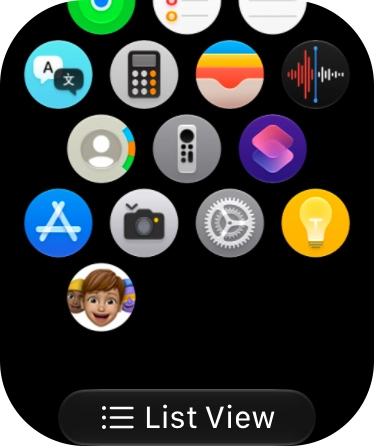
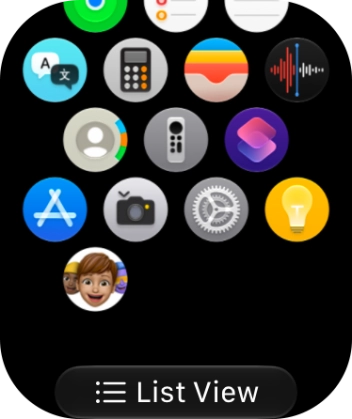
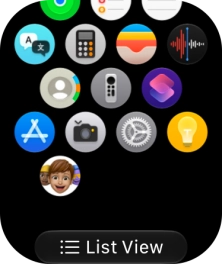
Press Delete App.

Step 6 of 6

Return to the home screen

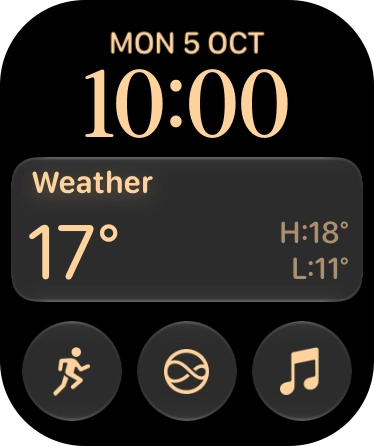
Press the Digital Crown to return to the home screen.

1 Uninstall apps

Press the Digital Crown.
Slide your finger upwards on the screen.
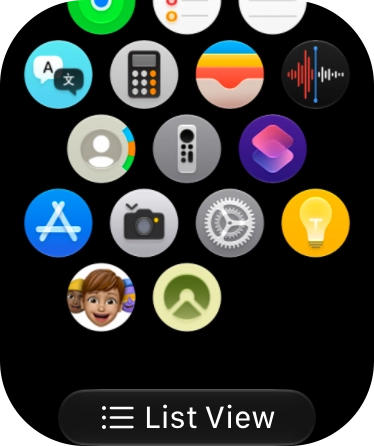
Press and hold the required app.
Press the delete icon next to the required app.

Press Delete App.

2 Return to the home screen

Press the Digital Crown to return to the home screen.

Did this solve the problem?

Yes - All solved No - Go to next cause

Get information on...

Or select...

Another device