Google Pixel 11

Google Pixel 11

Android 17

Turn mobile data on your Google Pixel 11 Android 17 on or off

Read help info

You can limit your data usage by turning off mobile data. You'll then not be able to access the internet using the mobile network. You can still use Wi-Fi even though mobile data is turned off.

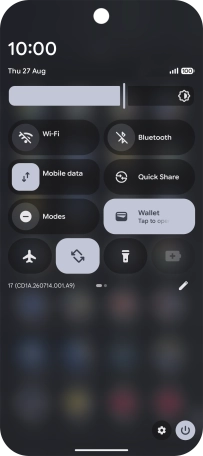
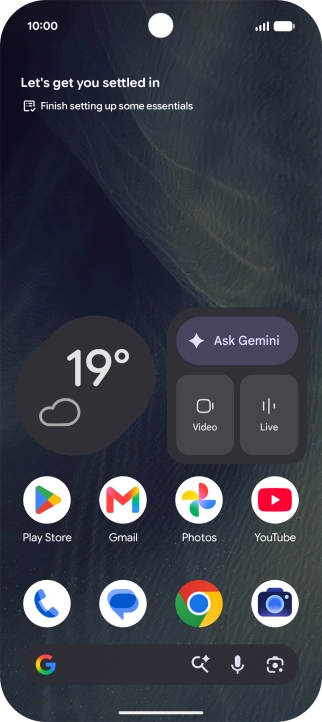
Slide two fingers downwards starting from the top of the screen.
Step 1 of 4

1. Turn mobile data on or off

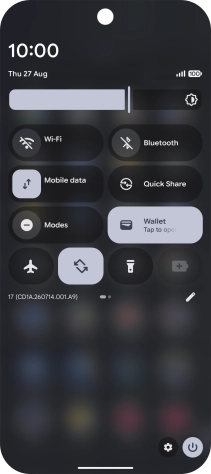
Slide two fingers downwards starting from the top of the screen.
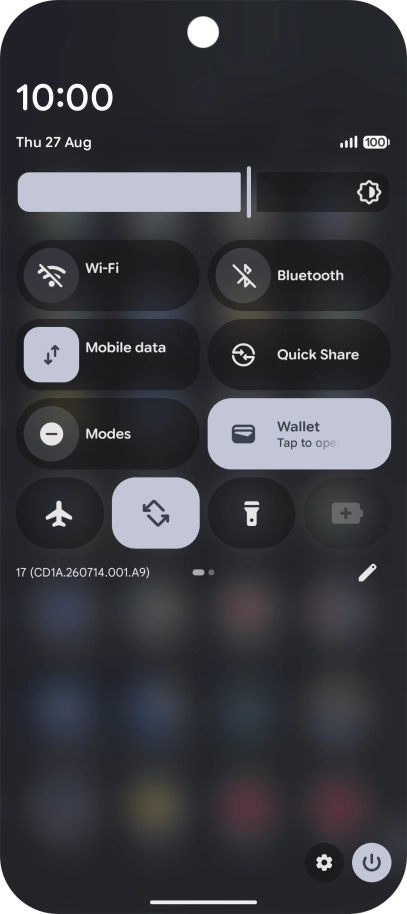
Press the mobile data icon to turn the function on or off.
Step 2 of 4

1. Turn mobile data on or off

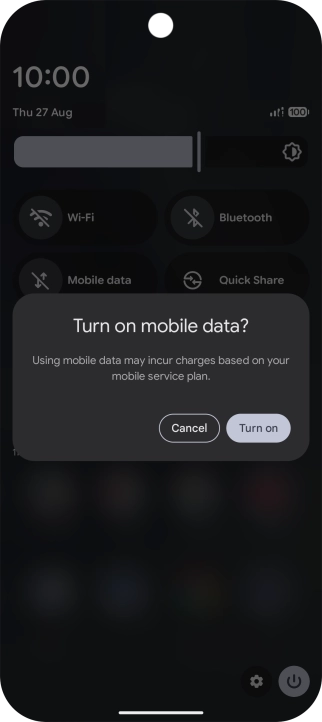
Press the mobile data icon to turn the function on or off.

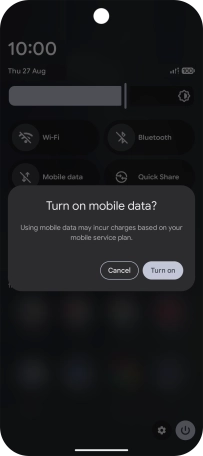
If you turn on the function, press Turn on.
Step 3 of 4

1. Turn mobile data on or off

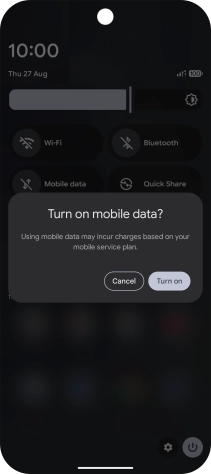
If you turn on the function, press Turn on.

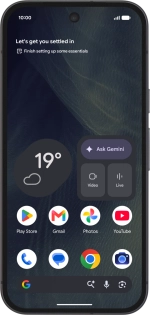
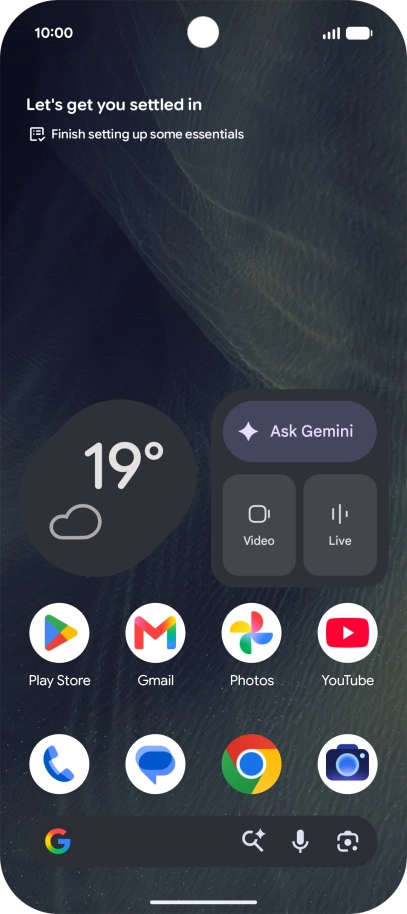
Slide your finger upwards starting from the bottom of the screen to return to the home screen.
Step 4 of 4

2. Return to the home screen

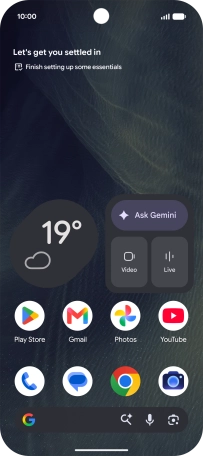
Slide your finger upwards starting from the bottom of the screen to return to the home screen.

1. Turn mobile data on or off

Slide two fingers downwards starting from the top of the screen.
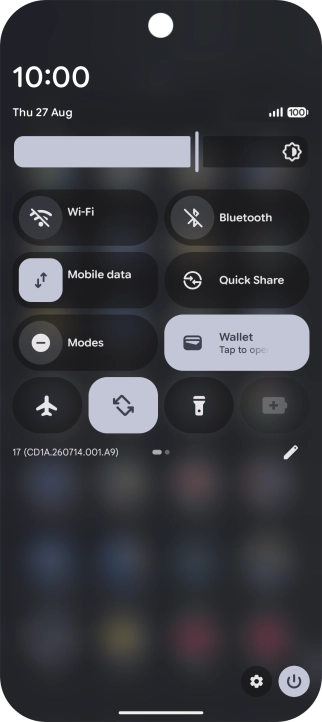
Press the mobile data icon to turn the function on or off.
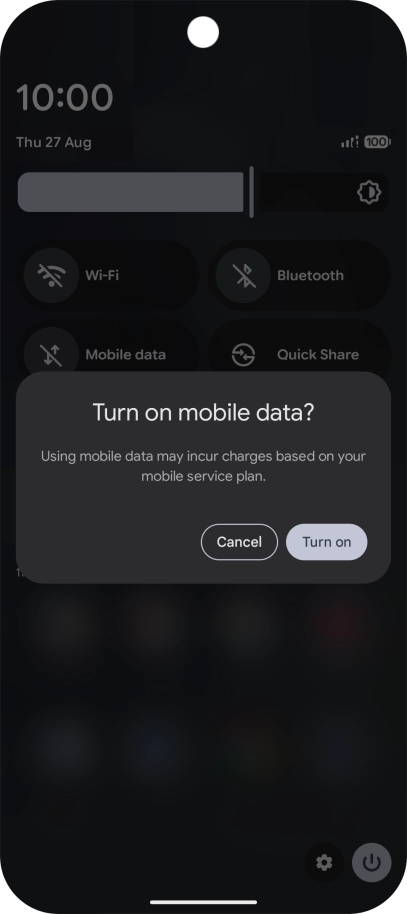
If you turn on the function, press Turn on.

2. Return to the home screen

Slide your finger upwards starting from the bottom of the screen to return to the home screen.

Thank you for your evaluation!

Get information on...

Or select...

Another device