Huawei Y5 2018

Huawei Y5 2018

Android 8.1

Save voicemail number on your Huawei Y5 2018 Android 8.1

Read help info

You can save your voicemail number making it easy to call and listen to your voice messages.

Press the phone icon.
Step 1 of 10

1. Find "Voicemail number"

Press the phone icon.

Press the menu icon.
Step 2 of 10

1. Find "Voicemail number"

Press the menu icon.

Press Settings.
Step 3 of 10

1. Find "Voicemail number"

Press Settings.

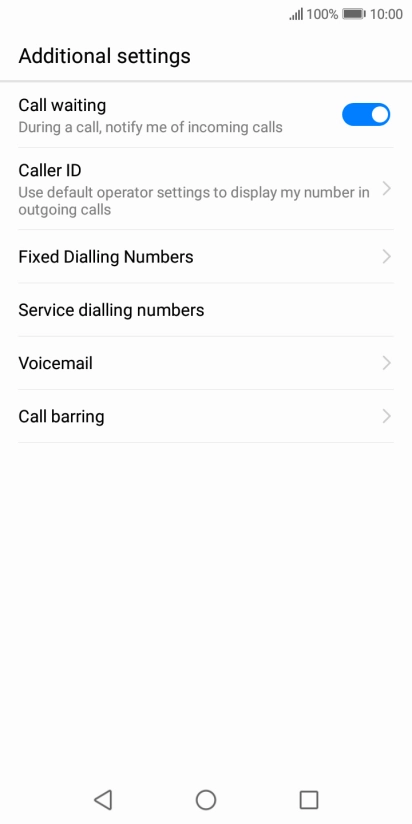
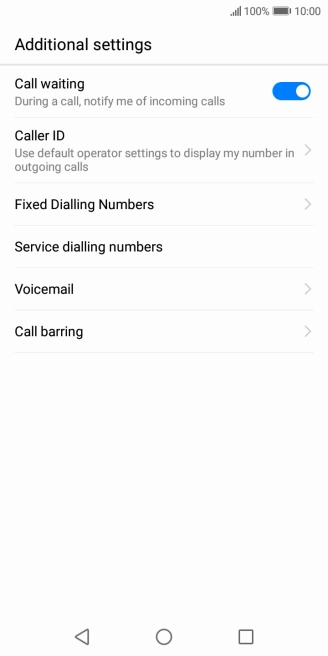
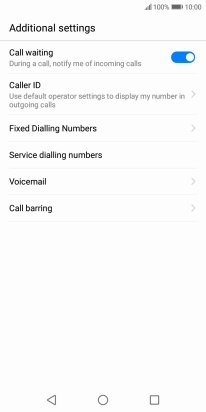
Press Additional settings.
Step 4 of 10

1. Find "Voicemail number"

Press Additional settings.

Press Voicemail.
Step 5 of 10

1. Find "Voicemail number"

Press Voicemail.

Press Advanced settings.
Step 6 of 10

1. Find "Voicemail number"

Press Advanced settings.

Press Setup.
Step 7 of 10

1. Find "Voicemail number"

Press Setup.

Press Voicemail number.
Step 8 of 10

1. Find "Voicemail number"

Press Voicemail number.

Key in +61414121121 and press OK.
+61414121121
Step 9 of 10

2. Save voicemail number

Key in +61414121121 and press OK.

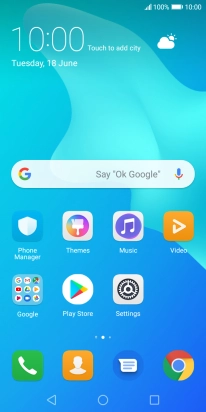
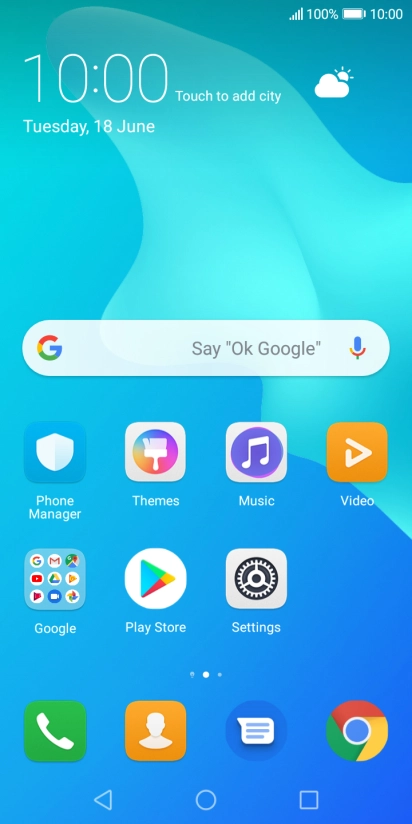
Press the Home key to return to the home screen.
Step 10 of 10

3. Return to the home screen

Press the Home key to return to the home screen.

1. Find "Voicemail number"

Press the phone icon.
Press the menu icon.
Press Settings.
Press Additional settings.
Press Voicemail.
Press Advanced settings.
Press Setup.
Press Voicemail number.

2. Save voicemail number

Key in +61414121121 and press OK.
+61414121121

3. Return to the home screen

Press the Home key to return to the home screen.

Thank you for your evaluation!

Get information on...

Or select...

Another device