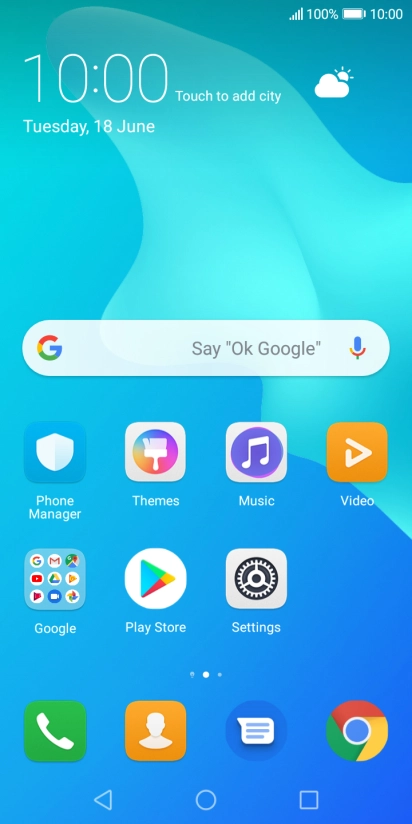
Huawei Y5 2018

Huawei Y5 2018

Android 8.1

Short battery life on my Huawei Y5 2018 Android 8.1

Cause 7 of 14: Mobile data is turned on

If mobile data is turned on, the power consumption may increase because applications on your phone keep using data.

Solution: Turn off mobile data.

Step 1 of 8

Turn mobile data on or off

Slide two fingers downwards starting from the top of the screen.

Step 2 of 8

Turn mobile data on or off

Press Data connection to turn the function on or off.

Step 3 of 8

Turn use of mobile data for applications on or off

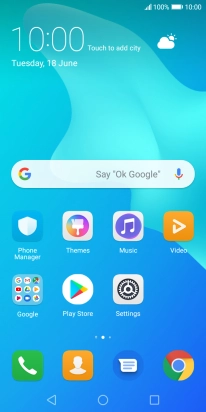
Press the settings icon.

Step 4 of 8

Turn use of mobile data for applications on or off

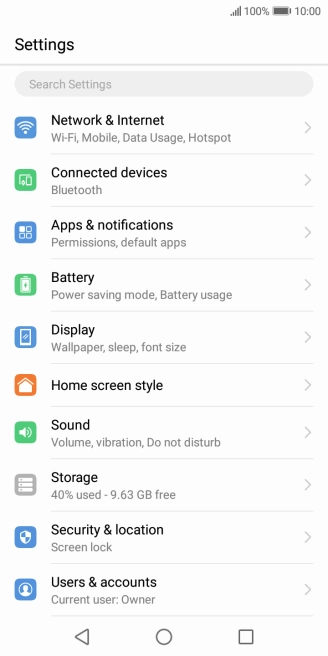
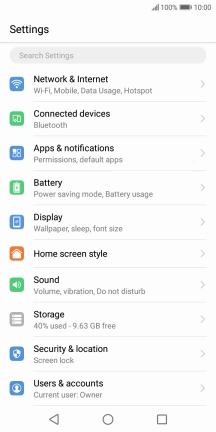
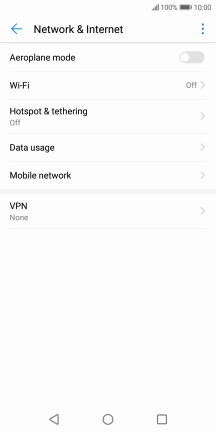
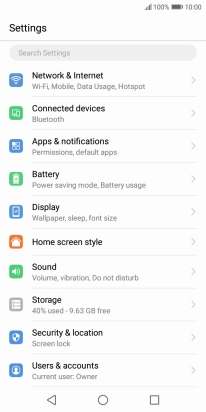
Press Network & Internet.

Step 5 of 8

Turn use of mobile data for applications on or off

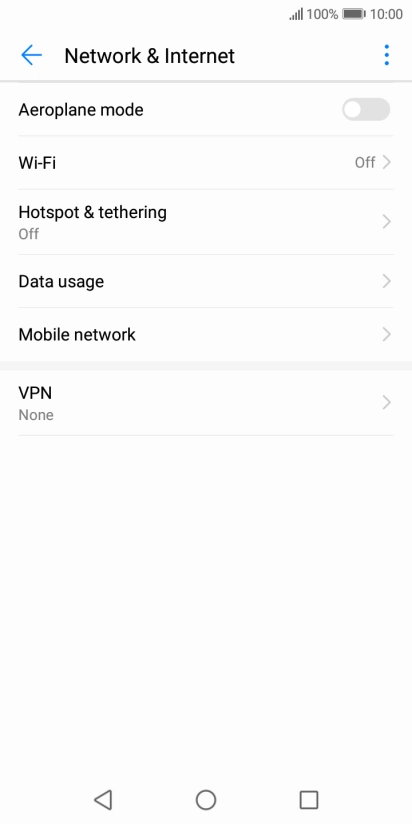
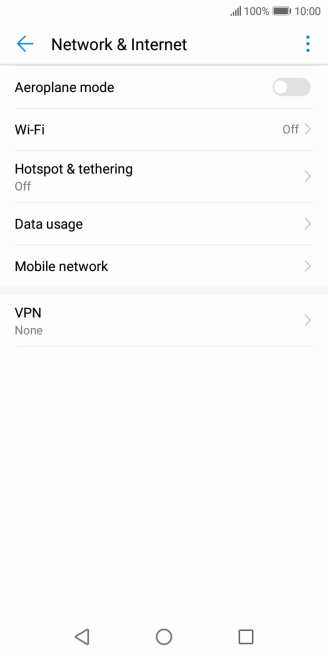
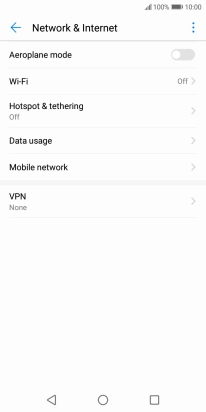
Press Data usage.

Step 6 of 8

Turn use of mobile data for applications on or off

Press Networked apps.

Step 7 of 8

Turn use of mobile data for applications on or off

Press the field next to the application name in the "Mobile data" column to turn the function on or off.

Step 8 of 8

Return to the home screen

Press the Home key to return to the home screen.

1 Turn mobile data on or off

Slide two fingers downwards starting from the top of the screen.
Press Data connection to turn the function on or off.

2 Turn use of mobile data for applications on or off

Press the settings icon.
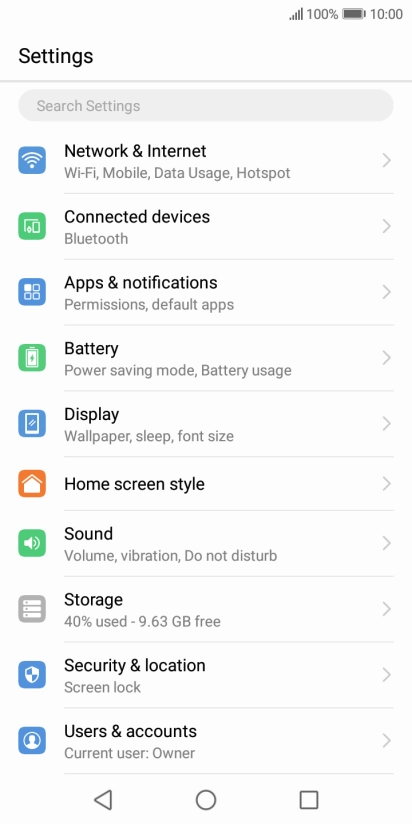
Press Network & Internet.
Press Data usage.
Press Networked apps.
Press the field next to the application name in the "Mobile data" column to turn the function on or off.

3 Return to the home screen

Press the Home key to return to the home screen.

Did this solve the problem?

Yes - All solved No - Go to next cause

Get information on...

Or select...

Another device