
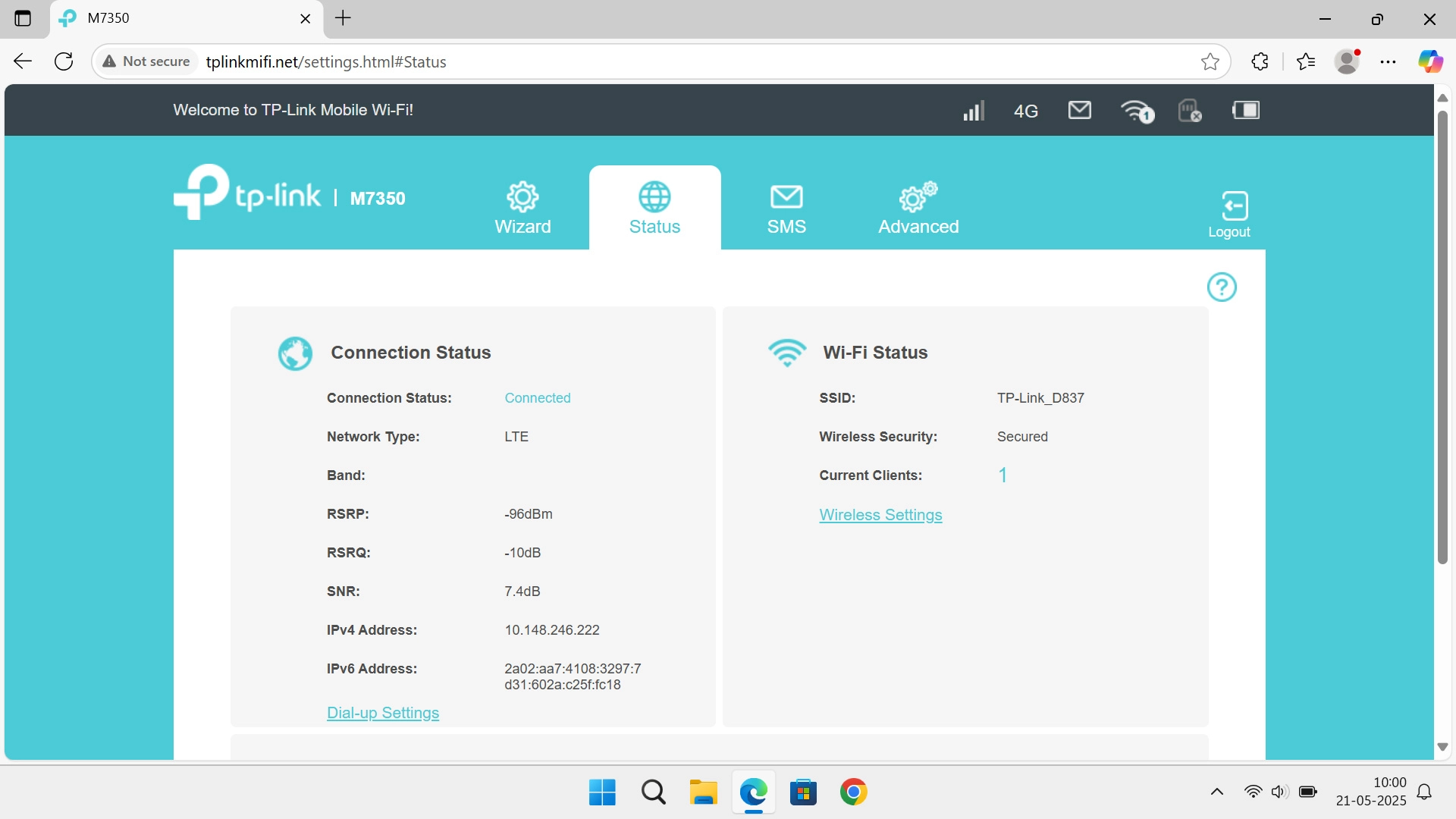
1. Find "PIN Management"
Click Advanced.
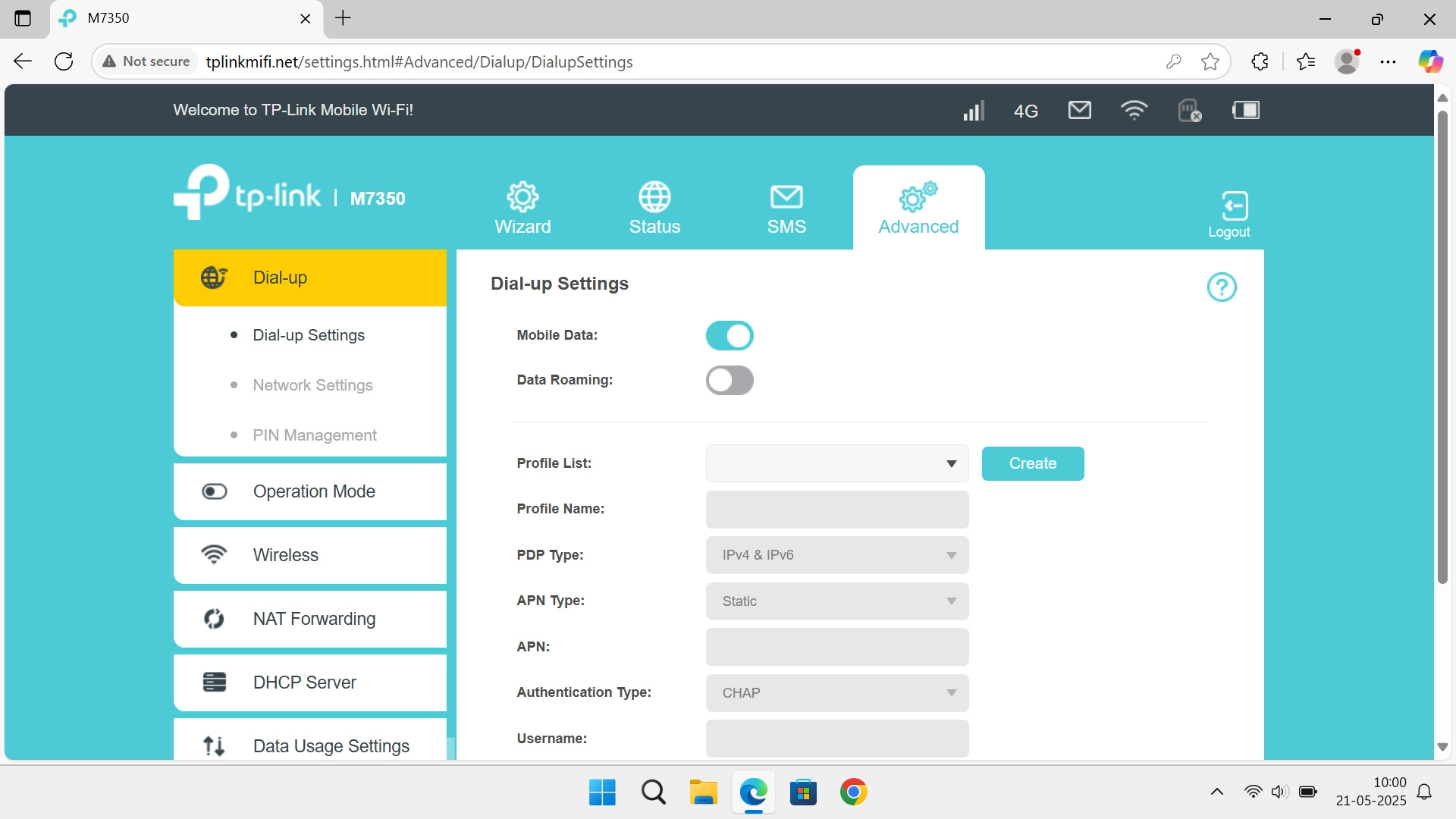
1. Find "PIN Management"
Click PIN Management.
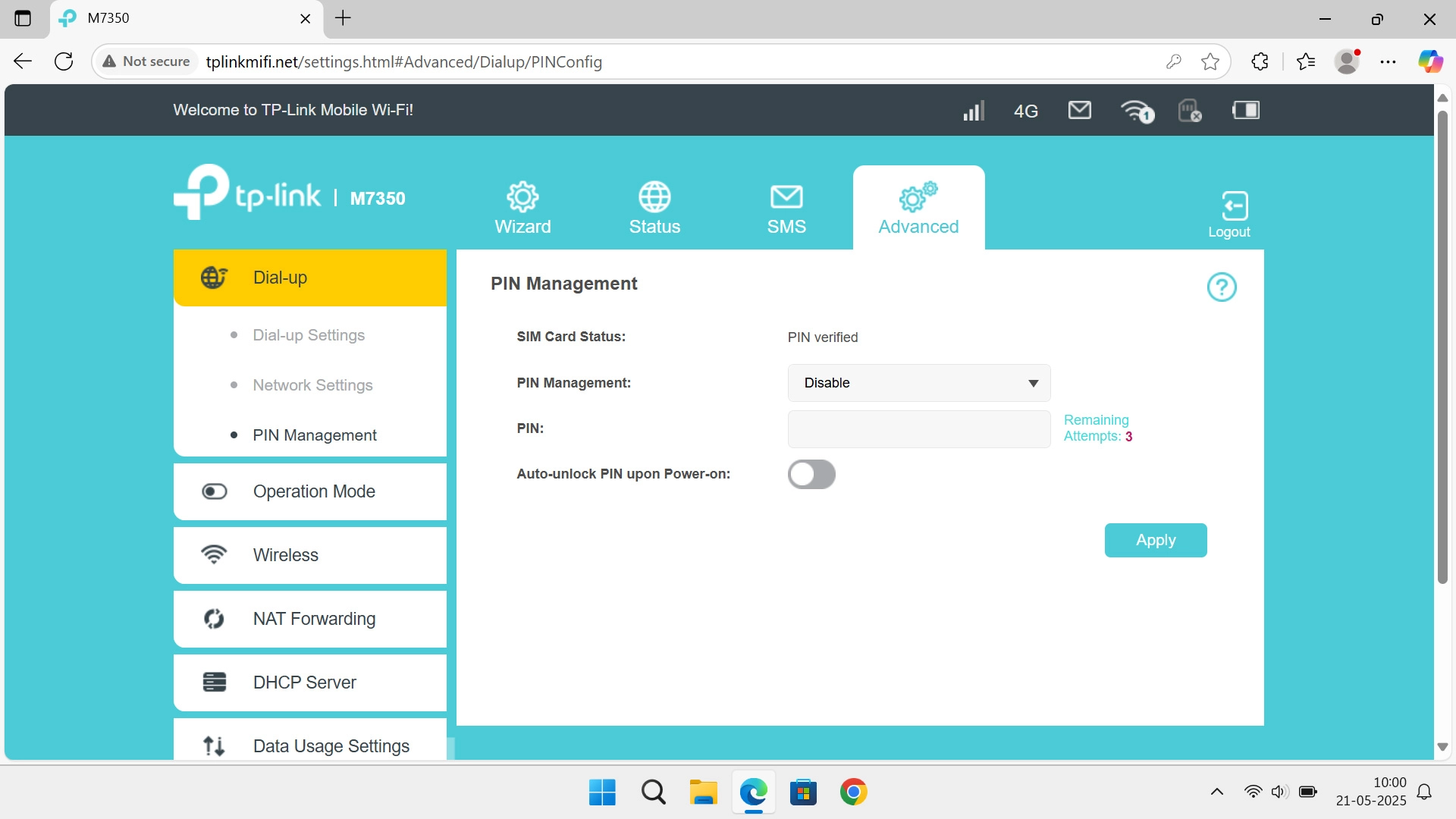
2. Change PIN
Click the drop down list next to "PIN Management:".
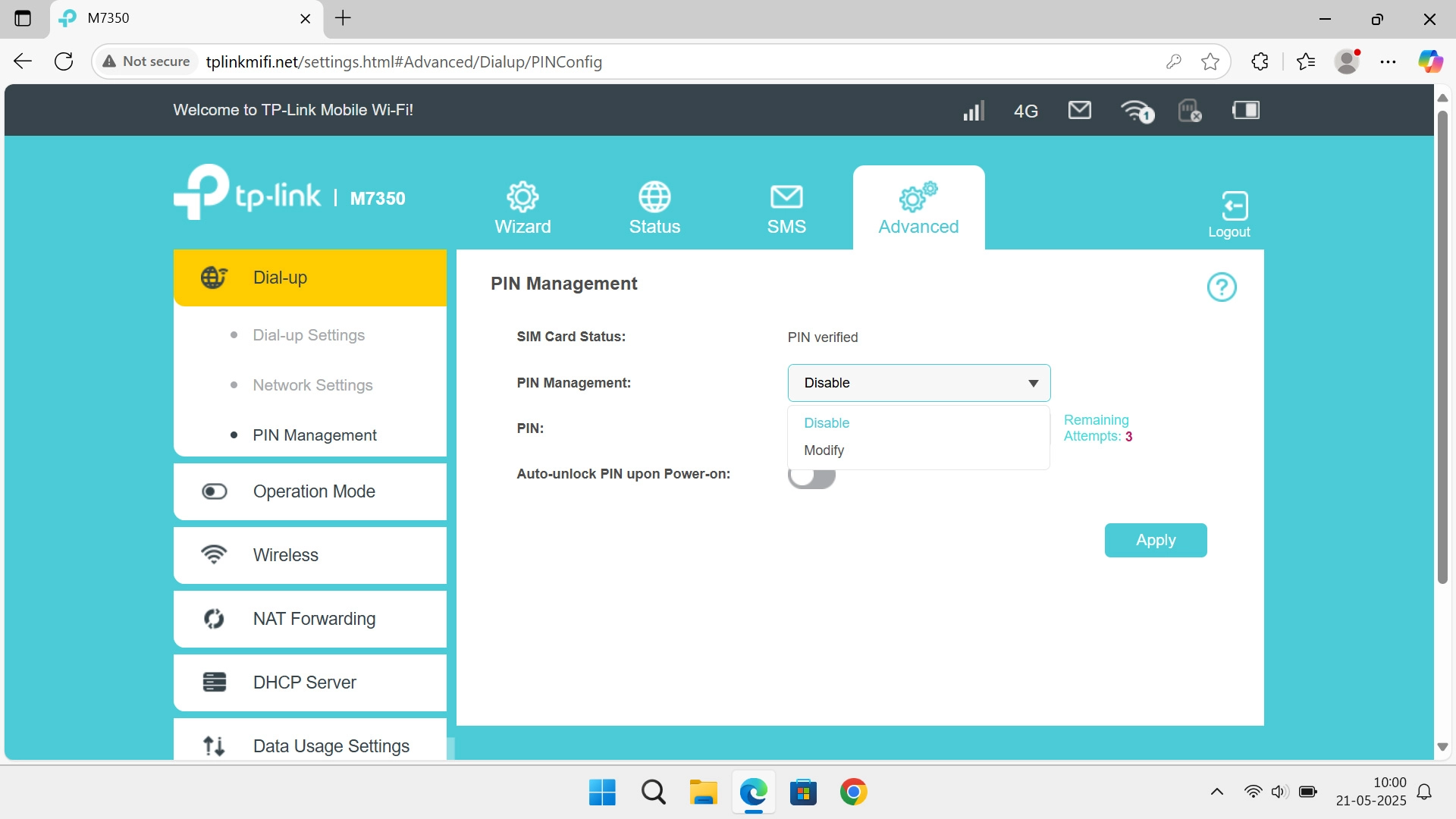
2. Change PIN
Click Modify.
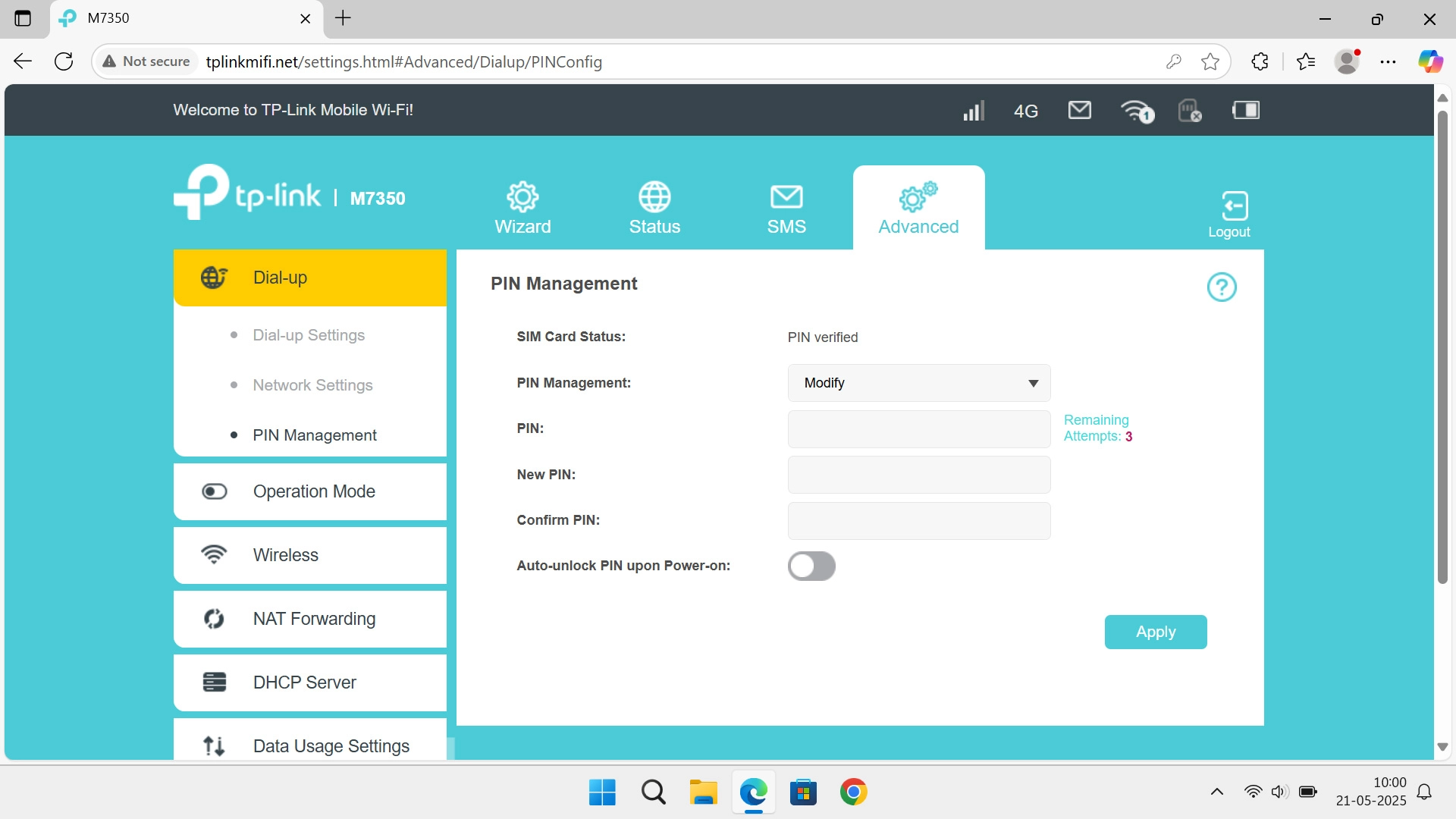
2. Change PIN
Click the field next to "PIN:" and key in your current PIN.
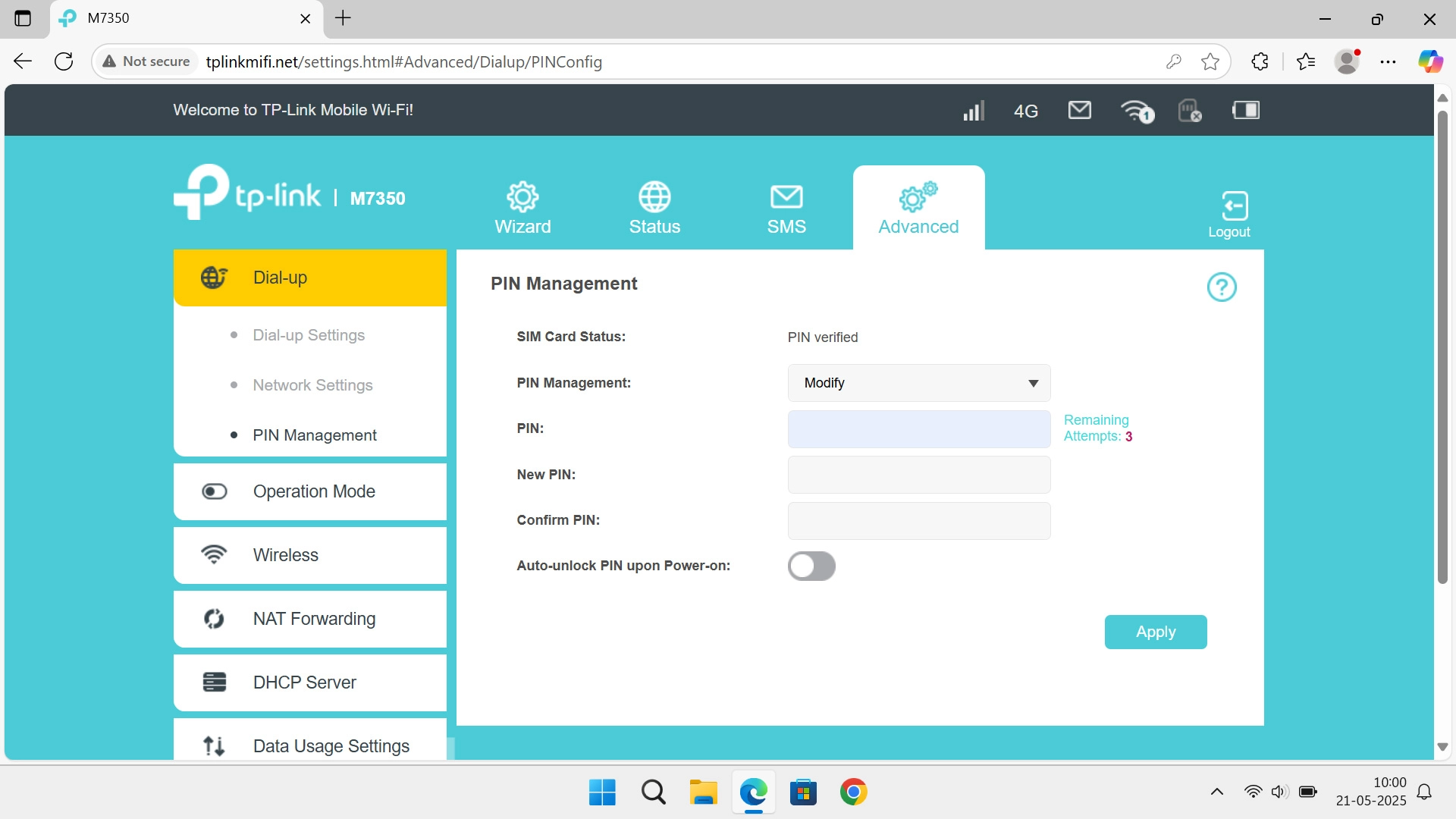
2. Change PIN
Click the field next to "New PIN:" and key in a new PIN.
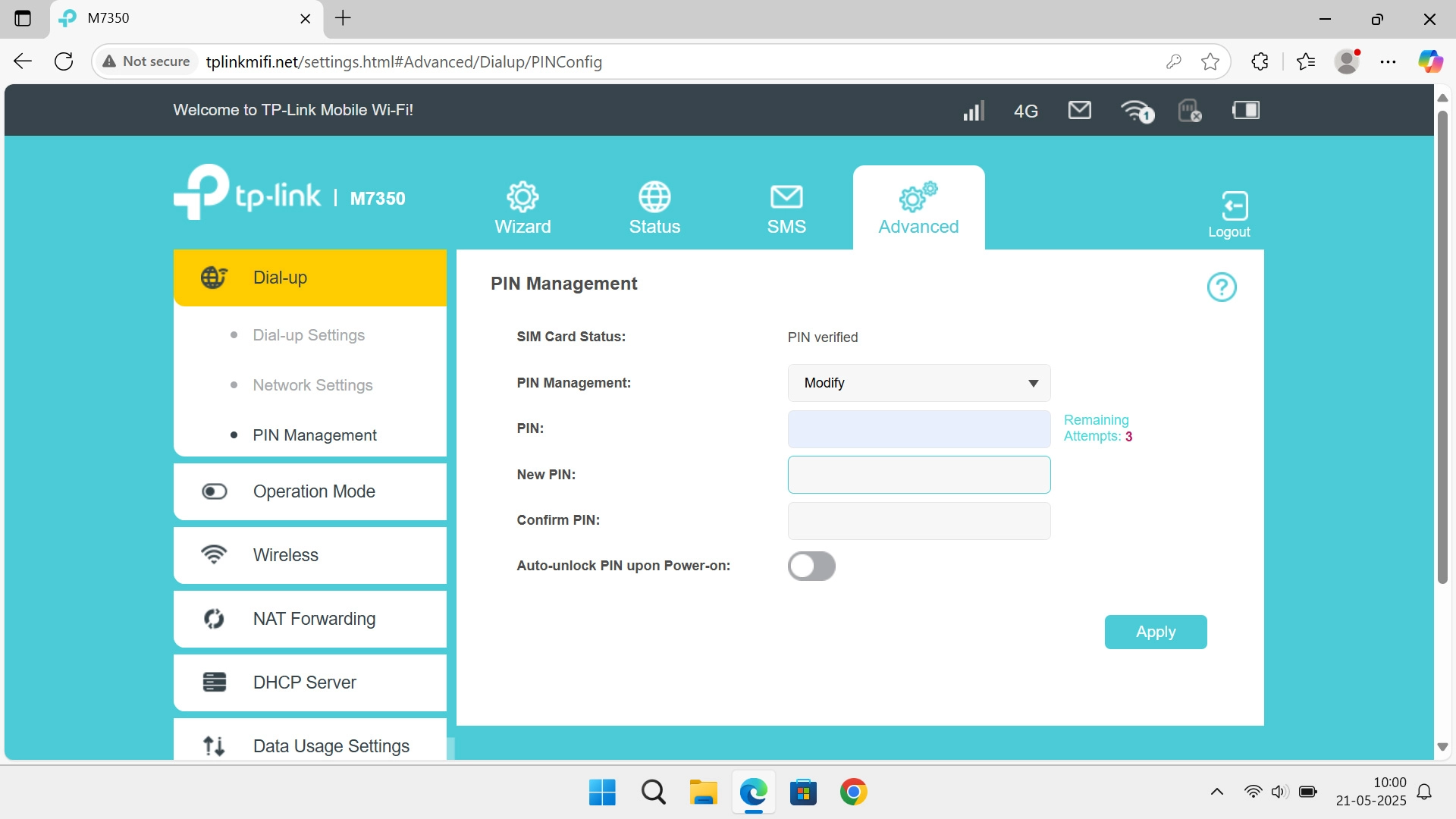
2. Change PIN
Click the field next to "Confirm PIN:" and key in the new PIN again.
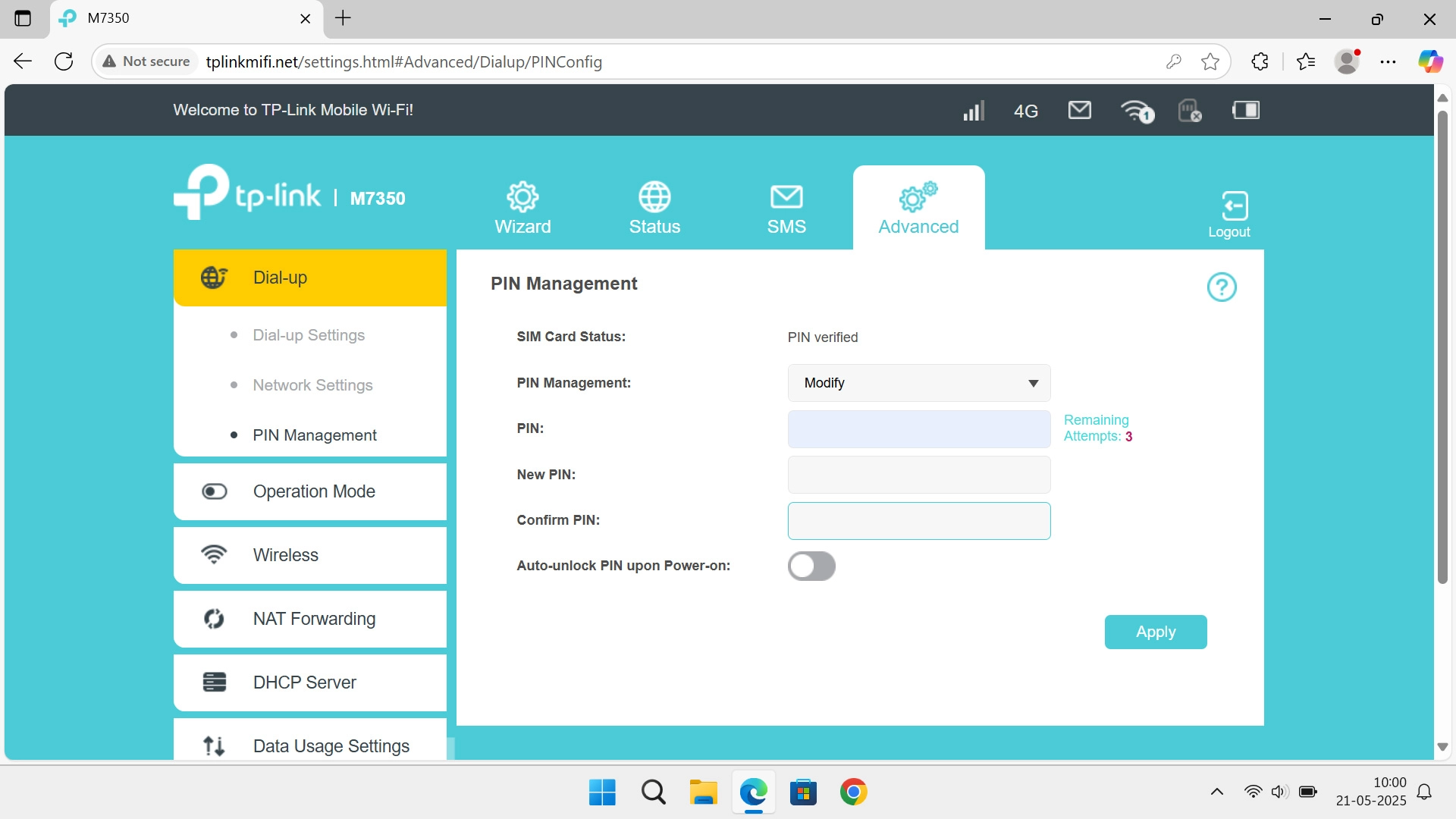
3. Save settings
Click Apply.
1. Find "PIN Management"
2. Change PIN
3. Save settings
Thank you for your evaluation!

Thank you for your evaluation!