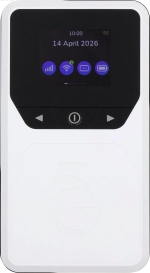
Vodafone Pocket WiFi® 6 CM52 5G

Vodafone Pocket WiFi® 6 CM52 5G

Mac OS Tahoe

I can't use the internet connection on my Vodafone Pocket WiFi® 6 CM52 5G Mac OS Tahoe

Cause 2 of 2: Data roaming is turned off

For your router to establish a connection to the internet when abroad, data roaming needs to be turned on.

Solution: Turn on data roaming.

Step 1 of 4

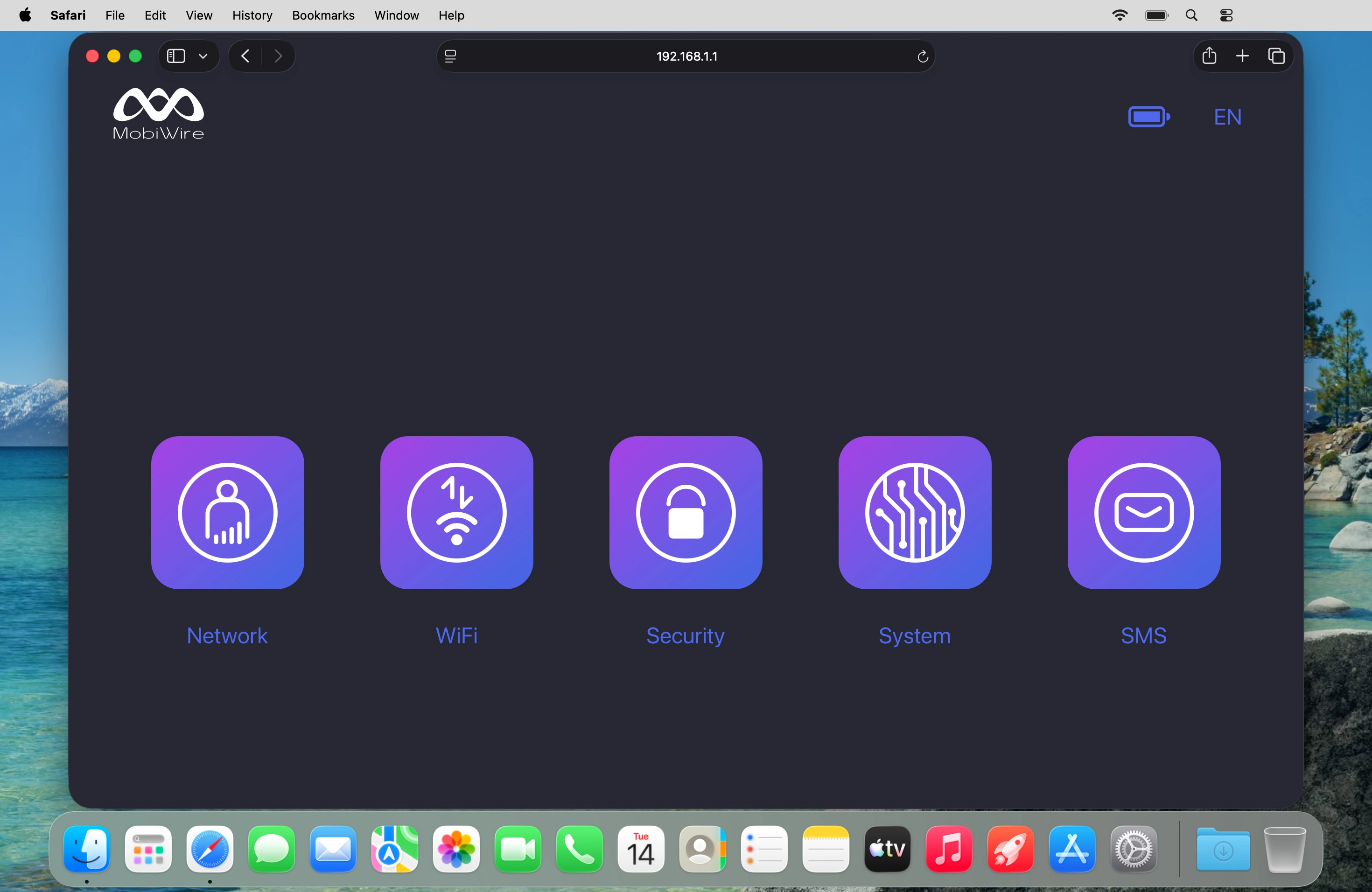
Find "Mobile Network"

Click Network.
Step 2 of 4

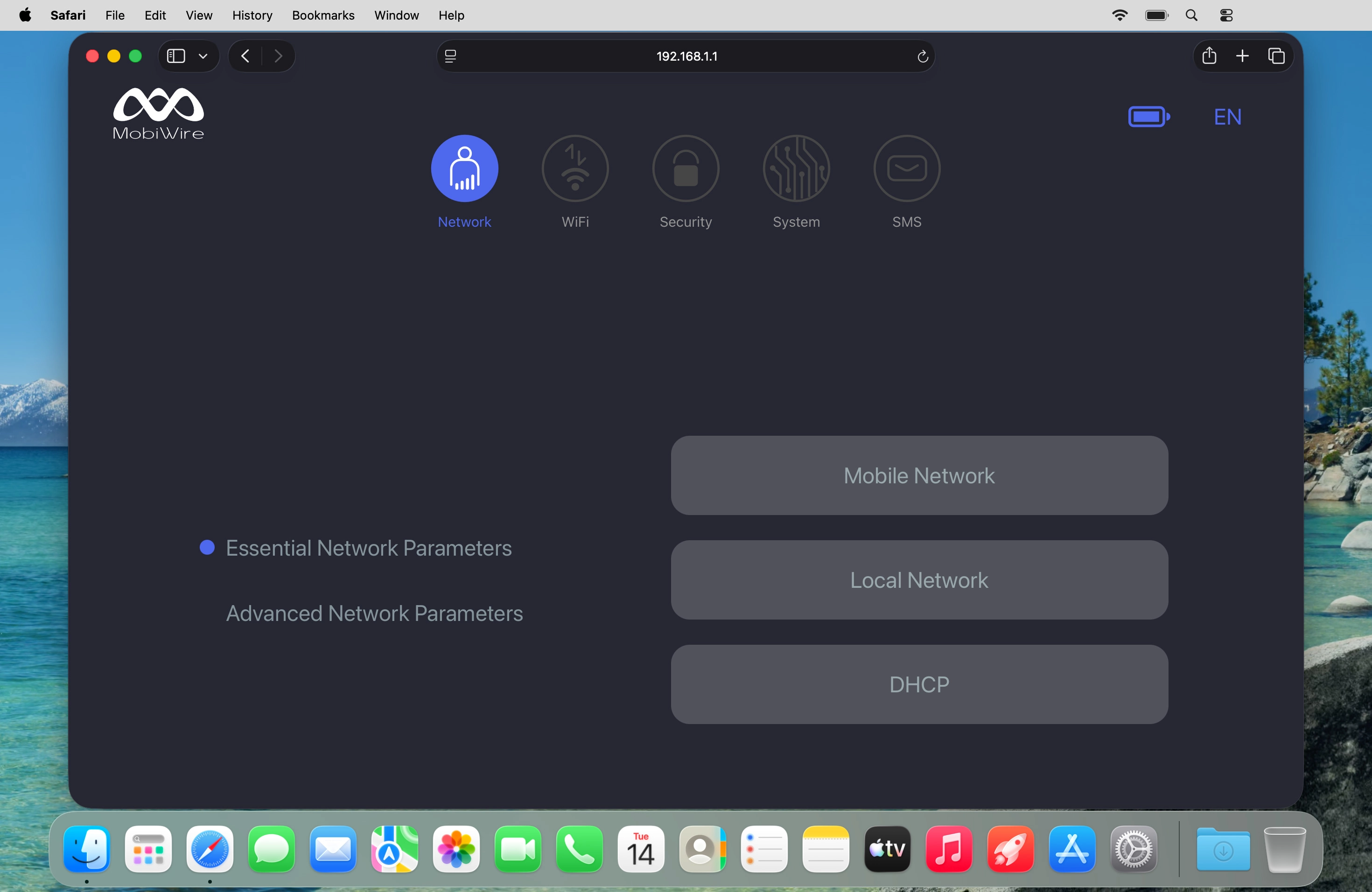
Find "Mobile Network"

Click Mobile Network.
Step 3 of 4

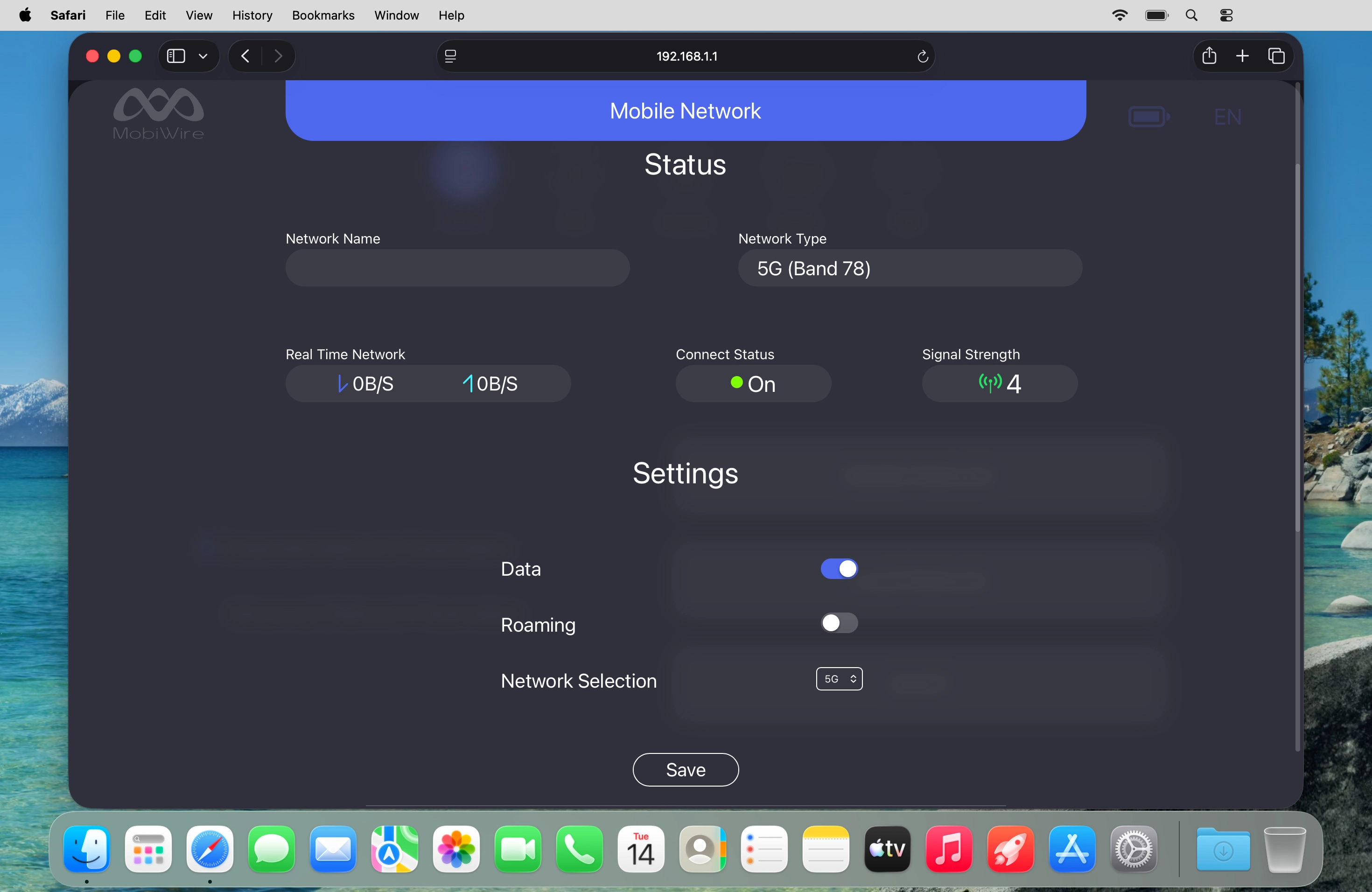
Turn data roaming on or off

Click the indicator next to "Roaming" to turn the function on or off.
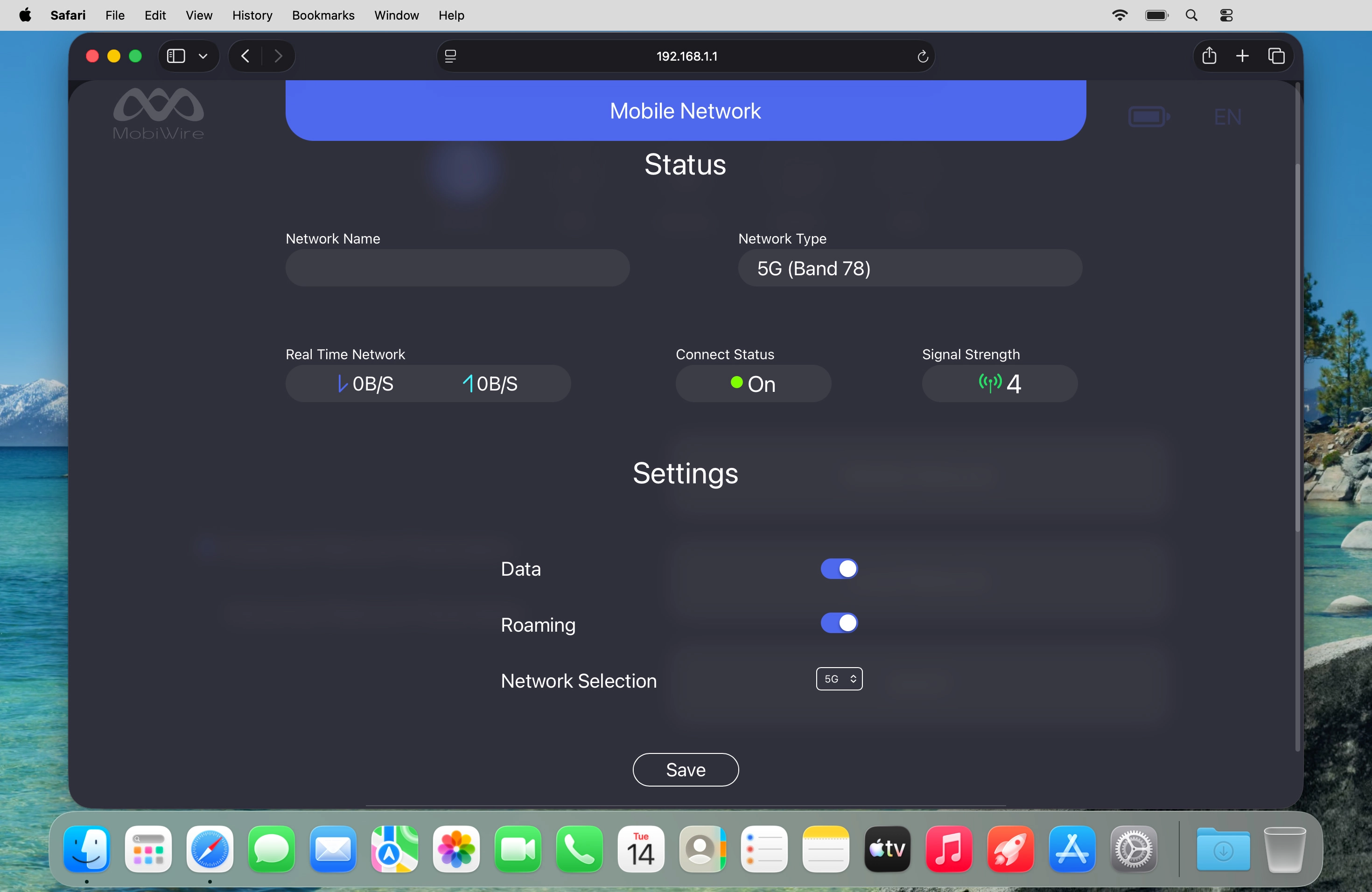
Step 4 of 4

Turn data roaming on or off

Click Save.

1 Find "Mobile Network"

Click Network.
Click Mobile Network.

2 Turn data roaming on or off

Click the indicator next to "Roaming" to turn the function on or off.
Click Save.

Did this solve the problem?

Yes - All solved No - Go to next cause

Get information on...

Or select...

Another device