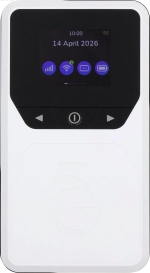
Vodafone Pocket WiFi® 6 CM52 5G

Vodafone Pocket WiFi® 6 CM52 5G

Mac OS Tahoe

The speed of the internet connection is lower than expected on my Vodafone Pocket WiFi® 6 CM52 5G Mac OS Tahoe

Cause 2 of 3: Your router is set to use the wrong network mode

If you've set your router to use a low data speed network mode, the speed of the internet connection may be low.

Solution: Turn on automatic network mode selection.

Step 1 of 5

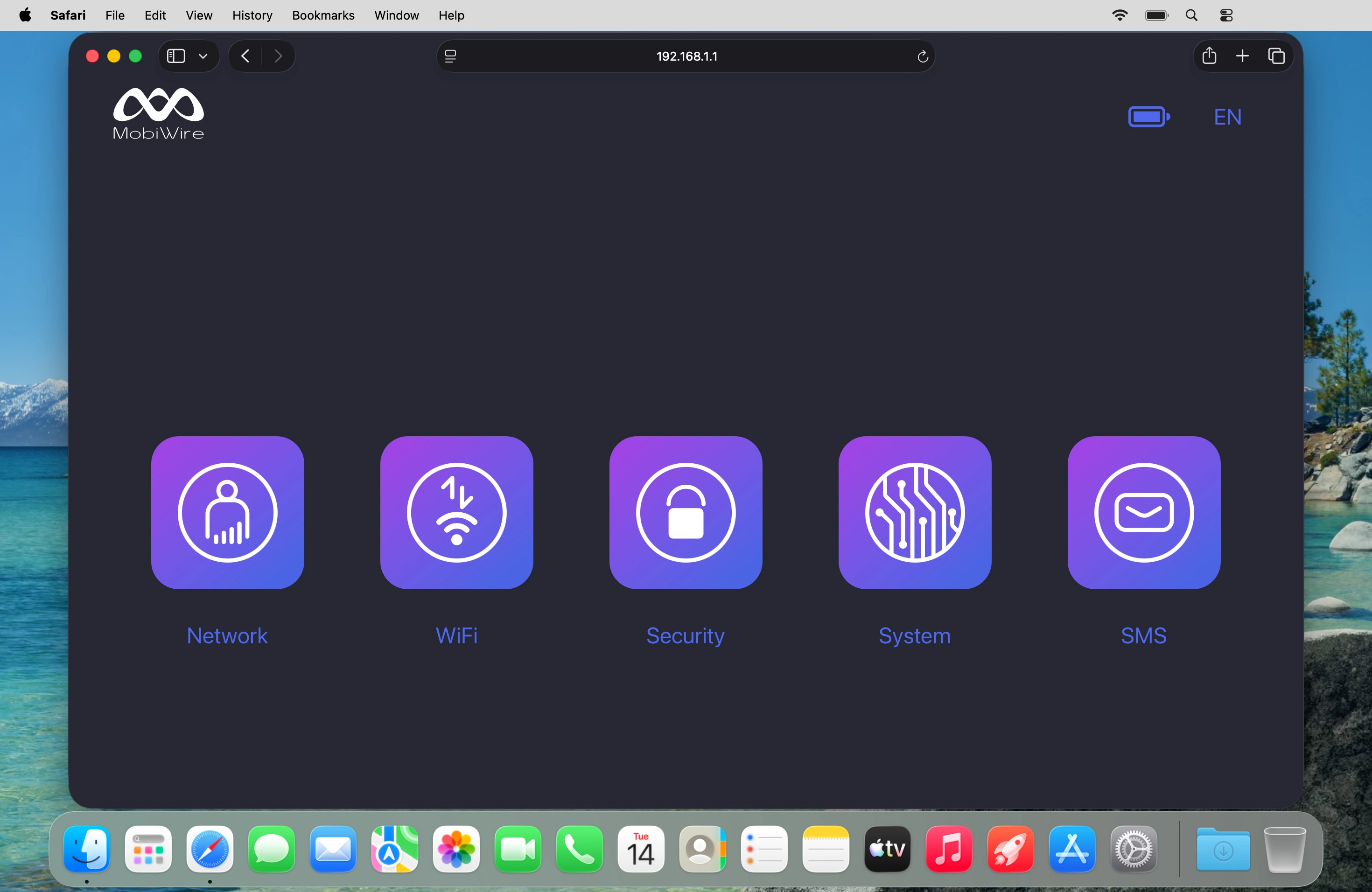
Find "Mobile Network"

Click Network.
Step 2 of 5

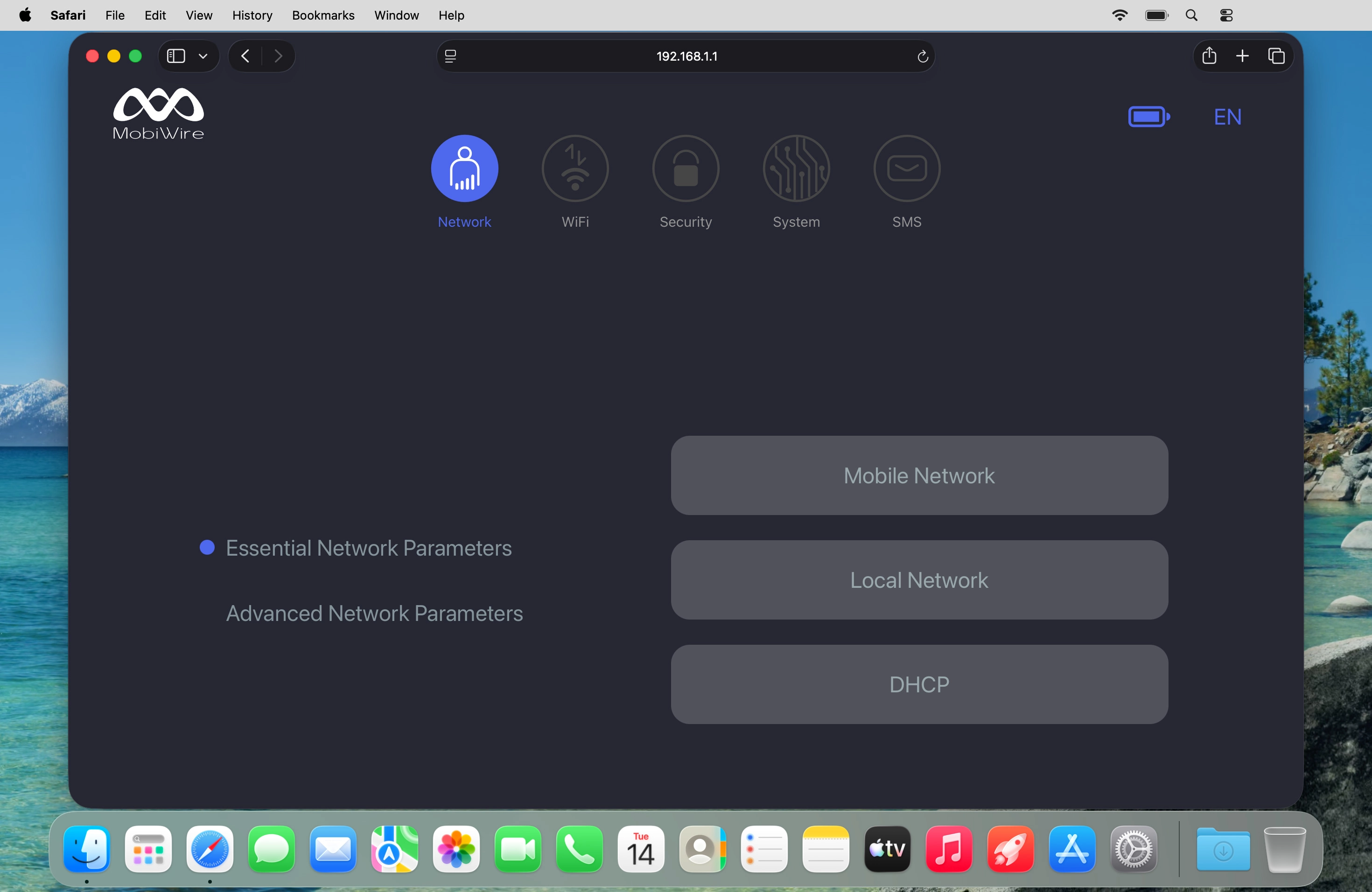
Find "Mobile Network"

Click Mobile Network.
Step 3 of 5

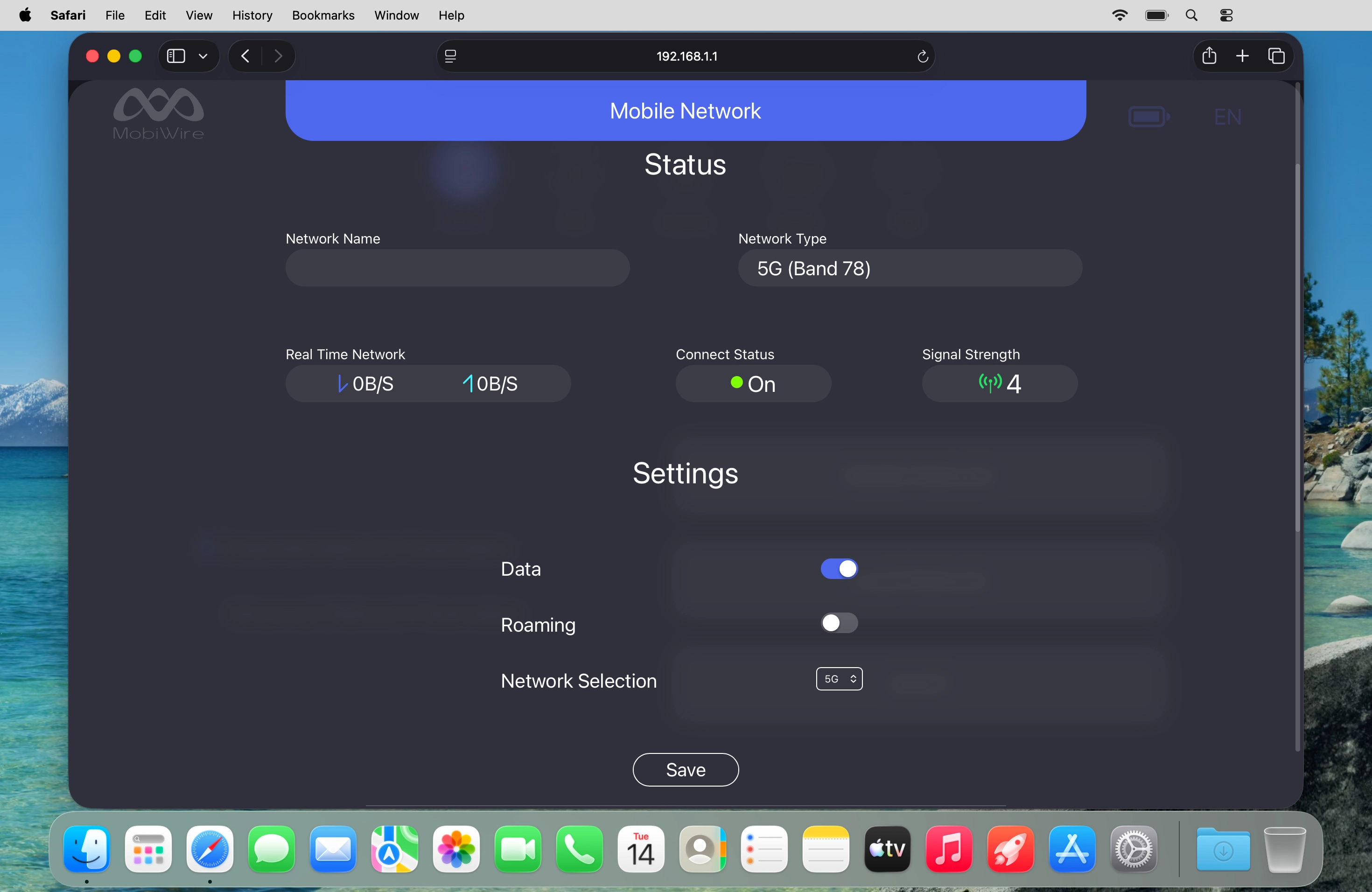
Select network mode

Click the drop down list next to "Network Selection".
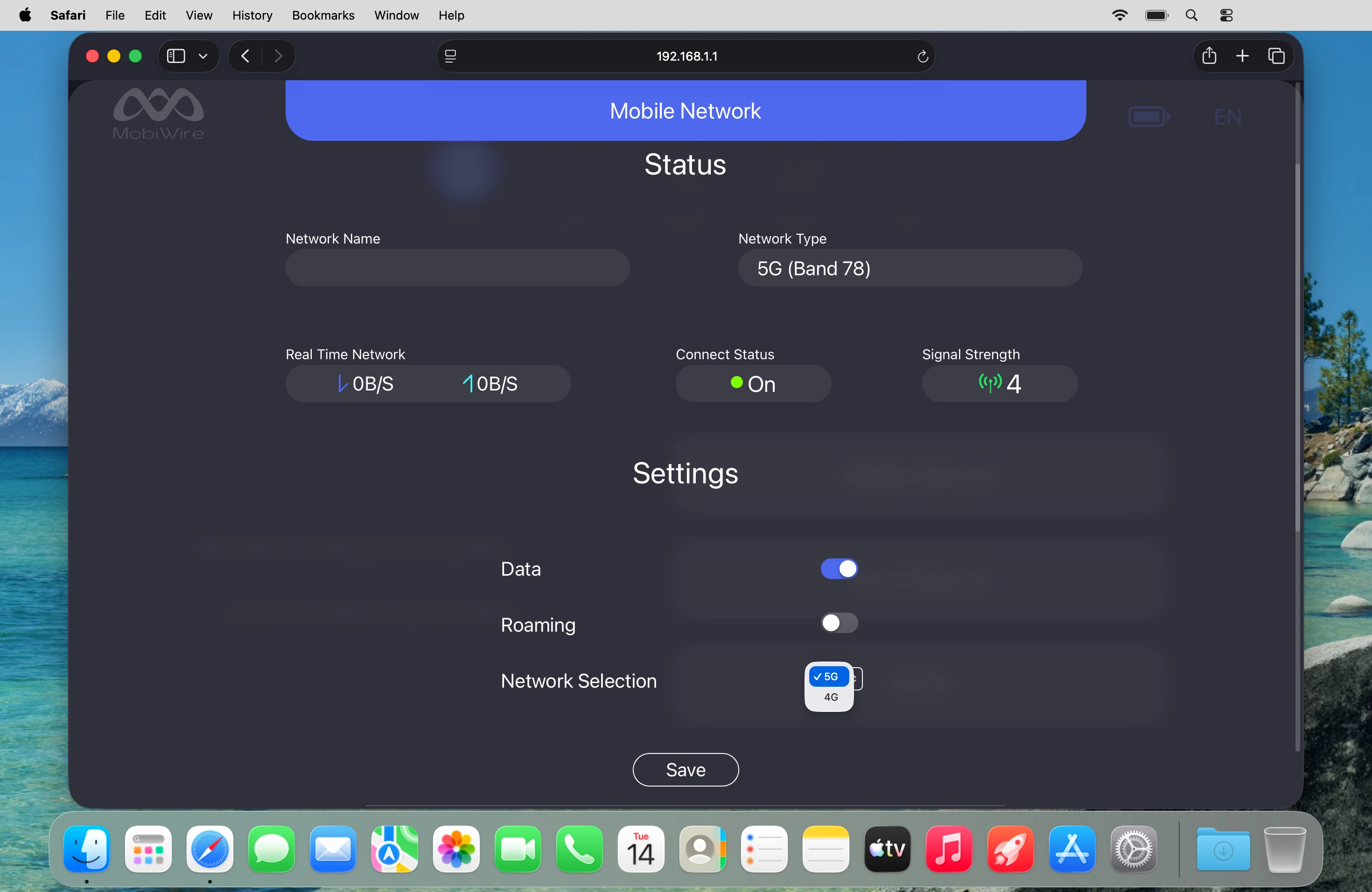
Step 4 of 5

Select network mode

Click the required setting.
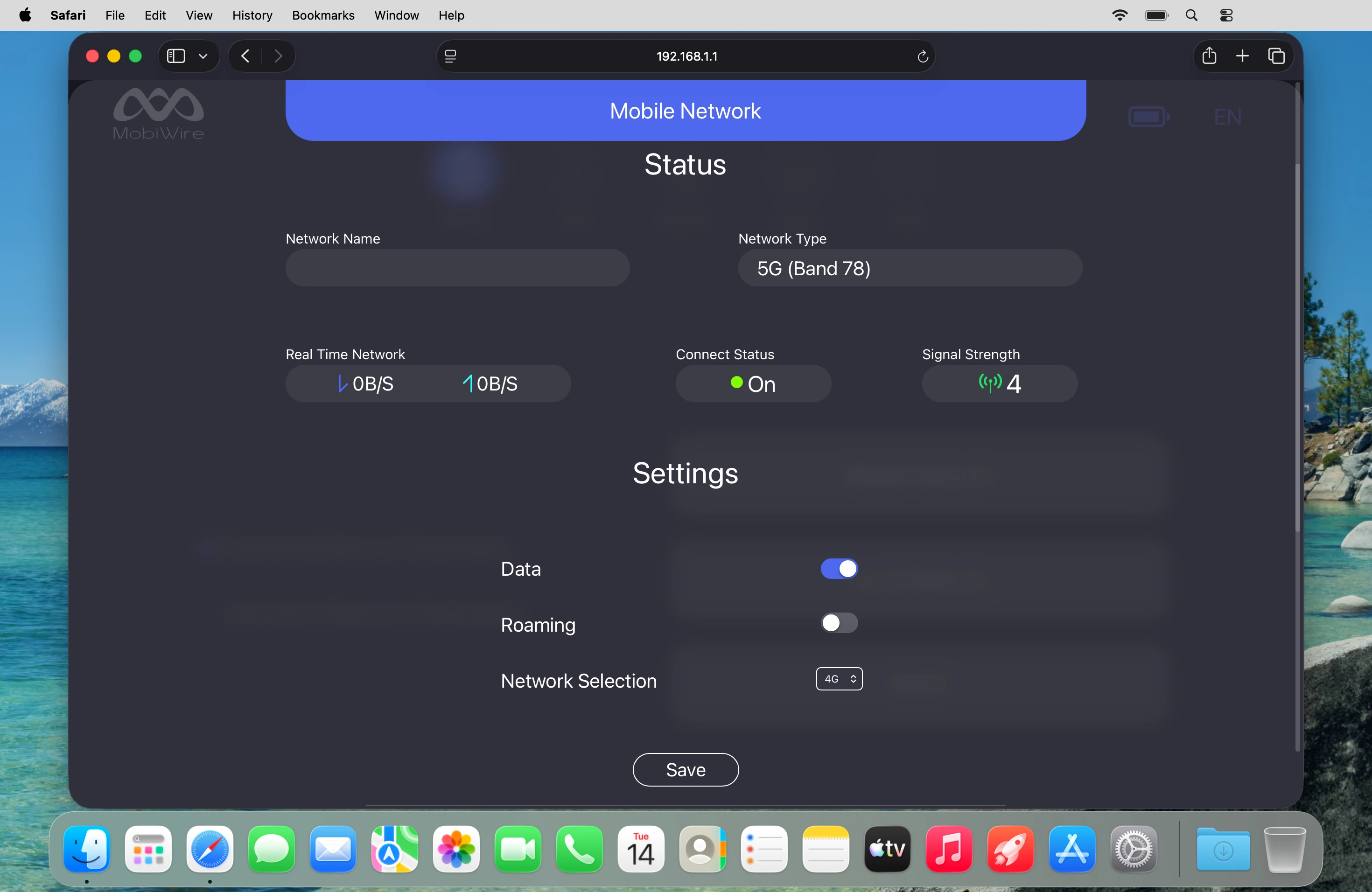
Step 5 of 5

Select network mode

Click Save.

1 Find "Mobile Network"

Click Network.
Click Mobile Network.

2 Select network mode

Click the drop down list next to "Network Selection".
Click the required setting.
There may be different network modes available depending on where you are. If you set your router to "5G", it will always find the network with the highest data speed and best signal.
Click Save.

Did this solve the problem?

Yes - All solved No - Go to next cause

Get information on...

Or select...

Another device