
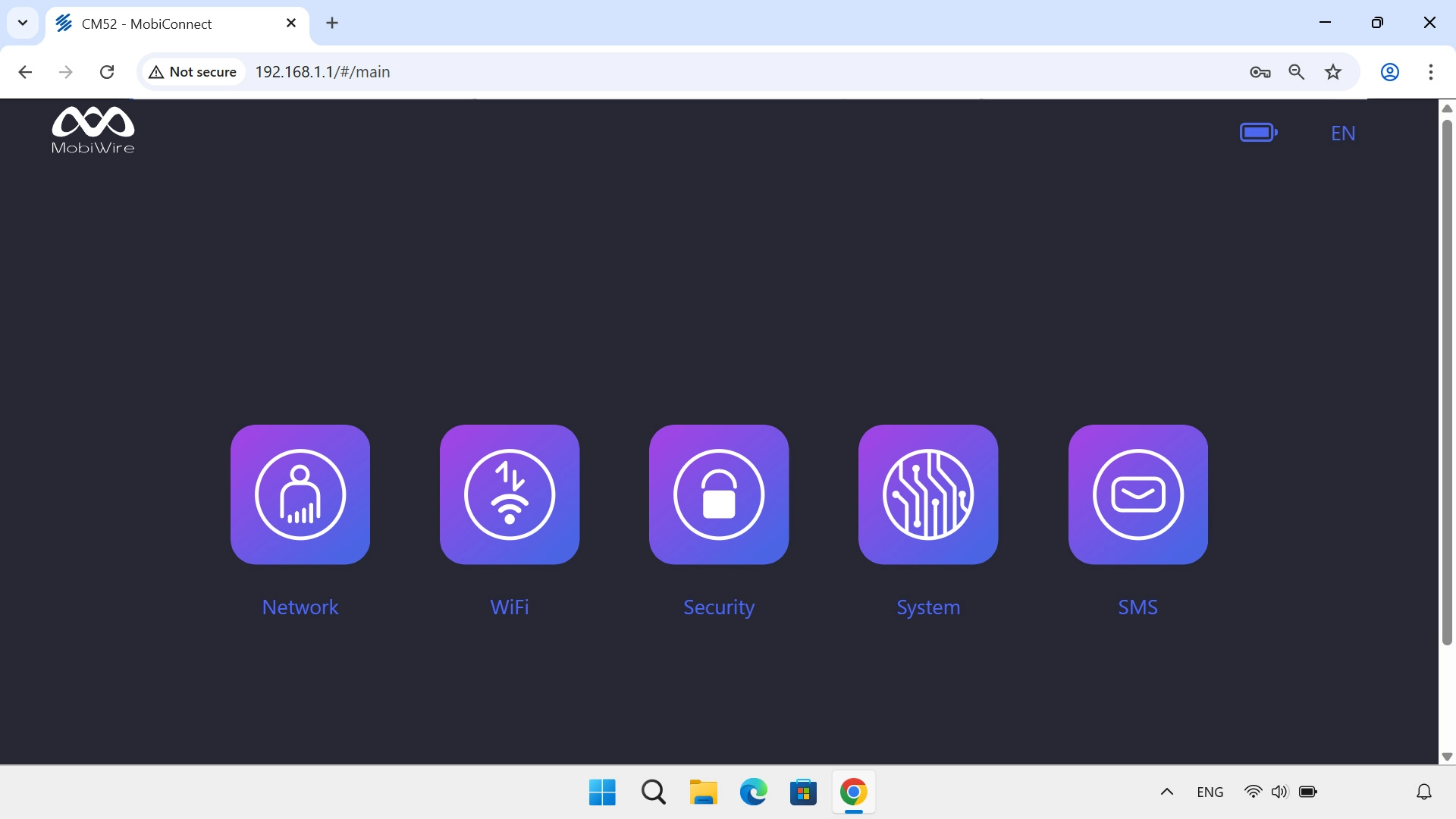
Find "Mobile Network"
Click Network.
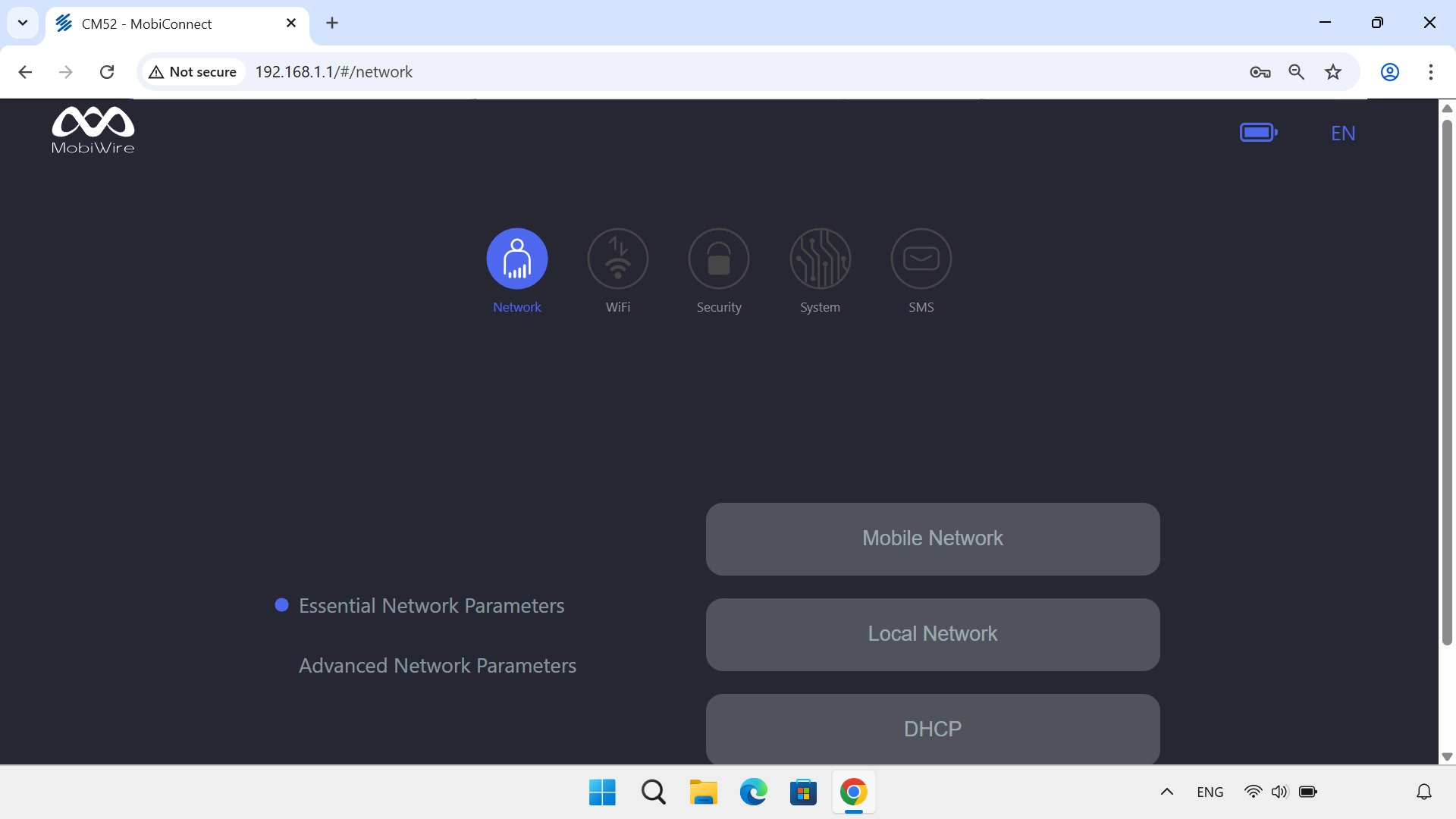
Find "Mobile Network"
Click Mobile Network.
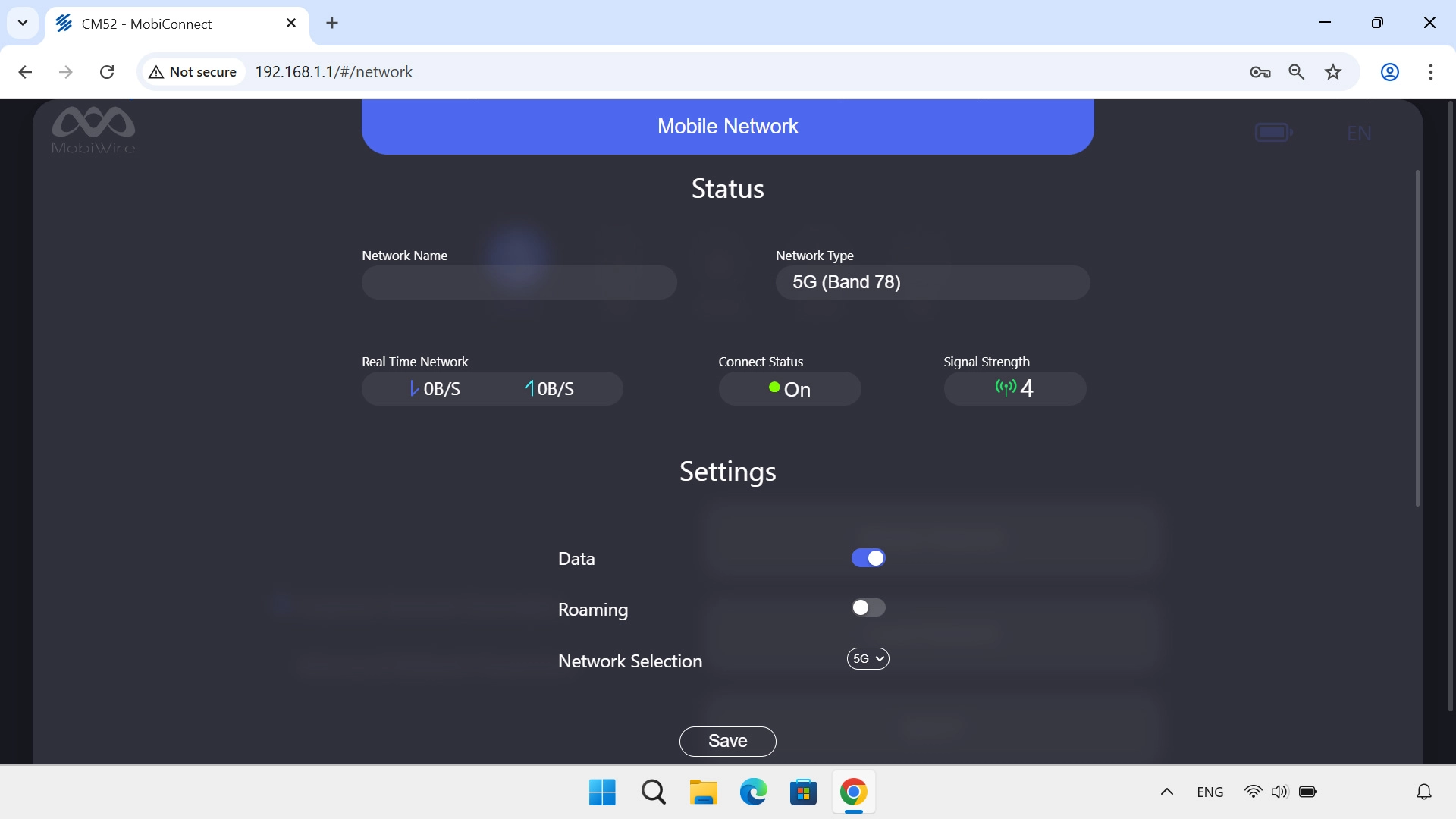
Turn data roaming on or off
Click the indicator next to "Roaming" to turn the function on or off.
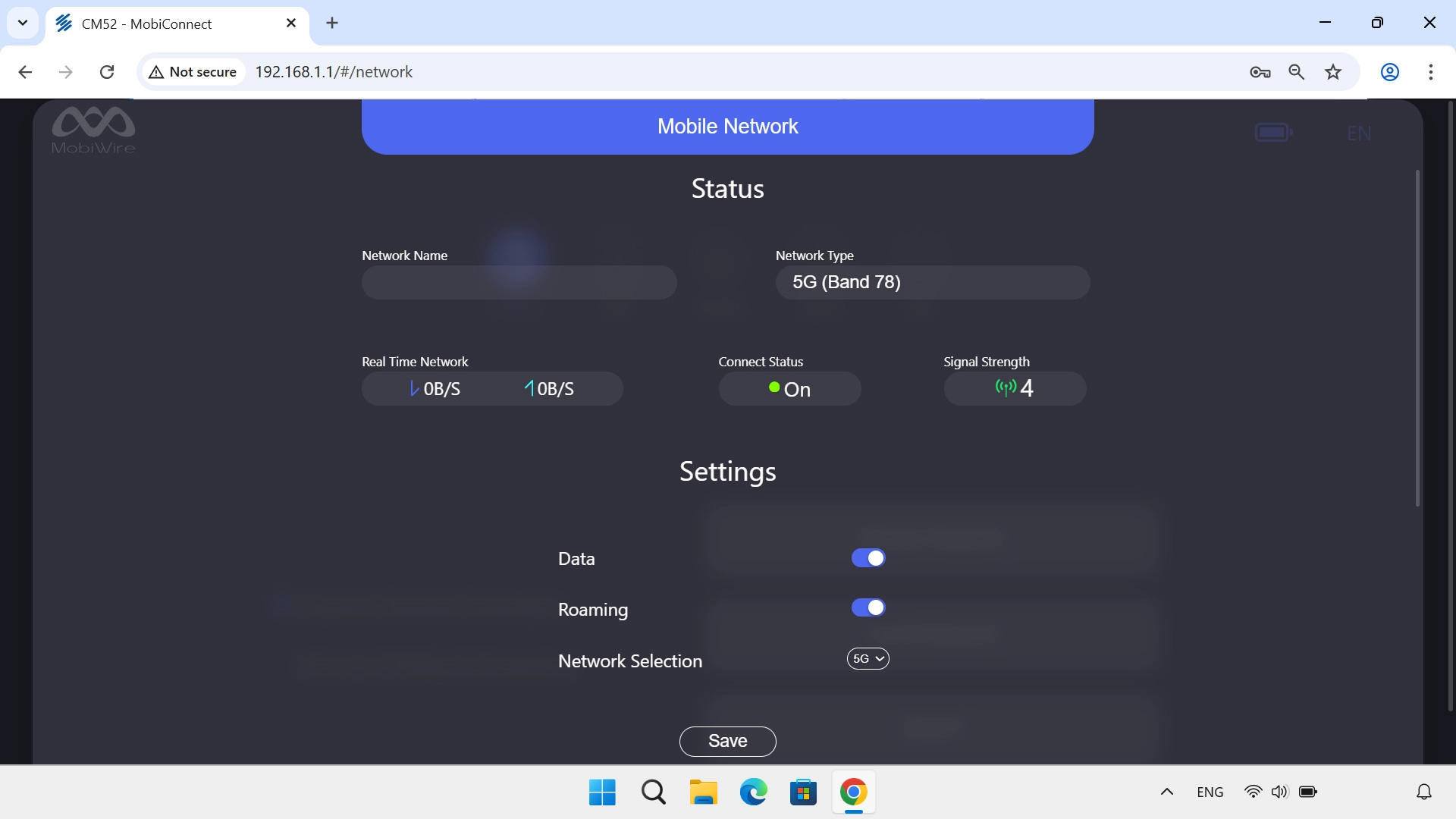
Turn data roaming on or off
Click Save.
1 Find "Mobile Network"
2 Turn data roaming on or off