Vodafone V Lite 3 4G

Vodafone V Lite 3 4G

Android 15 (Go edition)

Turn Wi-Fi calling on your Vodafone V Lite 3 4G Android 15 (Go edition) on or off

Read help info

When Wi-Fi calling is turned on, you can make and answer calls using a Wi-Fi network when you're in an area with little or no network coverage. To turn on Wi-Fi calling, you need to establish a connection to a Wi-Fi network and select 4G (LTE) as network mode.

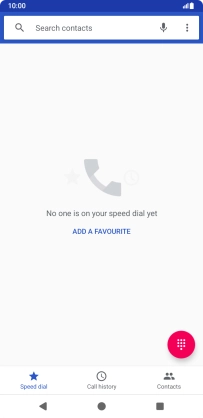
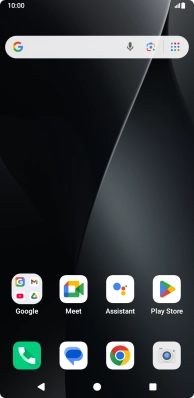
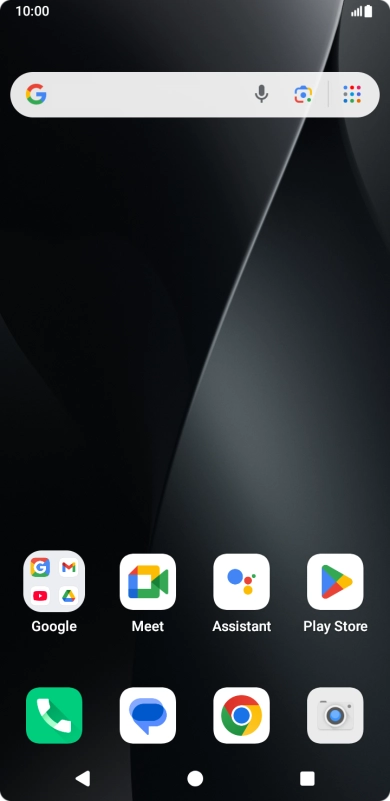
Press the call icon.
Step 1 of 7

1. Find "Wi-Fi calling"

Press the call icon.
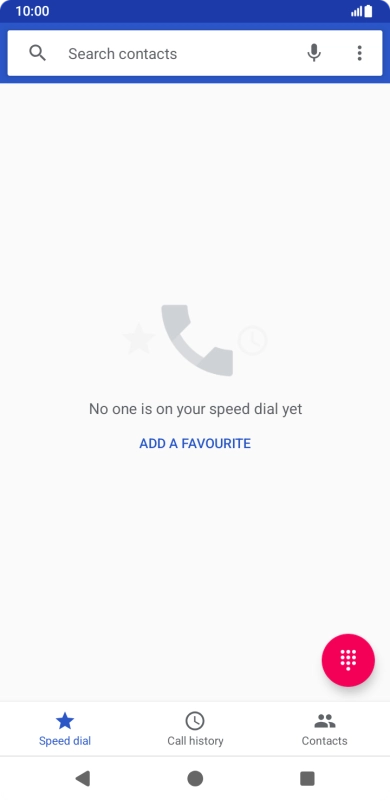
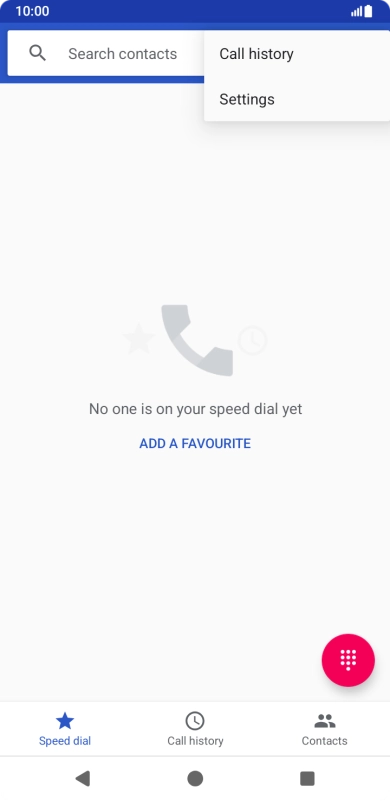
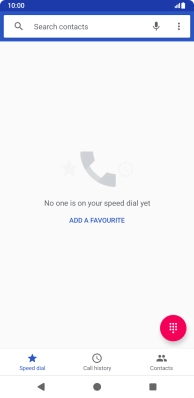
Press the menu icon.
Step 2 of 7

1. Find "Wi-Fi calling"

Press the menu icon.

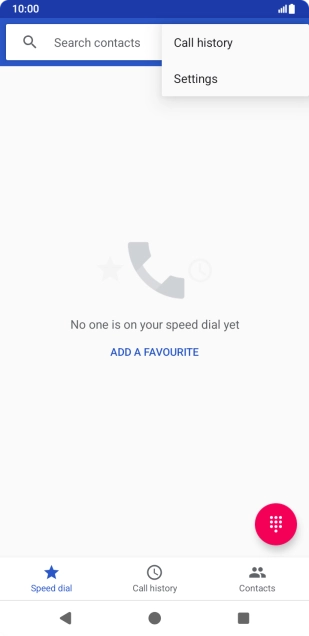
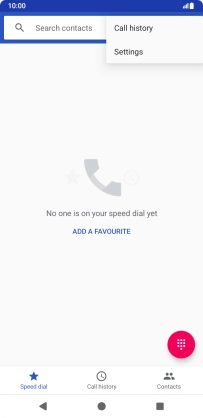
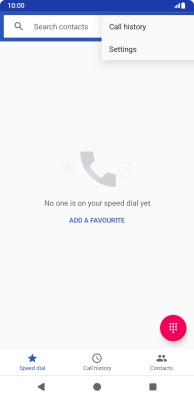
Press Settings.
Step 3 of 7

1. Find "Wi-Fi calling"

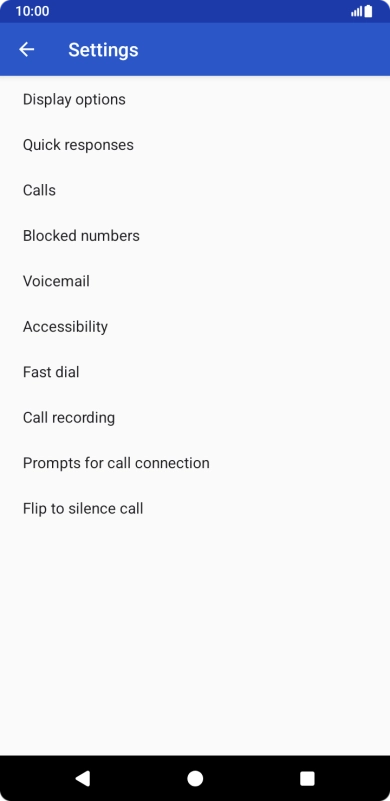
Press Settings.

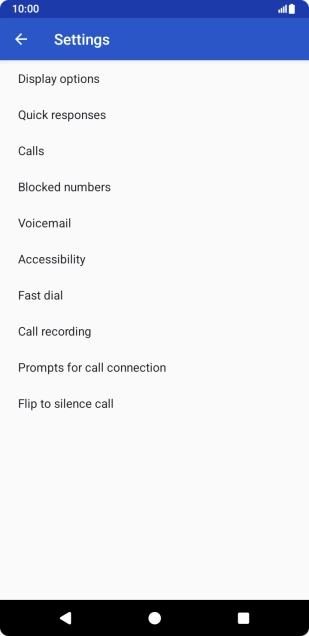
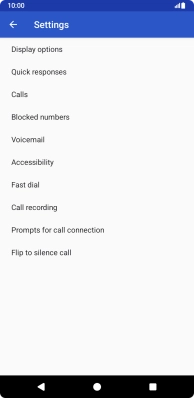
Press Calls.
Step 4 of 7

1. Find "Wi-Fi calling"

Press Calls.

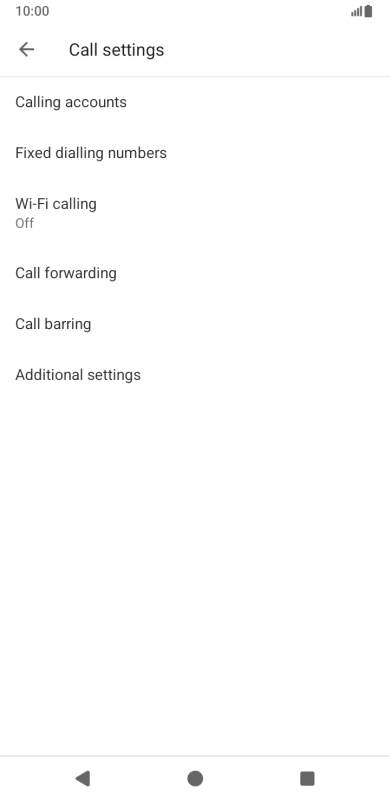
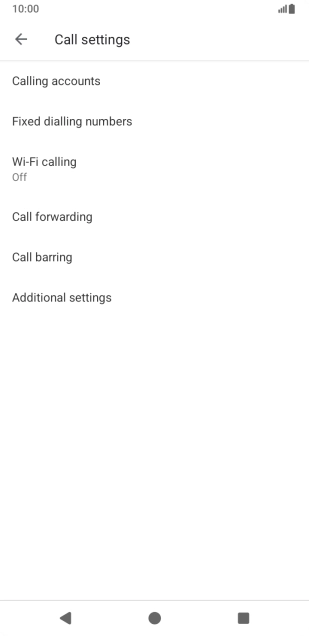
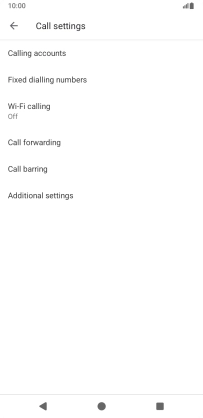
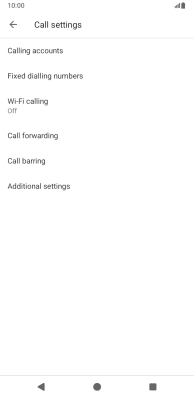
Press Wi-Fi calling.
Step 5 of 7

1. Find "Wi-Fi calling"

Press Wi-Fi calling.

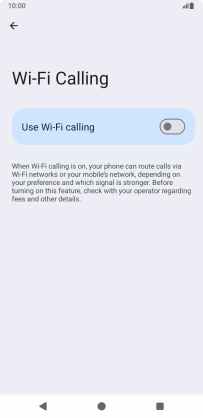
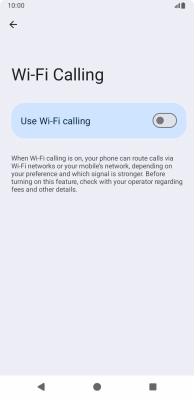
Press the indicator next to
Step 6 of 7

2. Turn Wi-Fi calling on or off

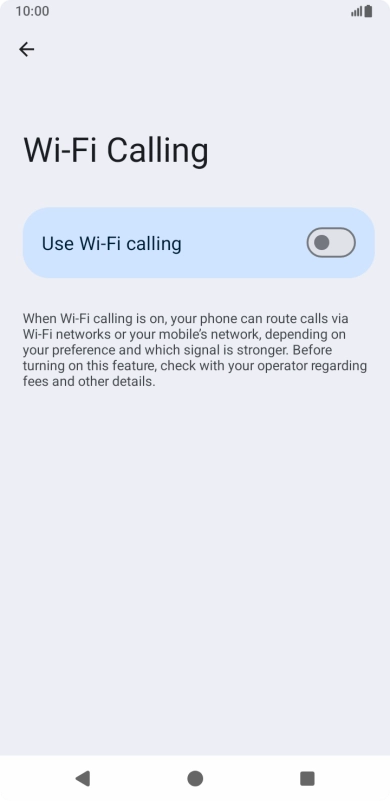
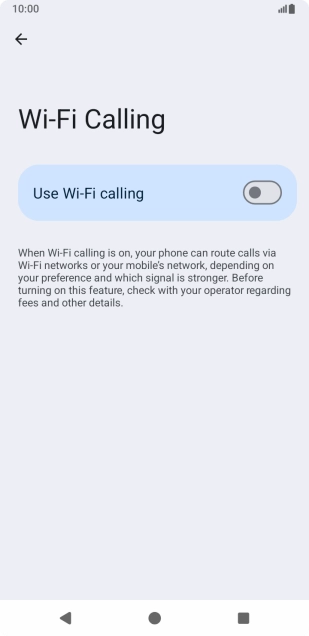
Press the indicator next to "Use Wi-Fi calling" to turn the function on or off.

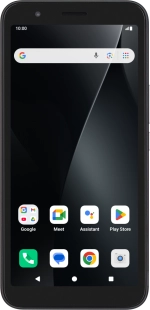
Press the Home key to return to the home screen.
Step 7 of 7

3. Return to the home screen

Press the Home key to return to the home screen.

1. Find "Wi-Fi calling"

Press the call icon.
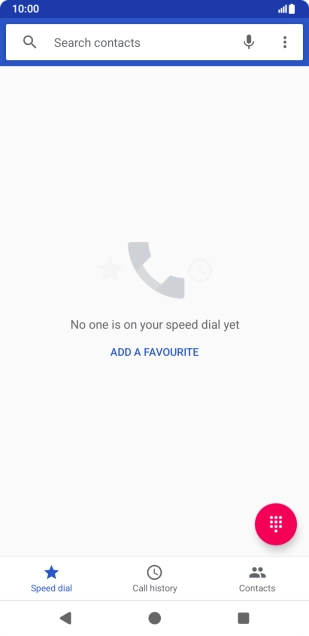
Press the menu icon.
Press Settings.
Press Calls.
Press Wi-Fi calling.

2. Turn Wi-Fi calling on or off

Press the indicator next to "Use Wi-Fi calling" to turn the function on or off.

3. Return to the home screen

Press the Home key to return to the home screen.

Get information on...

Or select...

Another device