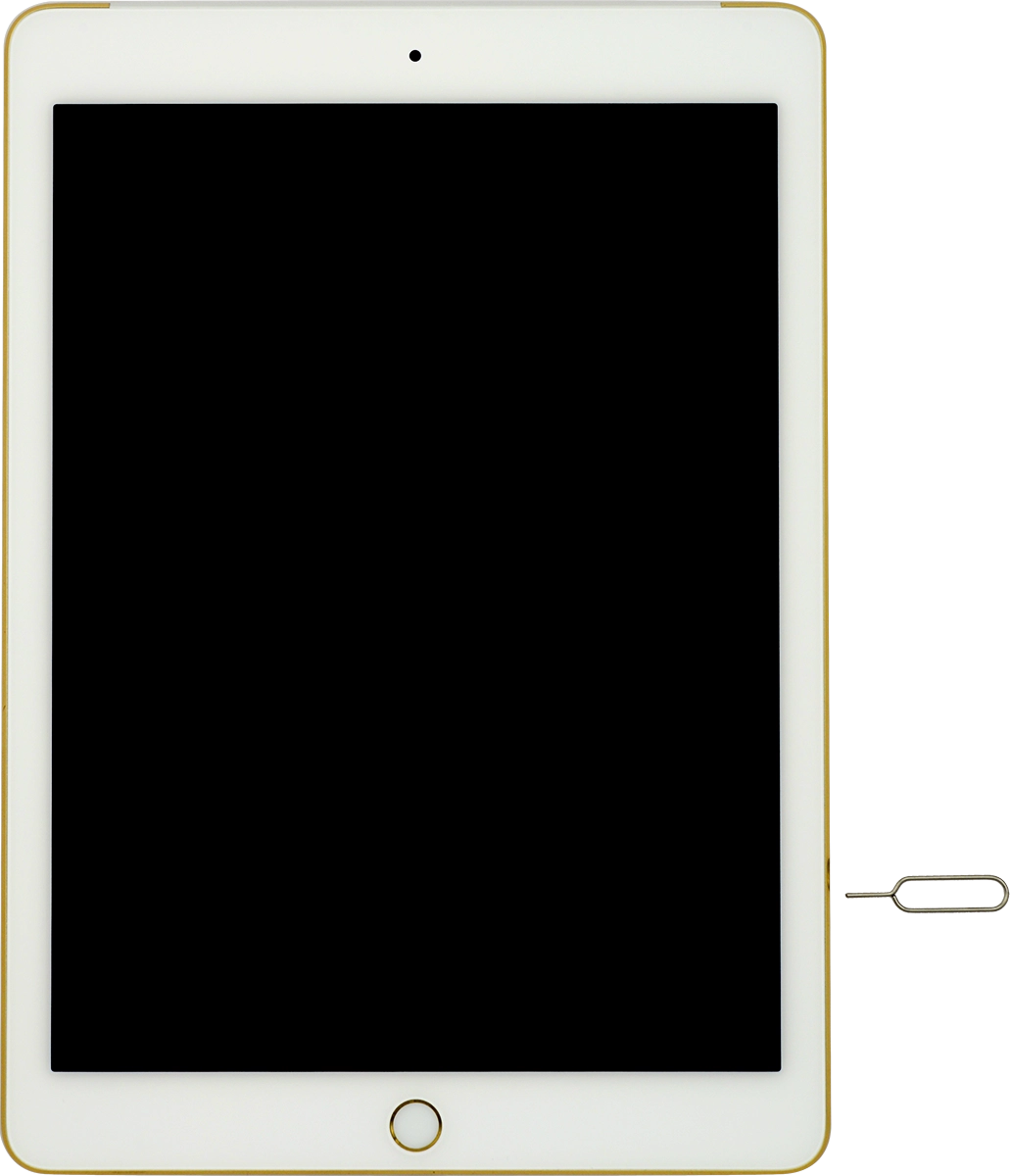
Insert SIM into your Apple iPad Air 2 iOS 8.1

Read help info

A SIM enables you to use mobile network services such as voice calls, text messaging and mobile data.

Find the opener for the SIM holder. The opener is attached to the cover containing the papers that come with your tablet.
Step 1 of 5

1. Remove the SIM holder

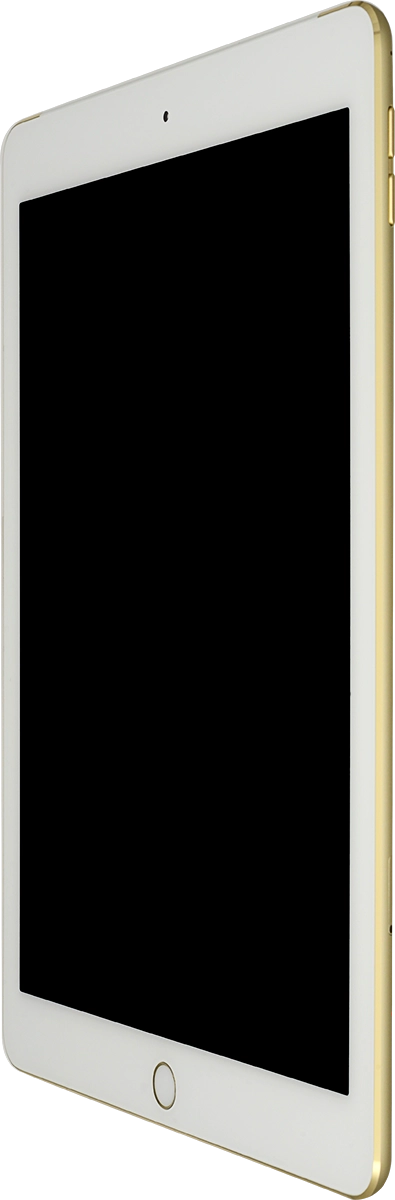
Find the opener for the SIM holder. The opener is attached to the cover containing the papers that come with your tablet.

Insert the opener into the small hole in the SIM holder.
Step 2 of 5

1. Remove the SIM holder

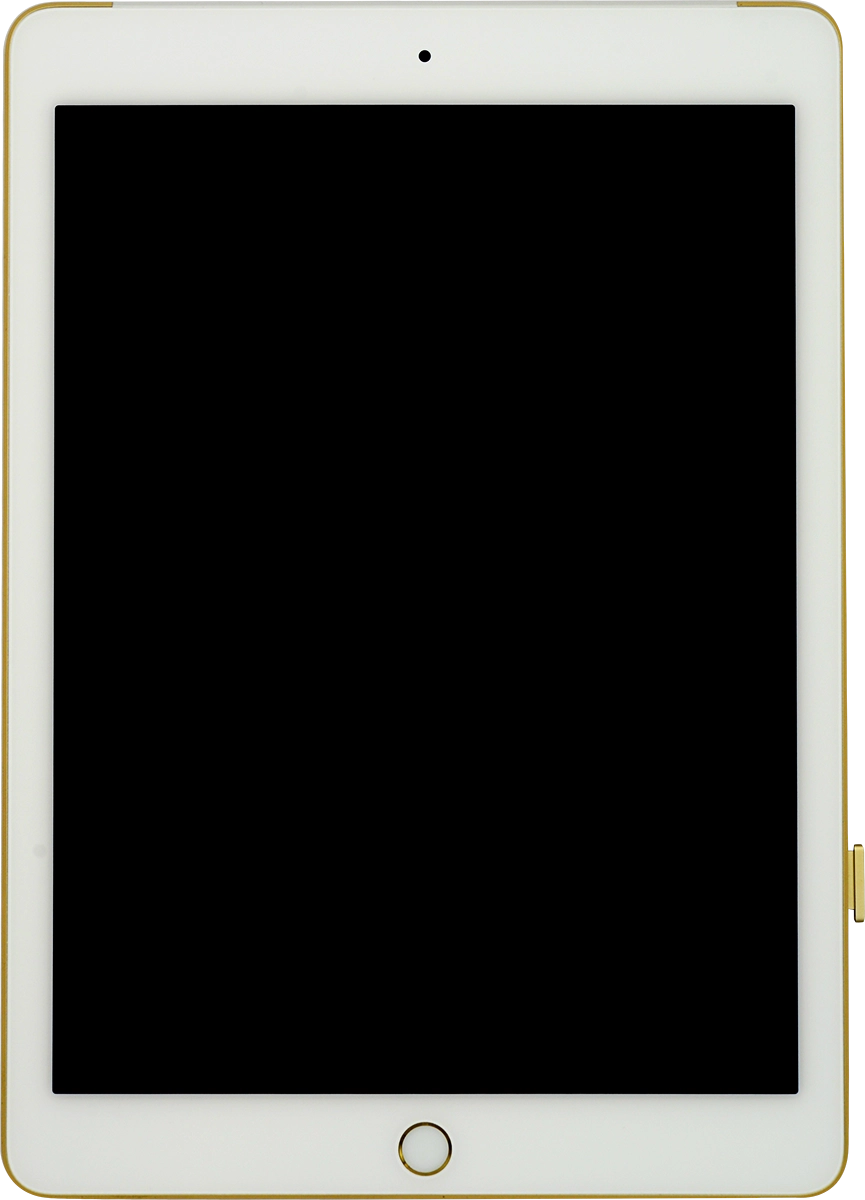
Insert the opener into the small hole in the SIM holder.

Remove the SIM holder from your tablet.
Step 3 of 5

1. Remove the SIM holder

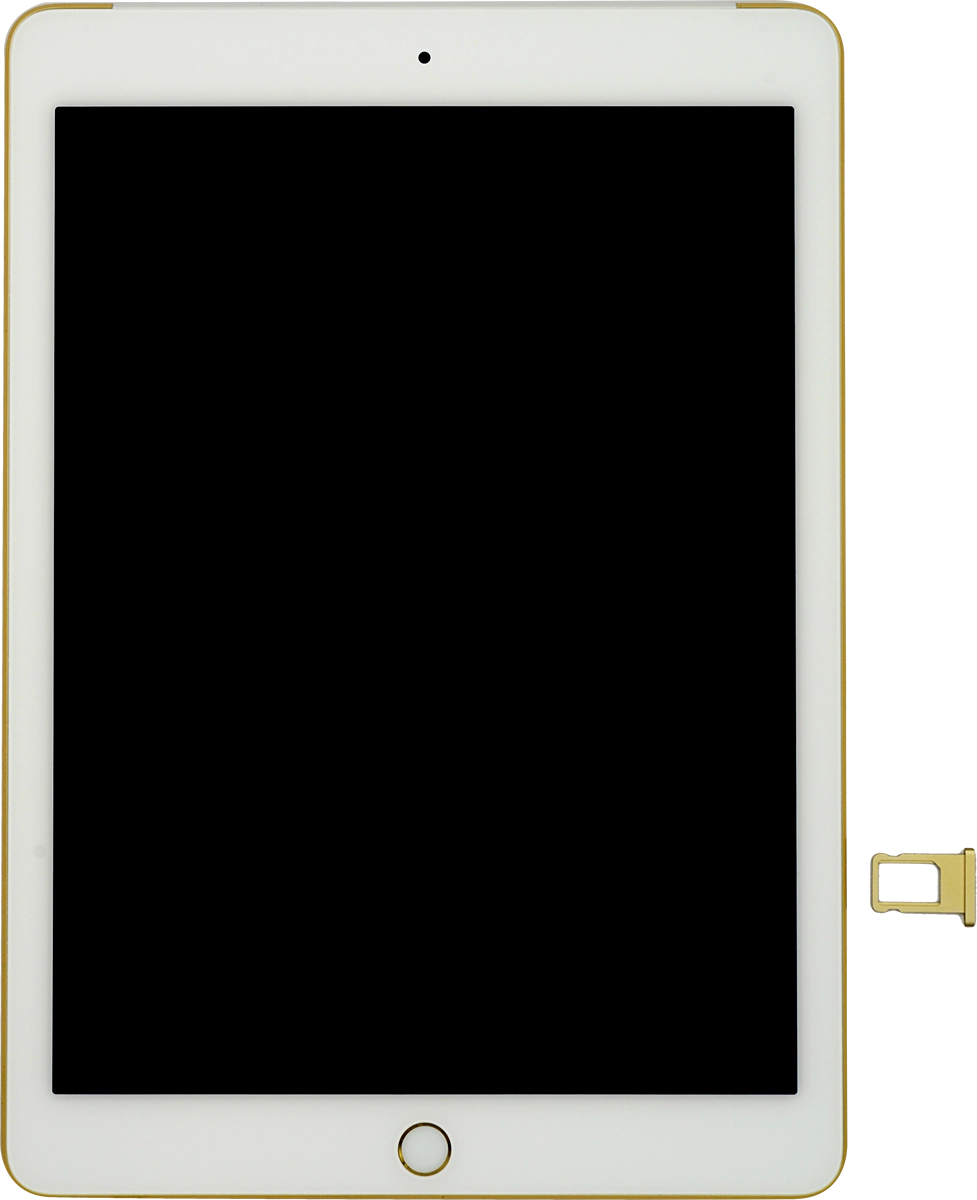
Remove the SIM holder from your tablet.

Turn your SIM so the angled corner of the SIM matches the angled corner of the SIM holder.
Step 4 of 5

2. Insert SIM

Turn your SIM so the angled corner of the SIM matches the angled corner of the SIM holder.
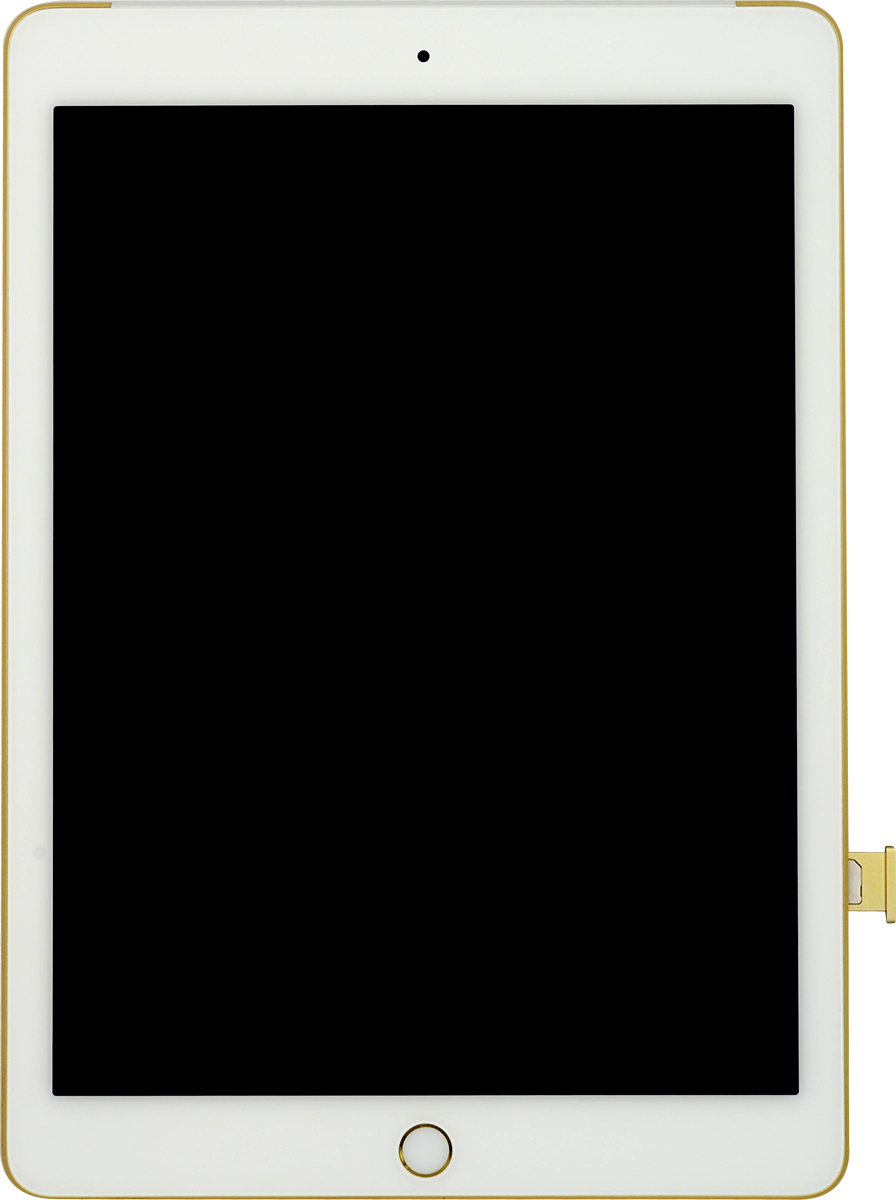
Slide the SIM holder into you tablet.
Step 5 of 5

2. Insert SIM

Slide the SIM holder into you tablet.

1. Remove the SIM holder

Find the opener for the SIM holder. The opener is attached to the cover containing the papers that come with your tablet.
Insert the opener into the small hole in the SIM holder.
Remove the SIM holder from your tablet.

2. Insert SIM

Turn your SIM so the angled corner of the SIM matches the angled corner of the SIM holder.
Slide the SIM holder into you tablet.

Thank you for your evaluation!

Get information on...

Or select...

Another device