Motorola Moto G67

Motorola Moto G67

Android 16

Short battery life on my Motorola Moto G67 Android 16

Cause 12 of 15: Notifications are turned on

If notifications are turned on, the power consumption may increase.

Solution: Turn off notifications.

Step 1 of 8

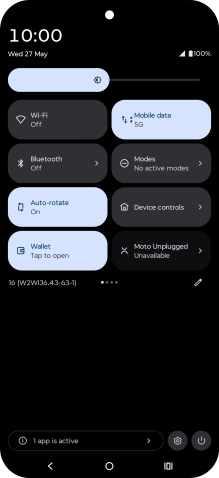
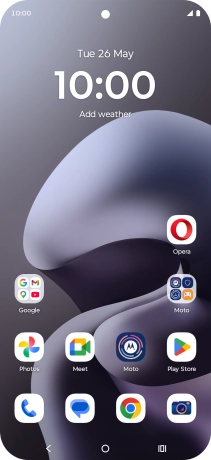
Find "Notifications"

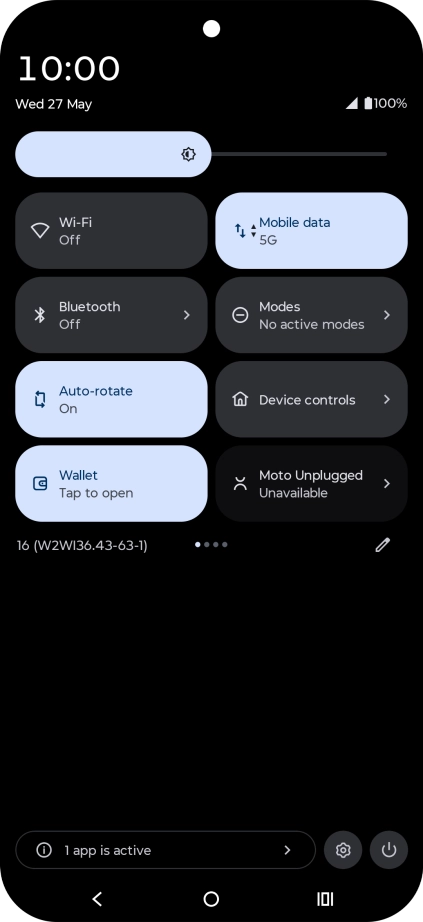
Slide your finger downwards starting from the top right side of the screen.
Step 2 of 8

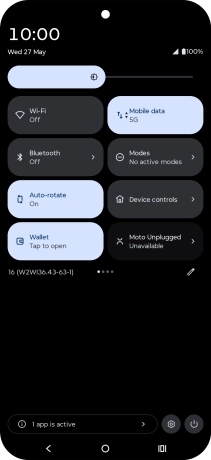
Find "Notifications"

Press the settings icon.

Step 3 of 8

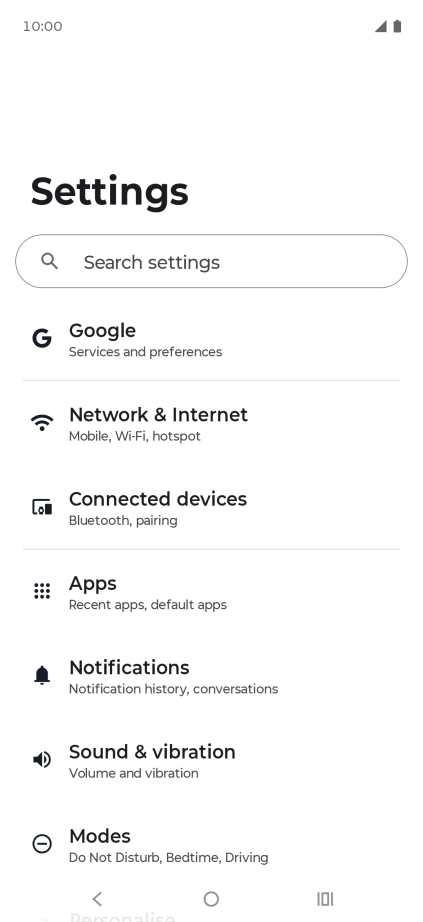
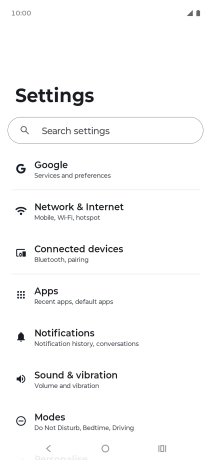
Find "Notifications"

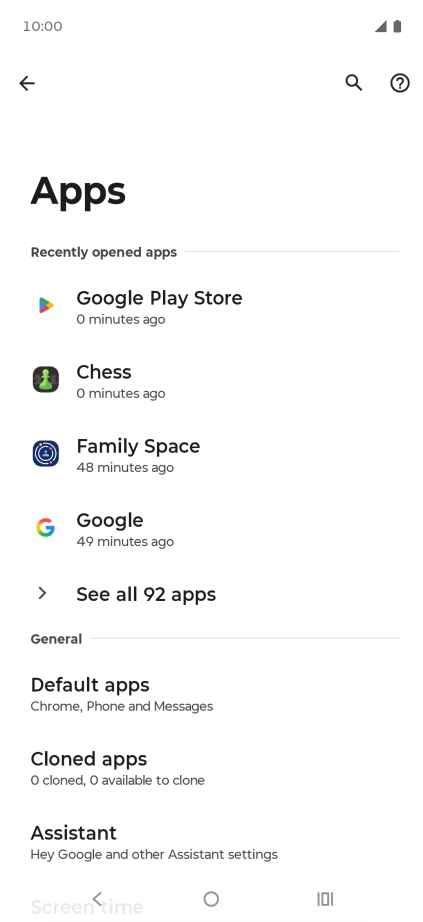
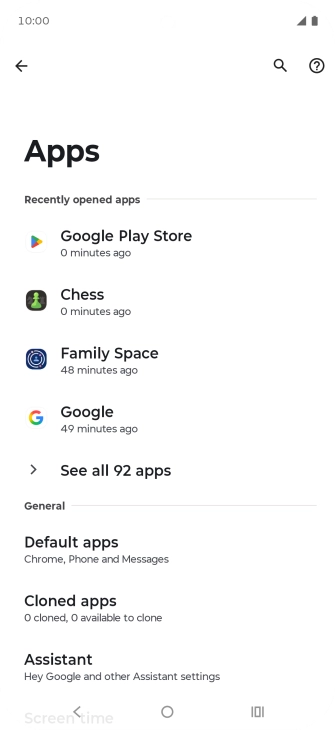
Press Apps.

Step 4 of 8

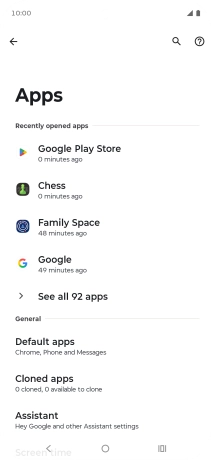
Find "Notifications"

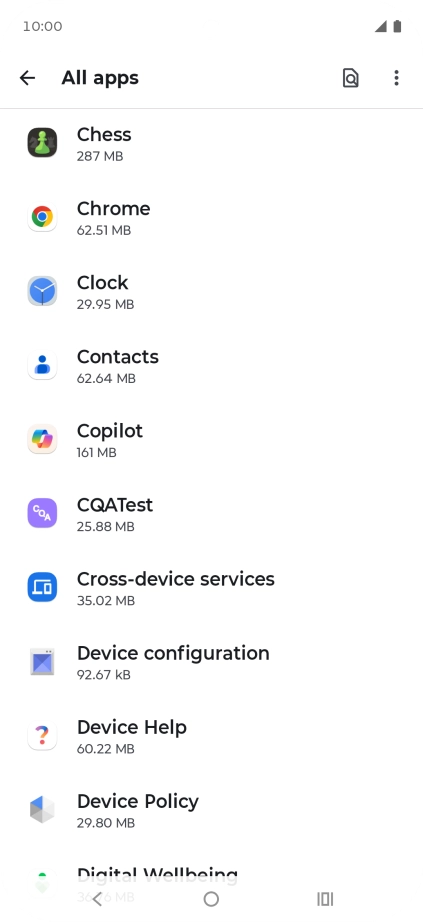
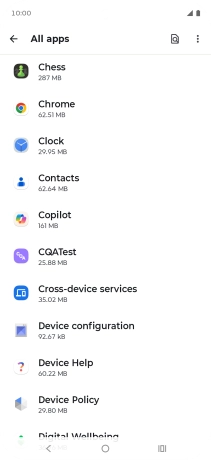
Press See all apps.

Step 5 of 8

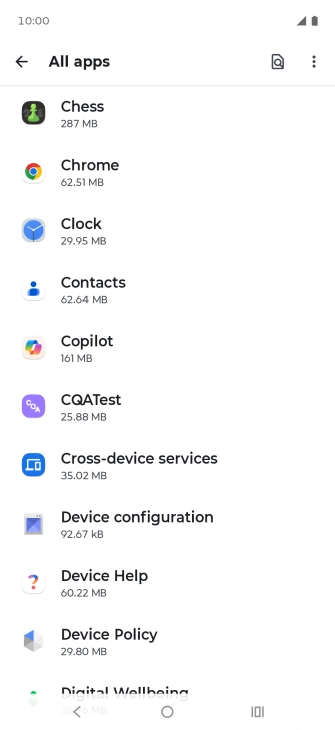
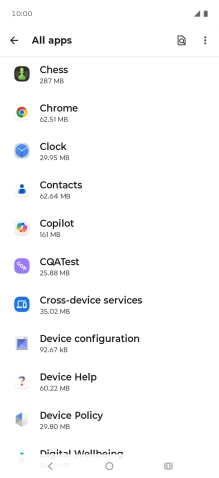
Find "Notifications"

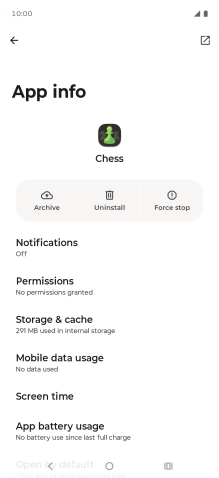
Press the required app.

Step 6 of 8

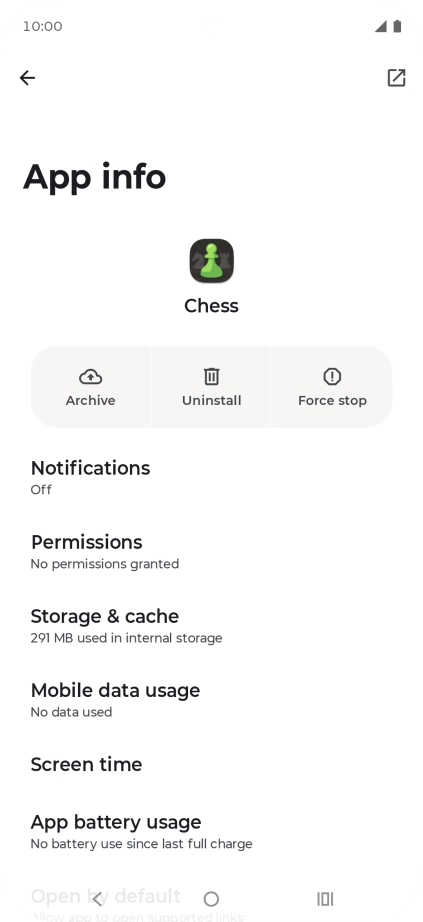
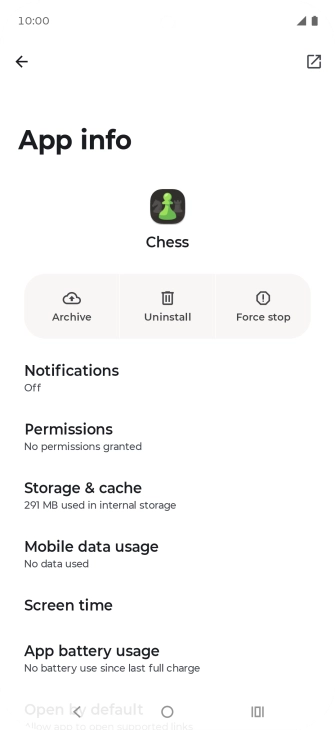
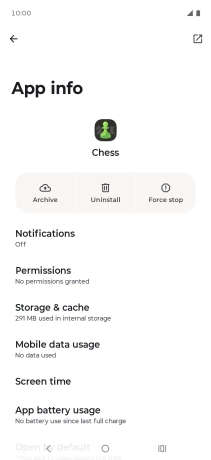
Find "Notifications"

Press Notifications.

Step 7 of 8

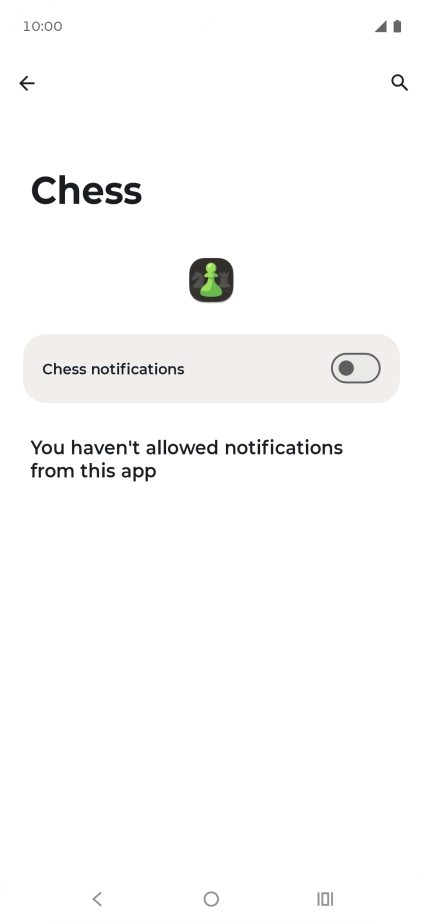
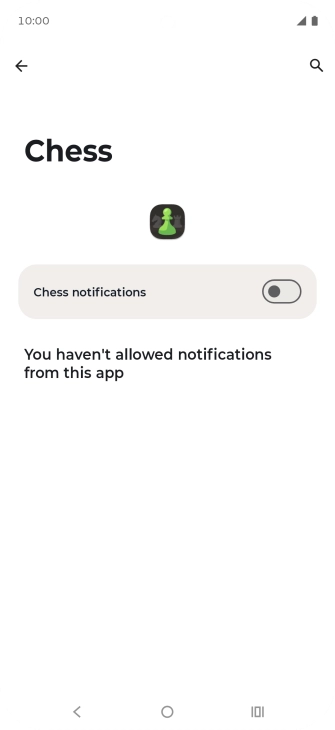
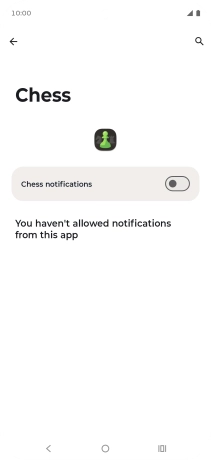
Turn notifications on or off

Press the indicator to turn the function on or off.

Step 8 of 8

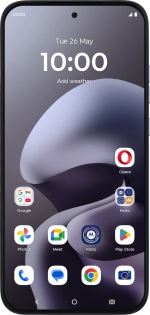
Return to the home screen

Press the Home key to return to the home screen.

1 Find "Notifications"

Slide your finger downwards starting from the top right side of the screen.
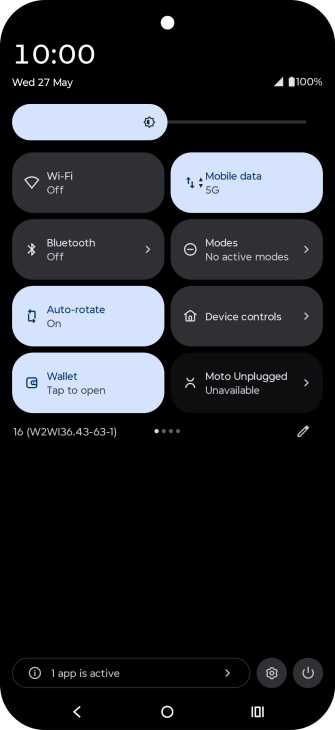
Press the settings icon.
Press Apps.
Press See all apps.
Press the required app.
Press Notifications.

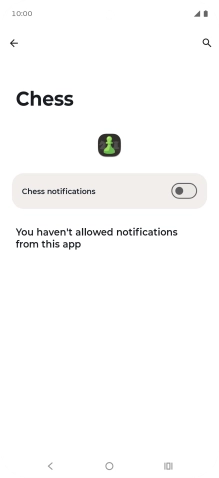
2 Turn notifications on or off

Press the indicator to turn the function on or off.

3 Return to the home screen

Press the Home key to return to the home screen.

Did this solve the problem?

Yes - All solved No - Go to next cause

Get information on...

Or select...

Another device