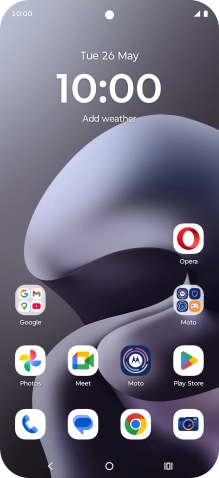
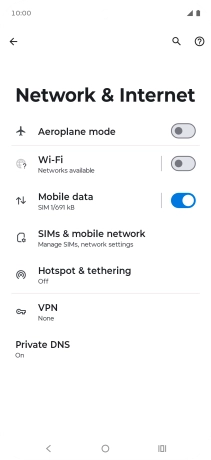
Find "Access Point Names"
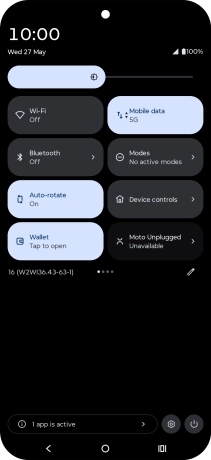
Slide your finger downwards starting from the top right side of the screen.
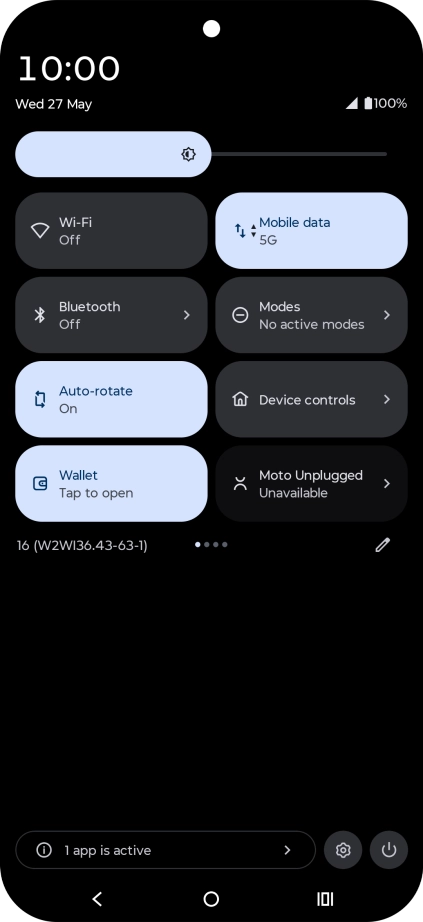
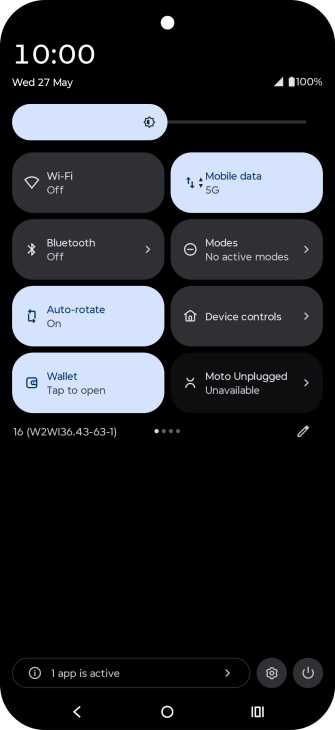
Find "Access Point Names"
Press the settings icon.
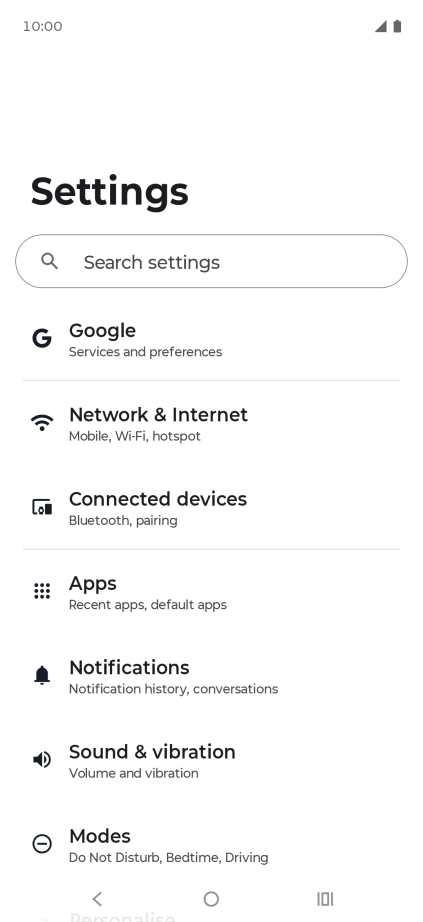
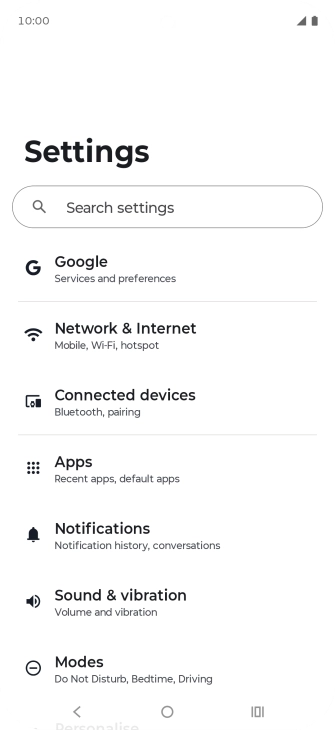
Find "Access Point Names"
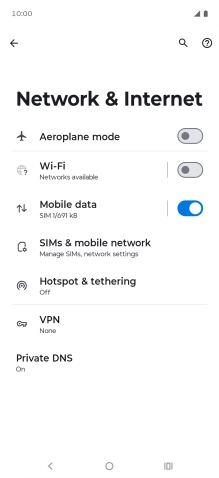
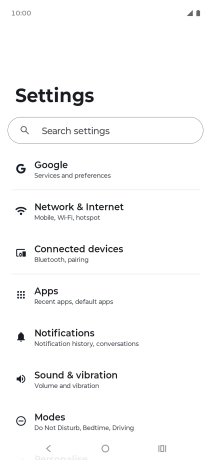
Press Network & Internet.
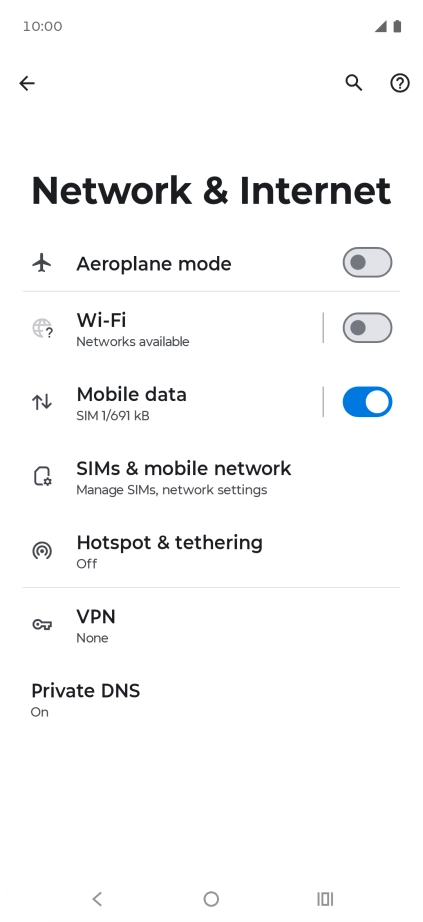
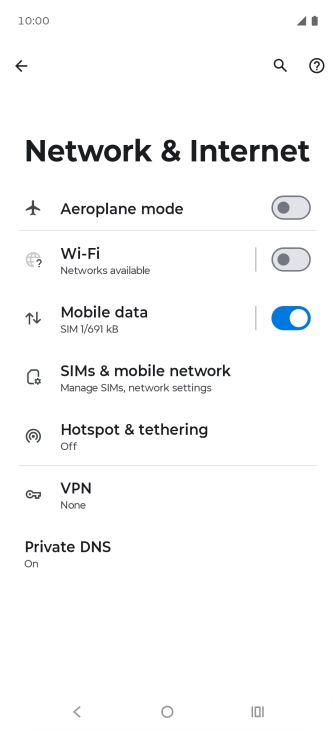
Find "Access Point Names"
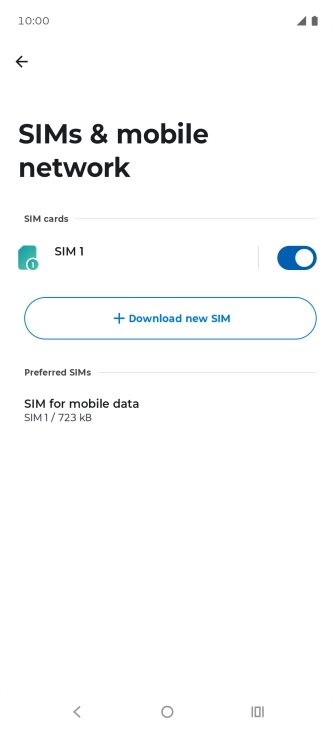
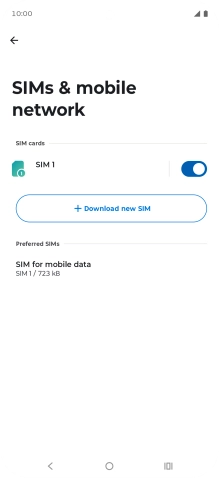
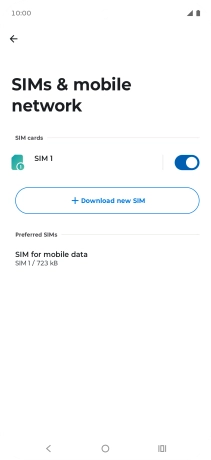
Press SIMs & mobile network.
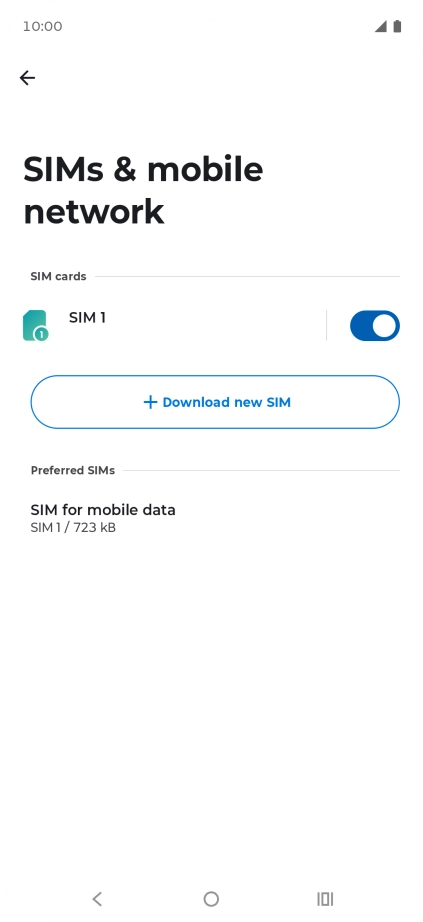
Find "Access Point Names"
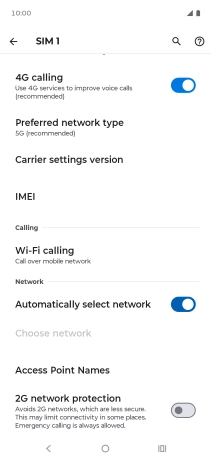
Press the name of the SIM.
Find "Access Point Names"
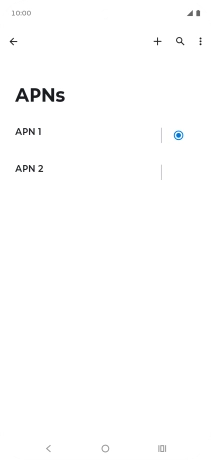
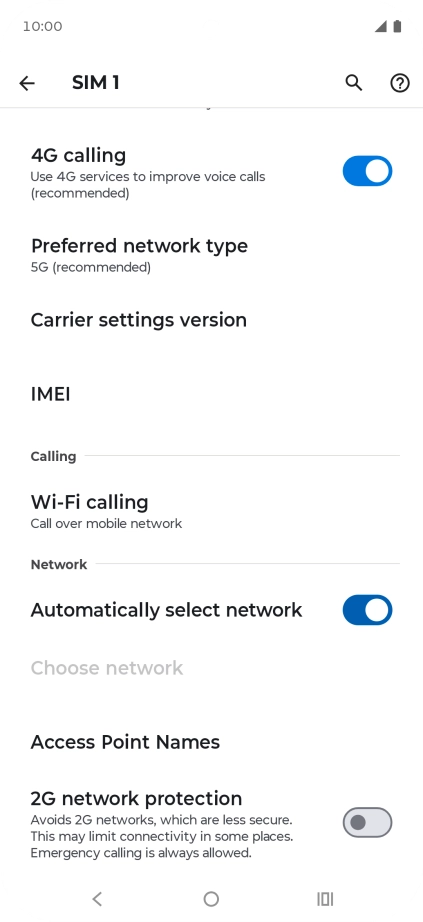
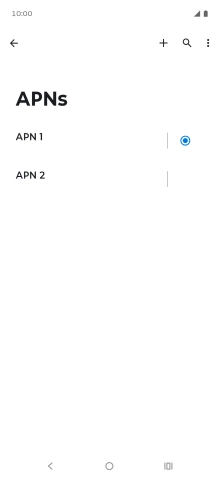
Press Access Point Names.
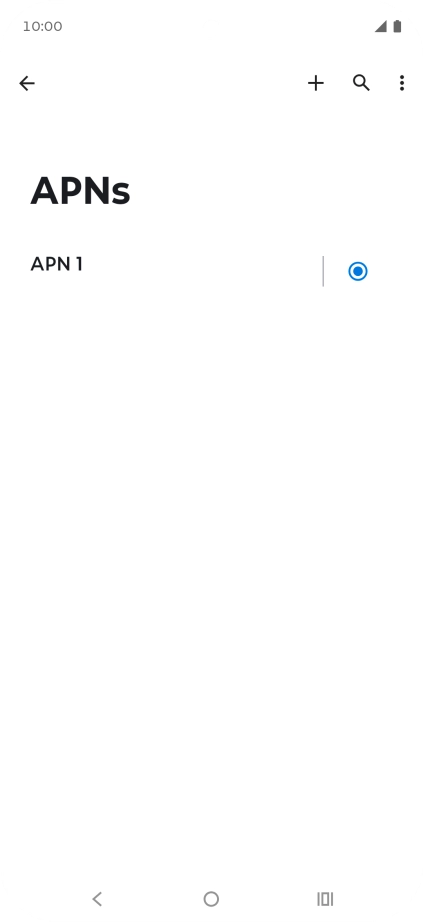
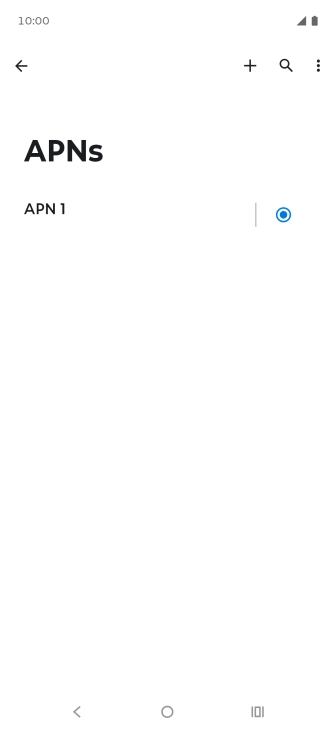
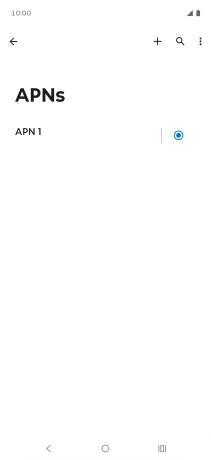
Create new data connection
Press the new data connection icon.
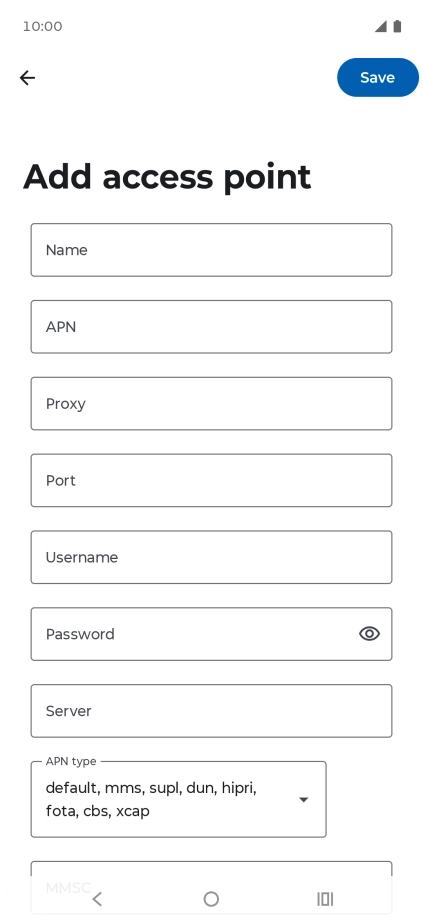
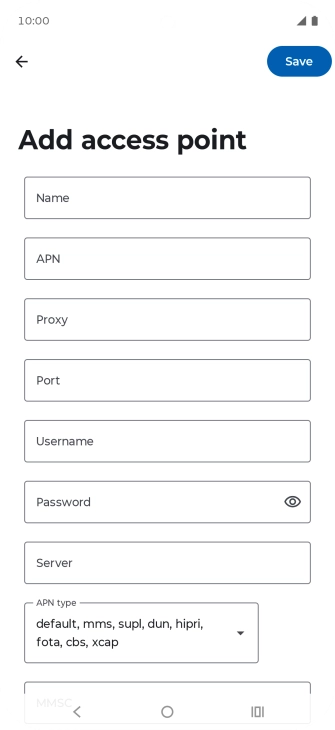
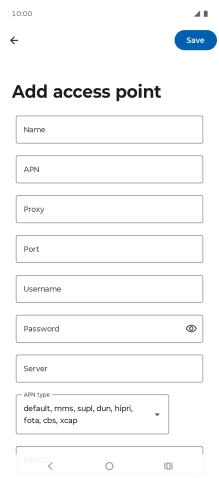
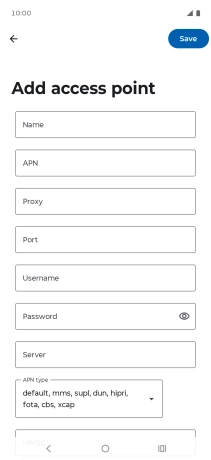
Enter a name for the connection
Press Name and key in Vodafone MMS.
Enter APN
Press APN and key in live.vodafone.com.
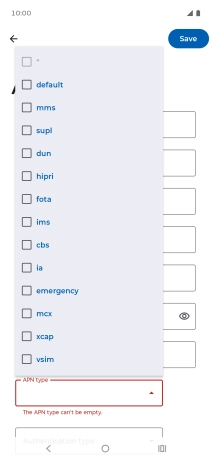
Select APN type
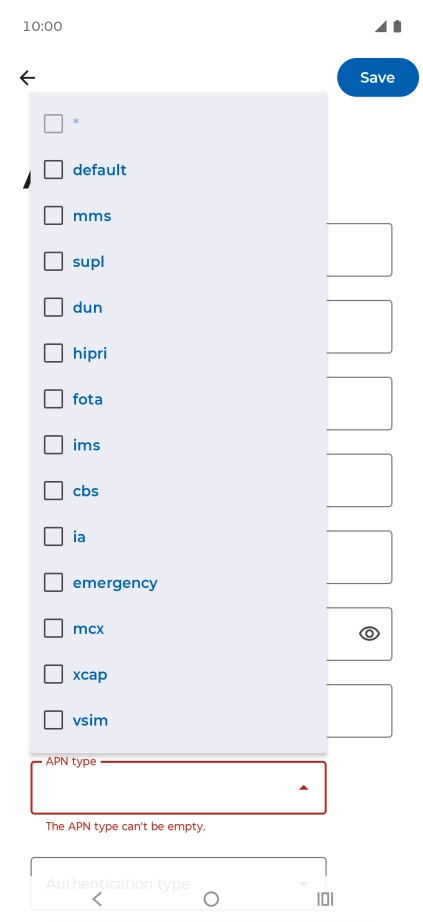
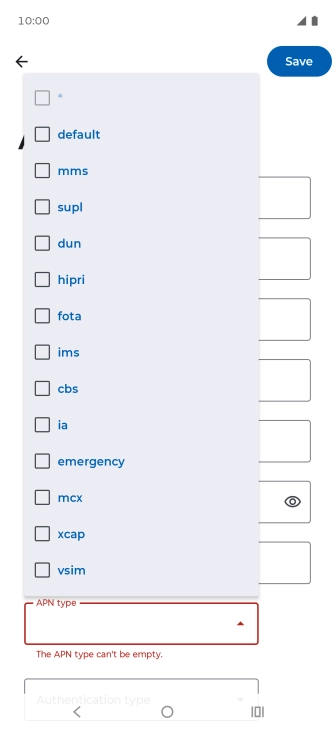
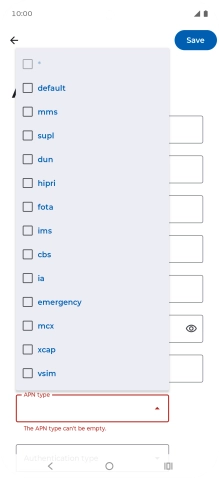
Press the drop down list below "APN type".
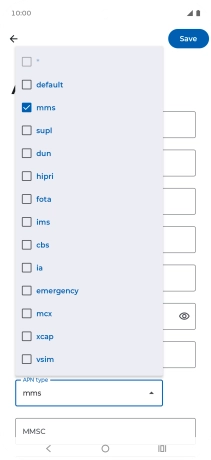
Select APN type
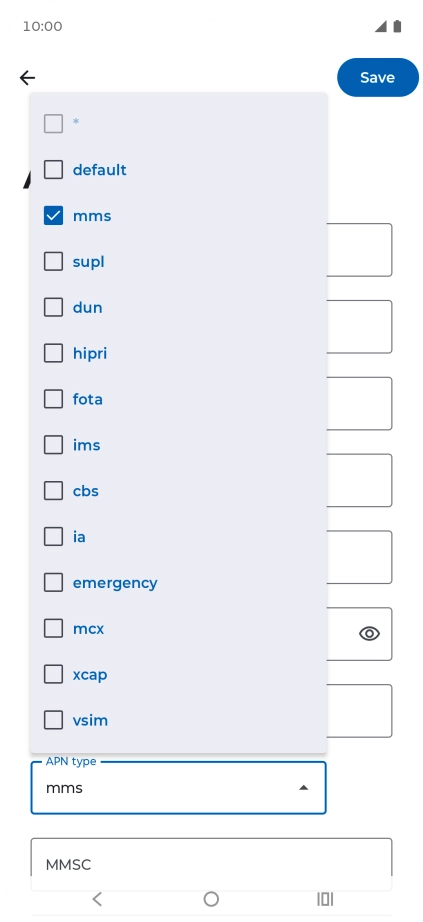
Press mms to turn on the setting.
Select APN type
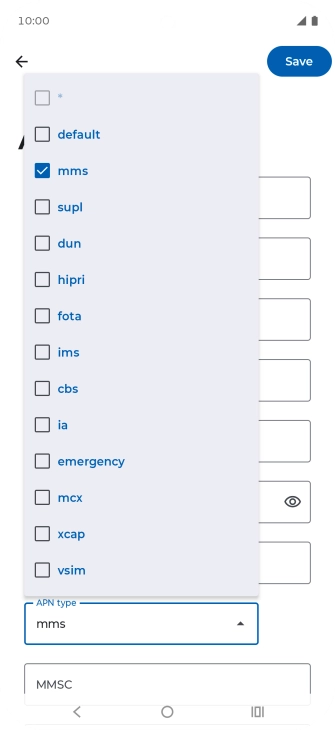
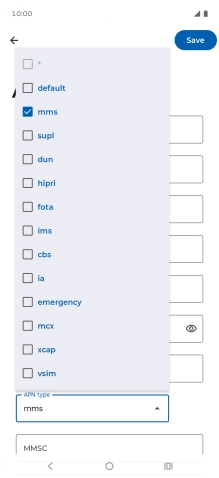
Press arrow up.
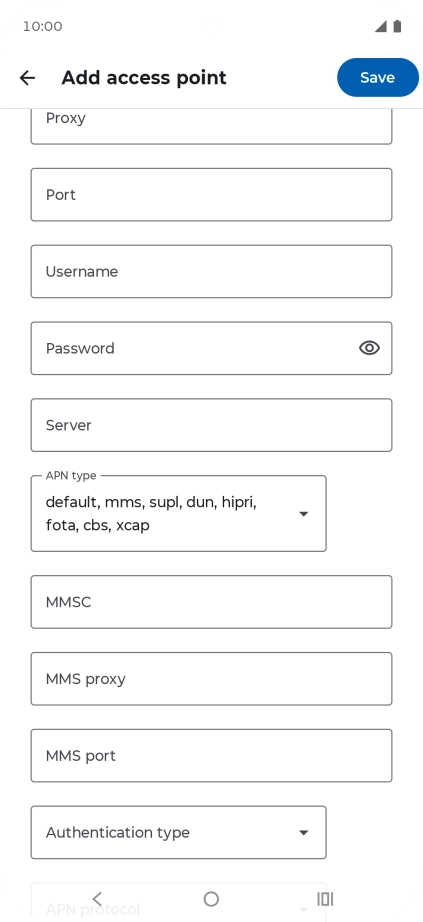
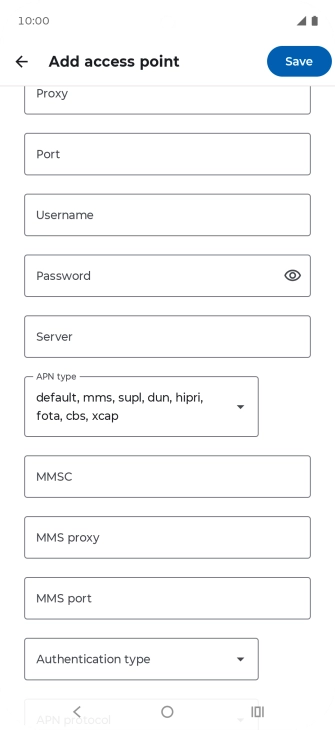
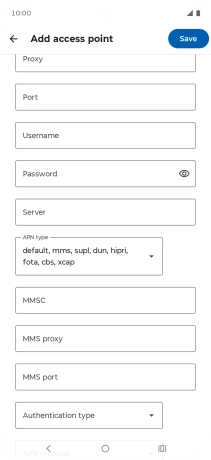
Enter picture messaging server
Press MMSC and key in http://pxt.vodafone.net.au/pxtsend.
Enter IP address
Press MMS proxy and key in 10.202.002.060.
Enter port number
Press MMS port and key in 8080.
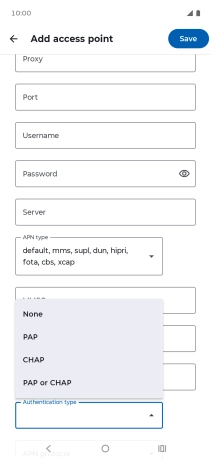
Select authentication type
Press the drop down list next to "Authentication type".
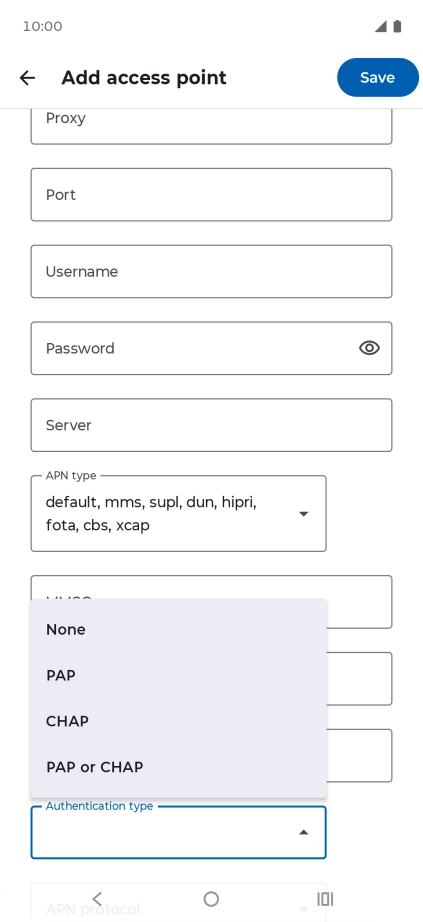
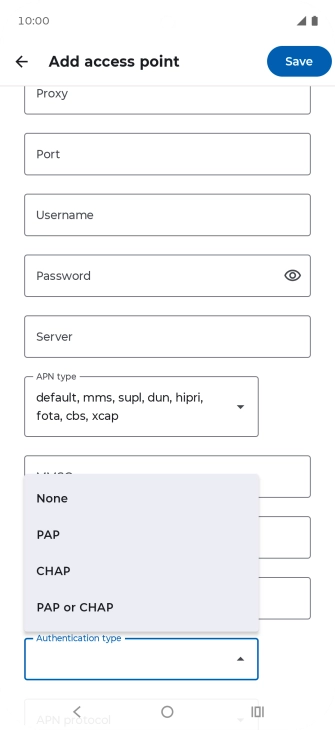
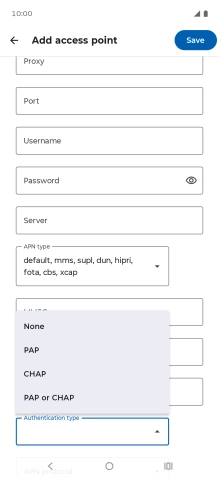
Select authentication type
Press PAP.
Save data connection
Press Save.
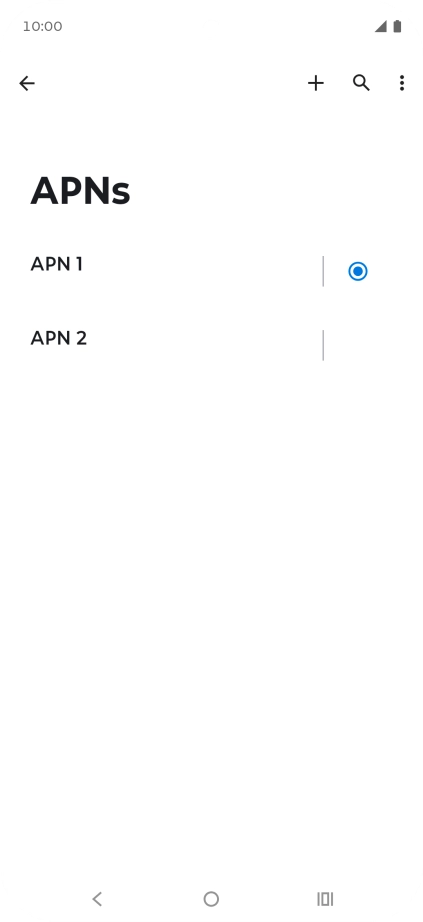
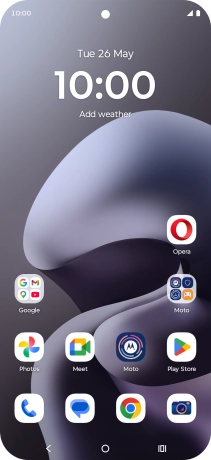
Return to the home screen
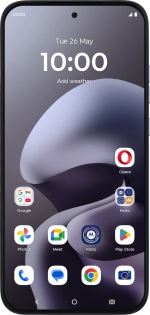
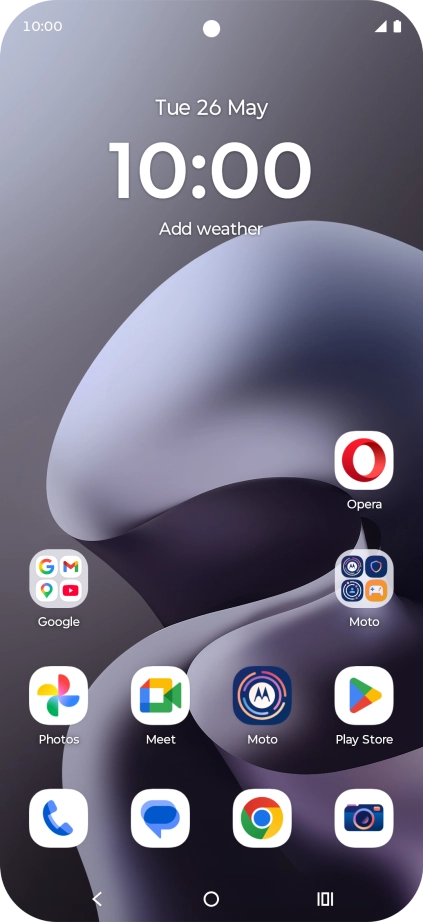
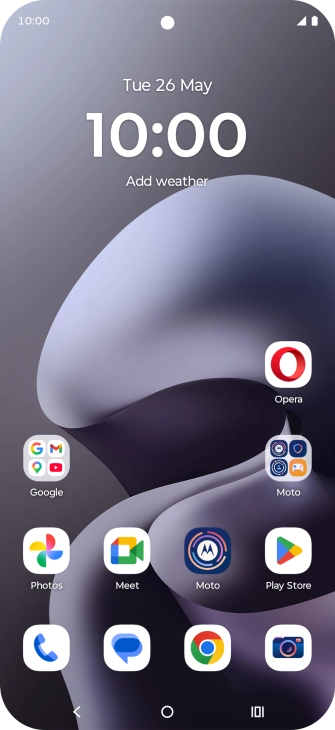
Press the Home key to return to the home screen.
1 Find "Access Point Names"
2 Create new data connection
3 Enter a name for the connection
4 Enter APN
5 Select APN type
6 Enter picture messaging server
7 Enter IP address
8 Enter port number
9 Select authentication type
10 Save data connection
11 Return to the home screen